
Master Massage Equipment 46485R
Master Massage Apollo Portable Massage Chair Model 46485R
Instruction Manual
Brand: Master Massage Equipment | Model: 46485R
1. Introduction
The Master Massage Apollo Portable Massage Chair is engineered for professional use, offering both portability and comprehensive adjustability to ensure optimal client comfort. This chair features a lightweight aircraft aluminum steel frame, a 6-way adjustable face cradle, a 3-gear angle adjustable armrest, and independently adjustable chest and seat pads. Designed for ease of transport, it includes a foldable frame and a wheeled carrying case.

Figure 1: Master Massage Apollo Portable Massage Chair.
2. Safety Information
Maximum Weight Capacity: The Apollo Portable Massage Chair has a maximum weight capacity of 650 lbs (approximately 295 kg). Do not exceed this limit to prevent damage to the chair and potential injury to the user or client.
Adjustable Mechanisms: Always exercise caution when operating the adjustable mechanisms. Ensure hands and fingers are clear of moving parts to avoid pinching. Secure all locking knobs tightly after making adjustments.
Stability: Before each use, verify that the chair is fully unfolded and all legs are stable on a flat, level surface. Do not use the chair on uneven ground.
Maintenance: Regularly inspect the chair for any signs of wear, damage, or loose components. Do not use a damaged chair. Contact customer support for replacement parts or service.
3. Setup and Assembly
The Apollo Portable Massage Chair comes largely pre-assembled. Follow these steps for initial setup:
- Unpacking: Carefully remove the chair from its packaging and the wheeled carrying case.
- Unfolding the Frame: Place the folded chair on a flat surface. Gently unfold the main frame until it locks into its open position. Ensure all support bars are securely engaged.
- Attaching the Face Cradle: Insert the face cradle support rods into the designated slots at the top of the chair. Secure them by tightening the locking knobs.
- Adjusting Components: Proceed to adjust the face cradle, chest pad, armrest, and seat pad to their desired positions as detailed in the "Operating Instructions" section.

Figure 2: Chair and Wheeled Carrying Case for transport.
Video 1: Demonstrates the setup, adjustment, and packing of the Apollo Portable Massage Chair.
4. Operating Instructions
The Apollo chair offers multiple adjustment points to accommodate various client body types and massage techniques.
- 6-Way Adjustable Face Cradle:
Loosen the locking knob(s) on the face cradle support. Adjust the angle, height, and tilt of the face cradle to comfortably support the client's head and neck. Tighten the knob(s) securely once the desired position is achieved.

Figure 3: Adjusting the 6-Way Adjustable Face Cradle.
- Height Adjustable Chest Pad:
Locate the adjustment knob for the chest pad. Loosen it, then slide the chest pad up or down to align with the client's chest for optimal support. Re-tighten the knob firmly.
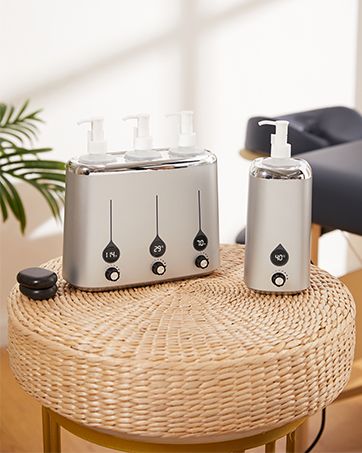
Figure 4: Adjusting the Height Adjustable Chest Pad.
- 3-Gear Angle Adjustable Armrest:
The armrest features a 3-gear angle adjustment. Lift the armrest slightly and select one of the three available angles to provide comfortable arm support for the client. Ensure it clicks into place.
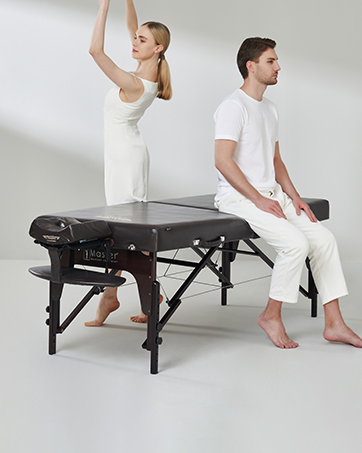
Figure 5: Adjusting the 3-Gear Angle Adjustable Armrest.
- 3-Gear Height Adjustable Seat Pad:
Adjust the seat pad height using its 3-gear mechanism. Lift the seat pad and select the appropriate height for the client's comfort and leg positioning. Ensure it locks into position.
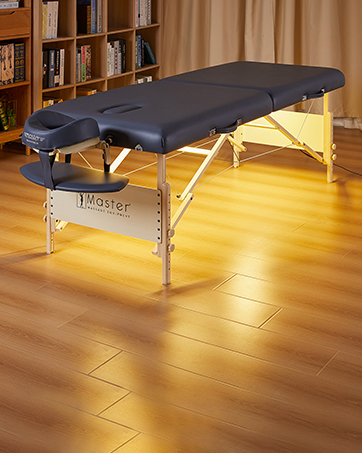
Figure 6: Adjusting the 3-Gear Height Adjustable Seat Pad.
- Session Pouch:
A convenient session pouch is located on the underside of the face cradle for temporary storage of small items like eyeglasses or jewelry during a session.

Figure 7: Convenient Session Pouch for small items.
5. Maintenance
- Cleaning the Upholstery: The chair features durable Rhino-Hide upholstery. Clean regularly with a soft, damp cloth and mild soap. Avoid harsh chemicals or abrasive cleaners, as these can damage the material. Wipe dry immediately after cleaning.
- Frame Inspection: Periodically check the aircraft-quality aluminum frame for any signs of stress, cracks, or bending. Ensure all bolts, screws, and locking mechanisms are tight and secure. Re-tighten if necessary.
- Moving Parts: Lubricate moving parts and adjustment points with a silicone-based lubricant if they become stiff or difficult to operate.
- Storage: When not in use, fold the chair and store it in its wheeled carrying case in a dry, cool place away from direct sunlight and extreme temperatures.

Figure 8: Rhino-Hide Upholstery Material.
6. Troubleshooting
- Chair Instability:
Ensure the chair is fully unfolded and all locking pins or levers are engaged. Verify that the chair is placed on a flat, level surface. Check for any loose bolts or connections on the frame and tighten them.
- Difficulty Adjusting Components:
Make sure all relevant locking knobs or levers are fully loosened before attempting to adjust the face cradle, chest pad, armrest, or seat pad. Do not force adjustments. If mechanisms are stiff, apply a small amount of silicone lubricant.
- Uncomfortable Seating:
Adjust the seat pad height and angle to best suit the client's body. The Apollo chair features a large seat cushion for enhanced comfort. Ensure the chest pad and face cradle are also correctly positioned to distribute weight evenly.

Figure 9: Comparison of seat cushion size, highlighting the Apollo chair's larger cushion.
- Damaged Components:
If any part of the chair is damaged, discontinue use immediately. Contact Master Massage Equipment customer support for assistance and potential replacement parts.
7. Specifications
| Model Number | 46485R |
| Product Dimensions (Unfolded) | 19" width x 29" length x 50" height (approximately 48cm x 74cm x 127cm) |
| Item Weight | 18 lbs (approximately 8.16 kg) |
| Maximum Working Weight Capacity | 650 lbs (approximately 295 kg) |
| Frame Material | Aircraft-quality Aluminum Steel |
| Upholstery Material | Rhino-Hide (Durable PU Leather) |
| Cushioning | Memory foam crescent face cushion, 2" thick seat cushion |
| Adjustments | 6-way adjustable face cradle, 3-gear angle adjustable armrest, height adjustable chest pad, 3-gear height adjustable seat pad |
| Included Accessories | Memory foam layered face pillow, session pouch, luggage-style wheeled carrying case |
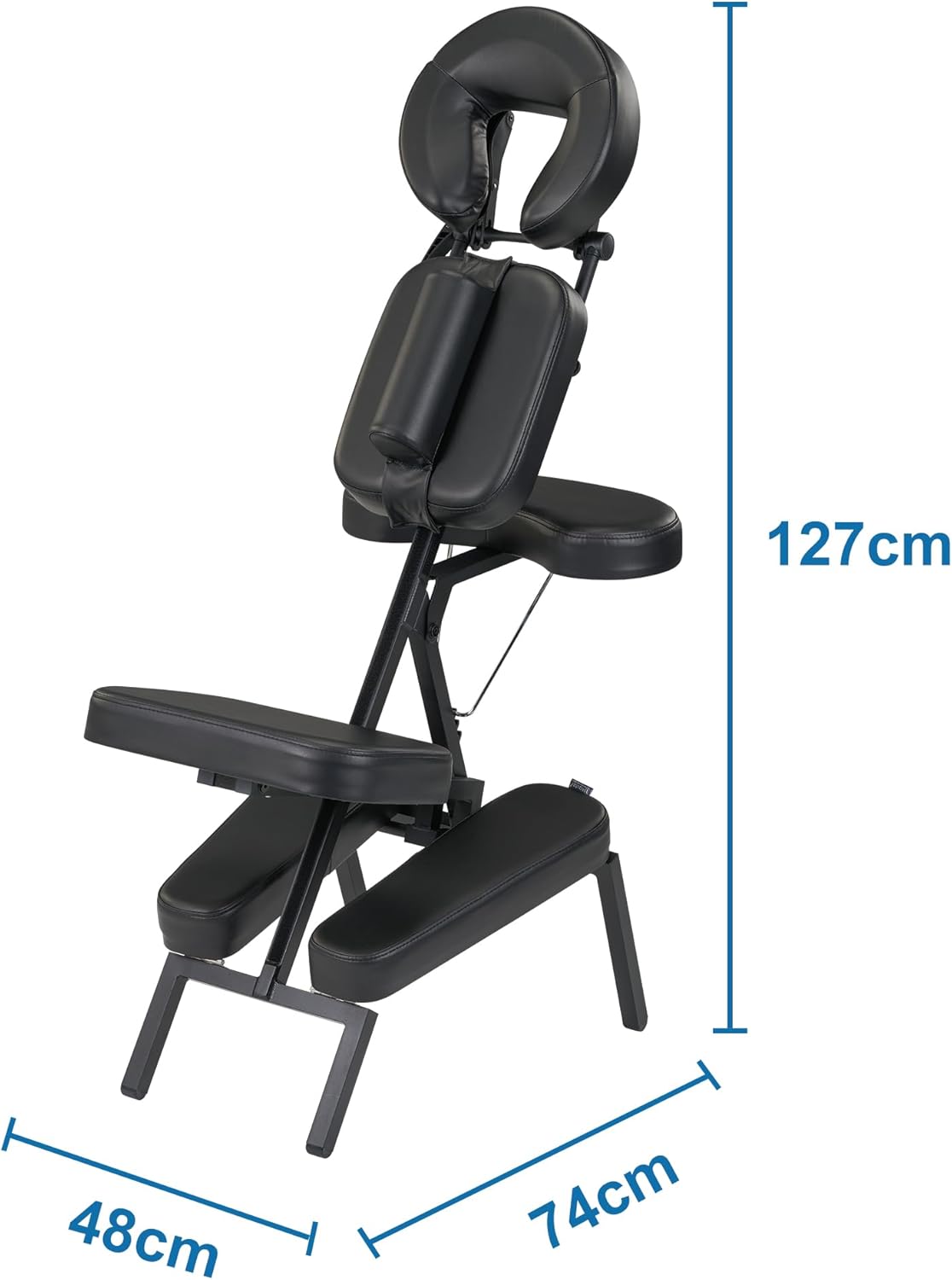
Figure 10: Key dimensions of the Apollo Portable Massage Chair.
8. Warranty and Support
For detailed warranty information, product registration, or technical support, please visit the official Master Massage Equipment website or contact their customer service department directly. Keep your purchase receipt and model number (46485R) handy for any inquiries.
Legal Disclaimer: Statements regarding dietary supplements have not been evaluated by the FDA and are not intended to diagnose, treat, cure, or prevent any disease or health condition. (This disclaimer was included in the product data, but it seems irrelevant to a massage chair.)
Related documents46485R


Ask a question about this manual
Ask about setup, troubleshooting, compatibility, parts, safety, or missing instructions. Manuals+ will review the question and use this page’s manual context to help answer it.