
YOCUNKER P10
YOCUNKER P10 4-in-1 Wireless Charging Station User Manual
Model: P10
1. Introduction
Thank you for choosing the YOCUNker P10 4-in-1 Wireless Charging Station. This versatile device is designed to streamline your charging experience by providing a centralized hub for your smartphone, Apple Watch, AirPods, and even a dedicated stand for your headphones. Its compact and detachable design helps organize your desktop while ensuring efficient power delivery to multiple devices simultaneously.
2. Product Features
- 4-in-1 Magnetic Removable Design: Charges QI phones, Apple Watch, AirPods Pro/3/2, and provides a stand for Apple AirPods Max or other headphones. The headphone stand is detachable.
- Detachable Design: Allows for space-saving and easy organization of your desk.
- Wide Compatibility: Supports a broad range of QI wireless phones, Apple Watch models, and AirPods.
- Headphones Stand: Conveniently stores headphones such as Airpods Max, Sennheiser, Sony, Bose, Beats, and AKG.
- Type-C Output Port: Features an additional USB-C output port for charging other devices or transferring data.
- Safety Protections: Built-in safeguards against over-current, short-circuit, over-voltage, and over-temperature.
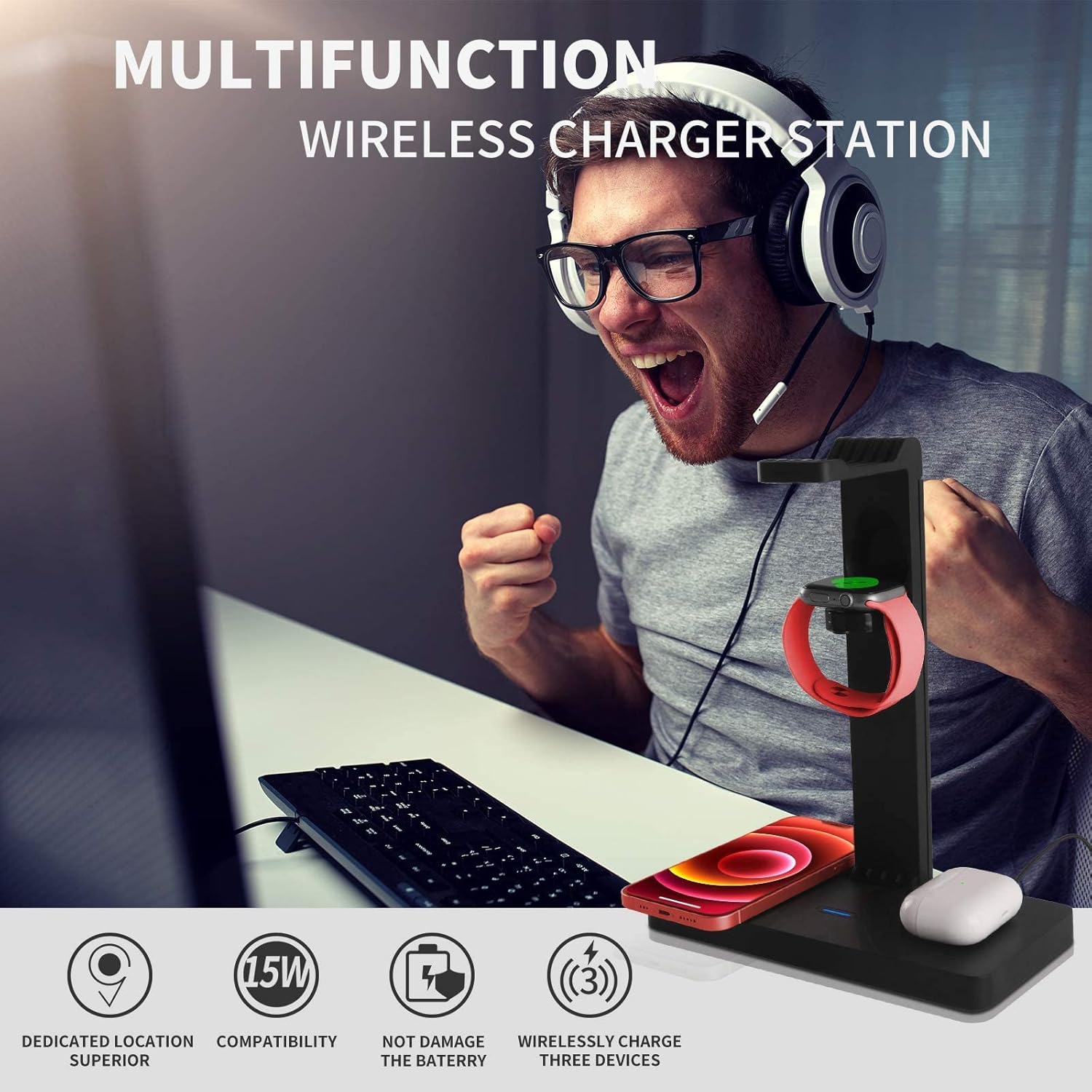
Figure 2.1: Overview of the multifunction wireless charger station.
3. Package Contents
Please verify that all items are present in your package:
- Wireless Charging Station (with Headphone Stand)
- Type-C Quick Charge Cable
- QC 3.0 Adapter
- Type C to A OTG Adapter
- English User Manual (this document)
4. Safety Information
To ensure safe and optimal operation of your charging station, please observe the following:
- Before charging, remove thick objects (4mm or more), metal cases, magnetic cases, notebook-type cases, smartphone rings, credit cards, coins, metal objects, and magnetic objects from your devices.
- When charging two or three devices simultaneously, ensure the power supply voltage of the adapter is sufficient (QC3.0 adapter/PD adapter exceeding 18W is included and required). Insufficient power may lead to intermittent charging, interruptions, or flashing lights.
- If charging of some watches is interrupted, it may be due to high temperature. Allow the watch to cool down before resuming charging.
- Always use the original charging cable attached to the charger to avoid potential issues.
- Turn off the wireless charger (unplug from the socket) before cleaning the product.

Figure 4.1: The charging station includes multiple safety protections.
5. Setup Guide
Follow these steps to assemble and prepare your YOCUNKER P10 Wireless Charging Station:
- Unpack all components from the box.
- Insert the headphone stand bracket into the designated slot on the charging station base. Ensure it is fully seated.
- Push the "LOCK" key on the base to secure the bracket in place.
- Connect the provided Type-C Quick Charge Cable to the "Input" port on the back of the charging station and plug the other end into the QC 3.0 Adapter. Plug the adapter into a wall outlet.

Figure 5.1: Step-by-step installation of the headphone stand.
Video 5.1: Visual guide for unboxing and assembling the YOCUNKER P10 Wireless Charging Station.
6. Operating Instructions
The YOCUNKER P10 Wireless Charging Station allows for simultaneous charging of multiple devices:
- Charging a Smartphone: Place your QI-enabled smartphone on the flat charging pad on the base. The charging indicator light will illuminate to confirm charging.
- Charging an Apple Watch: Place your Apple Watch on the magnetic charging module located on the headphone stand. Ensure the watch is properly aligned for charging.
- Charging AirPods: Place your wireless charging-enabled AirPods case on the dedicated AirPods charging area on the base.
- Using the Headphone Stand: Hang your headphones on the top bracket of the stand. For headphones like Apple AirPods Max, you can connect their charging cable to the Type-C output port on the base for charging (charging cable for headphones not included).
- Using the Type-C Output Port: The "Output" Type-C port on the back of the base can be used to charge other USB-C powered devices or for data transfer. Use the included Type C to A OTG Adapter if needed for USB-A devices.

Figure 6.1: The 4-in-1 charging station in use, charging a phone, AirPods, and holding headphones.

Figure 6.2: Illustration of multiple devices charging simultaneously and estimated charging times.

Figure 6.3: Detail of the Type-C input and output ports on the charging station.
7. Maintenance
To maintain the performance and appearance of your charging station:
- Before cleaning, always unplug the charging station from the power outlet.
- Wipe the surface with a soft, dry cloth. Do not use abrasive cleaners or solvents.
- Keep the charging station away from water and excessive moisture.
8. Troubleshooting
If you encounter issues with your YOCUNKER P10 Wireless Charging Station, refer to the following common problems and solutions:
| Problem | Possible Cause | Solution |
|---|---|---|
| Device not charging or charging intermittently. |
|
|
| Apple Watch stops charging or overheats. |
|
|
| Charging indicator light is off. |
|
|
9. Compatibility
The YOCUNKER P10 Wireless Charging Station is compatible with a wide range of devices:
- QI Wireless Phones:
- iPhone: 14/14 Pro/13/13 Mini/13 Pro/13 Pro Max/12/12 Mini/12 Pro/12 Pro Max/11/11 Pro/11 Pro Max/XR/XS Max/Xs/X/8/8P
- Samsung Galaxy: S22/S21/S20/S20+/S10/S10 Plus/S10E/S9/S9+/S8/S8+/Note10/10+/9/8
- Other Qi-enabled phones.
- Apple Watch: Series 7/SE/6/5/4/3/2 (Note: Only supports Apple Watch charging, not Galaxy Watch).
- AirPods: Air Pods 2/3/Pro (Ensure your AirPods case has wireless charging function).
- Headphones: Compatible with Airpods Max, Sennheiser, Sony, Bose, Beats, AKG, and other similar over-ear headphones.

Figure 9.1: Visual representation of compatible devices for the charging station.
10. Specifications
| Specification | Detail |
|---|---|
| Product Dimensions | 7.87 x 3.94 x 6.3 inches |
| Item Weight | 1.39 pounds |
| Item Model Number | P10 |
| Manufacturer | YOCUNKER |
| Country of Origin | China |
| Connectivity Technology | Wireless, Plug and Play |
| Connector Type | USB Type C |
| Input Voltage | 12 Volts (DC) |
| Mounting Type | Tabletop Mount |
11. Warranty and Support
For warranty information and customer support, please refer to the product packaging or contact YOCUNKER customer service directly. Contact details are typically provided on the manufacturer's official website or through the retailer where the product was purchased.
Please retain your proof of purchase for any warranty claims.
Ask a question about this manual
Ask about setup, troubleshooting, compatibility, parts, safety, or missing instructions. Manuals+ will review the question and use this page’s manual context to help answer it.