
Introduction
Thank you for purchasing the Dolphin SNB-161R Rechargeable Soundbar. This manual provides essential information for the safe and efficient operation of your device. Please read it thoroughly before use and retain it for future reference.
Important Safety Information
- Do not expose the unit to extreme temperatures, humidity, or direct sunlight.
- Avoid dropping or subjecting the unit to strong impacts.
- Do not disassemble or attempt to repair the unit yourself. Contact qualified service personnel.
- Keep the unit away from water and other liquids.
- Use only the specified charging cable and adapter.
Package Contents
Ensure all items are present:
- Dolphin SNB-161R Soundbar
- USB Charging Cable
- Auxiliary Audio Cable
- Remote Control
- User Manual (this document)
Product Overview
The Dolphin SNB-161R is a portable rechargeable soundbar featuring a digital clock display, multi-color LED lights, and multiple connectivity options.
Front View

Image: Front view of the soundbar with its digital clock display.
Rear Panel and Connections

Image: Rear panel of the soundbar detailing various input ports and controls.
The rear panel includes the ON/OFF switch, AUX input, USB port, SD card slot, and DC 5V charging port. The top panel features control buttons for playback, volume, mode selection, and clock settings.
Setup
Charging the Soundbar
Before first use, fully charge the soundbar. Connect the USB charging cable to the DC 5V port on the rear of the soundbar and the other end to a USB power adapter (not included) or a computer USB port. The charging indicator will illuminate during charging and turn off when fully charged. A full charge provides over 10 hours of playtime.

Image: The soundbar in use, highlighting its extended battery life.
Power On/Off
To power on the soundbar, slide the ON/OFF switch located on the rear panel to the 'ON' position. To power off, slide the switch to the 'OFF' position.
Setting the Clock
The digital clock displays time in 24-hour format only. To set the time:
- Press and hold the 'TIME SET' button (usually labeled with a clock icon) on the top panel or remote control. The hour digits will begin to flash.
- Use the 'PREV' and 'NEXT' buttons (or volume +/- on some models) to adjust the hour.
- Press the 'TIME SET' button again to switch to minute adjustment. The minute digits will flash.
- Use the 'PREV' and 'NEXT' buttons to adjust the minutes.
- Press the 'TIME SET' button one more time to confirm and exit clock setting mode.
Note: The clock display is exclusively in 24-hour (military) format and cannot be changed to 12-hour format.
Operating Instructions
Mode Selection
Press the 'MODE' button on the soundbar or remote control to cycle through available modes: Bluetooth, AUX, USB, SD, and FM Radio.
Bluetooth Pairing
- Turn on the soundbar and select Bluetooth mode. The soundbar will enter pairing mode, indicated by a flashing Bluetooth icon or audible prompt.
- Enable Bluetooth on your device (smartphone, tablet, computer).
- Search for 'Dolphin SNB-161R' in your device's Bluetooth list and select it to connect.
- Once paired, the soundbar will emit a confirmation tone, and the Bluetooth indicator will stop flashing.
Auxiliary Input (AUX)
Connect your audio device to the AUX port on the rear panel using the provided 3.5mm audio cable. Switch the soundbar to AUX mode. Audio will play directly from your connected device.
USB/SD Card Playback
Insert a USB flash drive or SD card (with MP3 audio files) into the respective port on the rear panel. The soundbar will automatically switch to USB or SD mode and begin playing music. Use the playback controls (Play/Pause, Previous, Next) on the soundbar or remote.

Image: Connectivity options including USB, SD, and AUX ports.
FM Radio
Switch the soundbar to FM Radio mode. Press the 'Play/Pause' button to auto-scan and save available stations. Use the 'PREV' and 'NEXT' buttons to navigate through saved stations.
Hands-free Calling
When connected via Bluetooth to a smartphone, the soundbar supports hands-free calling. When a call comes in, press the 'Play/Pause' button to answer. Press again to end the call. The built-in microphone allows for clear communication.

Image: Illustrates the hands-free calling feature via Bluetooth.
LED Lights Control
The soundbar features multi-color LED lights. Press the 'LIGHT' button (if available) on the soundbar or remote to cycle through different light modes or turn them off.
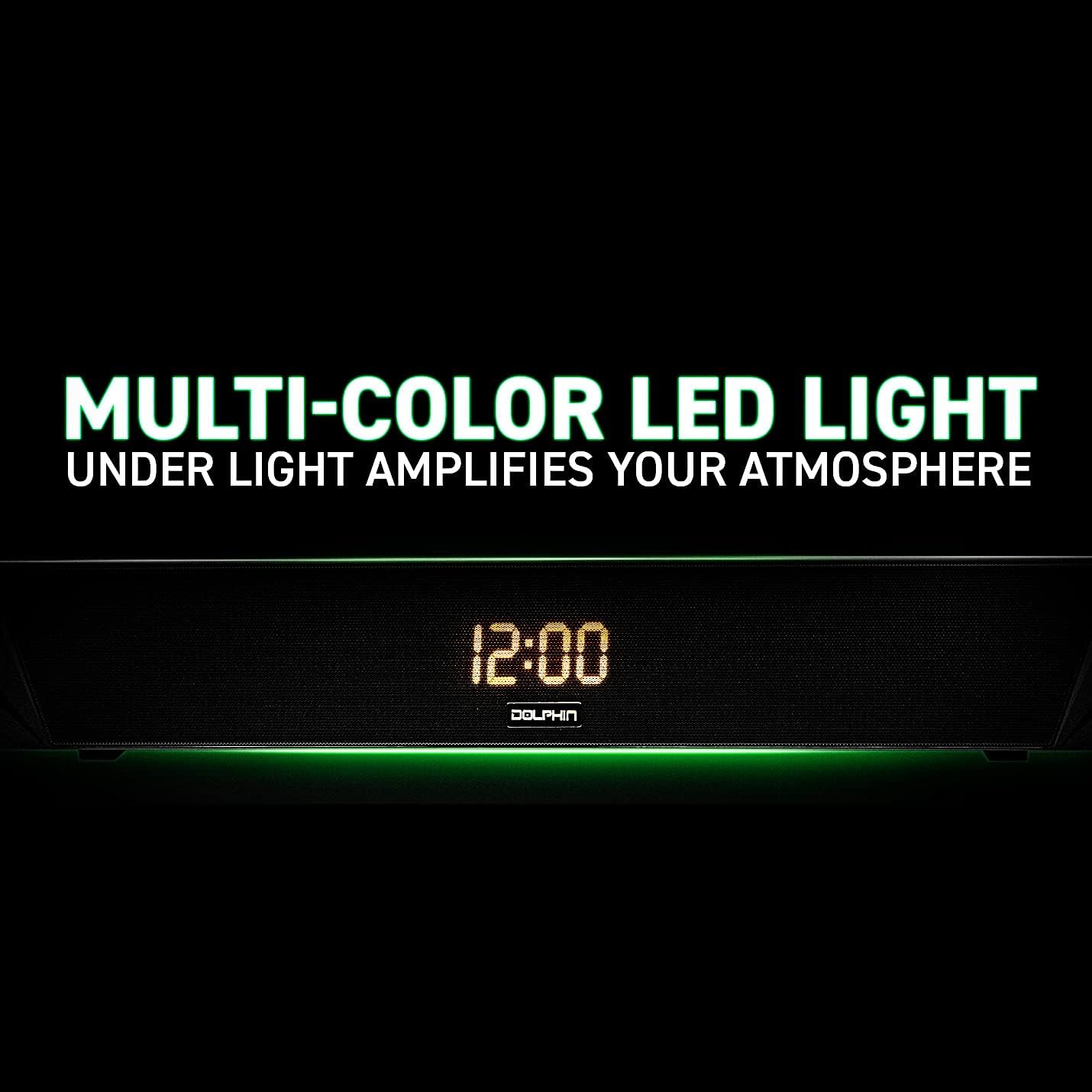
Image: The soundbar with its multi-color LED light feature active.
WaveSync Technology (Pairing Two Speakers)
If you have two Dolphin SNB-161R soundbars, you can pair them together for a stereo experience:
- Ensure both soundbars are powered on and in Bluetooth mode, but not connected to any device.
- On one soundbar (this will be the primary unit), press and hold the 'WaveSync' button (or a dedicated pairing button, refer to specific button labels).
- The primary unit will search for the secondary unit. Once connected, both units will emit a confirmation tone.
- Now, connect your device to the primary soundbar via Bluetooth as described above. Audio will play in stereo through both units.

Image: Two soundbars demonstrating the WaveSync pairing feature.
Maintenance
- Clean the soundbar with a soft, dry cloth. Do not use abrasive cleaners or solvents.
- Keep the ports free from dust and debris.
- Store the unit in a cool, dry place when not in use for extended periods.
Troubleshooting
| Problem | Possible Cause | Solution |
|---|---|---|
| No power | Battery is depleted; Power switch is off. | Charge the soundbar; Slide the power switch to 'ON'. |
| No sound | Volume is too low; Incorrect mode selected; Device not connected properly. | Increase volume; Select correct input mode (Bluetooth, AUX, USB, SD, FM); Reconnect device. |
| Bluetooth pairing fails | Soundbar not in pairing mode; Device Bluetooth is off; Too far from soundbar. | Ensure soundbar is in Bluetooth pairing mode; Turn on device Bluetooth; Move device closer (within 10 meters). |
| Clock displays 24-hour format only | This model is designed for 24-hour display. | This is a design feature and cannot be changed to 12-hour format. Users must adapt to the 24-hour display. |
| Remote control not working | Battery depleted; Obstruction between remote and soundbar. | Replace remote battery; Ensure clear line of sight to the soundbar's IR receiver. |
Specifications
- Model Name: SNB 161R
- Speaker Type: Computer
- Special Feature: Portable
- Surround Sound Channel Configuration: 2.0
- Color: Black
- Waterproof: No
- Control Method: Remote
- Wireless Communication Technology: Bluetooth
- Power Source: Battery Powered
- Speaker Maximum Output Power: 20 Watts
- Connectivity Technology: Auxiliary, USB, SD, Bluetooth, FM Radio
- Audio Output Mode: Stereo
- Mounting Type: Bar Mount
- UPC: 810059430181
- Manufacturer: Dolphin
Warranty and Support
Limited Warranty
This Dolphin SNB-161R soundbar comes with a limited warranty against defects in materials and workmanship under normal use. The warranty period and terms may vary by region. Please retain your proof of purchase for warranty claims.
Customer Support
For technical assistance, troubleshooting, or warranty inquiries, please contact Dolphin customer support through their official website or the retailer where the product was purchased. Please have your model number (SNB 161R) and proof of purchase ready.