
1. Introduction
Thank you for choosing the SBS PowerBank 20K SLIM. This portable charger is designed to provide reliable and fast power to your mobile devices, including smartphones, tablets, and other USB-powered gadgets. With its 20,000mAh capacity and intelligent charging features, you can keep your devices powered throughout the day.
This manual provides important information on how to set up, operate, and maintain your power bank. Please read it carefully before use and keep it for future reference.
2. Safety Information
To ensure safe operation and prevent damage, please observe the following safety precautions:
- Do not expose the power bank to extreme temperatures (above 45°C or below 0°C), direct sunlight, or high humidity.
- Do not disassemble, modify, or attempt to repair the device yourself. This will void the warranty.
- Keep the power bank away from water and other liquids.
- Do not drop, puncture, or apply excessive force to the power bank.
- Use only certified cables and chargers for recharging the power bank and charging your devices.
- Keep out of reach of children.
- If the power bank swells, emits an odor, or becomes excessively hot, discontinue use immediately.
3. Package Contents
Please check the package for the following items:
- 1 x SBS PowerBank 20K SLIM (Model: TTBB20000FASTK)
- 1 x Micro-USB Charging Cable
- 1 x User Manual (this document)
Note: A USB-C charging cable for the power bank is not included and must be purchased separately if you wish to use the USB-C input for recharging.
4. Product Overview
Familiarize yourself with the different parts of your SBS PowerBank.

Figure 4.1: Front view of the SBS PowerBank 20K SLIM, showing the SBS logo and sleek black design.

Figure 4.2: Close-up of the charging ports. Features include one USB-A 1A output, one USB-C input/output, and one USB-A 2.1A Intelligent Charge output.

Figure 4.3: Side view showing the power button and four LED indicators for battery status.
4.1. Ports and Indicators
- USB 1A Output: Standard USB-A port for charging devices (5W).
- USB 2.1A Intelligent Charge (IC) Output: Faster USB-A port for charging devices (10W), automatically detects optimal charging speed.
- USB-C Input/Output: Versatile port for both charging the power bank (10W input) and charging devices (10W output).
- Micro-USB Input: Dedicated port for recharging the power bank using the included Micro-USB cable.
- Power Button: Press to check battery status or initiate charging.
- LED Status Indicators: Four LEDs indicate the remaining battery charge level. Each LED represents approximately 25% of the battery capacity.
5. Setup
5.1. Initial Charging of the Power Bank
Before first use, it is recommended to fully charge your SBS PowerBank.
- Connect the included Micro-USB cable to the Micro-USB input port on the power bank.
- Connect the other end of the Micro-USB cable to a USB wall charger (not included) or a computer's USB port.
- The LED indicators will light up, showing the charging progress. All four LEDs will be solid when the power bank is fully charged.
Alternatively, you can use a USB-C cable (not included) to charge the power bank via its USB-C input port.

Figure 5.1: The power bank being recharged via its Micro-USB port using the included cable, connected to a laptop.
6. Operating Instructions
6.1. Charging Your Devices
The SBS PowerBank allows you to charge up to three devices simultaneously using its USB-A and USB-C output ports.
- Connect your device's charging cable to one of the power bank's output ports (USB 1A, USB 2.1A IC, or USB-C).
- Connect the other end of the cable to your device.
- The power bank will automatically begin charging your device. If not, press the power button once to activate charging.
- The LED indicators will show the power bank's remaining charge during the charging process.

Figure 6.1: The power bank simultaneously charging a smartphone, a tablet, and wireless earbuds.

Figure 6.2: Illustration showing the power bank's capability to charge smartphones, tablets, earbuds, smartwatches, and e-readers.
The 20,000mAh capacity allows for multiple recharges of your devices. For example, it can recharge a typical smartphone up to 8 times, depending on the phone's battery capacity.
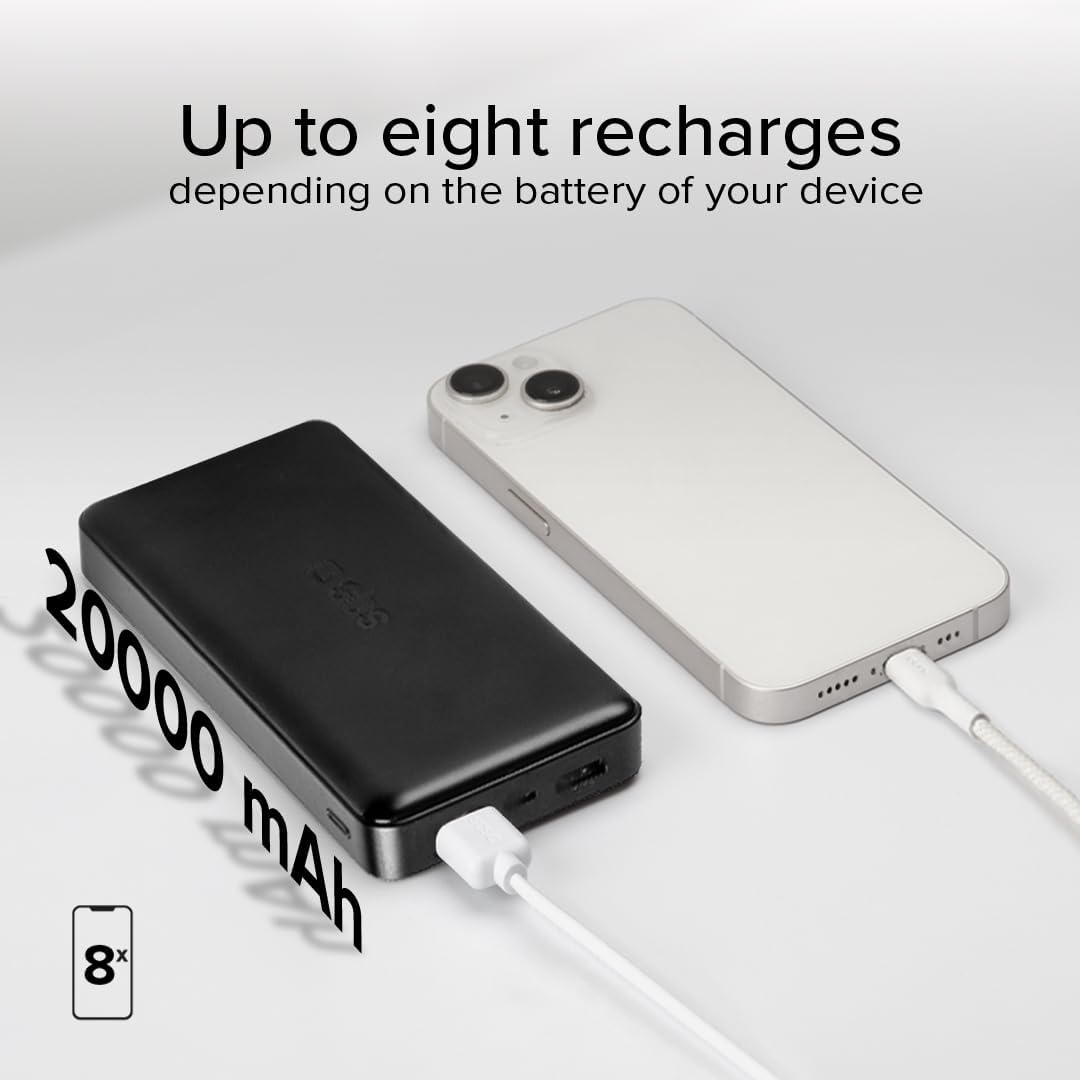
Figure 6.3: Visual representation of the 20,000mAh capacity, indicating up to 8 recharges for a typical smartphone.
6.2. Checking Battery Status
To check the remaining battery level of the power bank, simply press the power button once. The LED indicators will light up to show the current charge:
- 4 LEDs solid: 75% - 100% charged
- 3 LEDs solid: 50% - 75% charged
- 2 LEDs solid: 25% - 50% charged
- 1 LED solid: 0% - 25% charged (recharge soon)
7. Maintenance
- Clean the power bank with a soft, dry cloth. Do not use abrasive cleaners or solvents.
- Store the power bank in a cool, dry place when not in use.
- For optimal battery life, recharge the power bank at least once every three months if it's not used regularly.
8. Troubleshooting
| Problem | Possible Cause | Solution |
|---|---|---|
| Power bank not charging | Cable not connected properly; faulty cable/charger; power bank fully charged. | Ensure cables are securely connected. Try a different cable or wall adapter. Check LED indicators to confirm if it's already full. |
| Device not charging from power bank | Power bank battery empty; faulty cable; device not compatible; power bank in standby. | Recharge the power bank. Try a different charging cable. Press the power button to activate output. Ensure your device is compatible with USB charging. |
| Slow charging | Using a low-power port (e.g., USB 1A for a tablet); cable quality; device's charging limit. | Use the USB 2.1A IC or USB-C port for faster charging. Ensure your cable supports fast charging. Some devices have charging limits. |
| LEDs not lighting up | Power bank completely discharged; internal fault. | Try charging the power bank for an extended period. If still unresponsive, contact customer support. |
9. Specifications

Figure 9.1: Diagram illustrating the power bank's ports and dimensions.
| Feature | Detail |
|---|---|
| Model Number | TTBB20000FASTK |
| Battery Type | Lithium Polymer |
| Capacity | 20,000 mAh (3.7V 74Wh) |
| USB 1 Output | 5V D.C., 1A (5W) |
| USB 2 Output (IC) | 5V D.C., 2.1A (10W) |
| USB-C Input/Output | 5V D.C., 2.1A (10W) |
| Micro-USB Input | 5V D.C., 2.1A (10W) |
| Total Output | 10W max |
| Dimensions | 138 mm x 68 mm x 28 mm |
| Weight | 250 g |
| Special Features | Short Circuit Protection, Fast Charging (IC) |
| Country of Origin | China |
10. Warranty and Support
SBS products are designed and manufactured to the highest quality standards. This product is covered by a standard manufacturer's warranty against defects in materials and workmanship from the date of purchase.
For warranty claims, technical support, or any questions regarding your SBS PowerBank, please contact SBS customer service through their official website or the retailer where you purchased the product. Please have your proof of purchase and product model number ready.
For more information, visit the official SBS website: www.sbsmobile.com


