
1. Introduction
Thank you for choosing the W-KING X10 Portable Bluetooth Speaker. This manual provides essential information for setting up, operating, and maintaining your speaker to ensure optimal performance and longevity. The W-KING X10 delivers powerful 120W peak sound with deep bass, features IPX6 waterproofing, and offers versatile connectivity options for an immersive audio experience.
2. What's in the Box
- X10 Portable Outdoor Bluetooth Speaker
- Type-C Charging Cable
- 3.5mm AUX Audio Cable
- User Manual
3. Product Overview & Features
The W-KING X10 is engineered for robust audio performance and durability. Key features include:
- Powerful Audio: 120W peak output (70W RMS) with 2*45W subwoofers and 2*15W tweeters, enhanced by triple passive radiators for deep bass and DSP intelligent crossover technology for clear sound up to 40kHz.
- Omnidirectional HD Stereo: Designed to fill any space with rich, balanced audio.
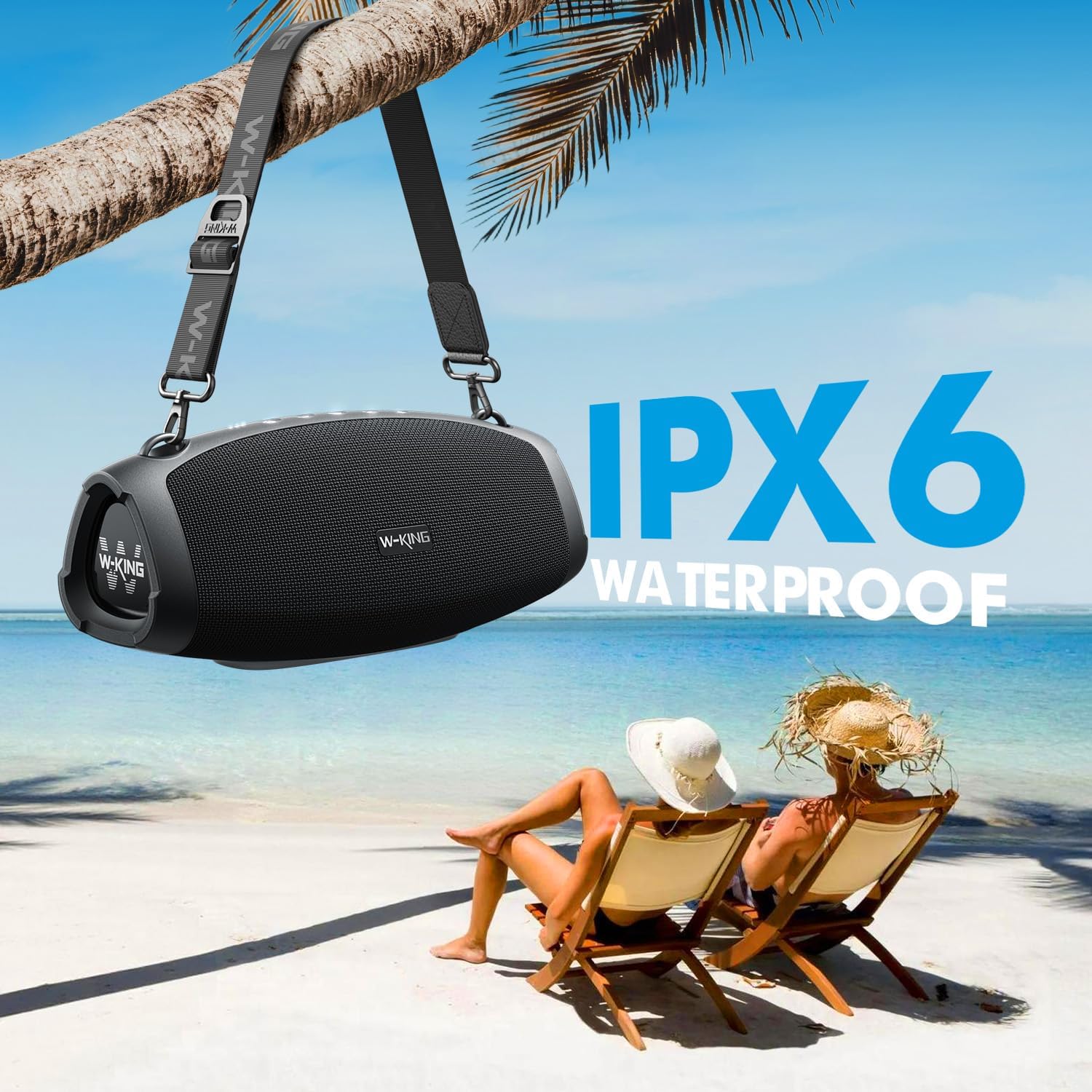
- IPX6 Waterproof: Resistant to strong water jets, making it suitable for outdoor use. Ports must be covered to ensure water resistance.
- Extended Playtime: Up to 42 hours of playtime on a single charge (varies with volume and content).
- Power Bank Function: Large capacity battery allows charging of external devices via the USB-A port.
- Multiple Playback Modes: Bluetooth 5.0, 3.5mm AUX input, and TF card slot.
- EQ Modes: Switch between Indoor mode (boosted bass) and Outdoor mode (crisp sound).
- True Wireless Stereo (TWS): Connect two X10 speakers for a 240W peak, immersive stereo experience.
- Durable Design: Sturdy ABS plastic, translucent soft rubber, and waterproof mesh surface for impact resistance.
- Portable: Includes a detachable, adjustable shoulder strap for easy transport.

Detailed internal view of the W-KING X10 speaker, highlighting its dual subwoofers, tweeters, and passive radiators.
4. Setup
4.1 Charging the Speaker
Before first use, fully charge your W-KING X10 speaker. Connect the provided Type-C charging cable to the speaker's Type-C port and a compatible 5V/2A adapter (not included). The battery indicator lights will show charging progress. A full charge takes approximately 3.5 hours.

The W-KING X10 speaker connected to a power source for charging, demonstrating its large battery capacity.
4.2 Power On/Off
- To Power On: Press and hold the Power button (⏻) for 2-3 seconds until the indicator lights illuminate.
- To Power Off: Press and hold the Power button (⏻) for 2-3 seconds until the indicator lights turn off.
4.3 Bluetooth Pairing
- Ensure the speaker is powered on and the Bluetooth indicator light is flashing, indicating it's in pairing mode.
- On your mobile device, enable Bluetooth and search for available devices.
- Select "W-KING X10" from the list of devices.
- Once connected, the Bluetooth indicator light will remain solid.
4.4 True Wireless Stereo (TWS) Pairing
For an enhanced stereo experience, you can pair two W-KING X10 speakers together. (Note: X10 and X10-1 models cannot be paired together.)
- Ensure both W-KING X10 speakers are powered on and not connected to any other Bluetooth device.
- On one speaker (this will be your primary speaker), press the TWS button (often indicated by three dots or a chain link icon). The speaker will enter TWS pairing mode.
- The primary speaker will automatically search for and connect to the secondary speaker.
- Once paired, the TWS indicator light on both speakers will become solid.
- Now, connect your mobile device to the primary speaker via Bluetooth as described in section 4.3.
5. Operating Instructions
5.1 Control Buttons

Top panel of the W-KING X10 speaker with illuminated control buttons.
| Button | Function |
|---|---|
| ⏻ (Power) | Press and hold to Power On/Off. Short press to check battery status. |
| - (Volume Down) | Short press to decrease volume. Press and hold for previous track. |
| ▶ (Play/Pause) | Short press to Play/Pause music. Short press to Answer/End calls. Press and hold to Reject calls. |
| + (Volume Up) | Short press to increase volume. Press and hold for next track. |
| ☰ (EQ Mode) | Short press to switch between Indoor (boosted bass) and Outdoor (crisp sound) EQ modes. |
| … (TWS) | Press to enter TWS pairing mode (for connecting two X10 speakers). |
5.2 Connectivity Options
- Bluetooth 5.0: Wireless connection with up to 100ft range.
- AUX Input: Connect external audio devices using the 3.5mm AUX audio cable.
- TF Card: Insert a TF card into the slot for direct music playback.
The rear panel of the W-KING X10 speaker, revealing the USB-A, Type-C, TF card, and AUX ports, protected by a waterproof flap.
5.3 EQ Modes
Optimize your listening experience by switching between two EQ modes:
- Indoor Mode: Delivers boosted bass, ideal for enclosed spaces.
- Outdoor Mode: Provides crisp, clear sound, optimized for open environments.

The W-KING X10 speaker demonstrating its adaptability to different environments with dedicated EQ modes.
6. Maintenance
To ensure the longevity and optimal performance of your W-KING X10 speaker, follow these maintenance guidelines:
- Cleaning: Use a soft, damp cloth to wipe the speaker's surface. Avoid using harsh chemicals or abrasive cleaners.
- Water Resistance: The speaker is IPX6 waterproof. Ensure all port covers are securely closed before exposing it to water. Do not submerge the speaker directly in water.
- Storage: Store the speaker in a cool, dry place away from direct sunlight and extreme temperatures when not in use.
- Battery Care: For optimal battery life, avoid fully discharging the battery frequently. Charge it regularly, even if not in constant use.

The W-KING X10 speaker demonstrating its IPX6 waterproof capability, suitable for outdoor environments.
7. Troubleshooting
If you encounter issues with your W-KING X10 speaker, refer to the following common solutions:
- No Power: Ensure the battery is charged. Connect the speaker to a power source using the Type-C cable.
- Cannot Pair via Bluetooth:
- Ensure the speaker is in pairing mode (flashing Bluetooth indicator).
- Disable and re-enable Bluetooth on your device.
- Move the speaker closer to your device.
- Clear the Bluetooth device list on your phone and try pairing again.
- No Sound:
- Check the volume levels on both the speaker and your connected device.
- Ensure the correct input mode (Bluetooth, AUX, TF card) is selected.
- If using AUX, ensure the cable is fully inserted and functional.
- TWS Pairing Failure:
- Ensure both speakers are W-KING X10 models (X10 and X10-1 are not compatible for TWS).
- Make sure both speakers are not connected to any other Bluetooth devices.
- Place speakers close to each other during pairing.
8. Specifications
| Feature | Specification |
|---|---|
| Brand | W-KING |
| Model Number | X10 |
| Speaker Maximum Output Power | 120 Watts (Peak) |
| Frequency Response | 40000 Hz |
| Connectivity Technology | Bluetooth, Wireless, 3.5mm AUX, TF CARD |
| Audio Output Mode | Stereo |
| Water Resistance Level | IPX6 Waterproof |
| Bluetooth Range | 30.48 Meters (100 Feet) |
| Battery Average Life | 42 Hours (Playtime may vary depending on volume and audio content) |
| Battery Charge Time | 3.5 Hours |
| Item Dimensions D x W x H | 5.31"D x 12.41"W x 5.5"H |
| Item Weight | 3.37 Kilograms |

Detailed dimensions of the W-KING X10 Portable Bluetooth Speaker.
9. Warranty & Support
Your W-KING X10 Portable Bluetooth Speaker comes with a 30-day replacement policy and a 12-month warranty. For support or warranty claims, please refer to the contact information provided in your product packaging or visit the W-KING official website.


