
1. Introduction
Thank you for choosing the 1 Hora 10000mAh Power Bank. This portable charger is designed for convenience and efficiency, featuring four built-in cables (USB input, Micro USB, IP, and Type C output) for universal compatibility. Its compact design, integrated LED flashlight, and digital display make it an ideal companion for charging your devices on the go. This manual provides essential information for safe and effective use of your power bank.

Image: The 1 Hora 10000mAh Power Bank, showcasing its sleek black design and integrated charging cables.

Image: Promotional image highlighting the power bank's lightweight and powerful nature, with the model number GAR148.
2. Product Features
- Universal 5-in-1 Design: Integrates 4 essential cables (1 USB input, 3 output cables: Micro USB, IP, Type C) for broad compatibility with Android and iOS devices, eliminating the need for extra cables.
- High Capacity & Efficient Charging: 10,000 mAh capacity provides multiple charges for smartphones, ideal for travel or outdoor activities.
- Compact and Multifunctional: Lightweight design (235g) for easy portability. Includes a dual-light LED flashlight for outdoor illumination and safety.
- Advanced Protection & Reliability: Integrated smart chip automatically adjusts power output and provides protection against short circuits, overcurrent, overvoltage, and overheating for safe and prolonged use.
- Digital Power Display: Features a digital screen to clearly show remaining battery percentage, allowing timely recharging and reducing battery anxiety.

Image: Close-up view of the power bank showing the four built-in charging cables: Type C, USB AM, IP, and Micro USB.

Image: Illustrates the 10000mAh capacity, showing it can charge an iPhone 15 Pro 2.3 times, Samsung S20 1.6 times, iPad mini 1.2 times, and AirPods Pro 3 4.8 times.

Image: A hand holding the power bank, emphasizing its light weight of only 235g, making it easy to carry.

Image: Diagram illustrating the power bank's comprehensive safety system, including protection against short circuits, temperature, overvoltage, and overcharge.

Image: Close-up of the power bank's digital LED display, showing the battery level clearly visible.
3. Package Contents
The product package includes the following items:
- 1 x 10000 mAh Power Bank
- 1 x User Manual
4. Setup
4.1 Initial Charging of the Power Bank
Before first use, fully charge your 1 Hora Power Bank. Connect the integrated USB input cable to a compatible USB wall adapter (not included) or a computer's USB port. The digital display will show the charging progress. A full charge may take several hours.
5. Operating Instructions
5.1 Charging Your Devices
To charge your device, pull out the appropriate built-in output cable (Micro USB, IP, or Type C) and connect it to your device's charging port. The power bank will automatically begin charging. The digital display will show the remaining battery percentage of the power bank.

Image: A detailed diagram showing the power bank's 4 outputs (USB-AF, Type C, Micro, IP) and 2 inputs (Type C, USB-AM), along with the flashlight button.
5.2 Using the LED Flashlight
The power bank is equipped with a dual-light LED flashlight. To turn on the flashlight, press and hold the power button located on the side of the power bank for a few seconds. Repeat the action to turn it off.
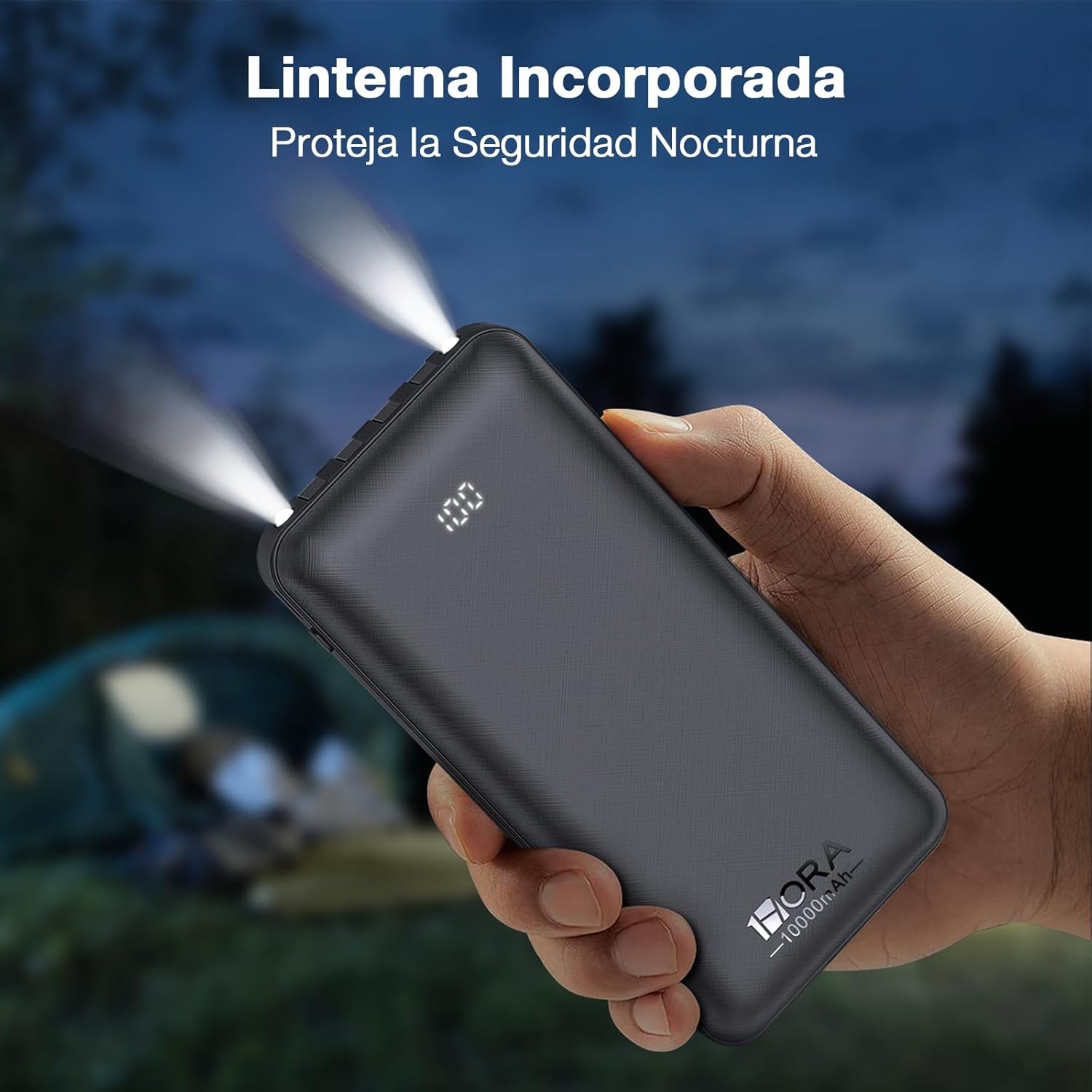
Image: A hand holding the power bank with its integrated flashlight illuminated, providing light in a dark outdoor setting.
6. Maintenance
- Keep the power bank away from water, moisture, and extreme temperatures.
- Avoid dropping or subjecting the power bank to strong impacts.
- Clean the surface with a soft, dry cloth. Do not use harsh chemicals or abrasive materials.
- Store in a cool, dry place when not in use. For prolonged storage, charge the power bank at least once every three months to maintain battery health.
7. Troubleshooting
7.1 Power Bank Not Charging
- Ensure the charging cable is securely connected to both the power bank's USB input and the power source.
- Verify that the wall adapter or USB port is functional. Try a different power source.
- Check if the power bank's digital display shows any error codes or indicators.
7.2 Device Not Charging from Power Bank
- Ensure the correct built-in output cable is used for your device and it is securely connected.
- Check the power bank's digital display to ensure it has sufficient charge.
- Try charging a different device to rule out an issue with your specific device.
- Restart the power bank by briefly pressing the power button.
7.3 Slow Charging
- Ensure you are using a high-quality wall adapter for charging the power bank.
- Charging speed can vary depending on the device being charged and its battery level.
- Avoid using the power bank in extremely hot or cold environments, as this can affect charging efficiency.
8. Specifications
| Feature | Detail |
|---|---|
| Model Number | GAR148N |
| Battery Capacity | 10000 Milliamp Hours (mAh) |
| Battery Type | Lithium Polymer |
| Dimensions | 7.5 x 1.6 x 14.5 cm |
| Weight | 285 g |
| Input Cables | USB-A (integrated), Type C |
| Output Cables | Micro USB (integrated), IP (integrated), Type C (integrated), USB-A (port) |
| Special Features | Built-in Cables, LED Indicator Lights, Short Circuit Protection, Overcharge Protection, Flashlight, Digital Display |
9. Warranty and Support
Your 1 Hora Power Bank is backed by a commitment to quality. For specific warranty details and return policies, please refer to the purchase platform or contact the seller directly. Generally, products are eligible for a 30-day return period from the date of purchase.
For further assistance or inquiries, please visit the official 1 Hora store on Amazon: 1 Hora Amazon Store.