
Introduction
This manual provides essential information for the proper use and maintenance of your IDMIX Mr.Charger CH08 C-Lightning USB Cable. Please read these instructions carefully before using the product to ensure optimal performance and longevity.
Product Overview
The IDMIX Mr.Charger CH08 is a dedicated removable MFI C-Lightning USB cable designed for charging Apple devices with a Lightning port. It features a USB Type-C connector on one end and a Lightning connector on the other, allowing for efficient power delivery from compatible USB-C power sources.
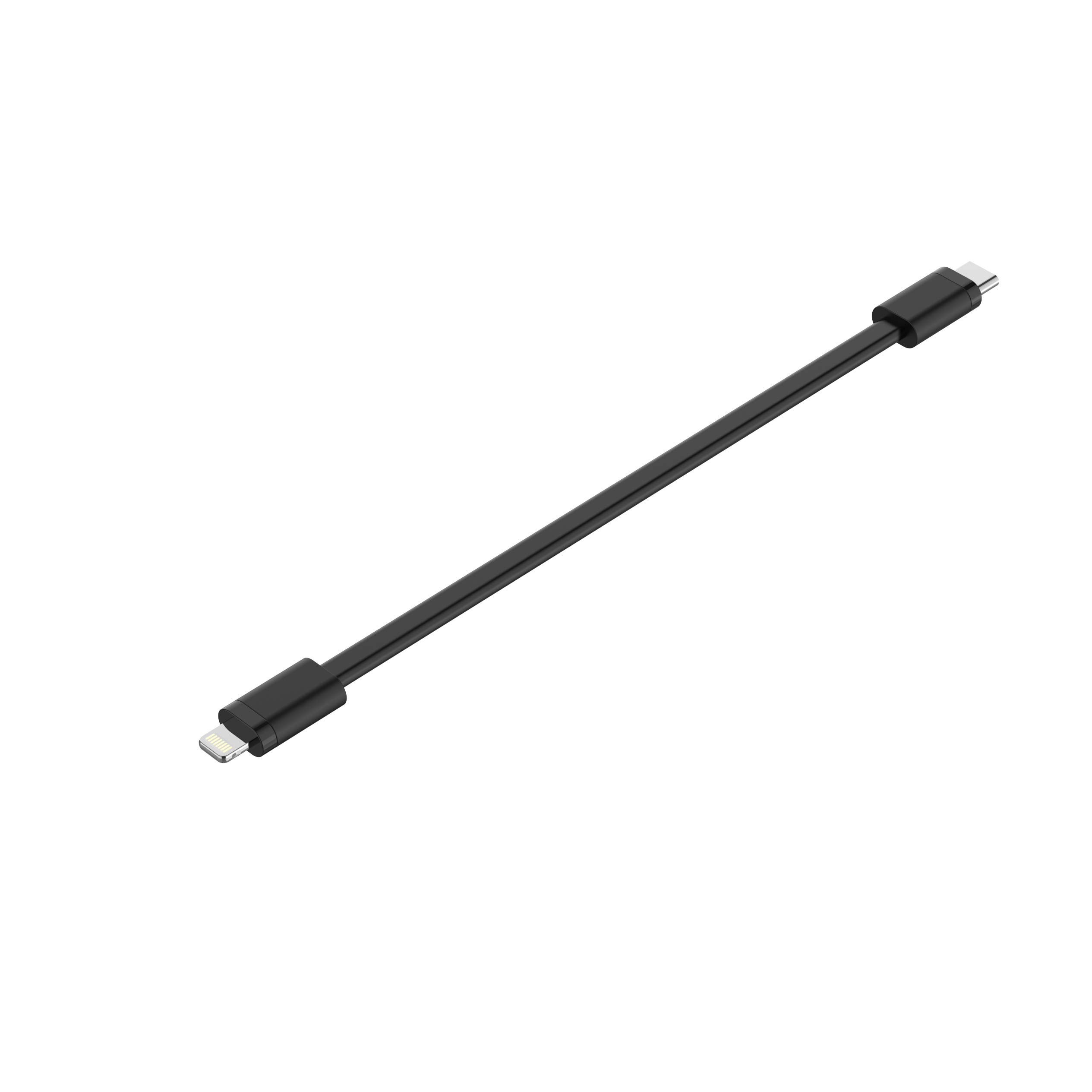
Image: The IDMIX Mr.Charger CH08 C-Lightning USB Cable, shown detached from its main unit, highlighting its USB-C and Lightning connectors.
Setup
- Identify Connectors: Locate the USB Type-C connector and the Lightning connector on the cable.
- Connect to Power Source: Insert the USB Type-C end of the cable into a compatible USB Type-C power adapter or port (e.g., a wall charger, power bank, or computer USB-C port).
- Connect to Device: Insert the Lightning end of the cable into the charging port of your Apple device (e.g., iPhone, iPad, iPod).
Ensure both connections are firm and secure.
Operating Instructions
Once the cable is properly connected to a power source and your Apple device, charging will begin automatically. A charging indicator (usually on your device's screen) will confirm that power is being supplied.
- For optimal charging speed, use a power adapter that supports the charging requirements of your device.
- The cable is designed for charging and data transfer between compatible devices.
Maintenance
- Cleaning: Gently wipe the cable and connectors with a dry, soft cloth. Avoid using liquids or abrasive cleaners.
- Storage: Store the cable in a cool, dry place away from direct sunlight and extreme temperatures. Avoid tightly coiling or bending the cable at sharp angles to prevent internal damage.
- Handling: Always grasp the connector head when plugging or unplugging the cable, rather than pulling on the cable itself.
Troubleshooting
- Device Not Charging:
- Ensure the cable is securely connected to both the power source and the device.
- Verify that the power adapter is functioning correctly and plugged into a live outlet.
- Test the cable with a different power source or device to isolate the issue.
- Check the charging port on your device for any debris or obstruction.
- Slow Charging:
- Ensure your power adapter provides sufficient output for your device. Lower wattage adapters will charge slower.
- Avoid using your device heavily while it is charging, as this can slow down the charging process.
Specifications
| Brand | IDMIX |
| Model Number | CH08CL |
| Connector Type | USB Type C, Lightning (MFI Certified) |
| Compatible Devices | Apple devices with Lightning port, USB Type C charging adapters |
| Item Package Quantity | 1 |
| UPC | 795930744314 |
Warranty and Support
For warranty information or technical support, please refer to the documentation provided with your original purchase or contact IDMIX customer service directly. Keep your proof of purchase for warranty claims.