
EUGAD 0116ZZ
EUGAD 0116ZZ Computer Desk with Integrated Bookshelf
Model: 0116ZZ | Brand: EUGAD
1. Introduction
Thank you for choosing the EUGAD 0116ZZ Computer Desk with Integrated Bookshelf. This manual provides essential information for the safe assembly, operation, and maintenance of your new desk. Please read these instructions carefully before beginning assembly and retain them for future reference.
Product Overview
The EUGAD 0116ZZ is a versatile computer desk featuring a spacious work surface and an integrated upper bookshelf. Constructed from high-quality engineered wood (MDF) with a black wood finish and supported by a sturdy black lacquered iron frame, this desk is designed for durability and functionality in various settings, including home offices, studies, and children's rooms.
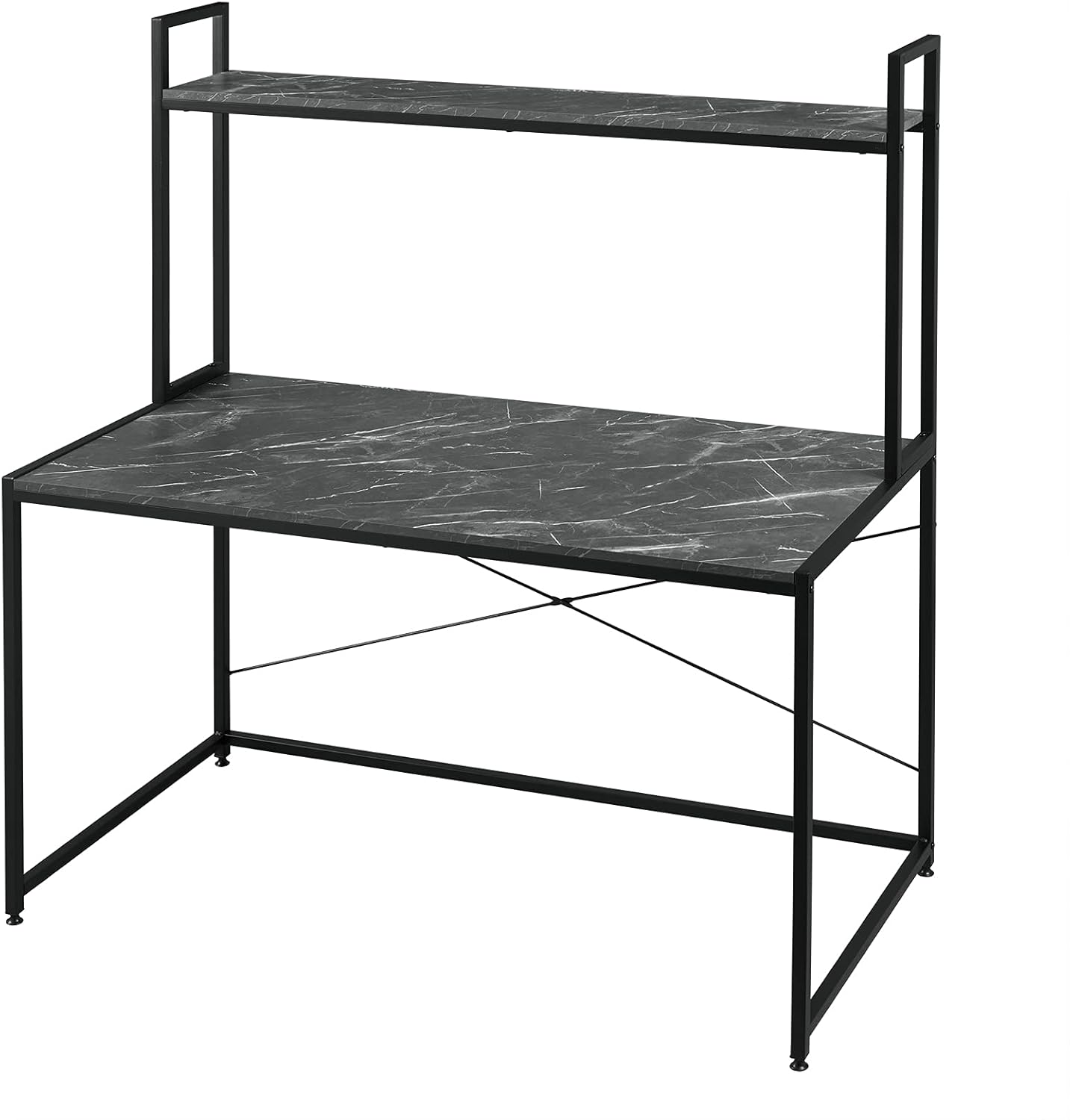
Image 1.1: The EUGAD 0116ZZ Computer Desk, showcasing its black wood finish and integrated upper shelf. This image provides an overall view of the product.
2. Safety Instructions
To ensure safe use and prevent damage, please observe the following safety guidelines:
- Assembly: Always assemble the desk on a soft, clean surface (e.g., carpet or cardboard) to prevent scratches. Ensure all parts are present before starting assembly.
- Children: Keep small parts and packaging materials away from children during assembly to avoid choking hazards.
- Stability: Ensure all screws and fasteners are securely tightened before using the desk. Periodically check and re-tighten all connections to maintain stability.
- Weight Capacity: Do not overload the desk or the upper shelf. Distribute weight evenly. Refer to the "Specifications" section for weight limits.
- Placement: Place the desk on a level surface to prevent wobbling. Avoid placing the desk in direct sunlight or near heat sources to prevent material degradation.
- Movement: When moving the desk, lift it rather than dragging it to prevent damage to the frame and floor.
3. Package Contents
Please verify that all components listed in your product's specific assembly manual are present before beginning assembly. Typically, your package will include:
- Desk tabletop panel (Engineered Wood)
- Upper shelf panel (Engineered Wood)
- Metal frame components (legs, crossbars, shelf supports)
- Assembly hardware (screws, bolts, nuts, Allen wrench)
- Instruction manual (this document or a printed version)
If any parts are missing or damaged, please contact EUGAD customer support immediately.
4. Assembly Instructions
Follow these steps to assemble your EUGAD 0116ZZ Computer Desk. It is recommended that two people assemble this product for ease and safety.
Tools Required:
- Included Allen wrench
- Phillips head screwdriver (not always included, may be needed for some screws)
Assembly Steps:
- Step 1: Unpack and Identify Components. Carefully remove all parts from the packaging. Lay them out on a soft, clean surface. Refer to the parts list in your physical manual to identify each component (e.g., A, B, C for panels; 1, 2, 3 for hardware).
- Step 2: Assemble the Main Desk Frame. Connect the main metal leg frames using the horizontal crossbars. Ensure all connections are aligned before tightening screws.

Image 4.1: Detail view of a screw connection point on the metal frame, illustrating how components are joined.
- Step 3: Attach the X-Braces. Secure the X-shaped metal braces to the rear of the main desk frame. These braces provide additional stability.

Image 4.2: Close-up of the X-brace mechanism, which reinforces the desk's structural integrity.
- Step 4: Secure the Desk Tabletop. Place the main desk tabletop panel onto the assembled frame. Align the pre-drilled holes and secure the tabletop using the provided screws.
- Step 5: Assemble the Bookshelf Frame. Attach the vertical supports for the upper bookshelf to the main desk frame.
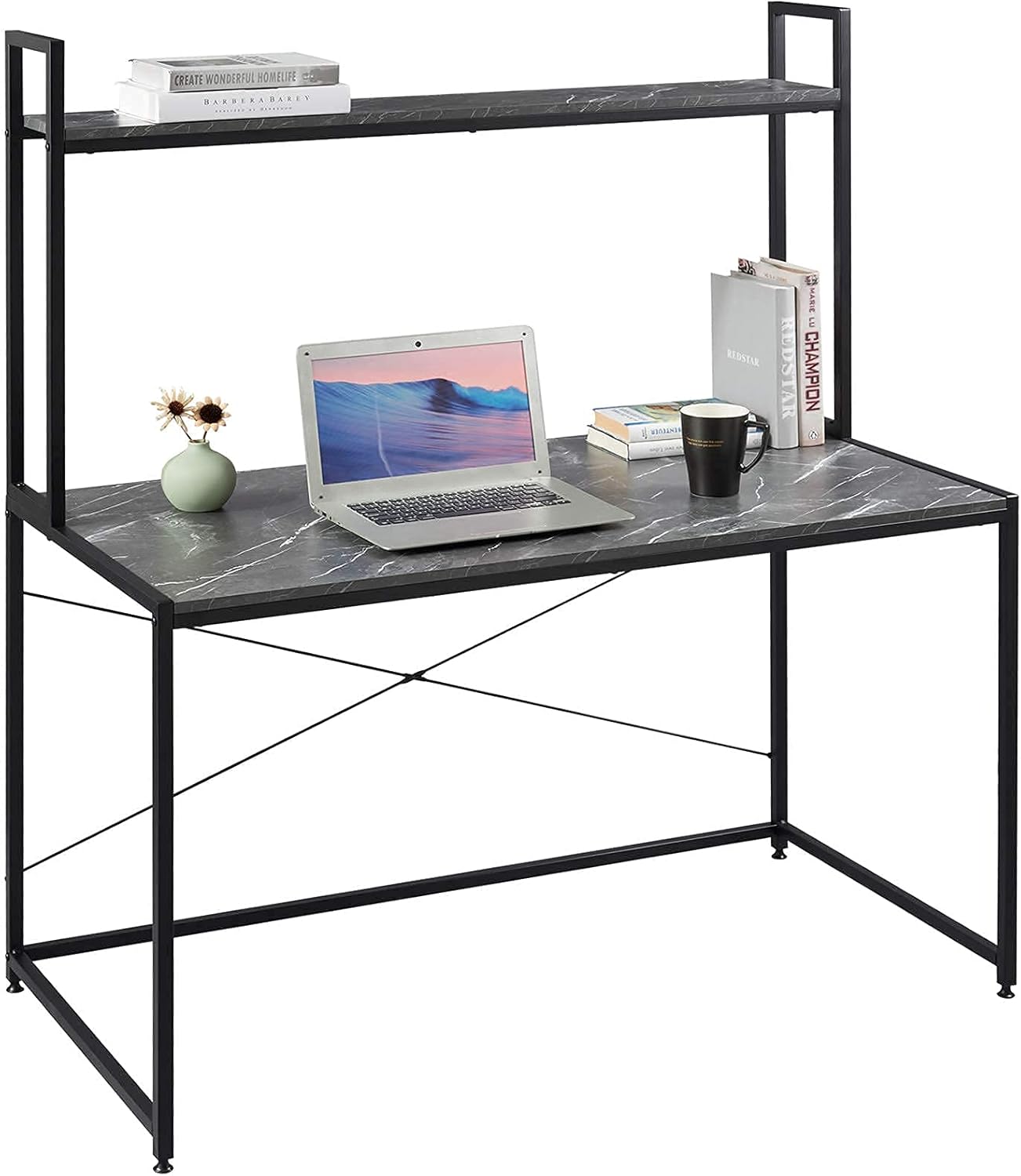
Image 4.3: Detail showing the connection point for the upper bookshelf frame, indicating how it integrates with the main desk structure.
- Step 6: Attach the Upper Shelf. Place the upper shelf panel onto the bookshelf frame and secure it with screws.
- Step 7: Final Tightening. Once all components are in place, gently tighten all screws and bolts. Do not overtighten, as this can damage the materials. Ensure the desk is stable and level.
5. Operating and Usage Guidelines
Your EUGAD 0116ZZ Computer Desk is designed for daily use in a home or office environment.
- Work Surface: Use the main tabletop for your computer, monitor, keyboard, and other work essentials.
- Bookshelf: The upper shelf is suitable for books, small decorative items, or office supplies. Avoid placing excessively heavy items on the shelf.
- Weight Distribution: Always distribute weight evenly across the desk and shelf to prevent tipping or structural strain.
- Environmental Conditions: Maintain a stable room temperature and humidity. Extreme fluctuations can affect the engineered wood material.

Image 5.1: The desk in a typical usage scenario, demonstrating its capacity for a computer setup and items on the upper shelf.
6. Care and Maintenance
Proper care will extend the life and appearance of your desk.
- Cleaning: Wipe surfaces with a soft, damp cloth. Avoid using abrasive cleaners, harsh chemicals, or excessive moisture, as these can damage the finish.
- Spills: Immediately wipe up any spills to prevent staining or water damage to the engineered wood.
- Hardware: Periodically check all screws and bolts to ensure they remain tight. Re-tighten as necessary to maintain structural integrity.
- Protection: Use coasters under drinks and protective pads under hot items to prevent marks and heat damage.
7. Troubleshooting
If you encounter any issues with your desk, refer to the following common problems and solutions:
| Problem | Possible Cause | Solution |
|---|---|---|
| Desk is wobbly or unstable. | Loose screws or uneven floor. | Ensure all assembly screws are fully tightened. Adjust the leveling feet (if present) or place shims under the legs to stabilize on uneven floors. |
| Parts do not fit together. | Incorrect orientation of parts or manufacturing defect. | Double-check the assembly instructions to ensure parts are oriented correctly. If parts are still not fitting, contact customer support. |
| Missing hardware or damaged parts. | Packaging error or transit damage. | Do not attempt to force assembly. Contact EUGAD customer support with details of the missing or damaged items. |
8. Product Specifications
| Feature | Detail |
|---|---|
| Brand | EUGAD |
| Model Number | 0116ZZ |
| Overall Dimensions (L x W x H) | 120 cm x 60 cm x 140 cm |
| Desk Surface Dimensions (L x W x H) | 120 cm x 60 cm x 70 cm (approximate height to tabletop) |
| Material | Engineered Wood (MDF) tabletop and shelf, Black Lacquered Iron Frame |
| Color | Black and Marble (finish) |
| Item Weight | 15 Kilograms |
| Special Feature | Integrated Upper Bookshelf, Lightweight design |

Image 8.1: Front view of the EUGAD 0116ZZ desk, illustrating its overall dimensions and design.
9. Warranty and Customer Support
Warranty Information:
Please refer to your purchase documentation or the retailer's website for specific warranty terms and conditions applicable to your EUGAD 0116ZZ Computer Desk. Warranties typically cover manufacturing defects for a specified period from the date of purchase.
Customer Support:
For assistance with assembly, missing parts, or any other product-related inquiries, please contact EUGAD customer support. You can usually find contact information on the EUGAD official website or through the retailer where you purchased the product.
When contacting support, please have your model number (0116ZZ) and proof of purchase readily available.
Ask a question about this manual
Ask about setup, troubleshooting, compatibility, parts, safety, or missing instructions. Manuals+ will review the question and use this page’s manual context to help answer it.