
COLZER KY23-10000
COLZER 3-in-1 Portable Air Conditioner User Manual
Model: KY23-10000 | Brand: COLZER
Introduction
Thank you for choosing the COLZER 3-in-1 Portable Air Conditioner. This versatile appliance is designed to provide optimal comfort by functioning as an air conditioner, dehumidifier, and fan. Its compact design and powerful performance make it ideal for cooling and improving air quality in bedrooms, living rooms, and offices up to 450 square feet. Please read this manual thoroughly before operation to ensure proper use, maintenance, and safety.
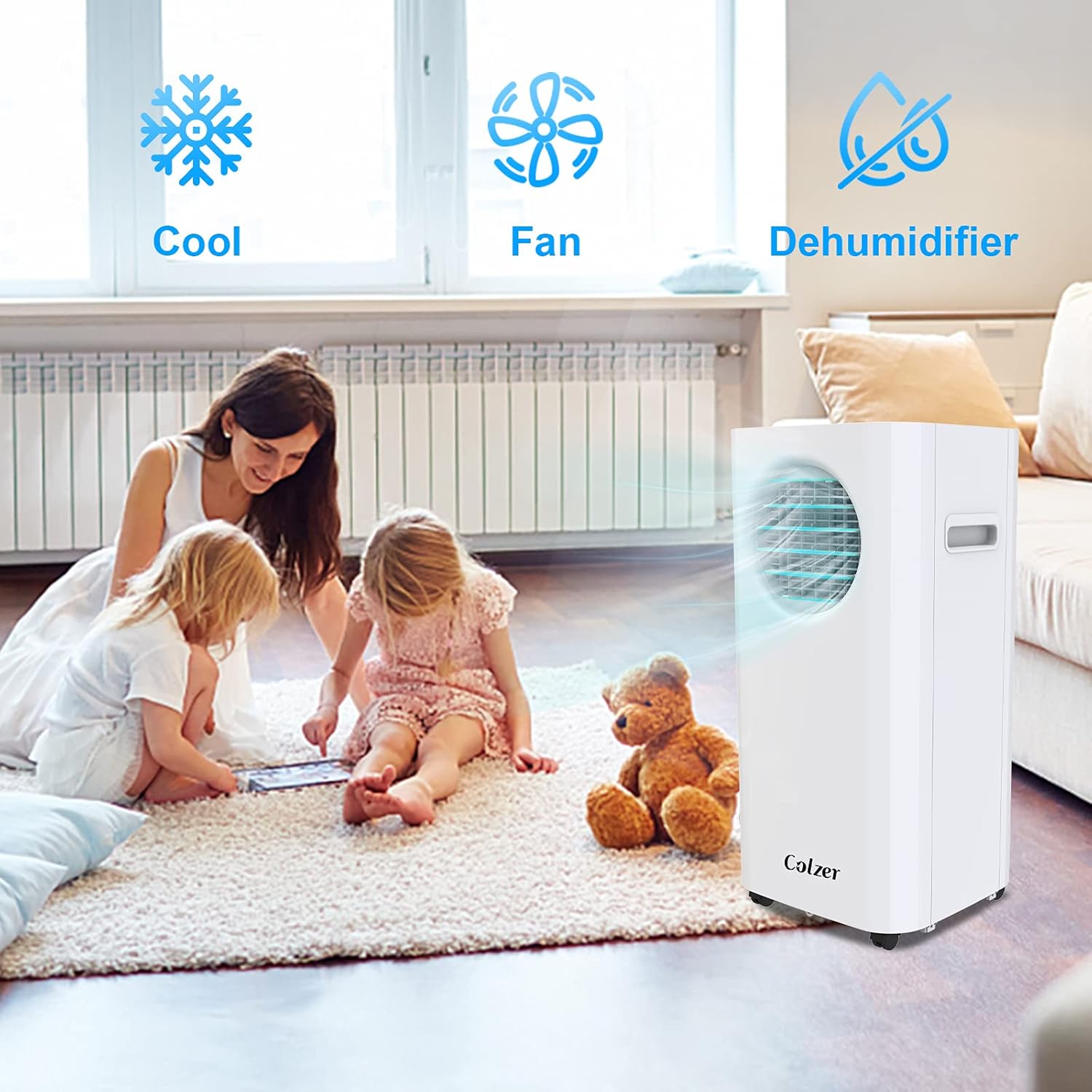
Figure 1: The COLZER Portable Air Conditioner providing comfort in a home setting, demonstrating its multi-functional capabilities as an air conditioner, fan, and dehumidifier.
Safety Instructions
To reduce the risk of fire, electrical shock, or injury when using your portable air conditioner, follow these basic precautions:
- Read all instructions before using the appliance.
- Connect to a properly grounded outlet only.
- Do not operate with a damaged cord or plug.
- Do not block air openings.
- Do not use in wet areas like bathrooms or laundries.
- Keep children away from the appliance.
- Unplug the unit before cleaning or servicing.
Product Overview
Main Components

Figure 2: The COLZER Portable Air Conditioner unit and its accompanying remote control, highlighting its sleek design and portability with wheels.
Control Panel and Remote Functions
The unit features an intuitive top-mounted touch control panel and a convenient remote control for easy operation.

Figure 3: Detailed view of the control panel, showing buttons for Speed, Timer, and Mode selection, along with a digital display for temperature.
The control panel and remote allow you to:
- Power On/Off: Activate or deactivate the unit.
- Mode Selection: Switch between Cool, Dehumidifier, and Fan modes.
- Temperature Adjustment: Set desired temperature (Cooling Mode).
- Fan Speed: Adjust fan speed (Low/High).
- Timer: Program auto-on or auto-off times (1-24 hours).
- Swing: Activate automatic louver oscillation for wider air distribution.
Setup and Installation
The COLZER Portable Air Conditioner is designed for easy setup with no special tools required. Follow these steps for proper installation:
1. Exhaust Hose Assembly
Attach the exhaust hose to the unit and the window kit. Ensure a secure connection to prevent air leakage.

Figure 4: The portable air conditioner with its exhaust hose properly installed in a window, demonstrating its adaptability for both horizontal and vertical window types.
2. Window Kit Installation
The adjustable window bracket can be installed in both horizontal and vertical windows. Extend the bracket to fit your window opening and seal any gaps to maximize cooling efficiency.
Visual Guide: Installation and Features
Video 1: Official product video demonstrating the easy setup, remote control functionality, automatic louver swing, and filter removal for the COLZER 3-in-1 Portable Air Conditioner.
Operating Modes and Features
Your COLZER Portable Air Conditioner offers three primary operating modes to suit your comfort needs:
1. Cooling Mode (AC)
This mode provides powerful cooling for rooms up to 450 sq ft. Set your desired temperature between 62°F and 86°F. The unit will cool the air and exhaust hot air through the hose.
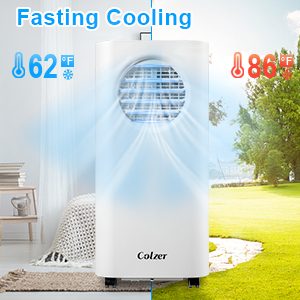
Figure 5: Illustration of the fast cooling capability, showing temperature reduction from 86°F to 62°F.
2. Dehumidifier Mode
In this mode, the unit removes excess moisture from the air, helping to reduce humidity and create a more comfortable environment. The fan speed is not adjustable in dehumidifier mode.
3. Fan Mode
Circulate air without cooling or dehumidifying. Choose between low and high fan speeds to suit your preference.
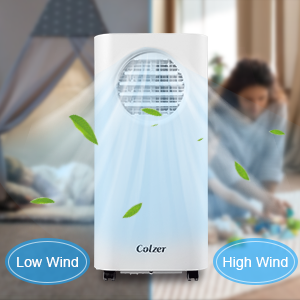
Figure 6: Visual representation of the adjustable fan speeds, offering both low and high wind settings for customized airflow.
Additional Features
- Timer (1-24h): Use the timer function to schedule the appliance's startup or shutdown, helping to save energy.
- Automatic Swing: The inner louver swings automatically from left to right to distribute air evenly across the room. The outer louver can be adjusted manually up and down.
- Low Noise Operation: Designed for quiet operation, making it suitable for bedrooms and quiet spaces.
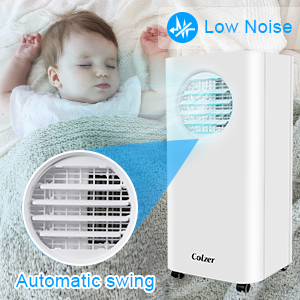
Figure 7: The unit's automatic swing feature, ensuring wide and even air distribution throughout the room.
Maintenance
Regular maintenance ensures the longevity and efficient operation of your COLZER Portable Air Conditioner.
Filter Cleaning
The air filter should be cleaned regularly (every two weeks or more often depending on usage) to maintain optimal performance.
- Turn off and unplug the unit.
- Remove the filter from the back of the unit.
- Wash the filter under running water or use a vacuum cleaner to remove dust.
- Allow the filter to dry completely before reinserting it into the unit.
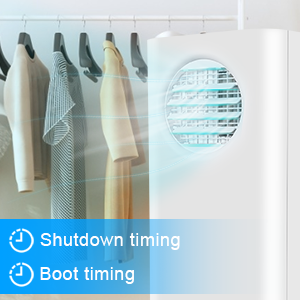
Figure 8: Demonstrating the ease of cleaning the removable and washable air filter, crucial for maintaining air quality and unit efficiency.
Water Drainage
The unit has a self-evaporating system, but in high humidity conditions, the water tank may fill up. When the tank is full, the unit will stop operating and display an indicator. Drain the water through the drainage port at the back of the unit using a hose or by manually emptying the tank if accessible.
Troubleshooting
If you encounter issues with your portable air conditioner, refer to the following common problems and solutions:
| Problem | Possible Cause | Solution |
|---|---|---|
| Unit does not turn on | No power, full water tank, or timer activated. | Check power connection, drain water tank, or deactivate timer. |
| Not cooling effectively | Dirty air filter, blocked air intake/exhaust, room too large, or open windows/doors. | Clean air filter, clear obstructions, ensure room size is within specifications, close windows/doors. |
| Water leakage | Drain plug loose or unit not level. | Ensure drain plug is secure, or place unit on a level surface. |
| Unusual noise | Unit not level, internal component issue, or fan obstruction. | Place unit on a level surface. If noise persists, contact customer support. |
Specifications
Detailed technical specifications for your COLZER Portable Air Conditioner:

Figure 9: Technical specifications and dimensions of the COLZER Portable Air Conditioner, including net weight, power rating, frequency, voltage, and cooling capacity.
| Feature | Detail |
|---|---|
| Brand Name | COLZER |
| Model Info | KY23-10000 |
| Item Weight | 52.9 pounds |
| Product Dimensions | 14.8 x 13.7 x 32.9 inches |
| Capacity | 0.8 Tons (10000 BTU) |
| Installation Type | Window |
| Special Features | Fan, Fast Cooling, Dehumidifier |
| Color | White |
| Floor Area Coverage | Up to 450 Square Feet |
| Refrigerant | R 410A |
| Power Source | Corded Electric |
Warranty and Support
Your COLZER Portable Air Conditioner comes with a limited warranty. For specific warranty details, please refer to the warranty card included with your product or contact COLZER customer support.
For any questions, troubleshooting assistance, or service requests, please contact COLZER Customer Support. Refer to the contact information provided in your product packaging or on the official COLZER website.
Ask a question about this manual
Ask about setup, troubleshooting, compatibility, parts, safety, or missing instructions. Manuals+ will review the question and use this page’s manual context to help answer it.