
1. Introduction
Thank you for choosing the Green Cell VitalCharger. This manual provides essential information for the safe and efficient operation of your new battery charger. Please read these instructions carefully before use and retain them for future reference.
2. Product Overview
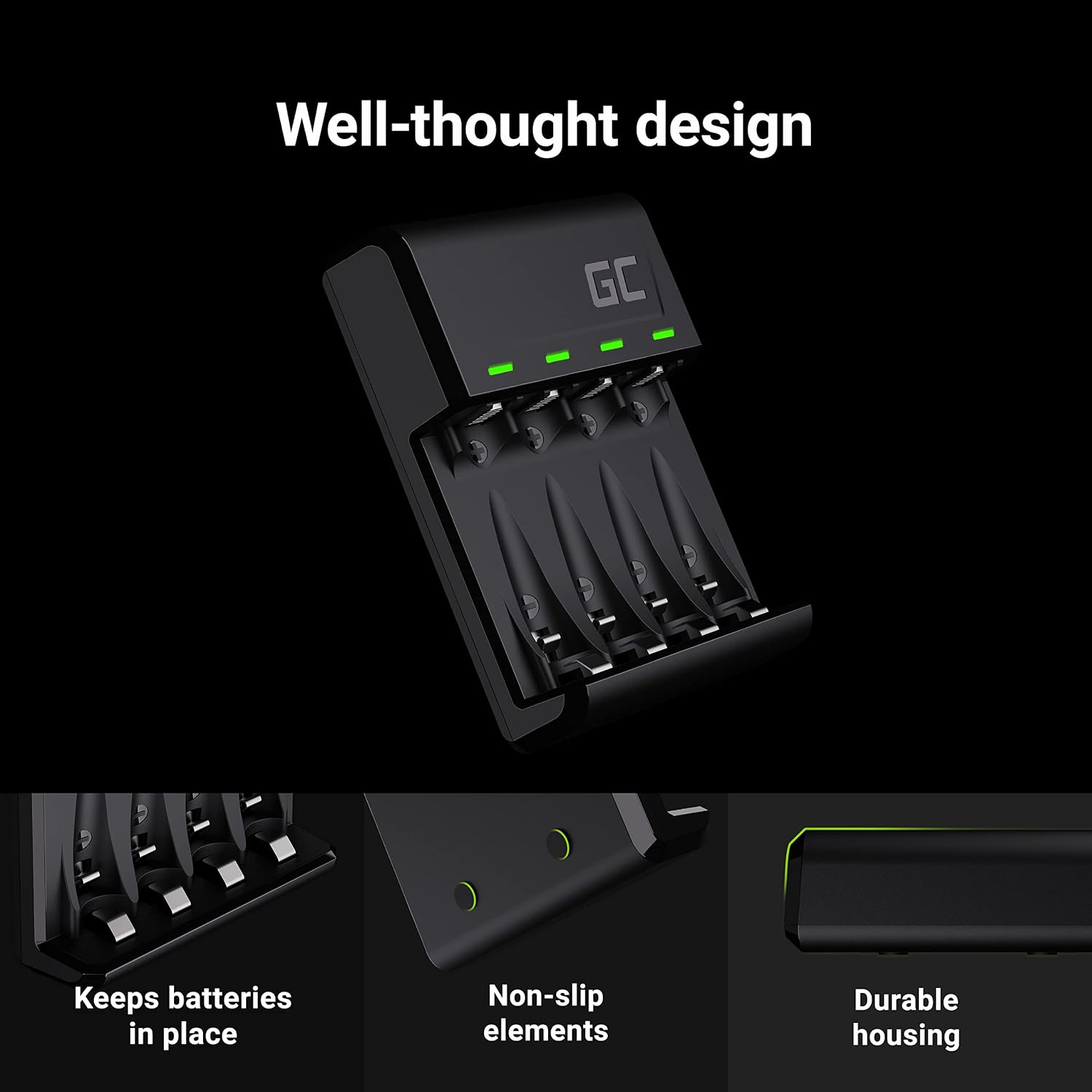
The Green Cell VitalCharger is a versatile 4-channel battery charger designed for Ni-MH AA and AAA rechargeable batteries. It features dual input ports (Micro USB and USB-C) for convenient power supply and LED indicators to display charging status.
Key Features:
- Universal Power Input: Equipped with integrated USB Type-C and Micro USB ports, allowing the charger to be powered by standard power sources and power banks.
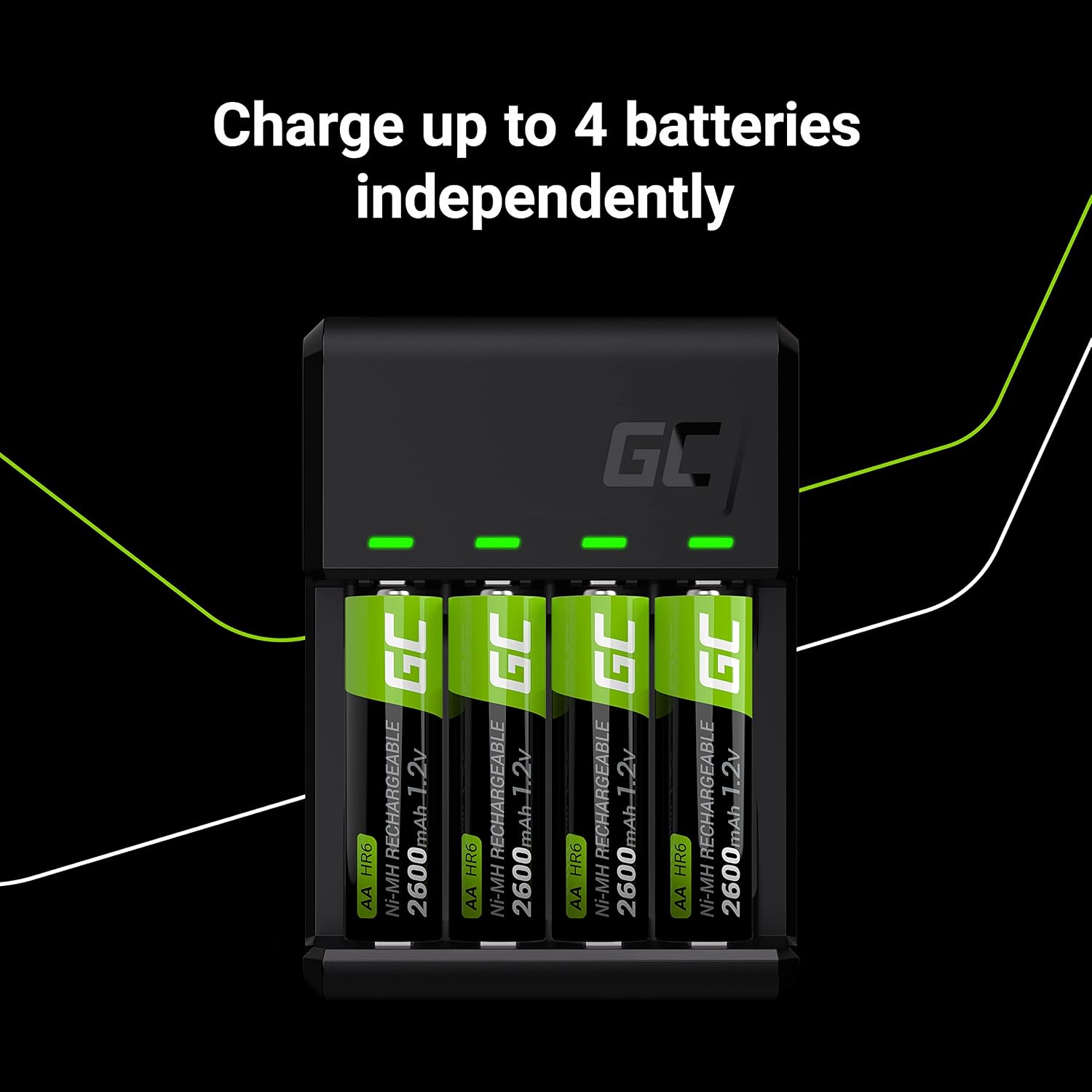
- 4-Channel Charging: Independently charges 1 to 4 AA or AAA Ni-MH batteries simultaneously.
- LED Indicators: Four LED lights provide clear information about the charging status of each battery.
- Broad Compatibility: Ensures compatibility with all rechargeable AA and AAA Ni-MH batteries.
Components:
- 4 Charging Slots for AA/AAA batteries
- 4 LED Indicators (one for each slot)
- Micro USB Input Port
- USB-C Input Port

3. Setup
- Connect Power: Connect the charger to a power source using either a Micro USB cable or a USB-C cable (not included). You can use a standard USB wall adapter, a computer USB port, or a power bank.
- Power Indicator: Once connected, the LED indicators may briefly light up to confirm power is supplied.
4. Operating Instructions
- Insert Batteries: Carefully insert 1 to 4 rechargeable Ni-MH AA or AAA batteries into the charging slots. Ensure the positive (+) and negative (-) terminals of the batteries match the markings in the charger slots.
- Charging Process: The corresponding LED indicator for each slot will light up to show that charging has begun. The charger automatically detects the battery type and applies the appropriate charging current.
- Charging Status: The LED indicators provide real-time charging status. A solid green light typically indicates that the battery is fully charged. Refer to the specific LED behavior in the table below for detailed status.
- Remove Batteries: Once charging is complete (LED is solid green), carefully remove the batteries from the charger.
LED Indicator Guide:
| LED Status | Meaning |
|---|---|
| Solid Green | Battery fully charged |
| Flashing Green | Charging in progress |
| No Light | No battery inserted, battery incorrectly inserted, or charger not powered |

5. Maintenance
- Cleaning: Disconnect the charger from the power source before cleaning. Use a soft, dry cloth to wipe the exterior of the charger. Do not use liquid cleaners or solvents.
- Storage: Store the charger in a cool, dry place away from direct sunlight and extreme temperatures when not in use.
- Battery Care: Always use high-quality rechargeable Ni-MH AA/AAA batteries. Do not attempt to charge non-rechargeable batteries.
6. Troubleshooting
- Batteries not charging:
- Ensure the charger is properly connected to a working power source.
- Verify that batteries are inserted with correct polarity (+/-).
- Confirm that the batteries are rechargeable Ni-MH AA/AAA type.
- Try a different USB cable or power adapter.
- LED indicators not lighting up:
- Check power connection.
- Ensure batteries are inserted correctly.
- If only one LED is not lighting up, the battery in that slot might be faulty or completely discharged.
- Charger feels warm: It is normal for the charger and batteries to become slightly warm during charging. If it becomes excessively hot, disconnect immediately and contact support.
7. Specifications
| Specification | Value |
|---|---|
| Brand | Green Cell |
| Model Number | GRADGC01 |
| Product Dimensions (L x W x H) | 16 cm x 8 cm x 3 cm |
| Item Weight | 72 grams |
| Output Voltage | 1.2 Volts |
| Number of Slots | 4 |
| Connector Type | Micro USB, USB-C |
| Manufacturer | Green Cell |
| Certifications | CE |
| GTIN | 05907813961328 |
8. Safety Information
- Do not disassemble or modify the charger.
- Keep the charger away from water, moisture, and high temperatures.
- Use only compatible Ni-MH AA/AAA rechargeable batteries. Charging other battery types may cause explosion, rupture, or leakage, leading to personal injury or property damage.
- Do not short-circuit the battery terminals.
- Keep out of reach of children.
- If the charger is damaged, do not use it.
9. Warranty and Support
This product comes with a standard manufacturer's warranty. For specific warranty details, please refer to the packaging or contact Green Cell customer support. If you encounter any issues or have questions regarding your Green Cell VitalCharger, please visit the official Green Cell website or contact their customer service for assistance.


