
Cabasse The Pearl Akoya (Model: 3700035114969)
Cabasse The Pearl Akoya Smart Speaker User Manual
Model: The Pearl Akoya (3700035114969)
1. Introduction
Thank you for choosing the Cabasse The Pearl Akoya Smart Speaker. This manual provides essential information for setting up, operating, and maintaining your speaker to ensure optimal performance and longevity. Please read this manual thoroughly before using the product.
The Cabasse The Pearl Akoya is a high-fidelity smart speaker designed to deliver exceptional audio quality with versatile connectivity options, including Bluetooth and voice control. Its compact, spherical design allows for flexible placement in any living space.
2. Important Safety Information
Always follow these basic safety precautions when using your speaker:
- Do not expose the speaker to water or moisture. It is not waterproof.
- Do not place the speaker near heat sources such as radiators, heat registers, stoves, or other apparatus (including amplifiers) that produce heat.
- Use only attachments/accessories specified by the manufacturer.
- Unplug this apparatus during lightning storms or when unused for long periods of time.
- Refer all servicing to qualified service personnel.
3. Package Contents
Ensure all items are present in the package:
- Cabasse The Pearl Akoya Smart Speaker
- Power Cable
- (Potentially) Wireless Subwoofer (if included with your specific bundle)
- User Manual (this document)
4. Product Overview
The Cabasse The Pearl Akoya features a sophisticated design with integrated controls and connectivity ports. Familiarize yourself with the speaker's components:
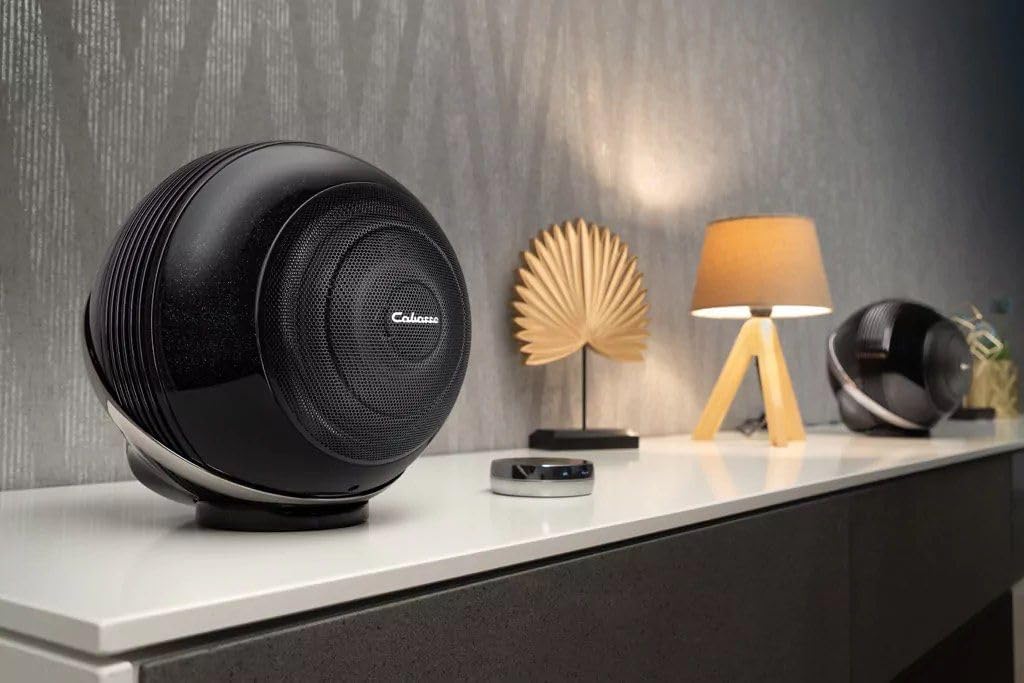
Figure 4.1: Front view of the Cabasse The Pearl Akoya Smart Speaker, showcasing its spherical design and front grille.

Figure 4.2: Rear view of the speaker, highlighting the power input, Ethernet port, and other connectivity options.

Figure 4.3: An angled view of the speaker's rear, providing a clearer look at the various input and output connections.

Figure 4.4: Side profile of the speaker, emphasizing its unique spherical form factor.
5. Setup
5.1 Placement
For optimal sound performance, place the Cabasse The Pearl Akoya on a stable, flat surface. Avoid placing it in enclosed spaces or directly against walls, which can affect sound dispersion. Consider the acoustics of your room for the best listening experience.

Figure 5.1: The speaker positioned on a side table, demonstrating a typical placement scenario in a home environment.
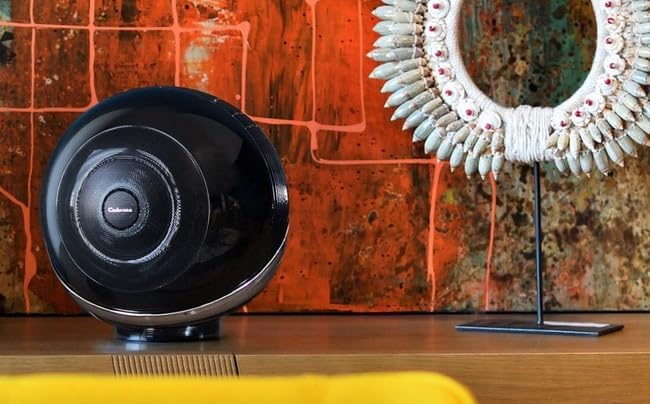
Figure 5.2: The speaker integrated into a modern living space, highlighting its aesthetic appeal and versatile placement options.
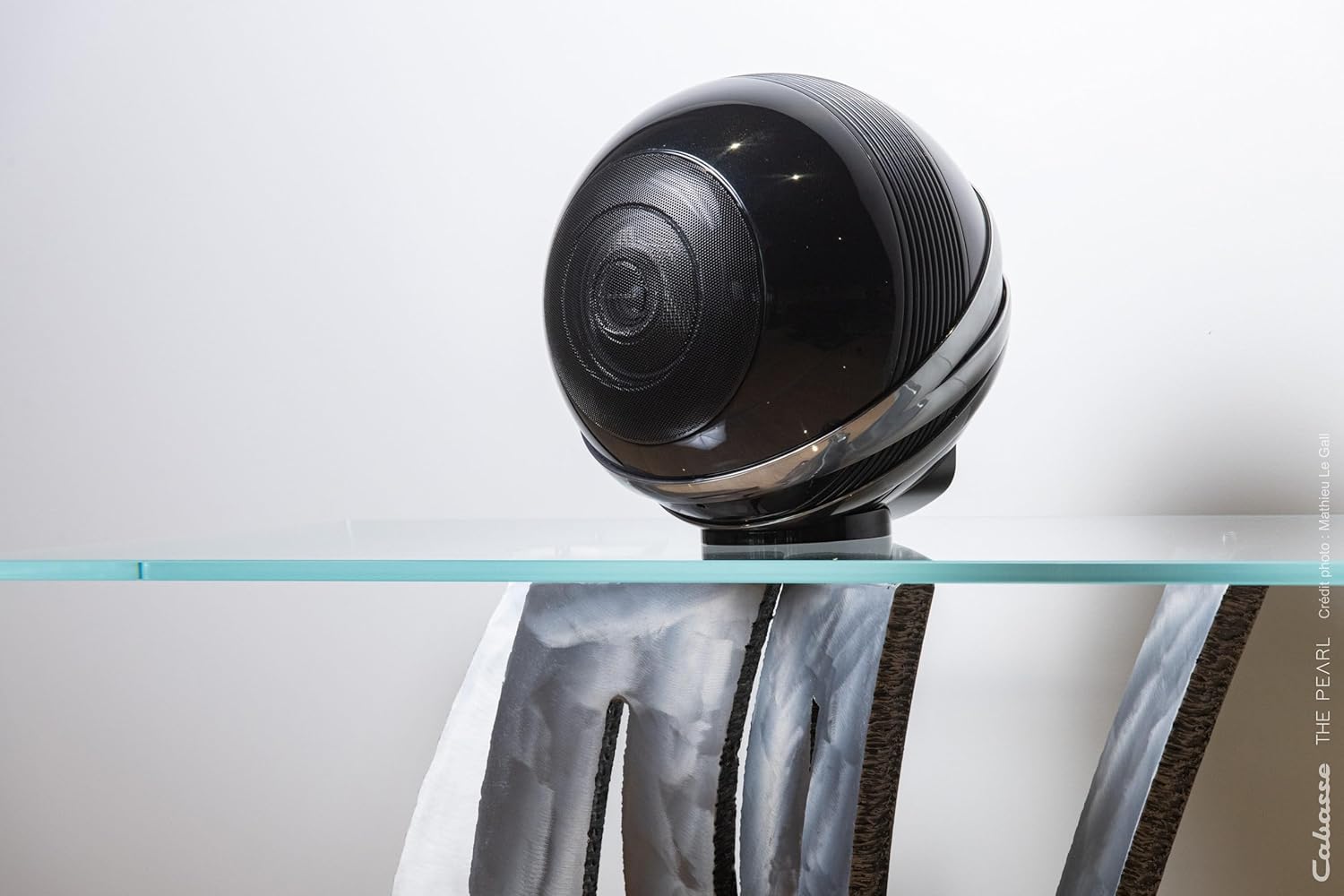
Figure 5.3: The speaker placed on a transparent surface, illustrating its compact footprint and elegant design.
5.2 Power Connection
- Connect the provided power cable to the power input port on the rear of the speaker.
- Plug the other end of the power cable into a wall outlet.
- The speaker will power on automatically or may require pressing the power button (refer to Figure 4.2 for port location).
5.3 Initial Setup (Network & App)
For full smart features and optimal control, it is recommended to connect your speaker to your home network and use the dedicated Cabasse app.
- Download the official Cabasse app from your device's app store (iOS/Android).
- Open the app and follow the on-screen instructions to add your new Pearl Akoya speaker.
- The app will guide you through connecting the speaker to your Wi-Fi network.
- Once connected, you can access streaming services, multi-room audio, and advanced settings.
6. Operating Your Speaker
6.1 Bluetooth Connectivity
To connect a device via Bluetooth:
- Ensure the speaker is powered on.
- Activate Bluetooth pairing mode on the speaker (refer to the app or speaker's physical controls for specific instructions, usually a dedicated Bluetooth button or a long press on a function button).
- On your smartphone, tablet, or computer, go to Bluetooth settings and select "Cabasse The Pearl Akoya" from the list of available devices.
- Once paired, audio from your device will play through the speaker.
6.2 Voice Control
The Pearl Akoya supports voice control. Ensure your speaker is connected to the internet and configured with a compatible voice assistant (e.g., Google Assistant, Amazon Alexa) through the Cabasse app. Once set up, you can use voice commands to play music, adjust volume, and control smart home devices.
6.3 Audio Playback
You can play audio through various sources:
- Streaming Services: Access integrated streaming platforms via the Cabasse app (e.g., Spotify, Tidal, Qobuz).
- Bluetooth: Stream audio directly from your Bluetooth-enabled devices.
- Network Playback: Play music files from your local network storage (NAS) or computer.
- Physical Inputs: Utilize any available physical audio inputs (e.g., optical, analog) if present on your model (refer to product specifications).
7. Maintenance
To keep your Cabasse The Pearl Akoya in excellent condition:
- Cleaning: Use a soft, dry, lint-free cloth to wipe the surface of the speaker. Do not use abrasive cleaners, waxes, or solvents.
- Dust: Regularly dust the speaker grille and surfaces to prevent accumulation.
- Storage: If storing the speaker for an extended period, unplug it from power and store it in a cool, dry place, preferably in its original packaging.
8. Troubleshooting
If you encounter issues with your speaker, refer to the following common problems and solutions:
| Problem | Possible Cause | Solution |
|---|---|---|
| No power | Power cable not connected; outlet not working | Check power cable connection; try a different outlet. |
| No sound | Volume too low; incorrect input selected; device not paired | Increase volume; select correct input in app; re-pair Bluetooth device. |
| Bluetooth connection unstable | Device too far; interference | Move device closer to speaker; remove obstacles; avoid other wireless devices. |
| Wi-Fi connection issues | Incorrect password; router issues; signal too weak | Verify Wi-Fi password; restart router; move speaker closer to router or use Ethernet. |
If the problem persists, please contact Cabasse customer support.
9. Specifications
| Feature | Detail |
|---|---|
| Model Name | The Pearl Akoya |
| Model Number | 3700035114969 |
| Brand | Cabasse |
| Connectivity Technology | Bluetooth |
| Controller Type | Voice Control |
| Speaker Type | Smart Speaker |
| Audio Output Mode | Stereo |
| Maximum Speaker Output Power | 25 Watts |
| Surround Sound Channel Configuration | 1.0 |
| Color | Black |
| Product Dimensions (L x W x H) | 22 x 22 x 22 cm |
| Item Weight | 5999.97 kilograms (approx. 6 kg) |
| Mounting Type | Table Mount |
| Compatible Devices | Laptop, Tablet, Smartphone |
| Recommended Uses | For smartphone or tablet |
| Waterproof | No |
10. Warranty and Support
Cabasse products are designed and manufactured to the highest quality standards. For information regarding warranty coverage, please refer to the warranty card included with your product or visit the official Cabasse website.
For technical support, troubleshooting assistance beyond this manual, or service inquiries, please contact Cabasse customer support through their official website or the contact information provided in your product documentation.
Official Cabasse Website: www.cabasse.com
Related documentsThe Pearl Akoya (Model: 3700035114969)


Ask a question about this manual
Ask about setup, troubleshooting, compatibility, parts, safety, or missing instructions. Manuals+ will review the question and use this page’s manual context to help answer it.