
BLIPBLOX AD
After Dark Synthesizer User Manual
Model: AD | Brand: BLIPBLOX
1. Introduction
The Blipblox After Dark Synthesizer is an advanced electronic music device designed to make music creation accessible and engaging for all ages. It merges real-time synth performance with intuitive playability, allowing users to explore sound design, layer rhythms, and experiment with various musical elements.
This manual provides comprehensive instructions for setting up, operating, and maintaining your After Dark Synthesizer, ensuring a rewarding musical experience.

Figure 1.1: Front view of the Blipblox After Dark Synthesizer, highlighting its user-friendly interface with various controls and a central speaker.
2. Safety Information
The Blipblox After Dark Synthesizer is engineered with safety as a priority, particularly for younger users. Please observe the following safety guidelines:
- This device is certified to international toy safety standards for ages 3 and up.
- The control knobs are designed to be non-removable to prevent choking hazards.
- The plastic casing is robust and designed to withstand minor impacts, drops, and spills.
- Ensure the device is used with the included AA batteries or a compatible USB-AC power cord.
- Avoid exposing the device to extreme temperatures or direct sunlight for prolonged periods.
- Do not attempt to disassemble the unit. Refer all servicing to qualified personnel.
3. Setup
3.1 Unpacking and Contents
Carefully remove all components from the packaging. Verify that all items listed below are present:
- Blipblox After Dark Synthesizer Unit
- 3 x AA Batteries (pre-installed or included separately)
- USB-AC Power Cord
- Owner's Guide (this manual)
3.2 Powering On Your Device
The Blipblox After Dark Synthesizer can be powered using either AA batteries or the provided USB-AC power cord.
- Battery Installation: If batteries are not pre-installed, locate the battery compartment on the underside of the unit. Insert 3 AA batteries, ensuring correct polarity.
- USB Power: Connect the USB-AC power cord to the DC 5V input port on the side of the unit and plug the other end into a standard wall outlet or a compatible USB power source.
- Power On: Locate the "On/Off" switch on the side of the unit and slide it to the "On" position. The device will illuminate, indicating it is ready for use.
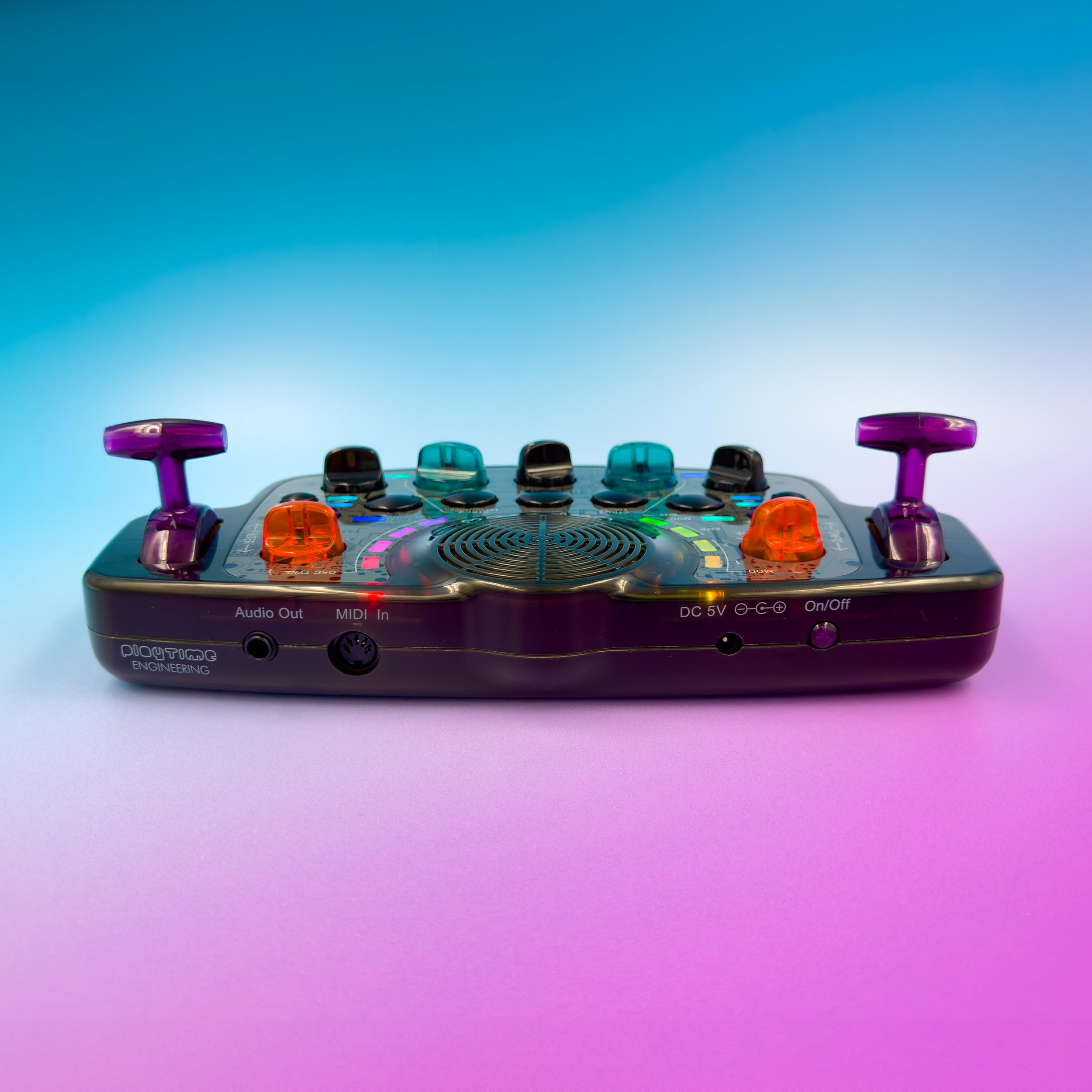
Figure 3.1: Side view of the Blipblox After Dark Synthesizer, illustrating the Audio Out, MIDI In, DC 5V power input, and On/Off switch.
3.3 Connecting External Devices
The After Dark Synthesizer offers connectivity options for expanded musical possibilities:
- Audio Out: Use a standard 3.5mm stereo audio cable to connect the "Audio Out" port to external speakers, headphones, or an audio interface for enhanced sound output.
- MIDI In: The 5-pin MIDI In port allows you to connect the Blipblox to a MIDI keyboard, drum machine, or Digital Audio Workstation (DAW) for external control and synchronization. This enables integration into a larger musical setup.
4. Operating Your Synthesizer
The Blipblox After Dark Synthesizer is designed for immediate musical exploration. Simply turn it on and begin playing with the hundreds of built-in melodies and sounds.
4.1 Basic Playback and Sound Sculpting
Upon powering on, the device will typically start playing a pre-programmed melody. Use the various colorful controls to modify and sculpt the sound in real-time.
- Tempo Control: Adjust the speed of the melodies and rhythms.
- Volume Control: Regulate the overall output volume.
- Oscillator Schemes: Explore the 16 different oscillator schemes, which provide a wide range of synthesis methods including pulse width modulation, frequency modulation, sync, detune, and wavetables. Experiment with these to create diverse sonic textures.
- Filter Controls: Shape the tonal characteristics of the sound.
- Modulation Controls (LFOs, ENV): Apply dynamic changes to various sound parameters over time.
- Drum Controls (Kick, Snare): Integrate percussive elements into your compositions.
- Randomize Button: Press this button to generate new and unexpected sound combinations, encouraging creative exploration.

Figure 4.1: The Blipblox After Dark Synthesizer is portable and can be enjoyed in various settings, demonstrating its ease of use.
4.2 Advanced Features
For more experienced users, the Blipblox After Dark offers professional-level features:
- MIDI Synchronization: When connected via the MIDI In port, the Blipblox can instantly synchronize its internal clock with external drum machines or other MIDI-enabled devices, ensuring tight rhythmic integration.
- Sound Design: The extensive range of oscillator schemes and modulation options allows for in-depth sound design, enabling users to create unique sonic landscapes.
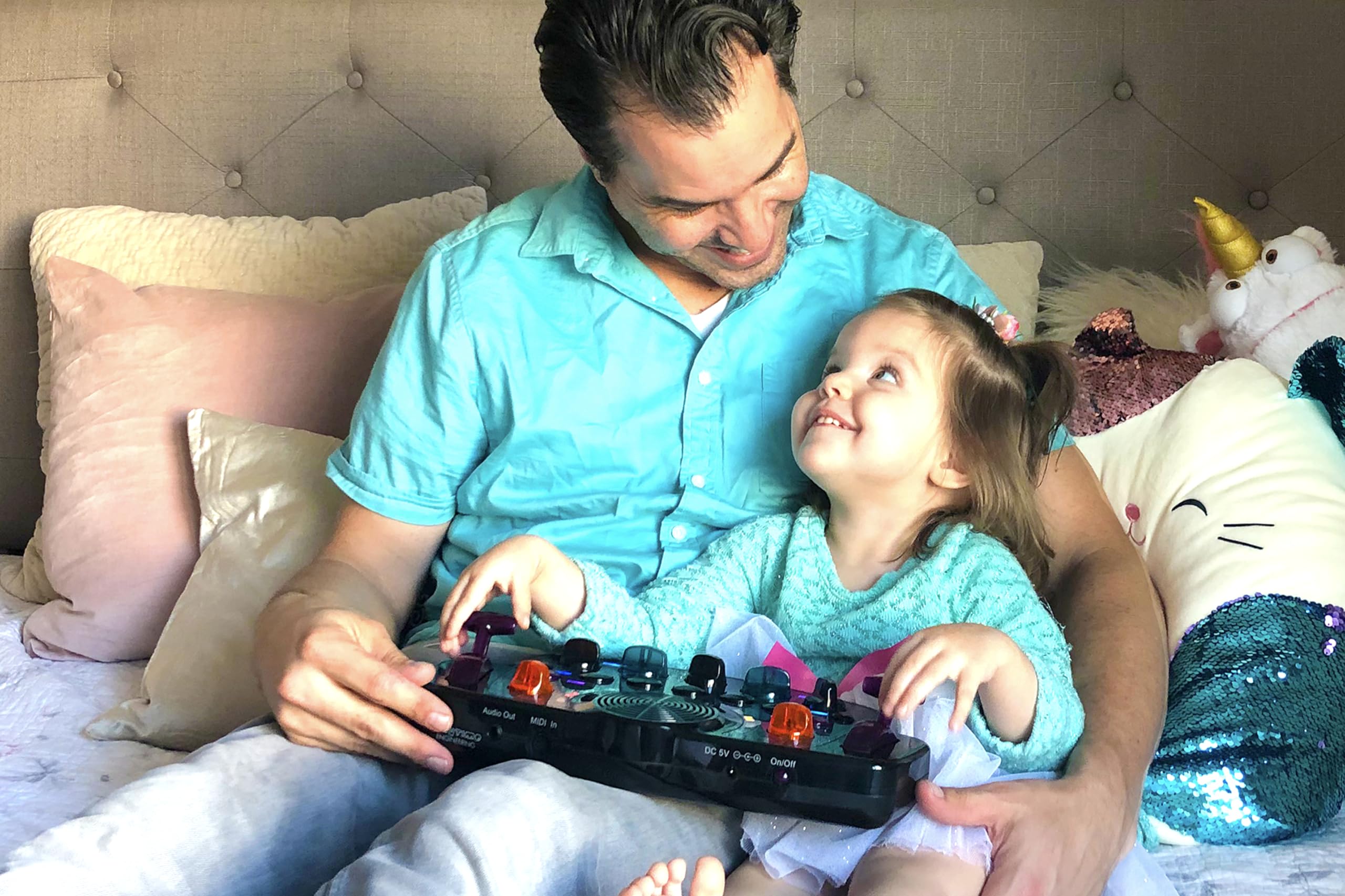
Figure 4.2: The Blipblox After Dark Synthesizer is designed for collaborative and engaging musical experiences for all ages.
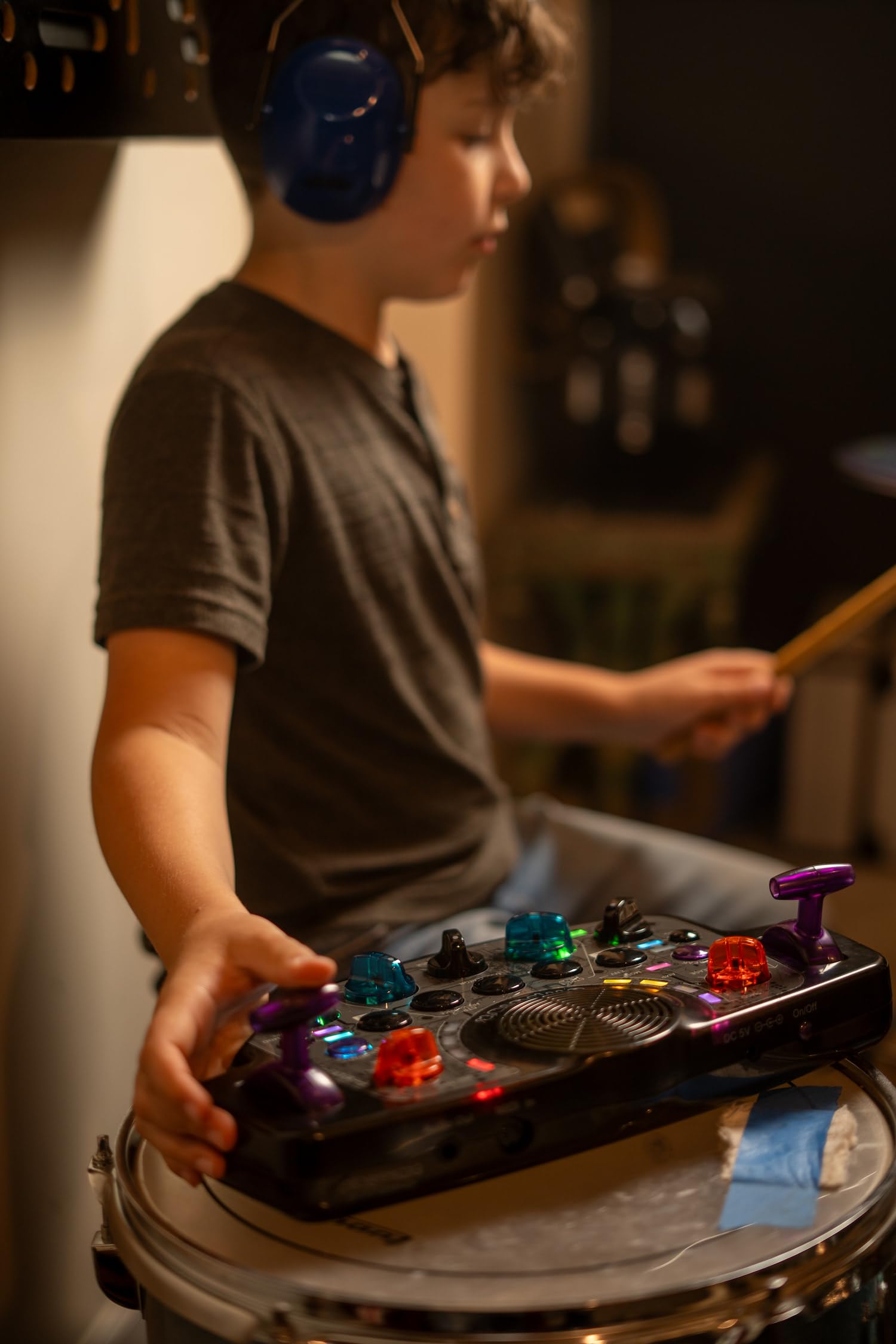
Figure 4.3: The Blipblox After Dark Synthesizer can be integrated into existing musical setups, such as with a drum kit, for expanded creative possibilities.
5. Maintenance
To ensure the longevity and optimal performance of your Blipblox After Dark Synthesizer, follow these simple maintenance guidelines:
- Cleaning: Use a soft, dry cloth to wipe down the surface of the device. For stubborn marks, a slightly damp cloth can be used, but ensure no moisture enters the ports or speaker grille. Do not use abrasive cleaners or solvents.
- Storage: When not in use, store the synthesizer in a cool, dry place away from direct sunlight and extreme temperatures.
- Battery Care: If the device will not be used for an extended period, remove the AA batteries to prevent leakage and potential damage.
- Handling: While durable, avoid dropping the device from significant heights or subjecting it to excessive force.
6. Troubleshooting
This section addresses common issues you might encounter with your Blipblox After Dark Synthesizer.
| Problem | Possible Cause | Solution |
|---|---|---|
| Device does not power on. |
|
|
| No sound from the speaker. |
|
|
| Sound is too quiet. |
|
|
| MIDI input not responding. |
|
|
7. Specifications
| Feature | Detail |
|---|---|
| Model Number | AD |
| Dimensions (Package) | 14.61 x 12.28 x 3.82 inches |
| Item Weight | 3.16 pounds |
| Power Source | 3 AA batteries (included) or USB-AC power cord |
| Recommended Age | 3 years and up |
| Manufacturer | Playtime Engineering |
| Connectivity | 5-pin MIDI In, Stereo Audio Out |
| Oscillator Schemes | 16 (including pulse width, frequency modulation, sync, detune, wavetables) |
8. Warranty and Support
The Blipblox After Dark Synthesizer is manufactured by Playtime Engineering. For specific warranty details, please refer to the warranty card included with your product or visit the official BLIPBLOX website.
Return Policy: This product is typically eligible for a 30-day return period from the date of purchase, subject to the retailer's return policy.
For technical support, troubleshooting assistance beyond this manual, or warranty claims, please contact BLIPBLOX customer service directly. Contact information can usually be found on the manufacturer's website or on the product packaging.
Note: Protection plans may be available for extended coverage. Please check with your retailer for details.
Related documentsAD


Ask a question about this manual
Ask about setup, troubleshooting, compatibility, parts, safety, or missing instructions. Manuals+ will review the question and use this page’s manual context to help answer it.