

1. Important Safety Information
Please read all instructions carefully before installation and use. Keep this manual for future reference. Failure to follow these instructions could result in electric shock, fire, or injury.
- Ensure the bidet is connected to a properly grounded outlet.
- Do not immerse the unit in water or spray water directly onto the electrical components.
- Unplug the unit before cleaning or performing any maintenance.
- Do not allow children or individuals with reduced physical, sensory, or mental capabilities to operate the bidet without supervision.
- Verify your toilet is an elongated model for proper fit.
2. Package Contents
Before beginning installation, ensure all components are present and undamaged.
- Inus R32 Electric Bidet Toilet Seat (Main Unit)
- Wireless Remote Control
- Mounting Plate
- Mounting Bolts (2 pcs)
- Nuts (2 pcs)
- Bolt Guides (2 pcs)
- T-Valve (7/8")
- Water Supply Hose
- AA Batteries (2 pcs for remote)
- Installation Guide & User Manual

Image: A visual representation of the Inus R32 bidet package contents, including the main unit, accessories like mounting bolts, nuts, T-valve, remote, and the installation manual.
3. Installation Guide
The Inus R32 bidet seat is designed for easy DIY installation. No special tools are required beyond a wrench for the T-valve connection.
3.1 Toilet Compatibility
This bidet seat is specifically designed for elongated toilet bowls. Please measure your toilet bowl to ensure compatibility before installation.

Image: A diagram illustrating the required dimensions for an elongated toilet bowl to ensure proper fit of the Inus R32 bidet seat, along with an icon indicating the necessity of a nearby electrical outlet.
3.2 Step-by-Step Installation
- Turn off Water Supply: Locate the water supply valve behind your toilet and turn it clockwise to shut off the water. Flush the toilet to empty the tank.
- Remove Existing Toilet Seat: Unscrew the bolts holding your current toilet seat in place and remove the seat.
- Install Mounting Plate: Place the mounting plate over the bolt holes on your toilet bowl. Insert the mounting bolts through the plate and the toilet holes, securing them with the nuts from underneath. Adjust the plate position as needed.
- Attach Bidet Unit: Slide the Inus R32 bidet seat onto the installed mounting plate until it clicks securely into place.
- Connect T-Valve and Hoses: Disconnect the existing water supply hose from the toilet tank. Install the provided T-valve onto the toilet tank's fill valve. Reconnect the original water supply hose to one end of the T-valve, and connect the bidet's water supply hose to the other end of the T-valve.
- Connect Power & Turn on Water: Plug the bidet's power cord into a grounded electrical outlet. Slowly turn the water supply valve counter-clockwise to restore water flow to the toilet and bidet. Check for any leaks.

Image: Illustration showing how to remove the existing toilet seat by unscrewing the nuts from underneath the toilet bowl.

Image: Diagram illustrating the installation of the mounting plate onto the toilet bowl, showing the bolts, nuts, and bolt guides.

Image: Visual guide demonstrating how to slide the bidet unit onto the pre-installed mounting plate until it locks into position.

Image: Diagram showing the connection of the T-valve to the toilet tank and the attachment of both the existing water supply hose and the bidet's water supply hose.

Image: Illustration depicting the final steps of installation: plugging the bidet into an electrical outlet and turning the water supply valve back on.
4. Operating Instructions
The Inus R32 bidet seat is operated via its intuitive wireless remote control.
4.1 Remote Control Functions

Image: A detailed view of the Inus R32 bidet's wireless remote control, highlighting buttons for rear wash, front wash, night light, ECO mode, strong pressure, nozzle cleaning, adjustable water pressure, dryer temperature, seat temperature, water temperature, nozzle position, and 1-touch wash & dry.
- Rear Wash: Activates the posterior cleansing function.
- Front Wash: Activates the feminine cleansing function.
- Stop: Stops any active cleansing or drying cycle.
- Nozzle Position: Adjusts the nozzle forward or backward.
- Water Pressure: Increases or decreases water spray intensity.
- Water Temperature: Adjusts the water temperature (4 levels: Room Temp, 93.2°F, 98.6°F, 104°F).
- Seat Temperature: Adjusts the heated seat temperature (4 levels: Room Temp, 93.2°F, 98.6°F, 104°F).
- Air Dryer: Activates the warm air drying function.
- Dryer Temperature: Adjusts the warm air dryer temperature (5 levels: Room Temp, 104°F, 113°F, 122°F, 131°F).
- Night Light: Toggles the subtle LED night light on/off.
- ECO Mode: Activates energy-saving mode.
- 1-Touch Wash & Dry: Initiates a preset wash and dry cycle.

Image: A visual representation of the four adjustable water temperature levels available on the Inus R32 bidet, ranging from room temperature to 104°F.

Image: A diagram illustrating the four adjustable heated seat temperature settings, from room temperature to 104°F, for personalized comfort.

Image: A visual guide to the five adjustable warm air dryer temperature levels, ranging from room temperature to 131°F, for efficient drying.
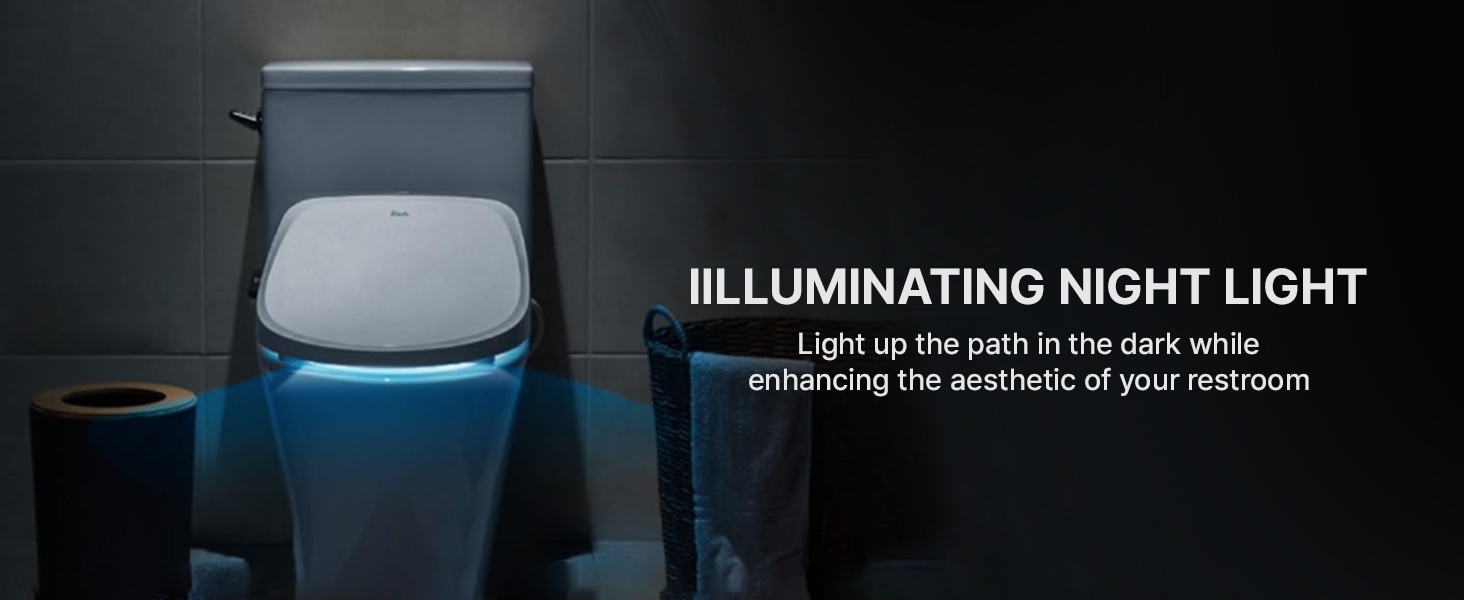
Image: A dark bathroom scene with the Inus R32 bidet seat's illuminating night light casting a soft blue glow around the toilet, enhancing visibility and ambiance.
4.2 Advanced Features
- Self-Cleaning Nozzle: The stainless steel nozzle performs a self-cleaning rinse before and after each use, ensuring optimal hygiene.
- Body Sensing: The bidet will only operate when a user is seated, preventing accidental sprays.
- Slow-Close Lid: The seat and lid close gently and quietly, preventing slamming.
- IPX4 Waterproof: Provides protection against splashing water from any direction.
- Quick Release: Allows for easy removal of the seat for cleaning.

Image: A close-up view of the Inus R32 bidet's stainless steel nozzle undergoing its self-cleaning process, with water jets rinsing the nozzle for hygiene.
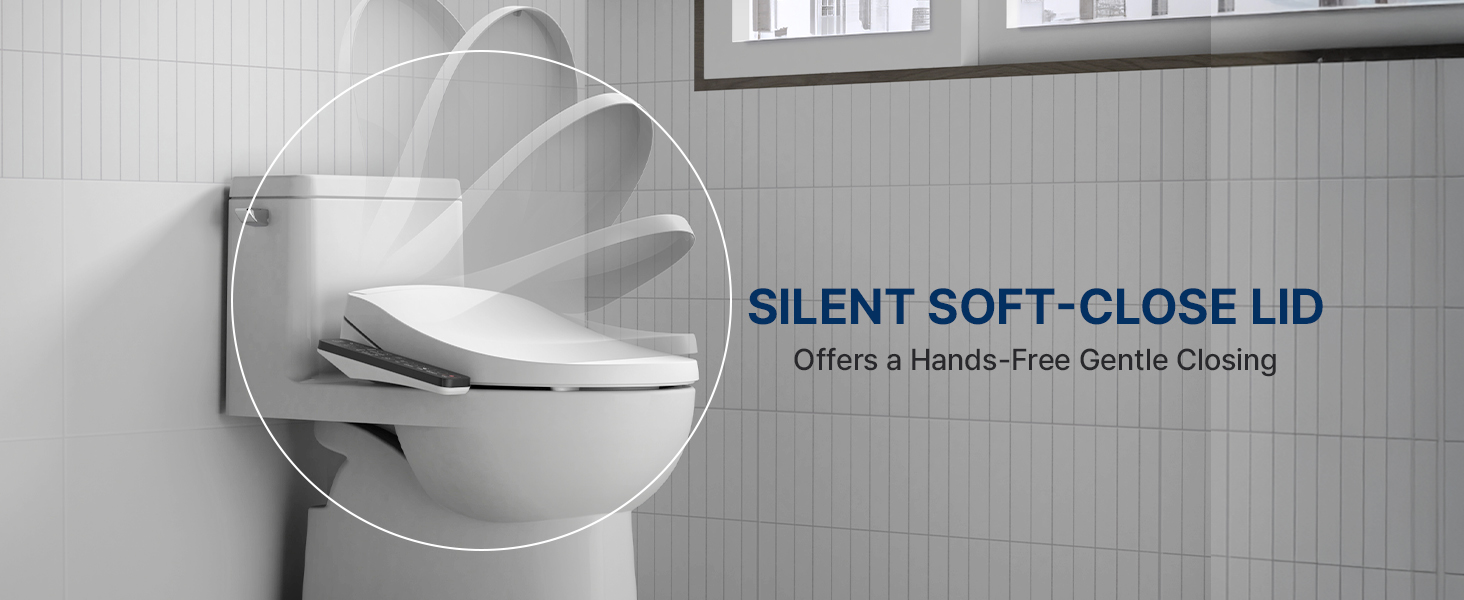
Image: A visual representation of the Inus R32 bidet seat's silent soft-close lid feature, showing the lid gently descending without manual assistance.
5. Maintenance and Cleaning
Regular cleaning will ensure the longevity and hygienic performance of your Inus R32 bidet seat.
5.1 General Cleaning
- Unplug the bidet from the power outlet before cleaning.
- Wipe the exterior surfaces of the bidet seat and remote control with a soft, damp cloth and a mild, non-abrasive cleaner.
- Do not use harsh chemicals, abrasive cleaners, or brushes that could scratch the surface.
- Ensure no water enters the electrical components.
5.2 Nozzle Cleaning
- The nozzle has a self-cleaning function. For additional cleaning, you can manually extend the nozzle (refer to remote control instructions) and gently wipe it with a soft cloth or brush.
- Do not force the nozzle.
5.3 Filter Maintenance (if applicable)
While the Inus R32 features a tankless design, some water supply systems may benefit from an external water filter. If you have installed one, follow the manufacturer's instructions for filter replacement or cleaning.
6. Troubleshooting
If you encounter issues with your Inus R32 bidet seat, refer to the following common problems and solutions.
| Problem | Possible Cause | Solution |
|---|---|---|
| No power/Unit not turning on | Power cord unplugged, circuit breaker tripped, no power to outlet. | Ensure power cord is securely plugged in. Check circuit breaker. Test outlet with another device. |
| No water spray/Weak spray | Water supply valve closed, T-valve not fully open, nozzle clogged, user not seated properly. | Ensure water supply valve is fully open. Check T-valve. Clean nozzle. Ensure proper seating for body sensor activation. |
| Water temperature not adjusting | Temperature setting incorrect, bidet in ECO mode. | Adjust water temperature setting on remote. Disable ECO mode if desired. |
| Heated seat not working | Seat temperature setting incorrect, bidet in ECO mode. | Adjust seat temperature setting on remote. Disable ECO mode if desired. |
| Air dryer not working/weak air | Dryer temperature setting incorrect, air vent blocked. | Adjust dryer temperature setting. Ensure air vent is clear of obstructions. |
| Remote control not responding | Batteries low or dead, remote out of range, signal obstruction. | Replace remote batteries. Ensure remote is within range and pointed towards the bidet. Remove any obstructions. |
If the problem persists after attempting these solutions, please contact Inus customer support.
7. Specifications
| Feature | Detail |
|---|---|
| Model Number | IST-R32 |
| Dimensions (L x W) | 20.3" x 15.8" |
| Weight | 11.4 Pounds |
| Color | White |
| Material | Acrylonitrile Butadiene Styrene (ABS) |
| Shape | Elongated |
| Voltage | 120V |
| Water Temperature Range | 93.2°F - 104°F (4 levels) |
| Seat Temperature Range | 93.2°F - 104°F (4 levels) |
| Air Dryer Temperature Range | 104°F - 131°F (5 levels) |
| Nozzle Material | Stainless Steel |
| Waterproof Rating | IPX4 |
| UPC | 659245643185 |
8. Warranty and Support
8.1 Product Warranty
The Inus R32 Electric Heated Bidet Toilet Seat comes with a Complimentary 2 Year Warranty from the date of purchase. This warranty covers defects in materials and workmanship under normal use. It does not cover damage resulting from improper installation, misuse, abuse, accident, or unauthorized repairs.
Please retain your proof of purchase for warranty claims.
8.2 Customer Support
For technical assistance, troubleshooting not covered in this manual, or warranty inquiries, please contact Inus customer support through the retailer where the product was purchased or visit the official Inus website for contact information.
When contacting support, please have your model number (IST-R32) and date of purchase readily available.


