
1. Introduction
Thank you for choosing the iMoshion 20,000 mAh Fast Charging Power Bank. This device is designed to provide portable power for your electronic devices, ensuring you stay connected on the go. This manual provides essential information on how to safely and effectively use your power bank. Please read it thoroughly before use and retain it for future reference.
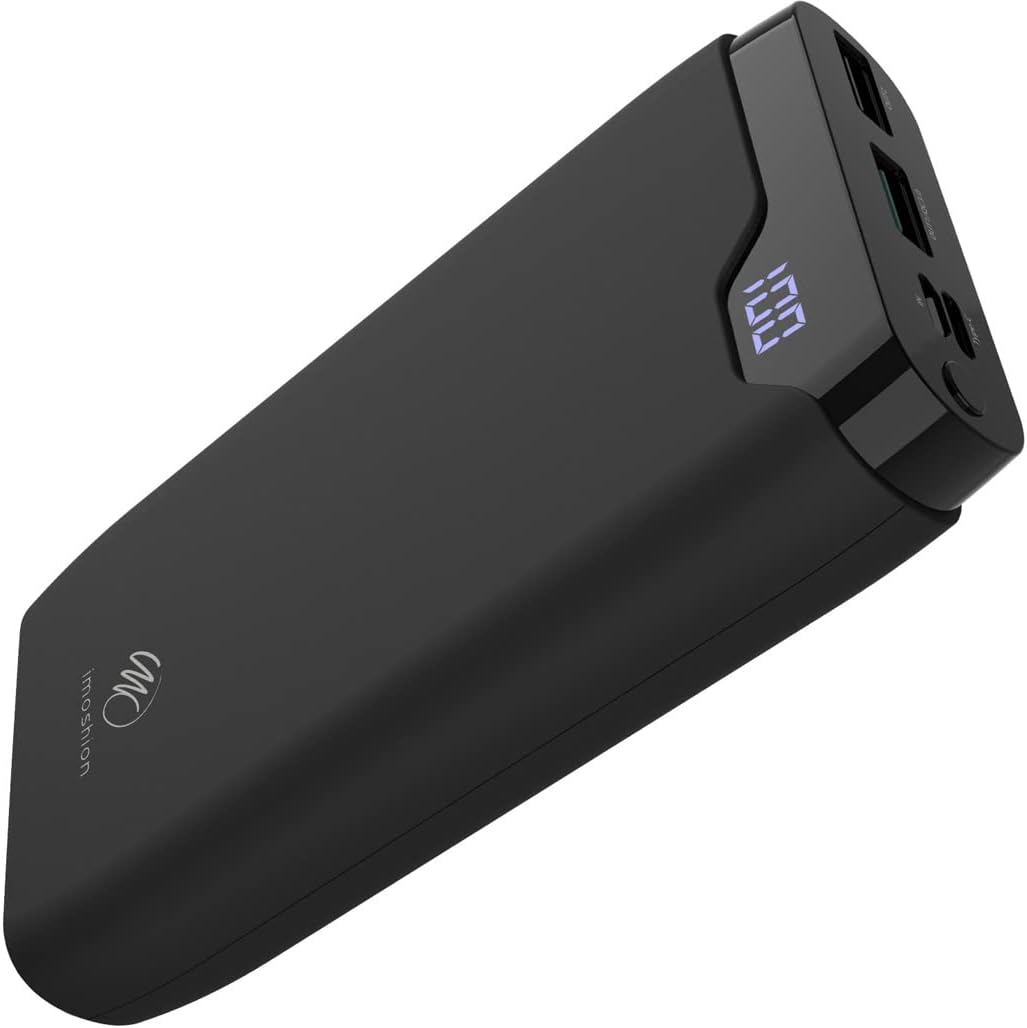
Image 1: The iMoshion 20,000 mAh Fast Charging Power Bank, showcasing its sleek black design and digital display.
2. Safety Instructions
To ensure safe operation and prolong the lifespan of your power bank, please observe the following safety guidelines:
- Do not expose the power bank to extreme temperatures (above 45°C or below 0°C), direct sunlight, or high humidity.
- Avoid dropping, disassembling, or attempting to repair the device yourself. Unauthorized repairs can void the warranty and pose safety risks.
- Keep the power bank away from water and other liquids.
- Do not use the power bank if it is visibly damaged, swollen, or leaking.
- Use only certified charging cables and adapters.
- Keep out of reach of children.
- Dispose of the power bank responsibly according to local regulations. Do not dispose of it in household waste.
3. Product Overview and Package Contents
3.1 Package Contents
- iMoshion 20,000 mAh Fast Charging Power Bank
- USB-A to USB-C Charging Cable (30 cm)
- User Manual
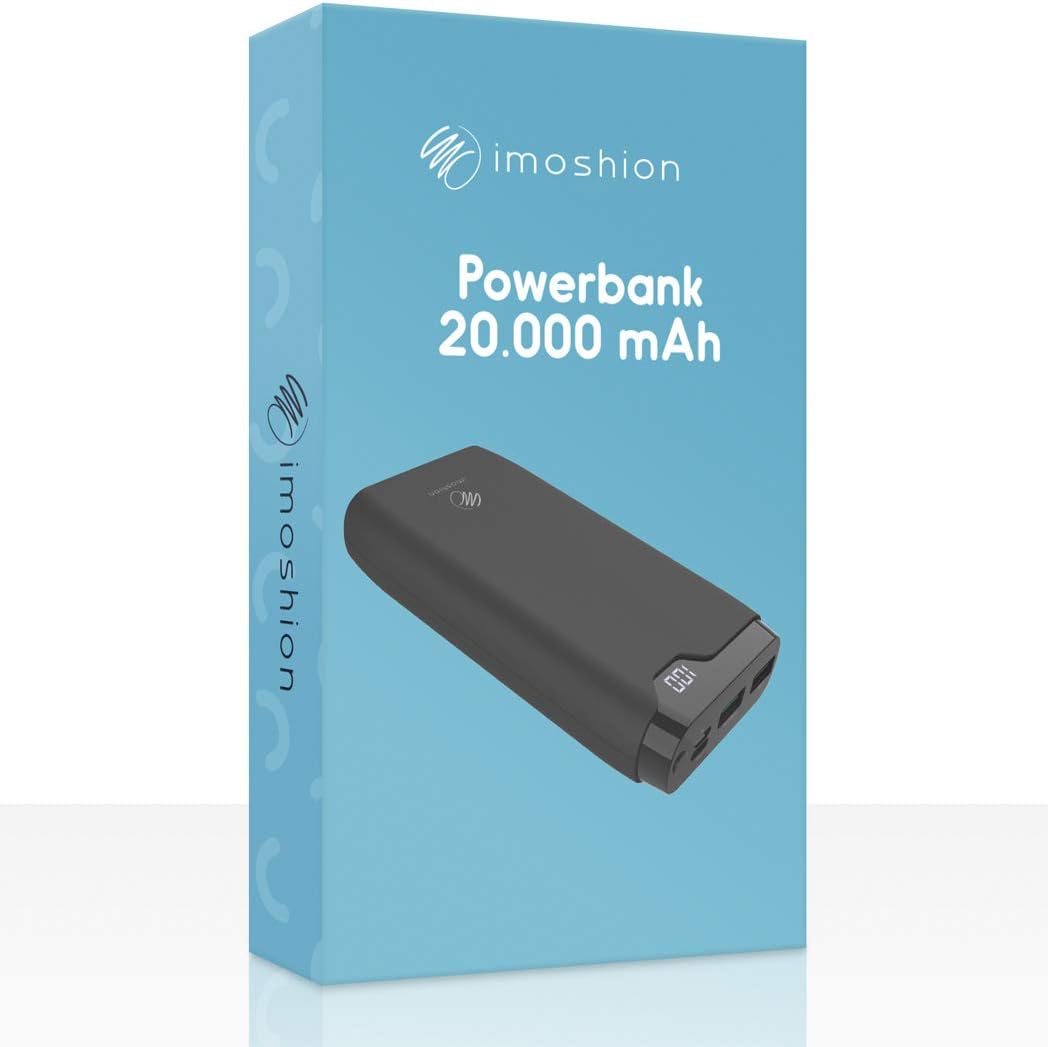
Image 2: The iMoshion Power Bank packaging, indicating the product and its capacity.
3.2 Power Bank Features
- High Capacity: 20,000 mAh for multiple device charges.
- Fast Charging: Supports Quick Charge 3.0 and Power Delivery technologies.
- Multiple Ports: USB-C (input/output), Micro-USB (input), 2x USB-A (output).
- Digital Display: Shows remaining battery percentage.
- Durable Design: Constructed from solid plastic.

Image 3: A detailed view of the power bank's ports, including Micro-USB (IN), Type-C (IN/OUT), USB-A QC 3.0 (OUT1), and USB-A (OUT2).
4. Setup: Charging the Power Bank
Before using your power bank to charge other devices, ensure it is fully charged.
- Connect the Power Bank: Use the provided USB-A to USB-C cable or a Micro-USB cable (not included) to connect the power bank's USB-C or Micro-USB input port to a USB wall charger (not included).
- Monitor Charging: The digital LED display will show the current battery percentage. It will increase as the power bank charges.
- Full Charge Indication: The display will show "100" when the power bank is fully charged.
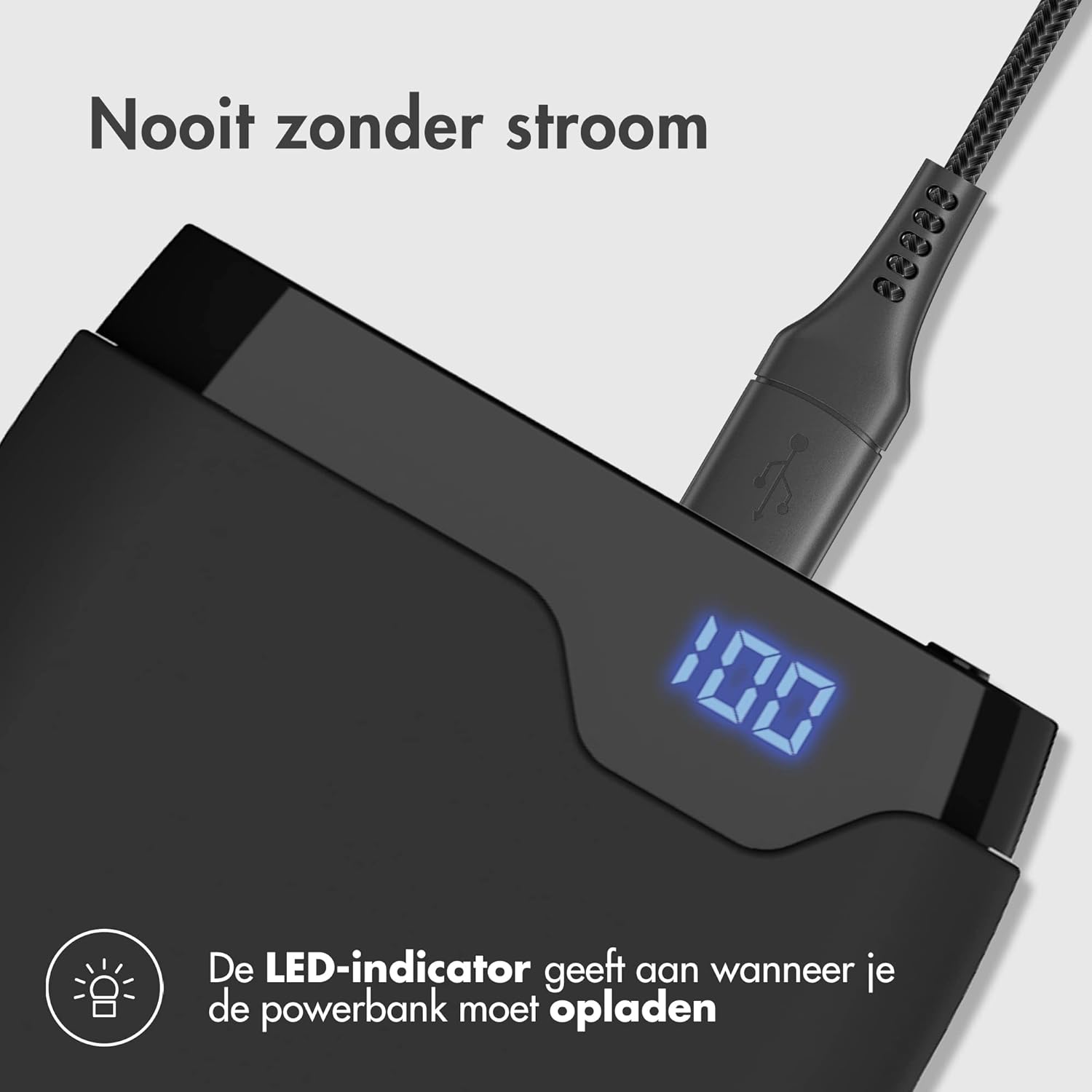
Image 4: The power bank connected to a charging cable, with its LED display indicating a full charge (100%).
5. Operating: Charging Your Devices
The iMoshion power bank can charge various devices, including smartphones, tablets, and other USB-powered gadgets.
- Connect Your Device: Use your device's original charging cable or the provided USB-A to USB-C cable to connect your device to one of the power bank's output ports (USB-A or USB-C).
- Initiate Charging: The power bank will automatically begin charging your device. The digital display will show the remaining battery percentage of the power bank.
- Fast Charging: The USB-C port supports Power Delivery (PD) and one USB-A port supports Quick Charge 3.0 (QC 3.0) for compatible devices, allowing for faster charging speeds.
- Charge Multiple Devices: The power bank can charge up to three devices simultaneously using its multiple output ports.

Image 5: The power bank demonstrating its fast charging capability, indicating a smartphone can be charged up to 50% in 30 minutes.
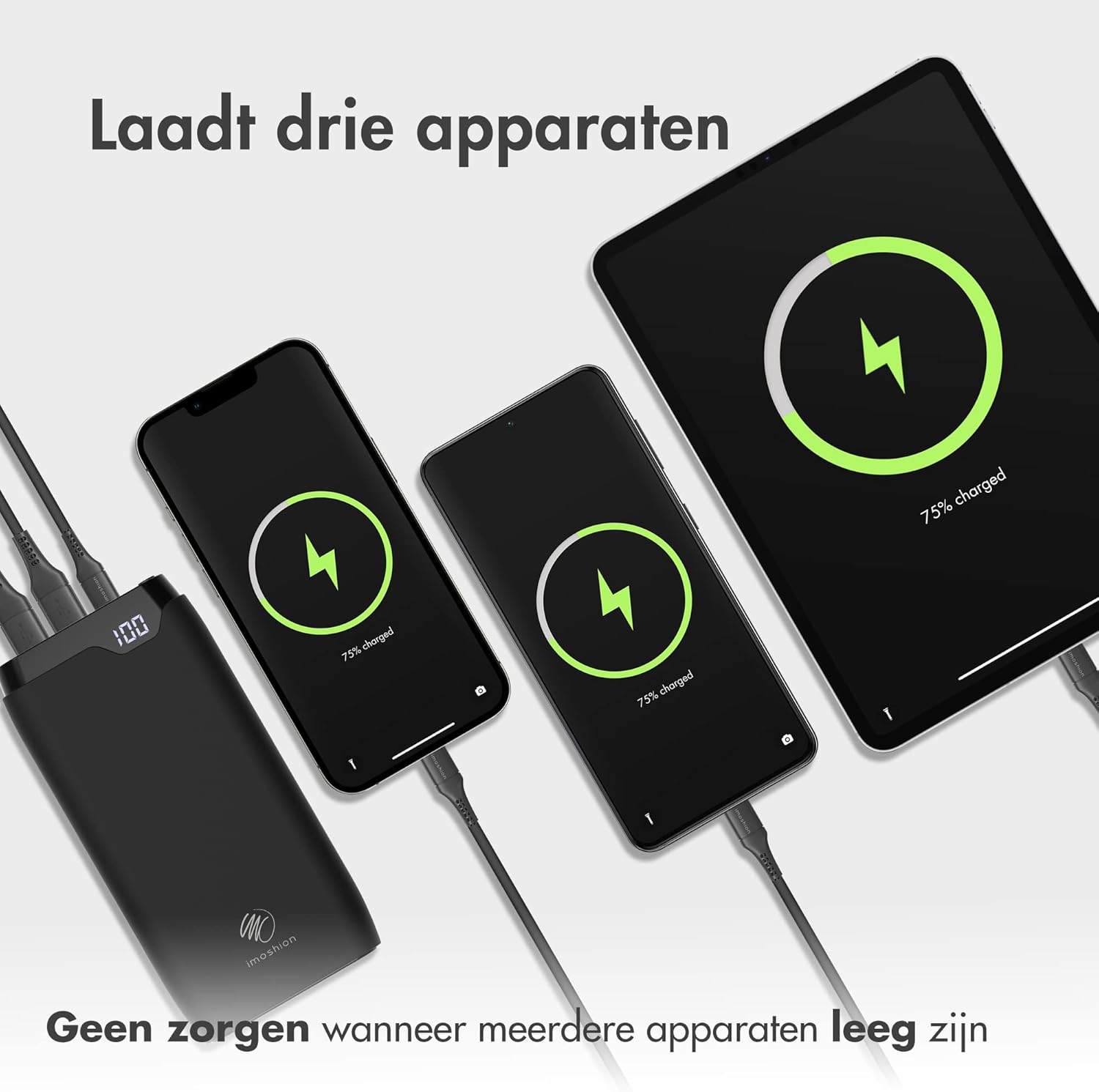
Image 6: The power bank connected and charging three different devices (two smartphones and a tablet) at the same time.
6. Maintenance
- Cleaning: Wipe the power bank with a soft, dry cloth. Do not use harsh chemicals or abrasive materials.
- Storage: Store the power bank in a cool, dry place when not in use. Avoid storing it in direct sunlight or extreme temperatures.
- Battery Care: For optimal battery health, fully charge the power bank at least once every three months, even if not in regular use.
7. Troubleshooting
- Power bank not charging: Ensure the charging cable is securely connected to both the power bank and the wall adapter. Try a different cable or adapter.
- Device not charging from power bank: Ensure the power bank has sufficient charge. Check if the charging cable is properly connected to both the power bank and your device. Try a different cable or output port.
- Slow charging: Ensure your device and cable support fast charging if you expect accelerated speeds. Some devices may limit charging speed to protect battery health.
- LED display not working: If the power bank is charging or discharging, the display should be active. If it remains off, try charging the power bank or connecting a device to charge. If the issue persists, contact customer support.
8. Specifications
| Feature | Specification |
|---|---|
| Model | 20000mAh Power Bank (B08W5DS2RC) |
| Capacity | 20,000 mAh |
| Input (USB-C) | Power Delivery (PD) compatible |
| Input (Micro-USB) | Standard USB input |
| Output (USB-C) | Power Delivery (PD) compatible |
| Output (USB-A 1) | Quick Charge 3.0 (QC 3.0) compatible |
| Output (USB-A 2) | Standard USB output |
| Material | Solid Plastic |
| Color | Black |
9. Warranty and Support
The iMoshion 20,000 mAh Fast Charging Power Bank comes with a standard manufacturer's warranty. For specific warranty terms and conditions, please refer to the product packaging or contact your retailer.
If you encounter any issues or have questions regarding your power bank, please contact iMoshion customer support through the retailer's platform or the official iMoshion website for assistance.
