
SLuB T16
SLuB Bluetooth Earphones T16 User Manual
Model: T16 | Brand: SLuB
1. Introduction
Thank you for purchasing the SLuB Bluetooth Earphones Model T16. These true wireless stereo earphones are designed to provide a high-quality audio experience with convenient features such as Bluetooth 5.1 connectivity, Hi-Fi sound, automatic pairing, and touch controls. This manual will guide you through the setup, operation, and maintenance of your new earphones to ensure optimal performance and longevity.
2. Safety Information
- Do not disassemble, repair, or modify the product. This may cause fire, electric shock, or complete damage to the product.
- Keep the product away from extreme temperatures, humidity, and corrosive environments.
- Avoid dropping or subjecting the product to strong impacts.
- Keep out of reach of children and pets.
- Use only the provided charging cable or a certified Type-C cable for charging.
- Prolonged exposure to loud sounds may cause hearing damage. Adjust volume to a moderate level.
3. Package Contents
Please check the package contents to ensure all items are present:
- SLuB T16 Earbuds (Left and Right)
- Charging Case
- USB Type-C Charging Cable
- Instruction Manual
4. Product Overview
The SLuB T16 earphones feature a compact and lightweight design, making them easy to carry and comfortable for extended wear. The charging case provides additional battery life on the go.
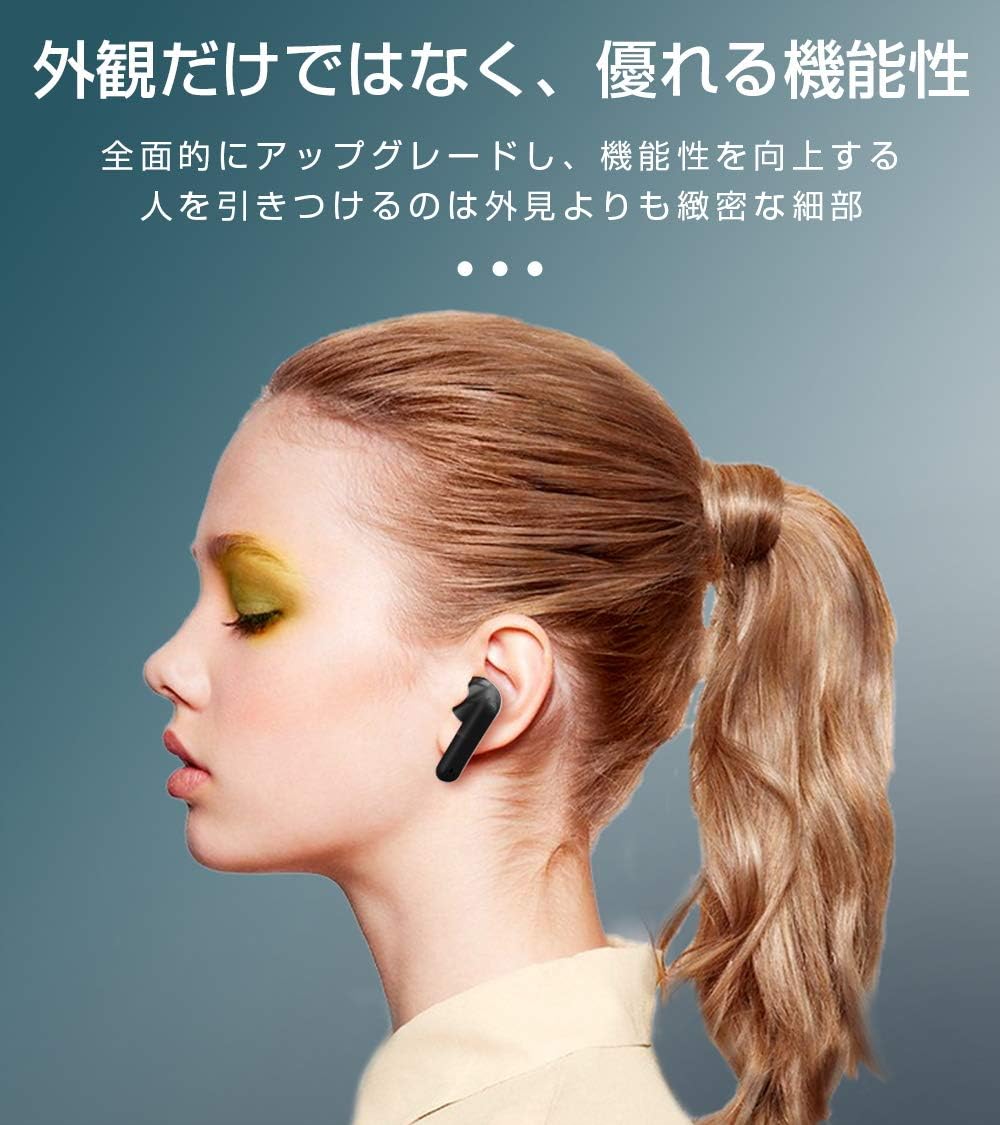
Image: SLuB T16 Earbuds securely placed in their charging case.
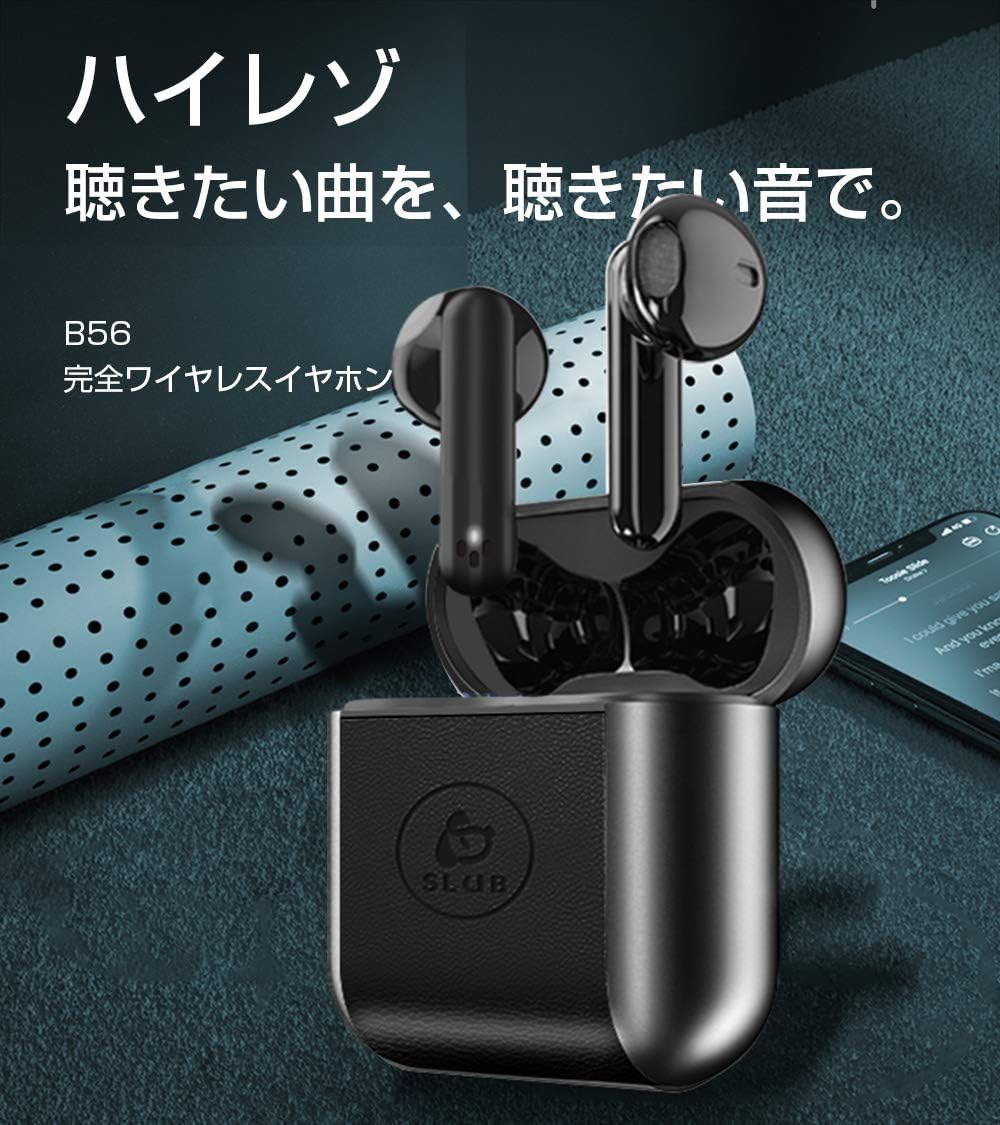
Image: A single SLuB T16 earbud comfortably fitted in a user's ear, highlighting its ergonomic design.
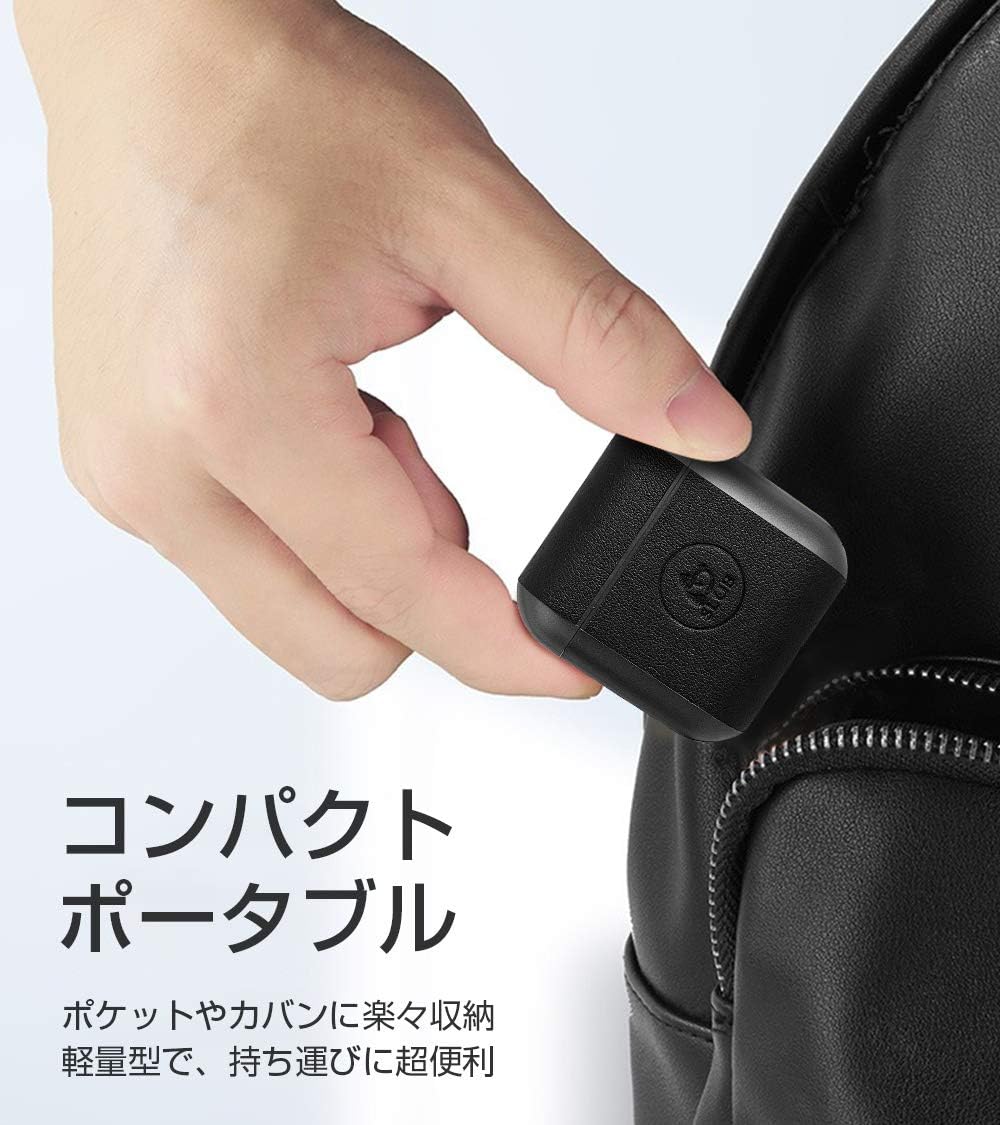
Image: A hand holding the compact SLuB T16 charging case, demonstrating its portability.
5. Setup
5.1. Charging the Earbuds and Case
Before first use, fully charge the earphones and charging case.
- Place the earbuds into the charging case. Ensure they are correctly seated.
- Connect the provided USB Type-C cable to the charging port on the case and plug the other end into a USB power adapter (not included) or a computer's USB port.
- The indicator lights on the case will show the charging status. Once fully charged, the lights will indicate completion or turn off.
A full charge for the earbuds takes approximately 1.5 hours, providing 2-3 hours of playback. The charging case takes about 2 hours to fully charge and can provide 5-6 full charges for the earbuds.
5.2. Initial Pairing
The SLuB T16 earphones feature automatic pairing for ease of use.
- Open the charging case. The earbuds will automatically power on and enter pairing mode.
- On your device (smartphone, tablet, etc.), enable Bluetooth and search for available devices.
- Select "T16" from the list of found devices to connect.
- Once successfully paired, you will hear a confirmation sound, and the earbud indicator lights will change.
After the initial pairing, the earbuds will automatically reconnect to your last paired device when taken out of the charging case, provided Bluetooth is enabled on your device.
6. Operating Instructions
6.1. Touch Controls
The SLuB T16 earphones utilize touch-sensitive areas for various functions. Refer to the diagram below for specific actions:

Image: Visual guide detailing the touch control functions for the SLuB T16 earbuds.
- Play/Pause Music: Single touch on either earbud's touch area.
- Answer/End Call: Single touch on either earbud's touch area.
- Reject Call: Long press on either earbud's touch area.
- Next Track: Double touch the right earbud's touch area.
- Previous Track: Double touch the left earbud's touch area.
- Volume Up: Triple touch the left earbud's touch area.
- Volume Down: Triple touch the right earbud's touch area.
- Activate Voice Assistant: Long press for 3 seconds on either earbud's touch area.
6.2. Single and Twin Earbud Mode
The SLuB T16 earphones support both single and twin earbud usage modes.
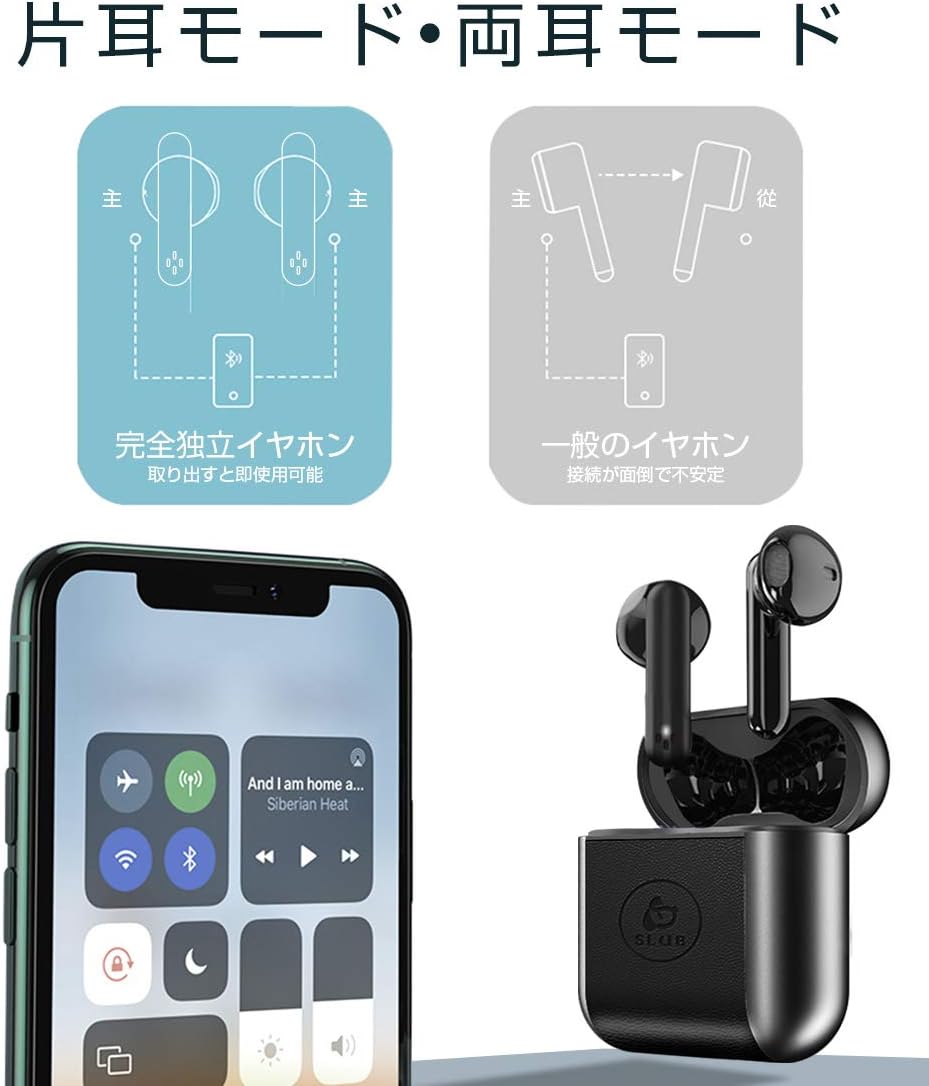
Image: Diagram showing how to use the earbuds in both single (mono) and twin (stereo) modes.
- Twin Mode: Take both earbuds out of the charging case. They will automatically connect to each other and then to your device for stereo sound.
- Single Mode: Take only one earbud out of the charging case. It will automatically connect to your device and function independently. The other earbud can remain in the case or be used later.
7. Maintenance
- Cleaning: Use a soft, dry, lint-free cloth to clean the earbuds and charging case. Do not use harsh chemicals or abrasive materials.
- Storage: When not in use, store the earbuds in their charging case to protect them and keep them charged. Store in a cool, dry place.
- Battery Care: To prolong battery life, avoid fully discharging the battery frequently. Charge the device regularly, even if not in use for extended periods.
8. Troubleshooting
| Problem | Possible Cause | Solution |
|---|---|---|
| Earbuds do not power on. | Low battery. | Charge the earbuds and charging case. |
| Cannot pair with device. | Bluetooth is off on device; earbuds not in pairing mode; too far from device. | Ensure Bluetooth is on. Place earbuds in case, close, then open to re-enter pairing mode. Move closer to device. |
| Only one earbud works. | Earbuds not properly connected to each other; one earbud has low battery. | Place both earbuds back into the charging case, close the lid, then open it again. Ensure both earbuds are charged. |
| Sound quality is poor or intermittent. | Interference; device too far; low battery. | Move closer to your device. Avoid environments with strong Wi-Fi or other Bluetooth signals. Charge earbuds. |
9. Specifications
Detailed technical specifications for the SLuB T16 Bluetooth Earphones:

Image: A table displaying the detailed technical specifications of the SLuB T16 earphones and charging case.
| Feature | Detail |
|---|---|
| Product Name | True Wireless Stereo Earphones |
| Model Number | T16 |
| Bluetooth Version | 5.1 (Low Power Consumption) |
| Call/Playback Time | Approx. 2-3 hours (with one full charge) |
| Input | 5.0V / 200mA |
| Operating Environment | Temperature: -10°C to 40°C, Humidity: 10% to 85% |
| Charging Port | Type-C |
| Earbud Battery Capacity | 30mAh |
| Earbud Charging Time | Approx. 1.5 hours |
| Standby Time | Approx. 120 hours |
| Charging Case Battery Capacity | 300mAh |
| Charging Case Charging Time | Approx. 2 hours |
| Single Earbud Weight | Approx. 3.1g |
| Earbud Dimensions | 34 x 16.9 x 16.7mm |
| Charging Case Dimensions | 51 x 49.1 x 24mm |
| Charging Case Weight | Approx. 31.6g |
| Compatible Devices | iOS and Android devices with Bluetooth functionality |
10. Warranty and Support
For warranty information and customer support, please refer to the documentation included with your purchase or contact the retailer. Keep your proof of purchase for any warranty claims.
Ask a question about this manual
Ask about setup, troubleshooting, compatibility, parts, safety, or missing instructions. Manuals+ will review the question and use this page’s manual context to help answer it.