
1. Product Overview
The Nillkin MC049 is a wireless charging stand designed to provide convenient and efficient charging for Qi-compatible mobile phones. It features automatic device detection and stops charging once the device battery is full, ensuring safety and energy efficiency. A front LED indicator provides charging status.
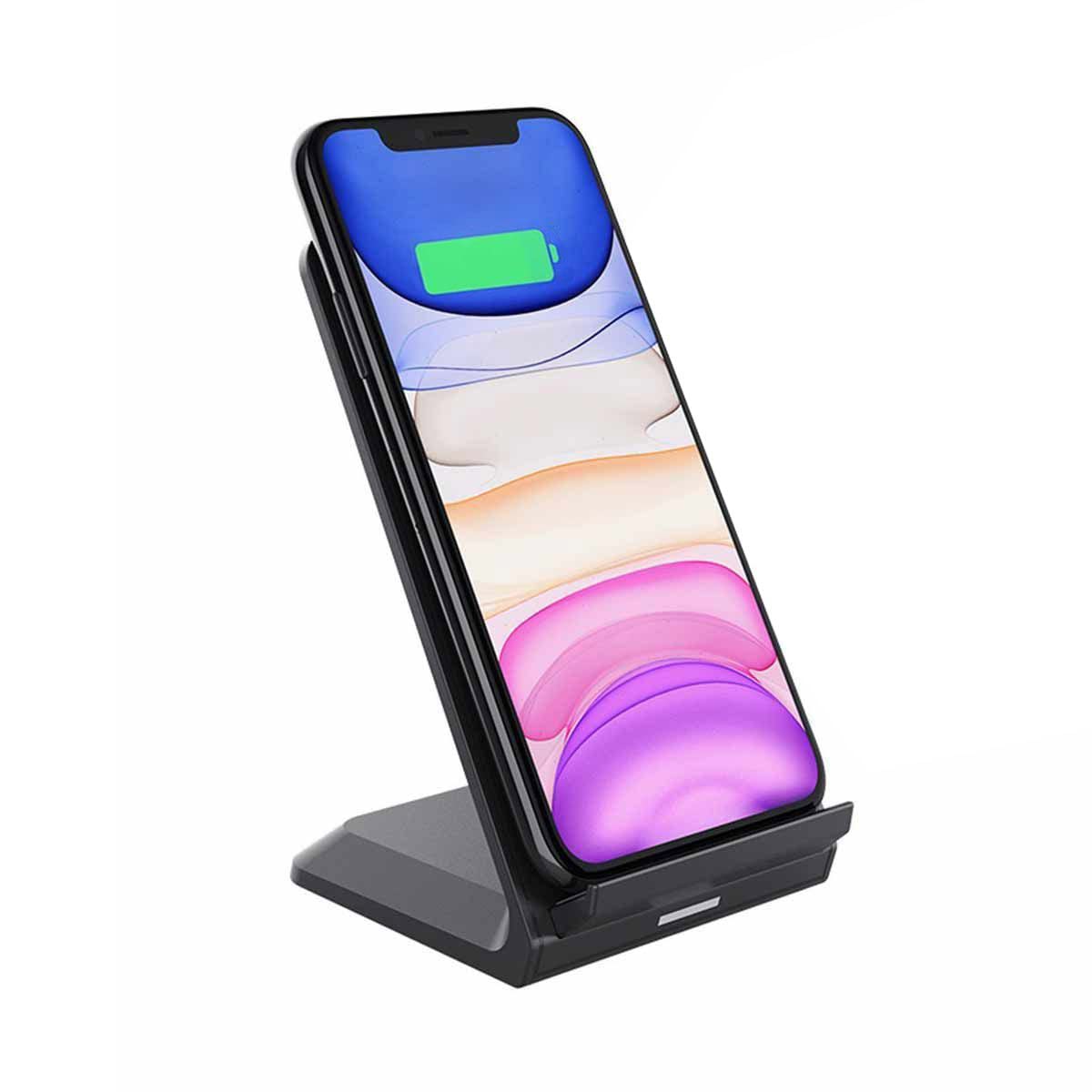
Image 1.1: The Nillkin MC049 Wireless Charging Stand with a smartphone placed for charging.
2. Package Contents
Please check the package for the following items:
- Nillkin MC049 Wireless Charging Stand
- Micro USB Cable
- User Manual
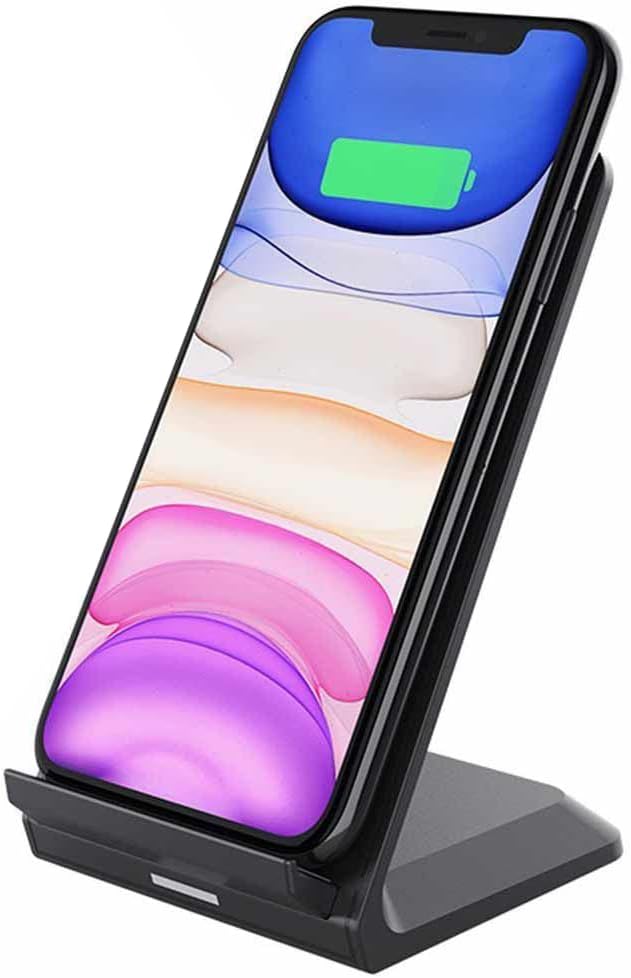
Image 2.1: Included items: Wireless Charging Stand, Micro USB Cable, and User Manual.
3. Setup Instructions
- Connect the Power Cable: Insert the Micro USB end of the provided cable into the charging port on the back of the Nillkin MC049 Wireless Charging Stand.
- Connect to Power Source: Plug the USB-A end of the cable into a compatible USB power adapter (not included) or a USB port on a computer. For optimal fast charging performance, use a power adapter that supports 9V input and delivers up to 15W.
- Placement: Place the charging stand on a stable, flat surface, such as a desk or nightstand. Ensure there are no metallic objects between the charging stand and your device.
4. Operating Instructions
- Initiate Charging: Place your Qi-compatible smartphone directly onto the charging surface of the stand. Ensure the phone is centered on the stand for proper alignment.
- Charging Indicator: A front LED light on the stand will illuminate to indicate that charging has begun.
- Automatic Stop: The charger will automatically stop charging when your smartphone's battery reaches full capacity.
- Remove Device: Once charging is complete, or if you need to use your phone, simply lift it off the charging stand.
Note: For best charging results, remove any thick phone cases or cases containing metal before placing your device on the charger.
5. Maintenance
- Cleaning: Disconnect the charger from the power source before cleaning. Use a soft, dry cloth to wipe the surface of the charging stand. Do not use liquid cleaners or aerosols.
- Storage: When not in use, store the charging stand in a cool, dry place away from direct sunlight and extreme temperatures.
- Handling: Avoid dropping the device or subjecting it to strong impacts, as this may damage internal components.
6. Troubleshooting
| Problem | Possible Cause | Solution |
|---|---|---|
| Device not charging. |
|
|
| Charging is slow. |
|
|
| LED indicator is off. |
|
|
7. Specifications
| Brand: | Nillkin |
| Model: | MC049 |
| Part Number: | WCS-90122 |
| Dimensions: | 122 × 83 × 73 mm |
| Input Voltage: | 9 Volts |
| Output Power: | Up to 15 Watts |
| Connector Type: | Micro USB |
| Compatible Devices: | Qi-compatible Mobile Phones |
| Special Features: | Fast Charging, Automatic Device Detection, Overcharge Protection, LED Indicator |
| Color: | Black |
| Item Weight: | 150 Grams |
| Certifications: | CE |
8. Warranty and Support
For warranty information or technical support, please refer to the contact details provided on the product packaging or visit the official Nillkin website. Keep your purchase receipt as proof of purchase for warranty claims.
Manufacturer: Nillkin
ASIN: B08V9J427B

