
Wessel-Werk ClickBrush
Wessel-Werk Pro Performance ClickBrush 18-inch Vacuum Floor Brush User Manual
Model: ClickBrush
1. Introduction
This manual provides instructions for the Wessel-Werk Pro Performance ClickBrush, an 18-inch wide vacuum floor brush designed for both residential and commercial use. It is compatible with 1 1/4 inch (32mm) wet and dry vacuum cleaners. The ClickBrush features an integrated upholstery nozzle for versatile cleaning.
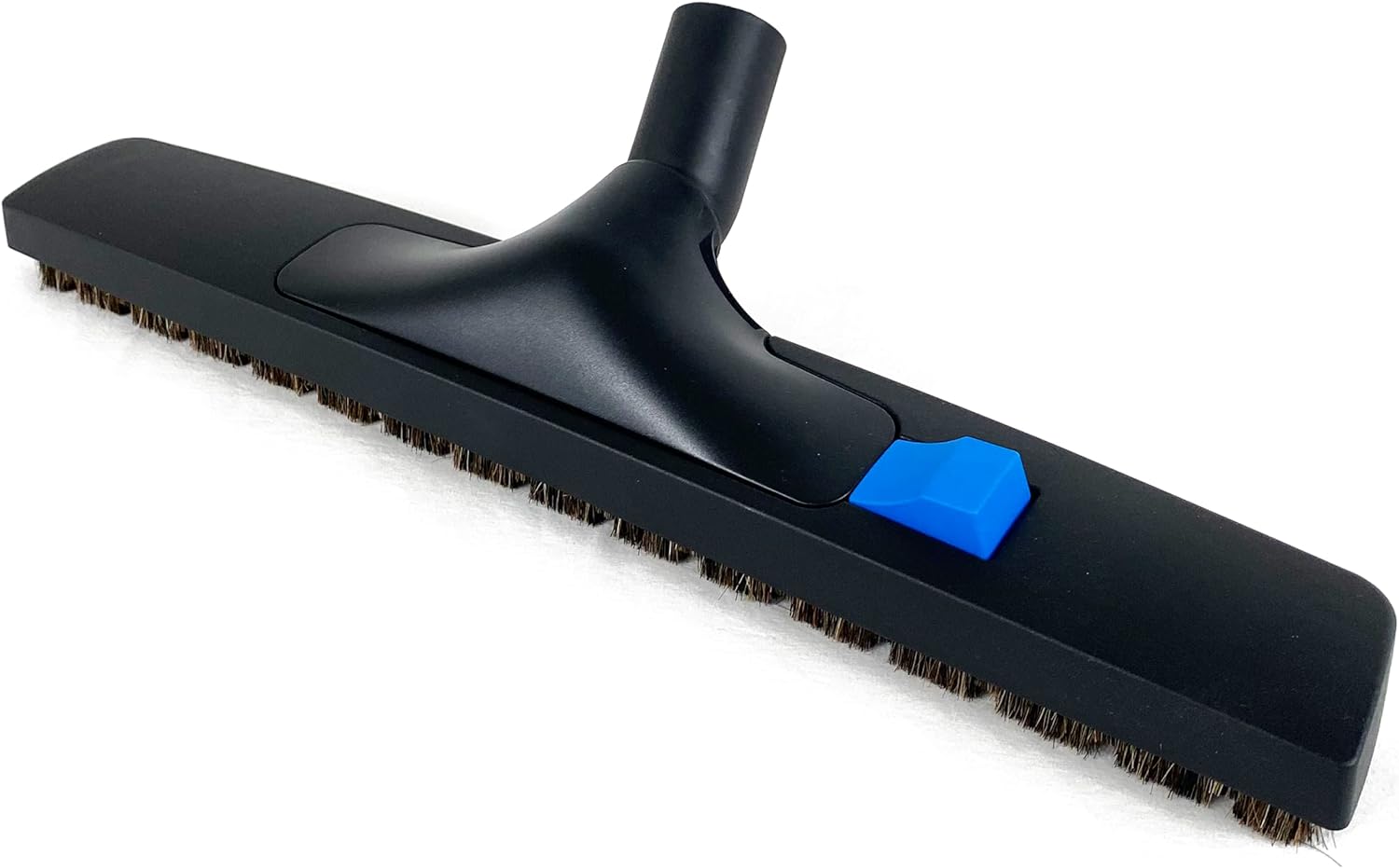
Figure 1: Wessel-Werk Pro Performance ClickBrush, 18-inch model.
2. Product Features
- 18-inch Wide Floor Brush: Efficiently cleans large hard floor surfaces such as wood, concrete, laminate, and tile.
- Integrated Upholstery Nozzle: Easily detaches by pressing a pedal, revealing a nozzle with lint pickers for cleaning upholstered furniture, pet hair, and tight spaces.
- Compatibility: Designed for vacuum hoses with an outer diameter of 32mm (1.25 inch).
- Swivel Neck: Allows for flexible maneuverability around obstacles.
- Soft Roller Wheels: Two integrated wheels reduce motion resistance and facilitate easy handling.

Figure 2: Key features of the ClickBrush, including swivel neck, width, hose compatibility, and upholstery nozzle release mechanism.
3. Setup and Installation
- Verify Compatibility: Ensure your vacuum cleaner hose has an outer diameter of 1 1/4 inch (32mm).
- Attach to Vacuum Hose: Insert the neck of the ClickBrush firmly into the end of your vacuum cleaner's hose or wand. Ensure a snug fit to prevent loss of suction.
- Initial Inspection: Before first use, check that the brush bristles are clean and free from debris.
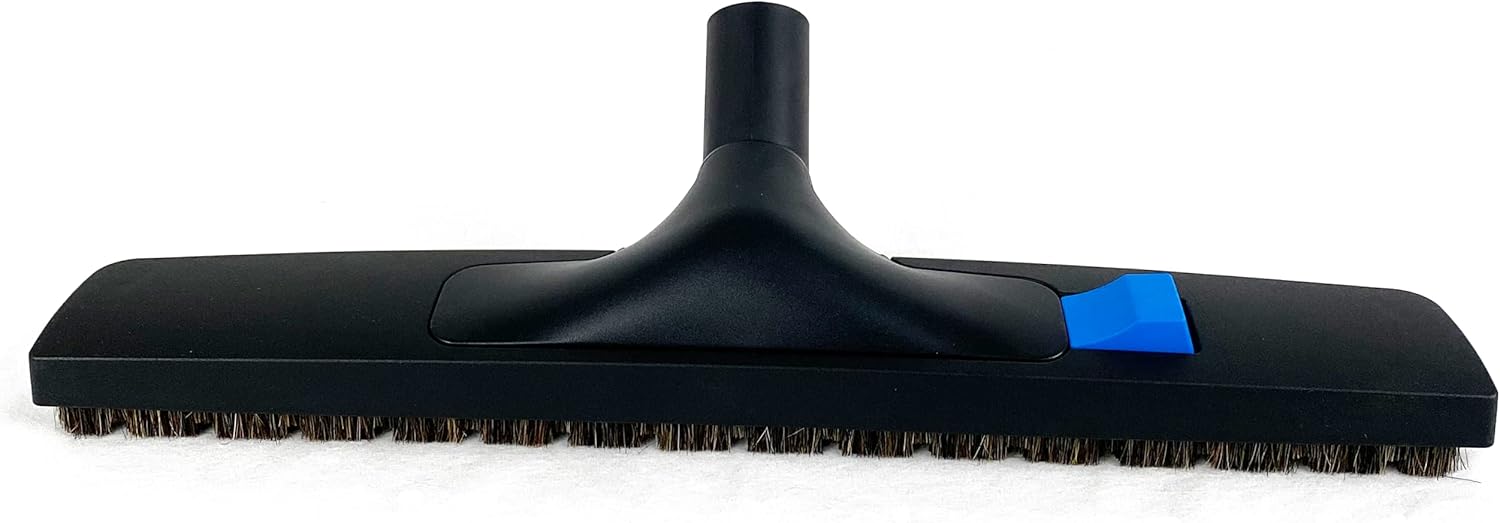
Figure 3: Side view illustrating the attachment point for the vacuum hose.
4. Operating Instructions
4.1. Using the Floor Brush
- Connect the ClickBrush to your vacuum cleaner.
- Turn on your vacuum cleaner.
- Guide the 18-inch wide brush head across hard floor surfaces. The soft bristles are designed for effective cleaning without scratching.
- Utilize the swivel neck to maneuver around furniture legs and other obstacles.
4.2. Using the Integrated Upholstery Nozzle
- While the floor brush is attached, locate the blue pedal on the top of the brush head.
- Press the blue pedal firmly. This will release the main floor brush housing, revealing the integrated upholstery nozzle.
- Use the upholstery nozzle to clean fabrics, furniture, car interiors, and to pick up pet hair. The integrated lint pickers assist in this process.
- To reattach the floor brush, align the housing with the upholstery nozzle and press down until it clicks securely into place.

Figure 4: The ClickBrush disassembled, showing the main floor brush and the integrated upholstery nozzle.

Figure 5: Underside of the upholstery nozzle, highlighting the lint pickers.
5. Maintenance
- Bristle Cleaning: Regularly inspect the floor brush bristles for tangled hair, threads, or debris. Use scissors or a brush to carefully remove any obstructions.
- Upholstery Nozzle Cleaning: Clean the lint pickers on the upholstery nozzle as needed to maintain optimal performance.
- General Cleaning: Wipe the exterior of the brush with a damp cloth to remove dust and dirt. Do not immerse the entire brush in water.
- Storage: Store the ClickBrush in a clean, dry place when not in use.
6. Troubleshooting
| Problem | Possible Cause | Solution |
|---|---|---|
| Reduced suction power |
|
|
| Brush not gliding smoothly |
|
|
| Upholstery nozzle difficult to release/reattach |
|
|
7. Specifications
| Feature | Detail |
|---|---|
| Brand | Wessel-Werk |
| Model Name | ClickBrush |
| Style | 18 in. Floor Brush |
| Compatibility | 1 1/4 inch (32mm) vacuum hoses |
| Special Features | 18-inch-wide Floor Brush, 2 Soft Roller Wheels, Multifunctional (integrated upholstery nozzle), Soft Natural Bristle Floor Brush, Swivel Neck |
| Included Components | ClickBrush Vacuum Floor Brush Nozzle, Vacuum Upholstery Nozzle |
| Recommended Uses | Car, Furniture, Hard Floor, Hardwood, Home, Office |
| Color | Black |
| Product Dimensions | 6 x 18 x 3 inches |
| Item Weight | 1 pound |
| Indoor/Outdoor Usage | Indoor |
| UPC | 761062696791 |
8. Warranty and Support
For warranty information or technical support regarding your Wessel-Werk Pro Performance ClickBrush, please refer to the documentation provided with your original purchase or contact Wessel-Werk customer service directly. Contact details can typically be found on the manufacturer's official website.
For additional information, you may visit the Wessel-Werk Store on Amazon.
Related documentsClickBrush

Ask a question about this manual
Ask about setup, troubleshooting, compatibility, parts, safety, or missing instructions. Manuals+ will review the question and use this page’s manual context to help answer it.