
1. Product Overview
The UpTuoLi Handheld Electric Milk Frother is a versatile, battery-operated device designed to create rich, creamy froth for various beverages and to assist with light mixing tasks. Its compact design and simple operation make it ideal for home use.
Key Features:
- Creates rich, creamy froth for cappuccinos, lattes, and milkshakes.
- Can be used to whisk eggs quickly and efficiently.
- Non-stick, flexible, and easy to handle design.
- Food-grade stainless steel mixing head for safety and hygiene.
- Simple on/off button for straightforward operation.
- Powered by 2 AA batteries (not included).
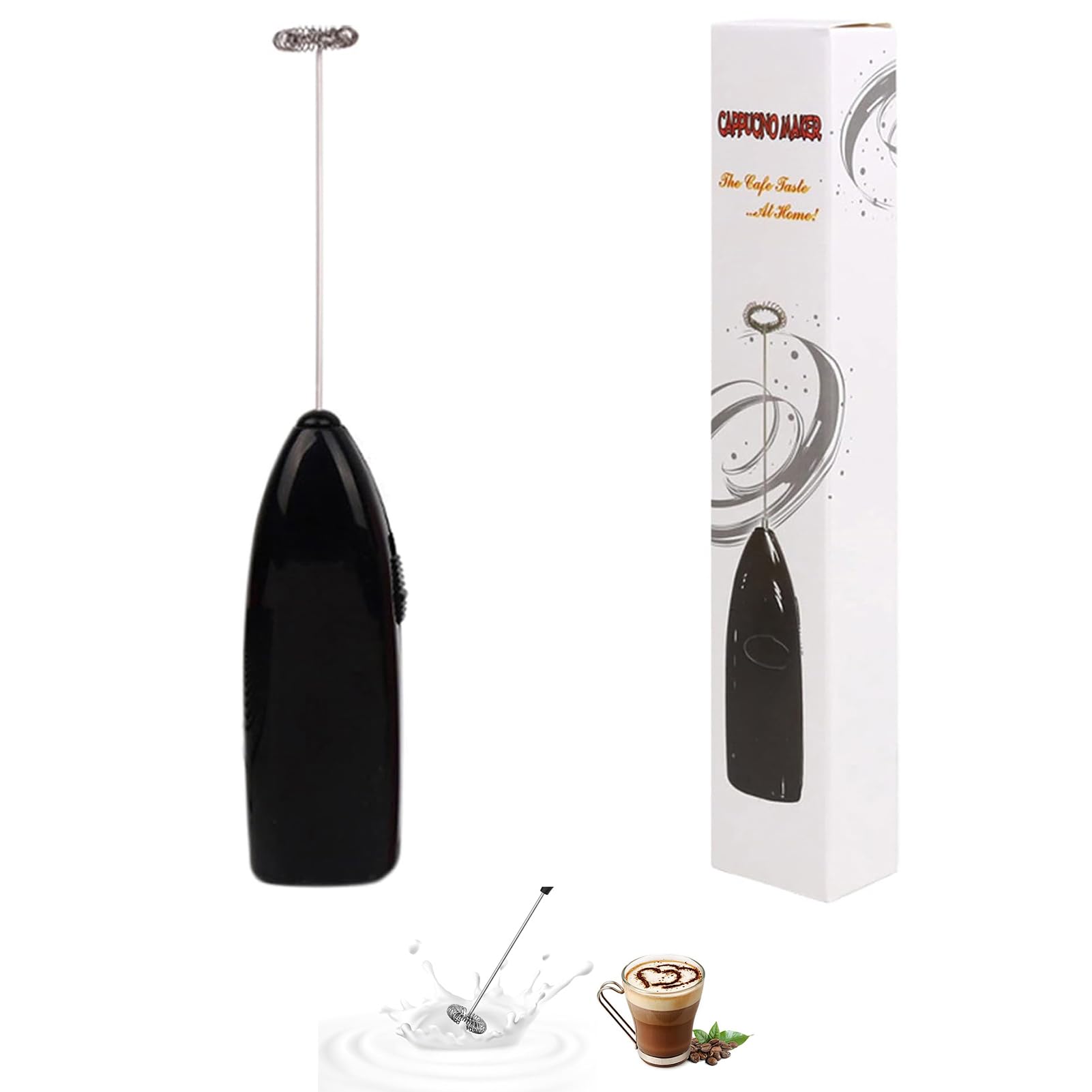
Main product image of the UpTuoLi handheld electric milk frother in black.
2. Safety Information
- Keep the device out of reach of children.
- Do not immerse the main body (handle) in water or other liquids. Only the whisk head is designed for contact with liquids.
- Ensure hands are dry before handling the device or batteries.
- Remove batteries if the device will not be used for an extended period.
- Do not mix old and new batteries, or different types of batteries.
- Dispose of used batteries responsibly according to local regulations.
- Avoid touching the whisk head while the device is operating.
3. Package Contents
Your UpTuoLi Milk Frother package includes:
- 1 x UpTuoLi Handheld Electric Milk Frother (main unit with whisk head)
Note: 2 AA batteries are required for operation and are not included in the package.
4. Setup
4.1 Battery Installation
The UpTuoLi Milk Frother requires 2 AA batteries for operation.
- Locate the battery compartment cover at the bottom of the frother handle.
- Gently slide or pull the cover open.
- Insert two (2) AA batteries, ensuring the positive (+) and negative (-) terminals align correctly with the indicators inside the compartment.
- Close the battery compartment cover securely until it clicks into place.

Steps for installing AA batteries into the frother handle.
5. Operation
5.1 Frothing Milk
- Pour cold or warm milk into a cup or pitcher. For best results, use milk that is at least half full in the container.
- Insert the whisk head of the frother into the milk, ensuring it is submerged but not touching the bottom.
- Press the on/off button to start the frother.
- Move the frother up and down gently in the milk for 20-30 seconds, or until desired froth consistency is achieved.
- Release the on/off button to stop the frother.
- Carefully remove the frother from the milk.
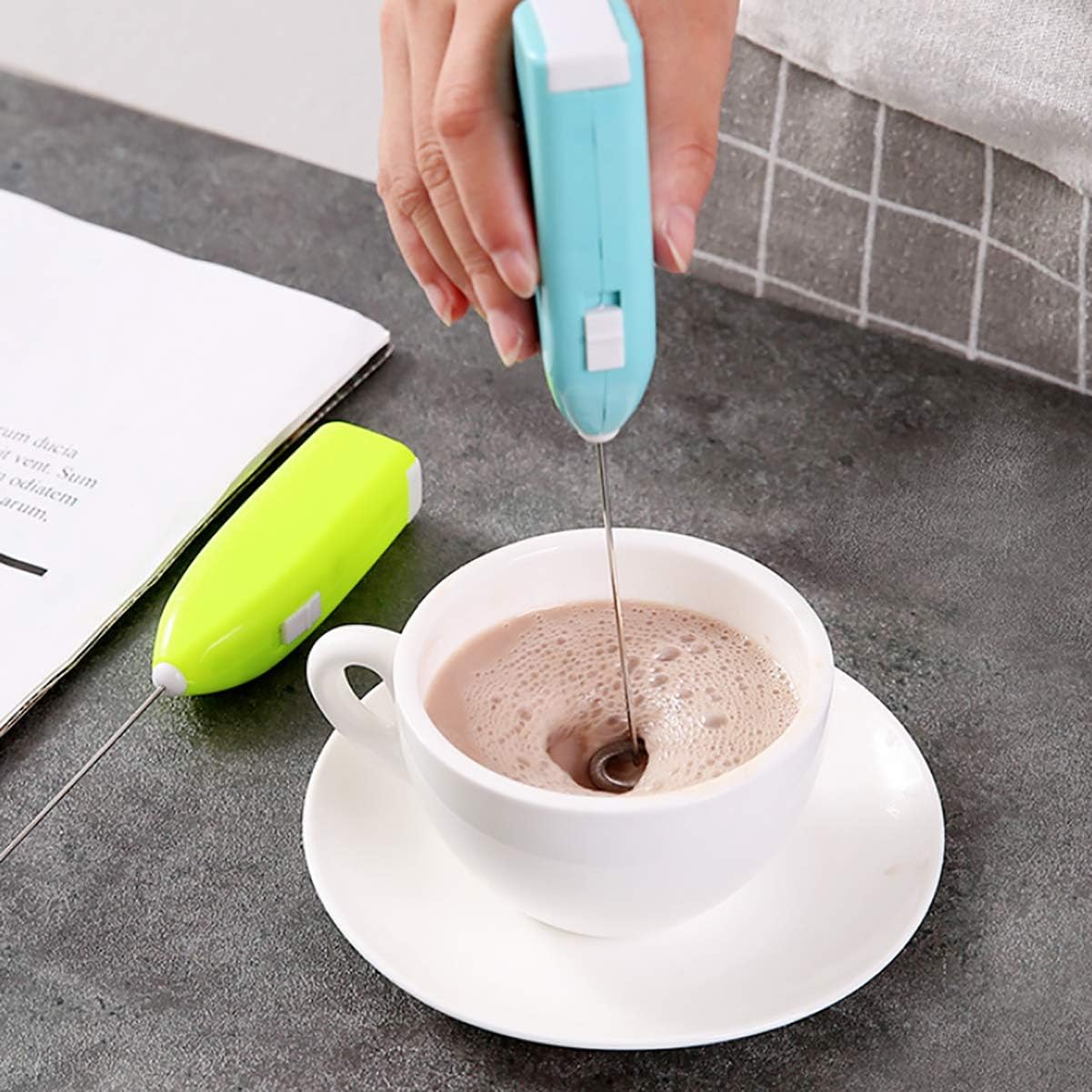
Using the frother to create foam in coffee.
5.2 Mixing Beverages and Beating Eggs
The frother can also be used for mixing other beverages like coffee, hot chocolate, or protein shakes, and for beating eggs.
- Place the whisk head into the liquid or eggs you wish to mix.
- Press the on/off button to activate.
- Mix until the desired consistency is reached.
- Release the button to stop.

Demonstration of using the frother to beat an egg.
Official video demonstrating the UpTuoLi handheld milk frother in action, mixing various beverages and showing its compact design.
6. Cleaning and Maintenance
Proper cleaning ensures the longevity and hygiene of your frother.
- After each use, immediately rinse the stainless steel whisk head under warm running water.
- For thorough cleaning, you can briefly activate the frother in a glass of warm, soapy water, then rinse.
- Wipe the whisk head with a damp cloth.
- Wipe the handle with a clean, damp cloth. Do not immerse the handle in water.
- Ensure the frother is completely dry before storing.
- Store in a dry place away from direct sunlight.
Note: The product is listed as 'Dishwasher Safe' in some specifications, but due to its battery-operated nature, it is recommended to hand wash the whisk head and wipe the handle to prevent damage to the electronic components.
7. Troubleshooting
If you encounter issues with your UpTuoLi Milk Frother, please refer to the following common solutions:
| Problem | Possible Cause | Solution |
|---|---|---|
| Frother does not turn on. | Dead or incorrectly installed batteries. | Check battery orientation. Replace with fresh AA batteries. |
| Weak frothing power. | Low battery power. | Replace with fresh AA batteries. |
| Whisk head is bent or damaged. | Impact or improper handling. | Carefully attempt to reshape the whisk head if minor. If severely damaged, replacement may be necessary. |
| Frother stops working during use. | Overheating or low battery. | Allow the device to cool down. Replace batteries. |
8. Specifications
| Feature | Specification |
|---|---|
| Brand | UpTuoLi |
| Model Name | mini-milk-frother |
| Color | Black (as per current product) |
| Material | Stainless Steel (whisk head), ABS Plastic (body) |
| Product Dimensions (W x H) | 1.42"W x 7.68"H (approx. 3.6cm W x 19.5cm H) |
| Item Weight | 1.76 ounces |
| Power Source | Battery Powered |
| Number of Batteries Required | 2 AA batteries (not included) |
| Special Feature | Cordless |
| Recommended Uses | Residential (Coffee, Tea, Espresso, Milk Frothing, Egg Beating) |

Product dimensions for the UpTuoLi milk frother.
9. Warranty and Support
For warranty information or customer support, please refer to the retailer where you purchased the UpTuoLi Milk Frother or visit the official UpTuoLi website. Keep your purchase receipt as proof of purchase.