
Introduction
Welcome to your Pabobo Shakies Whale Plush Figure. This soft, illuminated plush toy is designed to provide a comforting glow for children. It features a shake-to-activate light and an automatic timer function, making it an ideal companion for bedtime.
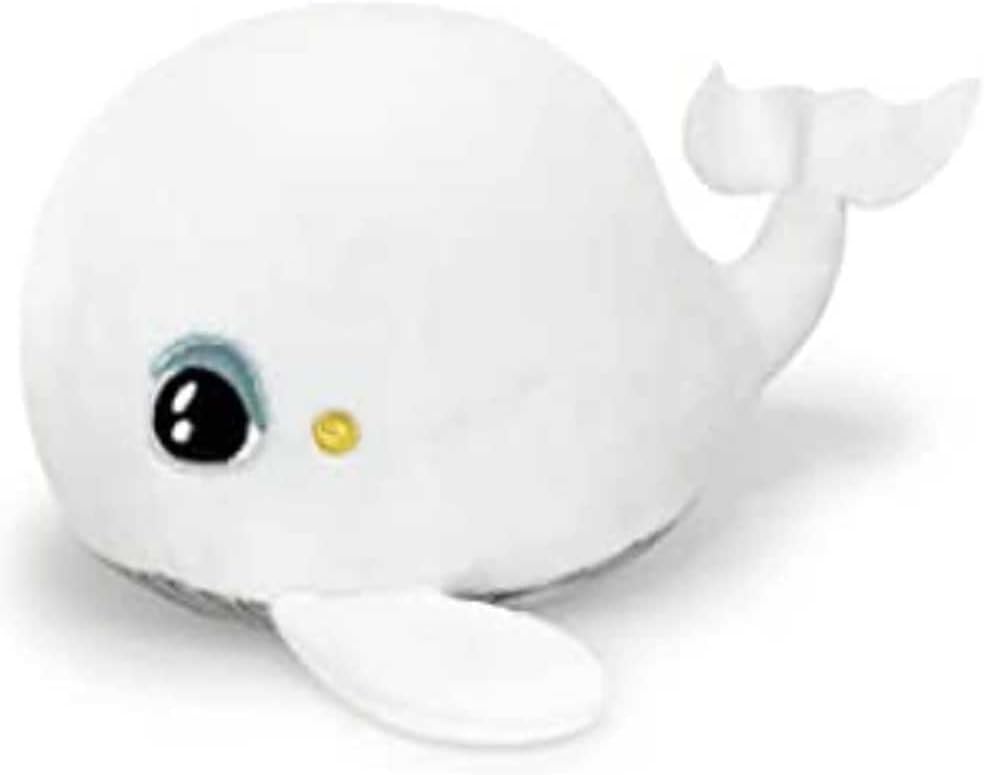
Image: The Pabobo Shakies Whale Plush Figure emitting a soft light, held by a sleeping child.
Setup
Battery Installation
The Pabobo Shakies Whale requires 2 CR2032 batteries, which are included with the product. The electronic module, which houses the batteries, is designed to be removable for both battery replacement and cleaning purposes.
- Locate the small opening or pouch on the plush figure where the electronic module is inserted.
- Carefully remove the electronic module from the plush toy.
- Using a small screwdriver (if required), open the battery compartment on the module.
- Insert the 2 CR2032 batteries, ensuring correct polarity (+/-).
- Close the battery compartment securely.
- Reinsert the electronic module back into the plush figure, ensuring it is fully seated.
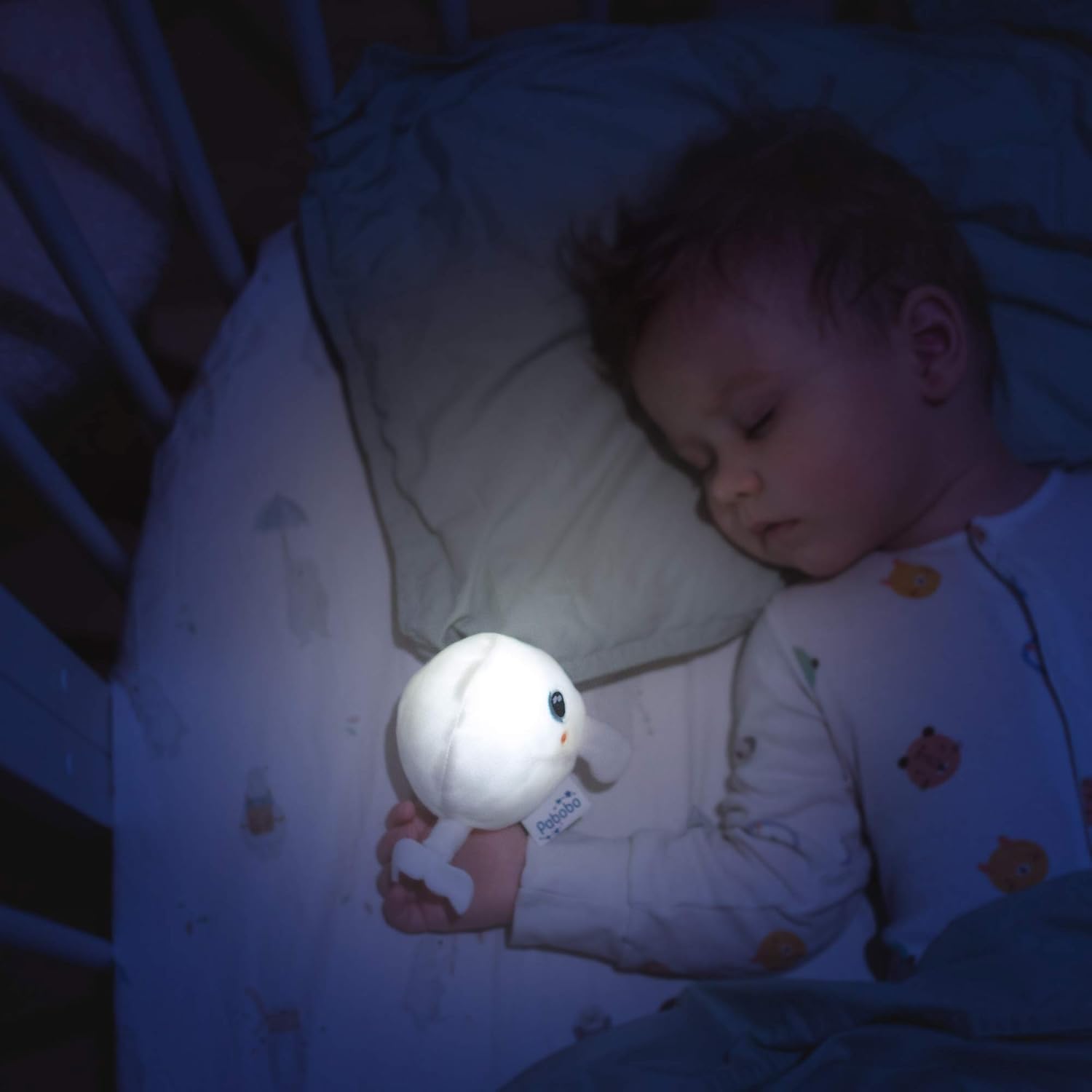
Image: A detailed front view of the Pabobo Shakies Whale Plush Figure.
Operating Instructions
Activating the Light
To turn on the light, gently shake the plush figure. The internal sensor will detect the movement and activate the LED light.
Setting the Timer
The light features an automatic shut-off timer to conserve battery life. You can program it for either 5 seconds or 5 minutes. To adjust the timer setting:
- Remove the electronic module from the plush figure as described in the Battery Installation section.
- Locate the timer switch or button on the electronic module. This is typically a small switch with two positions (e.g., '5s' and '5m').
- Select your desired shut-off time.
- Reinsert the electronic module back into the plush figure.
The light will now automatically turn off after the selected duration.
Maintenance
Cleaning the Plush Figure
The plush figure is machine washable, ensuring hygiene and longevity. Follow these steps for cleaning:
- Before washing, ensure the electronic module is completely removed from the plush toy.
- Machine wash the plush figure at 30°C (86°F) on a gentle cycle.
- Allow the plush to air dry completely before reinserting the electronic module. Do not tumble dry.
Important: Never wash the electronic module. Exposure to water will damage the electronic components.
Troubleshooting
- Light not activating:
- Check battery installation. Ensure batteries are correctly inserted with the proper polarity.
- Verify that the batteries are not depleted. Replace with new CR2032 batteries if necessary.
- Ensure the electronic module is fully and correctly seated within the plush figure.
- Light not turning off automatically:
- Verify the timer setting on the electronic module. Ensure it is set to your desired duration (5 seconds or 5 minutes).
- If the issue persists, remove and reinsert the electronic module to reset it.
Specifications
| Model Number | PB1830 |
| Brand | Pabobo |
| Product Dimensions | 12 x 12 x 8 cm |
| Weight | 40 g |
| Material | Plush (Cotton exterior/interior) |
| Color | White |
| Batteries | 2 x CR2032 (included) |
| Special Features | Light, Automatic Timer (5 seconds / 5 minutes) |
| Country of Origin | China |
Warranty Information
Pabobo products are manufactured to high-quality standards. For specific warranty details regarding your Shakies Whale Plush Figure, please refer to the warranty information provided in the product packaging or visit the official Pabobo website. Keep your proof of purchase for any warranty claims.
Customer Support
Should you require further assistance, have questions about your product, or need to report an issue, please contact Pabobo customer service. You can typically find contact information on the product packaging or by visiting the official Pabobo website:
- Official Website: Search for "Pabobo" online to find their official support page.
- Product Registration: Consider registering your product on the Pabobo website to receive updates and support.