The AXLOIE S6 Wireless Earbuds are designed for active lifestyles, featuring advanced Bluetooth 5.2 technology, real-time heart rate monitoring, and clear call quality with cVc 8.0 noise reduction. These earbuds offer an immersive audio experience and extended battery life, making them suitable for workouts, gym sessions, and daily use.
Image: AXLOIE S6 Wireless Earbuds and their charging case. The earbuds feature an ear-hook design for a secure fit.
Package Contents
Upon opening the package, ensure all components are present:
AXLOIE S6 Wireless Earbuds (Left and Right)
Charging Case
USB-C Charging Cable
Multiple Sizes of Ear Tips (XS, S, M, L)
User Manual (this document)
Image: All items included in the AXLOIE S6 package: earbuds, charging case, USB-C cable, various ear tip sizes, and the user manual.
Setup Guide
1. Initial Charge
Before first use, fully charge the earbuds and the charging case. Connect the provided USB-C cable to the charging case and a compatible power source. The indicator lights on the case will show charging status. A 10-minute charge provides up to 60 minutes of playtime.
Image: The quick charge feature, illustrating that a 10-minute charge provides 60 minutes of playback time.
2. Pairing with Your Device
Ensure the earbuds are charged and placed inside the charging case.
Open the charging case. The earbuds will automatically enter pairing mode.
On your device (smartphone, tablet, etc.), enable Bluetooth.
Search for "AXLOIE S6" in the list of available Bluetooth devices and select it to connect.
Once connected, a voice prompt will confirm successful pairing.
Image: A close-up view of the Qualcomm QCC3040 Bluetooth 5.2 chip, highlighting the advanced connectivity technology.
3. App Installation (Optional but Recommended)
For full functionality, including heart rate monitoring and equalizer settings, download the dedicated AXLOIE app from your device's app store. Follow the in-app instructions to set up your profile and connect your earbuds.
Image: Screenshot of the customized fitness app interface, showing metrics like heart rate, calories, route tracking, distance, pedometer, and time.
Operating Instructions
Basic Controls
Function
Action
Power On/Off
Hold the multi-function button for 2-3 seconds.
Play/Pause
Single tap the multi-function button on either earbud.
Next Track
Double tap the right earbud.
Previous Track
Double tap the left earbud.
Volume Up
Triple tap the right earbud.
Volume Down
Triple tap the left earbud.
Answer/End Call
Single tap the multi-function button during a call.
Reject Call
Hold the multi-function button for 2 seconds during an incoming call.
Activate Voice Assistant
Hold the multi-function button for 2 seconds (when not on a call).
Heart Rate Monitoring
The earbuds feature a sensitive heart rate sensor for continuous real-time monitoring during dynamic activities. Ensure the earbuds are properly seated in your ears for accurate readings. Data can be viewed and tracked via the AXLOIE app.
Image: A person running with the earbuds, illustrating the real-time heart rate monitoring feature which helps in knowing workout intensity and preventing overtraining.
Audio Quality and Noise Reduction
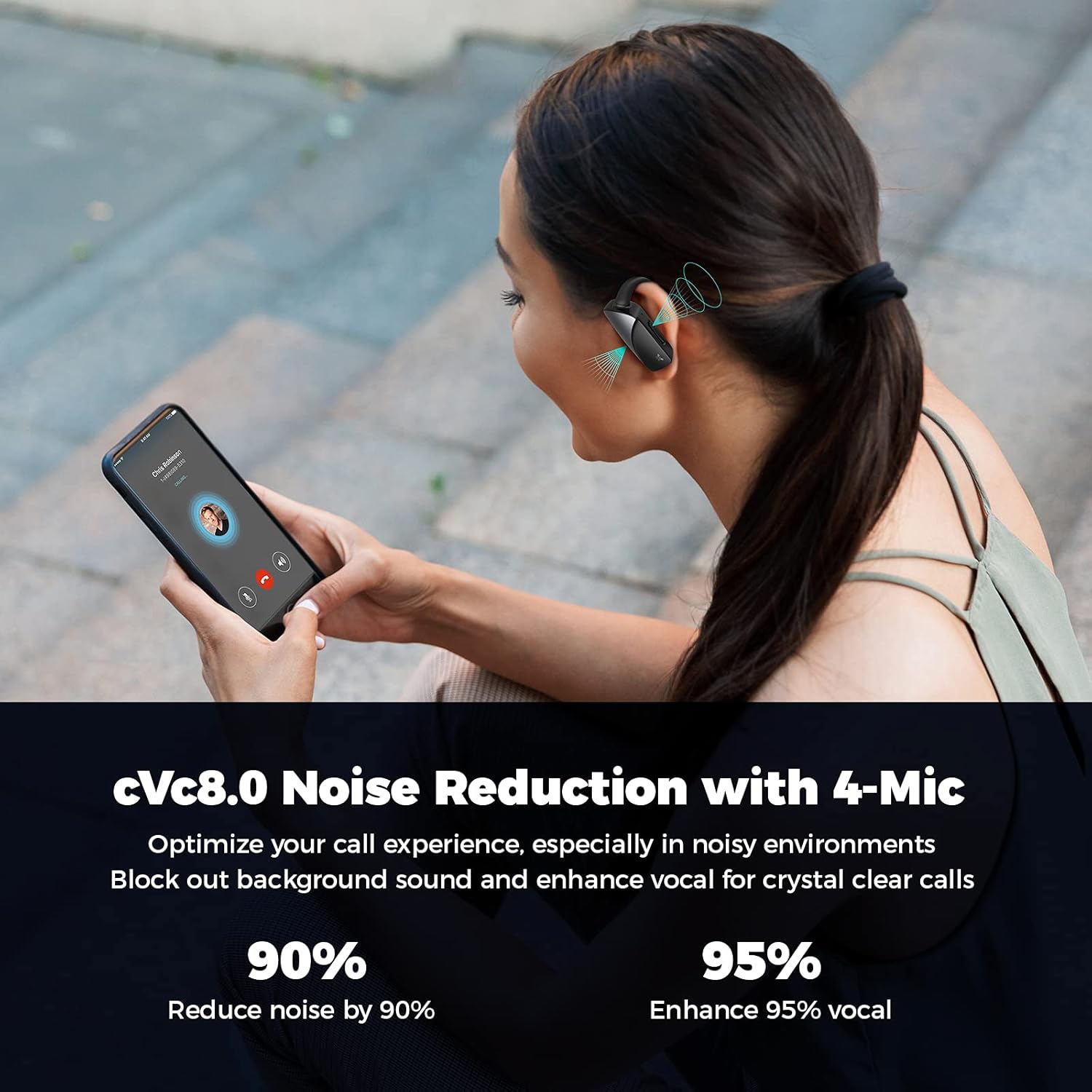
Equipped with Qualcomm chipset and 10mm composite drivers, the earbuds deliver rich audio with aptX, AAC, and SBC support. The cVc 8.0 noise reduction technology with 4 built-in microphones ensures crystal-clear calls by filtering out environmental noise.
Image: An exploded diagram showing the 10mm driver unit and components responsible for premium sound and rich bass, with aptX lossless audio support.
Image: A person on a phone call, demonstrating the cVc 8.0 noise reduction technology with 4 microphones that optimize call experience by blocking background sound and enhancing vocal clarity.
Maintenance
Cleaning
Regularly clean your earbuds and charging case with a soft, dry cloth. For ear tips, remove them and clean with mild soap and water, then dry thoroughly before reattaching. Avoid using harsh chemicals or abrasive materials.
Storage
When not in use, store the earbuds in their charging case to protect them and ensure they remain charged. Store in a cool, dry place away from extreme temperatures and direct sunlight.
Water Resistance
The earbuds are waterproof. However, prolonged submersion or exposure to saltwater/chlorinated water is not recommended. Always dry the earbuds completely before placing them back in the charging case to prevent damage.
Image: Close-up of the earbuds with water droplets, indicating their waterproof design suitable for active use.
Image: Three individuals engaged in various exercises (running, cycling, stretching) while wearing the earbuds, demonstrating their suitability for sports and active lifestyles.
Troubleshooting
Common Issues and Solutions
Earbuds not pairing:
Ensure earbuds are fully charged.
Turn off and on your device's Bluetooth.
Forget "AXLOIE S6" from your device's Bluetooth list and try pairing again.
Place earbuds back in the case, close, wait 5 seconds, then open to reset pairing mode.
No sound or low volume:
Check device volume and earbud volume.
Ensure earbuds are properly connected to your device.
Clean ear tips and earbud mesh to remove any obstructions.
Heart rate reading inaccurate:
Ensure earbuds are securely and correctly placed in your ears.
Try different sized ear tips for a better fit.
Ensure the heart rate sensor area on the earbud is clean.
Call quality issues:
Ensure earbuds are fully charged.
Check for strong Bluetooth connection.
Avoid noisy environments where possible, as extreme noise may still affect clarity.
Specifications
Feature
Detail
Model Name
AXLOIE S6
Brand
KESIEME
Connectivity Technology
Wireless, Bluetooth 5.2
Bluetooth Version
5.2
Audio Driver Type
Dynamic Driver (10mm composite drivers)
Battery Life (Earbuds)
Up to 8 hours on a single charge
Total Playtime (with Case)
Up to 32 hours
Quick Charge
10 minutes charge for 60 minutes playtime
Microphones
4 (2 per earbud) with cVc 8.0 Noise Reduction
Heart Rate Monitoring
Yes, real-time monitoring
Water Resistance Level
Waterproof
Material
Silicone, Plastic
Control Type
Media Control (buttons on earbuds)
Frequency Range
20Hz - 20,000Hz
Official Product Video
Video: An official product video showcasing the features and usage of the AXLOIE S6 wireless earbuds.
Warranty and Support
Specific warranty information for the KESIEME AXLOIE S6 Wireless Earbuds is not provided in the product details. Please refer to the included user manual or contact KESIEME customer support for warranty details and technical assistance.
For further assistance, you may also refer to the User Manual (PDF).
AXLOIE B2 Truly Wireless Earbuds User Manual | Setup, Controls & Charging Guide User manual for AXLOIE B2 truly wireless earbuds. This guide covers wearing, charging, pairing, touch controls, LED indicators, and reset procedures. Features include ENC noise cancelling, IPX6 waterproofing, and 20-hour playtime. Learn how to use your AXLOIE B2 headphones effectively.
AXLOIE GOIN Wireless Earphones User Manual Explore the AXLOIE GOIN wireless earphones with this comprehensive user manual. Learn about setup, features, charging, and specifications for your Bluetooth earbuds.
S6 SE Wireless Bluetooth Headset User Manual User manual for the S6 SE Wireless Bluetooth Headset, detailing product specifications, functional instructions, pairing methods, charging operations, and important precautions. Features Bluetooth V5.1, 2.5-hour playtime, and a 10m signal distance.