
warmiplanet 52-Inch Flush Mount Ceiling Fan (3-Blades, Brushed Nickel)
warmiplanet 52-Inch Flush Mount Ceiling Fan User Manual
Brand: warmiplanet | Model: 52-Inch Flush Mount Ceiling Fan (3-Blades, Brushed Nickel)
1. Introduction
This user manual provides comprehensive instructions for the installation, operation, and maintenance of your warmiplanet 52-Inch Flush Mount Ceiling Fan. Designed for optimal air circulation and integrated lighting, this fan features a quiet DC motor, dimmable LED light with adjustable color temperature, and a multi-function remote control. Please read this manual thoroughly before installation and use to ensure safe and efficient operation.
2. Safety Information
- WARNING: To reduce the risk of electrical shock, ensure electricity has been turned off at the circuit breaker or fuse box before beginning installation.
- WARNING: All wiring must be in accordance with national and local electrical codes. If you are unfamiliar with wiring, consult a qualified electrician.
- WARNING: To reduce the risk of personal injury, do not bend the blade brackets when installing, balancing the blades, or cleaning the fan.
- WARNING: Do not insert foreign objects between rotating fan blades.
- Always ensure the fan is securely mounted to a ceiling joist or a suitable support structure capable of supporting the fan's weight.
- Keep children and pets away from the fan during operation.
- Do not attempt to repair or modify the fan yourself. Contact customer support for assistance.
3. Product Features
- LED Light: Features a 22-watt replaceable and durable LED light. Dimmable from 10-100% brightness. Change color temperature from 3000K (warm white) to 4000K (natural light) to 6000K (cool white) via remote control. Includes memory function for light settings.
- Quiet DC Motor: Equipped with a reversible DC motor for quiet operation, suitable for bedrooms and nurseries. Provides powerful airflow in summer and helps circulate warm air in winter. Energy-efficient design saves electricity.
- Multi-function Remote Control: Controls 6 fan speeds, light color temperature, dimming, and timer functions (1H, 4H). The remote can be mounted on the wall with the included bracket.
- Space-Saving Flush Mount Design: With a height of only 11.3 inches, this fan is ideal for rooms with lower ceilings, offering a sleek and unobtrusive appearance.
- Double-Sided Fan Blades: Offers two styles to choose from, allowing for customization to match your interior decor.
4. Installation Guide
For a detailed visual guide, please refer to the official installation video below. Ensure power is off before starting.
Video: Warmiplanet 52 inch ceiling fan installation video. This video provides step-by-step instructions for mounting and wiring the ceiling fan.
4.1. Bill of Materials
Ensure all components are present before beginning installation. Refer to the image below for a visual representation of parts.

Image: All components of the warmiplanet 52-inch ceiling fan, including the main unit, three blades, remote control, and mounting hardware.
4.2. Determine Your Ceiling Type
The installation method for the mounting plate varies based on your ceiling material (concrete or wooden). Use appropriate screws and washers as indicated in the video.
4.3. Step-by-Step Installation
- Install the Mounting Plate: Secure the mounting plate to the octagon box using two machine screws and iron washers. Remove two opposite screws and loosen the other two opposite screws on the mounting plate.
- Prepare and Hang the Motor: Place the ring onto the motor. Carefully hang the motor onto the mounting plate using the J-hook.
- Connect Wiring: Connect the home wires to the receiver. Ensure correct connections: Black for Live Wire, White for Neutral Wire, Green for Ground Wire. After connecting, hang the motor on the mounting plate, rotate it until fixed, and then tighten the 4 screws.
- Install Blades and Light Kit:
- Install the fan blades and tighten their screws.
- Unscrew one screw and loosen two screws for the light plate. Rotate the light plate and tighten the three screws.
- Unscrew one screw and loosen two screws for the light source. Connect the wires of the light source.
- Rotate the light source and tighten the three screws.
- Rotate the light cover until it is fixed.
5. Operating Instructions
Your warmiplanet ceiling fan is operated using the included multi-function remote control. Familiarize yourself with the remote's layout and functions.
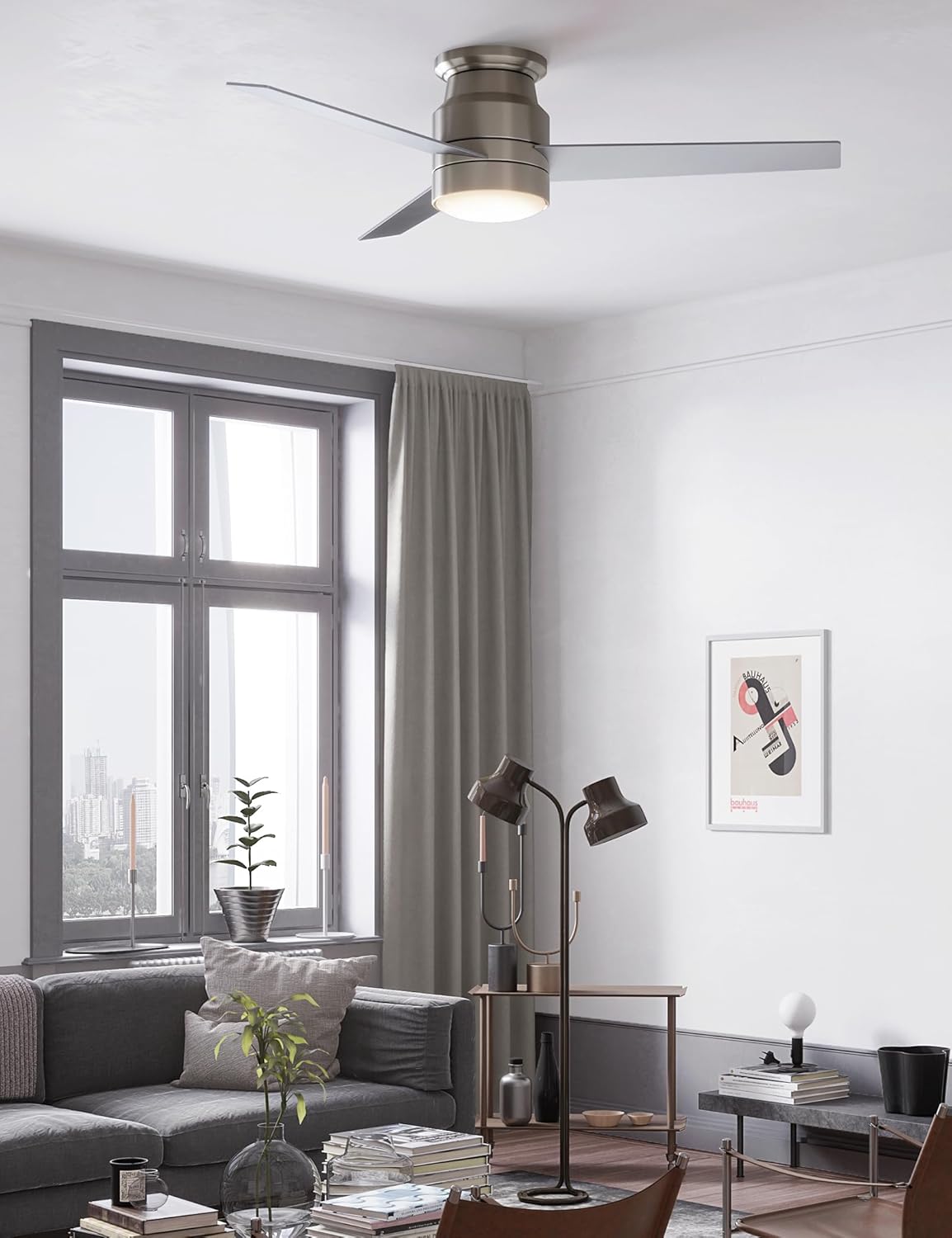
Image: The remote control for the warmiplanet ceiling fan, featuring buttons for power, fan speed (1-6), light on/off, color temperature adjustment, dimming, and timer settings.
5.1. Fan Operation
- Power On/Off: Press the OFF button to turn the fan off. Press any speed button (1-6) to turn it on.
- Speed Control: Select from 6 available speeds using the numbered buttons (1-6) on the remote.
- Reversible Function (Summer/Winter Mode): The DC motor allows for reversible airflow.
- Summer Mode (Counter-Clockwise): Creates a downward airflow for a cooling effect.
- Winter Mode (Clockwise): Creates an upward airflow to circulate warm air trapped near the ceiling, helping to save on heating costs.

Image: Illustration of the fan's reversible function, demonstrating counter-clockwise rotation for summer cooling and clockwise rotation for winter heat circulation.
- Timer Function: Set the fan to turn off automatically after 1 hour or 4 hours using the dedicated timer buttons on the remote.
5.2. Light Operation
- Light On/Off: Press the light bulb icon button to toggle the light on or off.
- Color Temperature Adjustment: Cycle through 3 color temperatures (3000K Warm Light, 4000K Natural Light, 6000K Cool White Light) by repeatedly pressing the light bulb icon button.
- Brightness Dimming: Use the dimming buttons (up/down arrows) to adjust the light brightness from 10% to 100%. The light has a memory function, retaining the last setting when turned back on.

Image: Visual representation of the fan's lighting options, demonstrating the three color temperatures and dimmable range.
Video: 52inch Ceiling Fan with Lights and Remote Product Show. This video demonstrates the fan's features, including light and speed adjustments.
6. Maintenance
- Cleaning: To clean the fan, wipe with a soft, damp cloth. Do not use abrasive cleaners or solvents. Ensure power is off before cleaning.
- Blade Cleaning: Dust the fan blades regularly to maintain optimal airflow and prevent dust buildup.
- Tightening Screws: Periodically check all screws and connections for tightness. Retighten as necessary.
- Light Source Replacement: The LED light source is replaceable. If replacement is needed, contact customer support for compatible parts.
7. Troubleshooting
| Problem | Possible Cause | Solution |
|---|---|---|
| Fan does not start. | No power to the fan; loose wire connections; remote control battery low or not paired. | Check circuit breaker/fuse. Ensure all wire connections are secure. Replace remote battery or re-pair remote according to instructions. |
| Light does not work. | Loose wire connection to light kit; LED light source failure; remote control issue. | Check light kit wiring. If LED is faulty, contact support for replacement. Check remote battery/pairing. |
| Fan wobbles. | Loose blade screws; unbalanced blades; loose mounting bracket. | Tighten all blade screws. Use the balancing kit (if included) to balance blades. Ensure mounting bracket is securely fastened. |
| Noisy operation. | Loose screws; motor issue; fan not properly installed. | Check all screws for tightness. Ensure proper installation. If noise persists, contact customer support. |
8. Specifications
- Brand: warmiplanet
- Model: 52-Inch Flush Mount Ceiling Fan
- Color: Nickel
- Material: Iron
- Style: 3 Blades-Nickel
- Light Fixture Form: Close to Ceiling
- Light Source: 22-watt Dimmable LED (3000K/4000K/6000K)
- Motor Type: Reversible DC Motor (6 Speeds)
- Control: Multi-function Remote Control with Timer
9. Warranty and Support
Your warmiplanet ceiling fan comes with the following warranty:
- Motor Warranty: 10 years
- Whole Fan Warranty: 2 years
We offer 24-hour customer support. If you have any questions or require assistance, please feel free to contact us. We are committed to providing prompt and helpful service.
For further assistance, visit the official warmiplanet store: warmiplanet Amazon Store
Related documents52-Inch Flush Mount Ceiling Fan (3-Blades, Brushed Nickel)


Ask a question about this manual
Ask about setup, troubleshooting, compatibility, parts, safety, or missing instructions. Manuals+ will review the question and use this page’s manual context to help answer it.