
1. Introduction
Thank you for choosing the POWEROWL MY-C001 NiMH AA and AAA Rechargeable Battery Charger and Battery Kit. This manual provides essential information for the safe and efficient use of your new charger and batteries. Please read these instructions carefully before use and retain them for future reference.
This kit includes a smart LCD charger designed to charge NiMH AA and AAA rechargeable batteries individually, ensuring optimal performance and longevity for each cell. The included POWEROWL NiMH batteries are suitable for a wide range of household electronic devices.
2. Package Contents
Upon opening your package, please verify that all the following items are included:
- 1 x POWEROWL 4-Slot LCD Smart Battery Charger
- 1 x USB-Micro Cable
- 4 x AA 2800 mAh NiMH Rechargeable Batteries
- 4 x AAA 1000 mAh NiMH Rechargeable Batteries
- 1 x User Manual

Image 2.1: The POWEROWL MY-C001 charger with both AA and AAA batteries inserted, along with additional batteries.
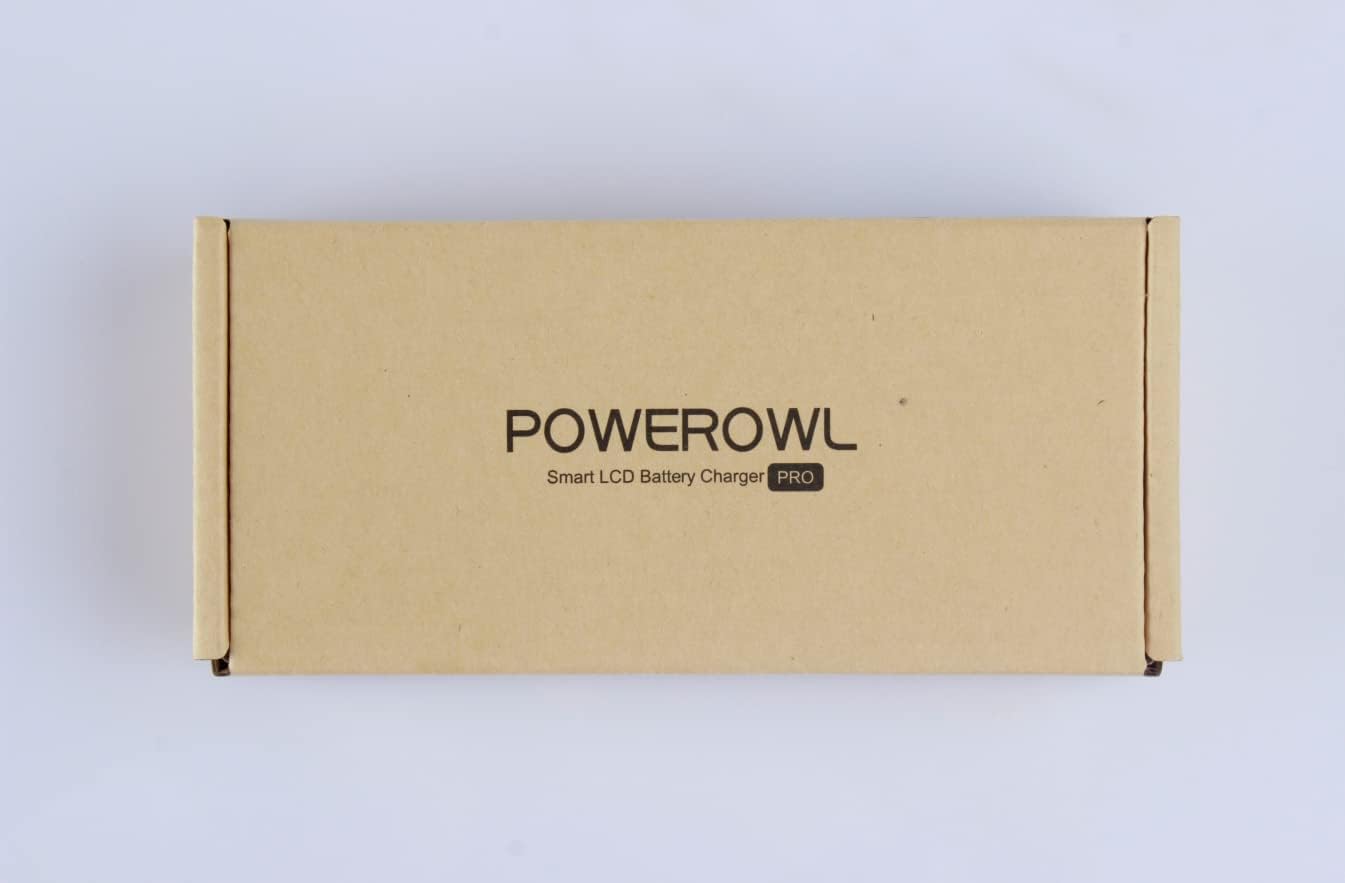
Image 2.2: The front of the POWEROWL product packaging, indicating the Smart LCD Battery Charger PRO.
3. Product Features
- Individual Charging Slots: The charger features 4 independent charging slots, allowing you to charge any combination of 1 to 4 AA or AAA NiMH batteries simultaneously, without requiring them to be charged in pairs.
- Fast Charging Technology: Capable of delivering up to 500mA charging current per slot, facilitating efficient and quick charging.
- Smart LCD Screen: An integrated LCD displays the charging status of each individual battery, including charging progress and error indications.
- Universal Compatibility: The included NiMH batteries are compatible with a wide range of 1.2V electronic devices, such as digital cameras, toys, remote controls, portable game consoles, flashlights, alarm clocks, and more.
- Optimized Battery Capacity: Utilizes high-precision four-stage intelligent charging control to maximize battery capacity and extend battery life.

Image 3.1: Illustration highlighting the independent charging slots of the POWEROWL charger compared to chargers requiring paired battery charging.

Image 3.2: The charger's display showing fully charged batteries, emphasizing the intelligent charging control for maximizing battery capacity.
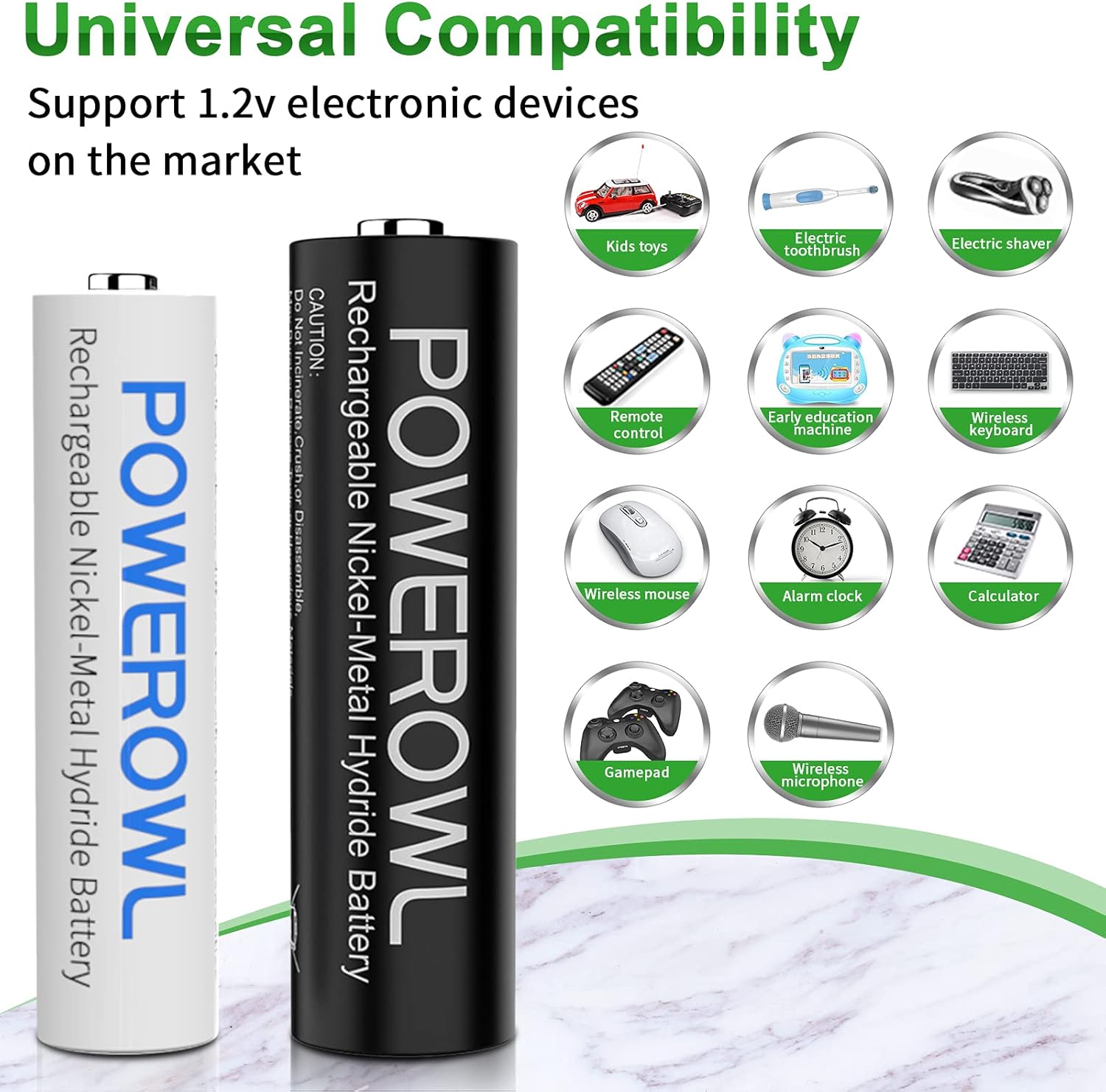
Image 3.3: A visual representation of the universal compatibility of POWEROWL batteries with common 1.2V electronic devices.
4. Safety Instructions
To ensure safe operation and prevent damage, please observe the following safety precautions:
- Use this charger only for NiMH AA and AAA rechargeable batteries. Do not attempt to charge alkaline, carbon-zinc, or any other battery types, as this may lead to explosion, leakage, or personal injury.
- Ensure the charger is connected to a 5V/2A USB power adapter (not included). Using an adapter with insufficient current may result in slow charging or malfunction.
- Do not expose the charger or batteries to water, moisture, or extreme temperatures.
- Avoid short-circuiting the batteries or charger terminals.
- Do not disassemble, modify, or attempt to repair the charger or batteries. Refer servicing to qualified personnel.
- Keep batteries and charger out of reach of children and pets.
- If a battery shows signs of leakage, discoloration, deformation, or any other abnormality, discontinue use immediately.
- Always insert batteries with correct polarity (+ and -) as indicated on the charger.
5. Setup
Follow these steps to set up your POWEROWL battery charger:
- Connect Power: Insert the micro-USB end of the provided USB cable into the charger's input port. Connect the standard USB-A end to a compatible 5V/2A USB power adapter (e.g., a smartphone charger, wall adapter, or power bank). The charger's LCD screen will briefly illuminate.
- Insert Batteries: Carefully insert 1 to 4 NiMH AA or AAA rechargeable batteries into the charging slots. Ensure the positive (+) and negative (-) terminals of the batteries align with the polarity markings inside the charger slots.
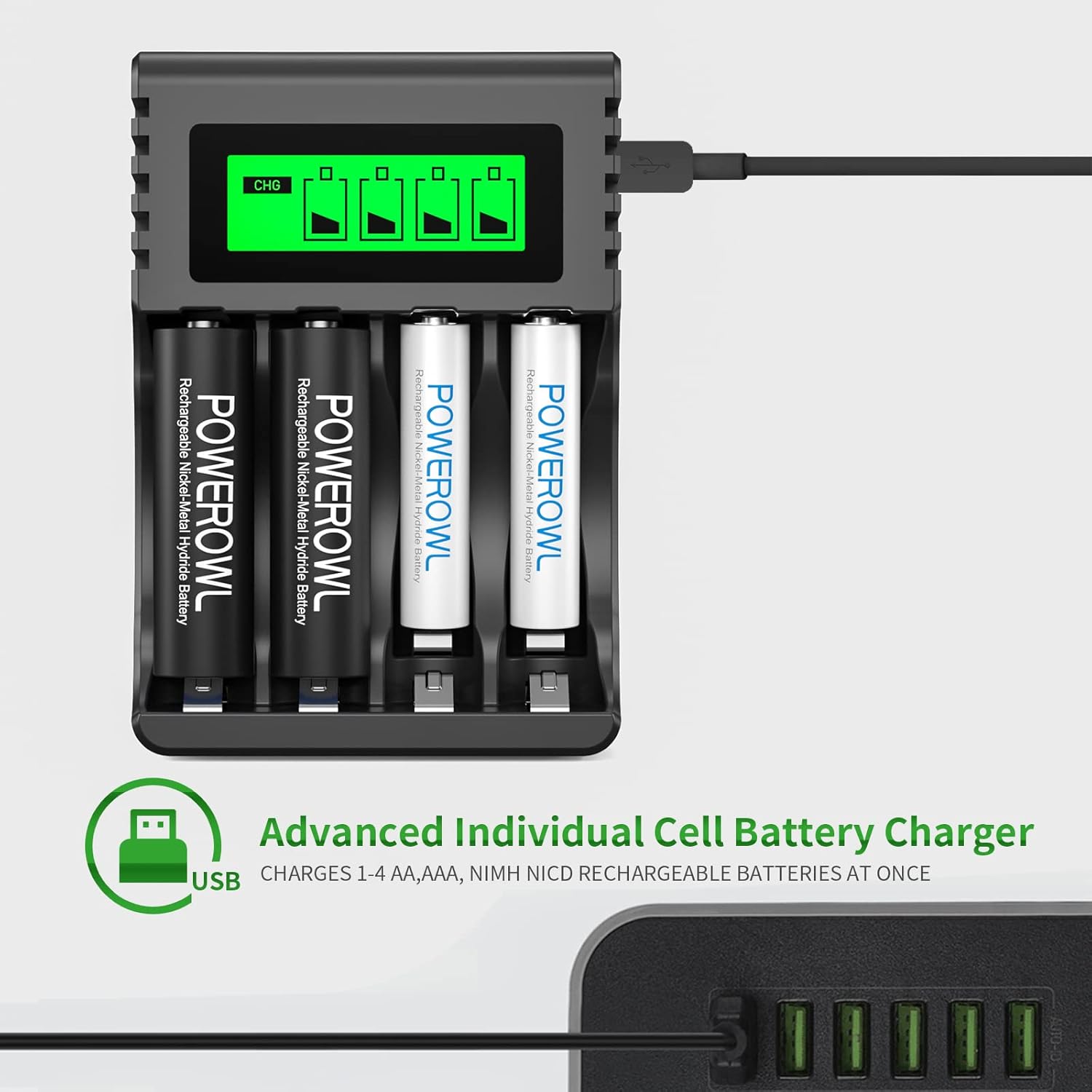
Image 5.1: The POWEROWL charger connected to a USB power source, illustrating the setup process.
6. Operating Instructions
Once batteries are correctly inserted and power is connected, the charger will begin the charging process automatically.
6.1. LCD Indicator Status
The smart LCD screen provides real-time status for each individual battery slot:
- CHG (Charging): The battery icon will show segments filling up, indicating that the battery is actively charging.
- Fully Charged: The battery icon will display as full and static, indicating the battery has reached full capacity. The charger will then switch to trickle charge to maintain the battery's charge.
- Charging Process: The battery icon will show animated segments, representing the ongoing charging cycle.
- ERROR: If 'ERROR' is displayed, it indicates an issue such as incorrectly installed batteries, defective batteries, or non-rechargeable batteries (e.g., alkaline). Refer to the Troubleshooting section.

Image 6.1: The Smart LCD screen displaying various charging statuses, including 'CHG', 'Fully Charged', 'Charging Process', and 'ERROR'.

Image 6.2: A close-up view of the LCD indicator, demonstrating how easily the charging status of each battery can be monitored.
6.2. Charging Time
Charging time varies depending on the battery capacity and its current charge level. The fast charging technology aims to minimize charging duration. Always refer to the LCD indicator for the current status.
7. Maintenance
Proper maintenance ensures the longevity and optimal performance of your charger and batteries:
- Cleaning: Disconnect the charger from power before cleaning. Use a soft, dry cloth to wipe the charger's exterior. Do not use abrasive cleaners or solvents.
- Storage: Store the charger and batteries in a cool, dry place away from direct sunlight and extreme temperatures. For long-term storage, it is recommended to charge NiMH batteries to about 50-80% capacity.
- Battery Care: Avoid fully discharging NiMH batteries frequently, as this can reduce their lifespan. Recharge them when they show signs of low power.
8. Troubleshooting
If you encounter issues with your POWEROWL charger, refer to the following common problems and solutions:
| Problem | Possible Cause | Solution |
|---|---|---|
| Charger LCD does not light up. | No power connection or faulty USB cable/adapter. | Ensure the USB cable is securely connected. Try a different USB port, cable, or 5V/2A power adapter. |
| LCD displays 'ERROR'. | Incorrect battery type (e.g., alkaline), reversed polarity, or defective battery. | Verify batteries are NiMH AA/AAA and inserted with correct polarity. Remove and reinsert the battery. If 'ERROR' persists, the battery may be defective. |
| Batteries charge slowly. | USB power adapter is not 5V/2A, or batteries are deeply discharged. | Use a 5V/2A USB power adapter. Deeply discharged batteries may take longer to initiate charging. |
| Batteries do not hold charge after charging. | Batteries have reached end of life or are defective. | NiMH batteries have a limited number of charge cycles. If batteries are old or frequently used, they may need replacement. |
9. Specifications
Detailed technical specifications for the POWEROWL MY-C001 charger and included batteries:
| Feature | Specification |
|---|---|
| Model | MY-C001 |
| Input Voltage | DC 5V |
| Input Current | 2A (Recommended) |
| Output Voltage | 1.2V (for AA/AAA) |
| Charging Current | 500mA x 4 (for AA/AAA) |
| Compatible Battery Types | NiMH AA, NiMH AAA |
| AA Battery Capacity | 2800 mAh |
| AAA Battery Capacity | 1000 mAh |
| Product Dimensions | Approximately 0.79 x 1.57 x 1.18 inches (Charger) |
| Item Weight | Approximately 9.5 ounces / 270 grams |

Image 9.1: The back of the POWEROWL product packaging, detailing input/output specifications and warnings.
10. Warranty and Support
For warranty information or technical support, please refer to the documentation included with your purchase or contact POWEROWL customer service through their official website or the retailer where the product was purchased. Please have your model number (MY-C001) and purchase details ready when contacting support.


