
Miady HYD009
Miady 5000mAh Mini Portable Charger User Manual
Model: HYD009
1. Introduction
The Miady 5000mAh Mini Portable Charger is a compact and efficient power bank designed to provide on-the-go charging for your mobile devices. Its small size and dual output ports make it an ideal companion for travel and daily use, ensuring your smartphones, tablets, and other compatible devices remain powered throughout the day.

Image 1.1: Miady 5000mAh Mini Portable Chargers (White and Black)
2. Key Features
- Super-mini Design: Compact dimensions (3.6 x 2.5 x 0.4 inches) and lightweight (4.2 Oz) for easy portability.
- 12W Rapid Charging: Provides 5V/2.4A high-speed charging via USB-A and USB-C ports.
- Dual Output Ports: Capable of charging two devices simultaneously.
- Airline Approved Capacity: 5000mAh / 18.5 watt-hours, safe for air travel.
- Wide Compatibility: Compatible with various devices including iPhone 16/15/14/13/12/11 Series, Galaxy S24/S22/S21/S20, Pixel series, iPads, and other Android smartphones and tablets.
- Safety Features: Includes Auto Shut-Off, LED Indicator Lights, Pocket Size, Short Circuit Protection, and Slim design.

Image 2.1: Compact and Lightweight Design

Image 2.2: 12W Rapid Charging Capability
3. Package Contents
The Miady 5000mAh Mini Portable Charger package includes the following items:
- 5000mAh Portable Phone Charger (Black) x 1
- 5000mAh Portable Phone Charger (White) x 1
- USB-C Cable x 2
- User Manual x 1
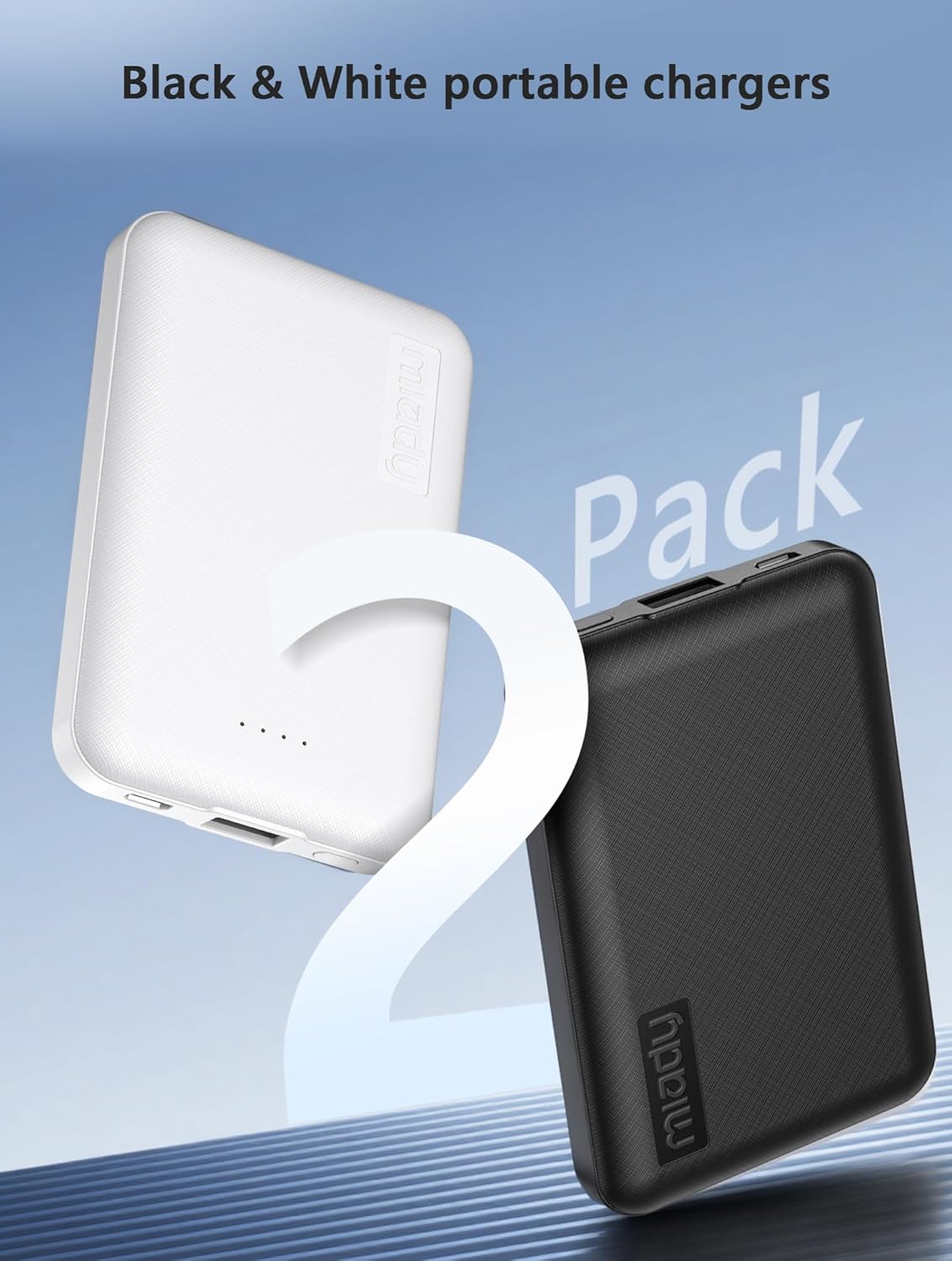
Image 3.1: Miady 2-Pack Portable Chargers
4. Setup and Charging the Power Bank
Before first use, it is recommended to fully charge your Miady portable charger. The power bank features a USB-C port that functions for both input (charging the power bank) and output (charging devices).
4.1 Charging the Power Bank
- Connect one end of the provided USB-C cable to the USB-C port on the Miady power bank.
- Connect the other end of the USB-C cable to a compatible USB wall adapter (not included) or a computer's USB port.
- The LED indicator lights on the power bank will illuminate to show the charging progress. All four lights will be solid when fully charged.
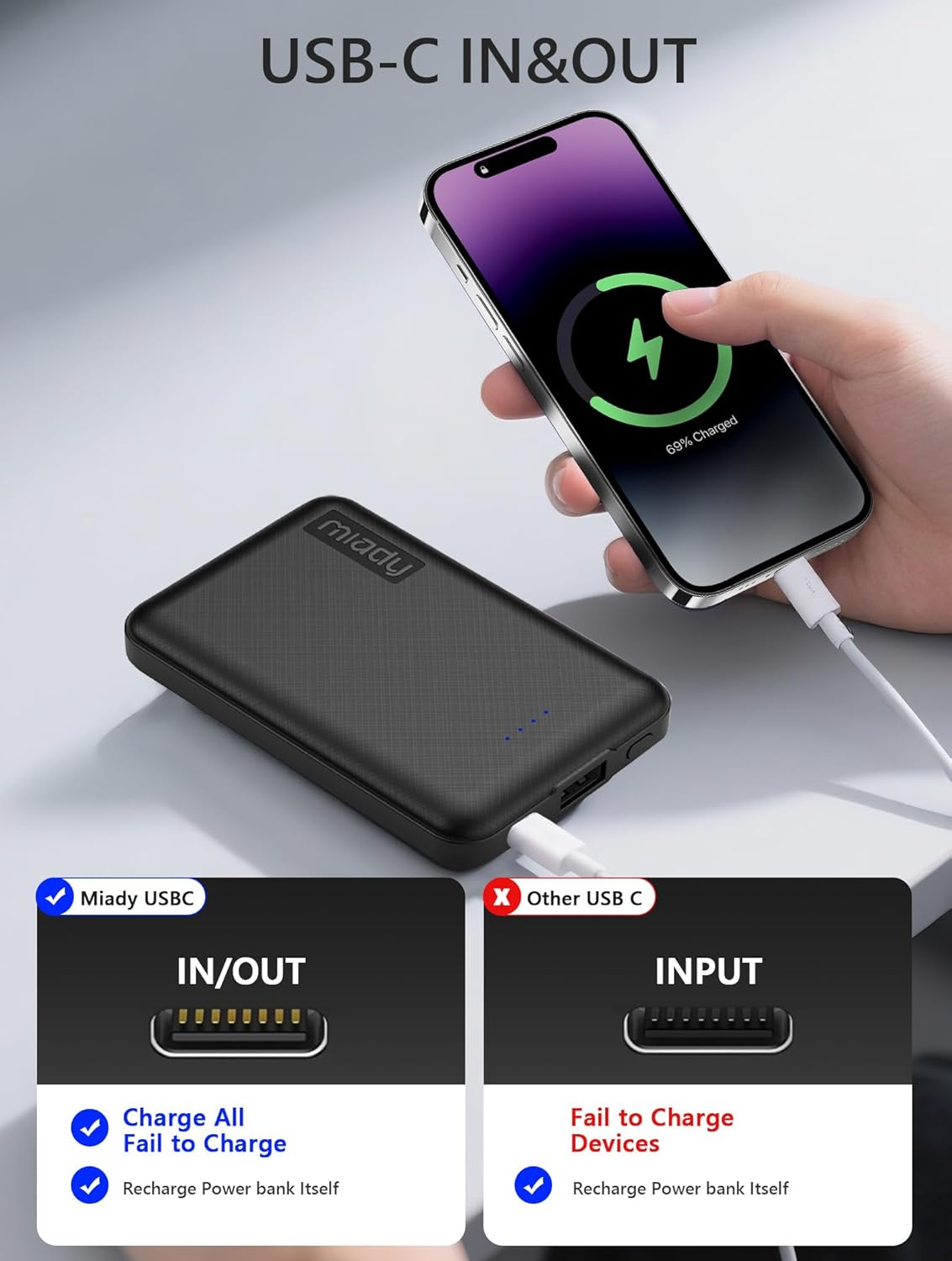
Image 4.1: Charging the Power Bank via USB-C
5. Operating Instructions
5.1 Charging Your Devices
The Miady portable charger is equipped with both a USB-A output port and a USB-C input/output port, allowing for versatile charging options.
- Connect your device's charging cable to either the USB-A port or the USB-C port on the power bank.
- Connect the other end of the cable to your device.
- The power bank will automatically begin charging your device. The LED indicators will show the remaining battery level.
- To charge two devices simultaneously, connect one device to the USB-A port and another to the USB-C port.

Image 5.1: Dual Output Ports for Device Charging

Image 5.2: Charging Two Devices at Once
5.2 Checking Battery Level
Press the power button once to check the remaining battery level indicated by the LED lights. Each light typically represents approximately 25% of the battery capacity.
6. Maintenance and Care
- Store the power bank in a cool, dry place away from direct sunlight and extreme temperatures.
- Avoid dropping or subjecting the power bank to strong impacts.
- Do not expose the power bank to water or other liquids.
- Clean the surface with a soft, dry cloth. Do not use harsh chemicals or abrasive materials.
- For optimal battery life, fully charge the power bank at least once every three months if not in regular use.
7. Troubleshooting
| Problem | Possible Cause | Solution |
|---|---|---|
| Power bank not charging | Cable is faulty; wall adapter is not working; power bank is fully charged. | Try a different USB-C cable and wall adapter. Check LED indicators to confirm if it's already fully charged. |
| Device not charging from power bank | Power bank battery is low; device cable is faulty; device is incompatible; power bank is in auto shut-off mode. | Recharge the power bank. Try a different charging cable. Ensure your device is compatible. Press the power button to reactivate the power bank. |
| Slow charging speed | Using a non-fast charging cable/adapter; charging multiple devices simultaneously. | Use the provided USB-C cable or another high-quality fast-charging cable. Disconnect one device if charging two at once. |
| Power bank overheats | Overloading; poor ventilation; internal fault. | Disconnect devices and allow the power bank to cool down. Ensure it's used in a well-ventilated area. If overheating persists, discontinue use and contact customer support. |
8. Specifications
| Feature | Detail |
|---|---|
| Model Number | HYD009 |
| Battery Capacity | 5000 Milliamp Hours (18.5 Wh) |
| Product Dimensions | 3.6 x 2.4 x 0.5 inches |
| Item Weight | 3.45 ounces |
| Input (USB-C) | 5V/2.4A (Max) |
| Output (USB-A) | 5V/2.4A (Max) |
| Output (USB-C) | 5V/2.4A (Max) |
| Batteries | 2 Lithium Ion batteries (included) |
| Color | White+Black |
| Special Features | Auto Shut-Off, LED Indicator Lights, Pocket Size, Short Circuit Protection, Slim |

Image 8.1: Airline Approved Capacity

Image 8.2: Wide Device Compatibility
9. Warranty and Customer Support
Miady provides a 180-day after-sales service for this product. For any questions or concerns, please contact Miady's customer service. They offer 24/7 support to ensure a satisfying solution for your needs.
Your satisfaction is our greatest recognition and support.
For support, please refer to the contact information provided with your purchase or visit the official Miady store on Amazon: Miady Store
Ask a question about this manual
Ask about setup, troubleshooting, compatibility, parts, safety, or missing instructions. Manuals+ will review the question and use this page’s manual context to help answer it.