
1. Introduction and Overview
The ipega PG-9083B is a versatile wireless game controller designed to enhance your mobile gaming experience. Featuring a retractable design, it securely holds a wide range of smartphones and tablets, transforming them into portable gaming consoles. With Bluetooth 5.0 connectivity, it offers seamless pairing and broad compatibility across various operating systems.

Image: ipega PG-9083B Wireless Game Controller with a tablet inserted, displaying a racing game.
2. Product Features
- Wireless Connectivity: Connects wirelessly via Bluetooth 5.0 for a stable and responsive gaming experience.
- Ergonomic Design: Engineered for comfort, the controller's grip and shape allow for extended gaming sessions without fatigue.
- Wide Compatibility: Supports iOS (versions 11.0 to 13.3.1), Android, Windows (7, 8, 10), and PC devices.
- Retractable Bracket: The integrated bracket extends to accommodate devices from 13cm (5.1 inches) up to 28cm (11 inches) in width, making it suitable for both smartphones and tablets.
- Long Battery Life: The built-in 380mAh battery provides up to 10 hours of continuous gameplay on a single charge, with a standby time of up to 30 days.

Image: Controller highlighting direct play and multi-platform support.

Image: Close-up of the high-precision joystick.

Image: Controller showcasing its ergonomic grip.
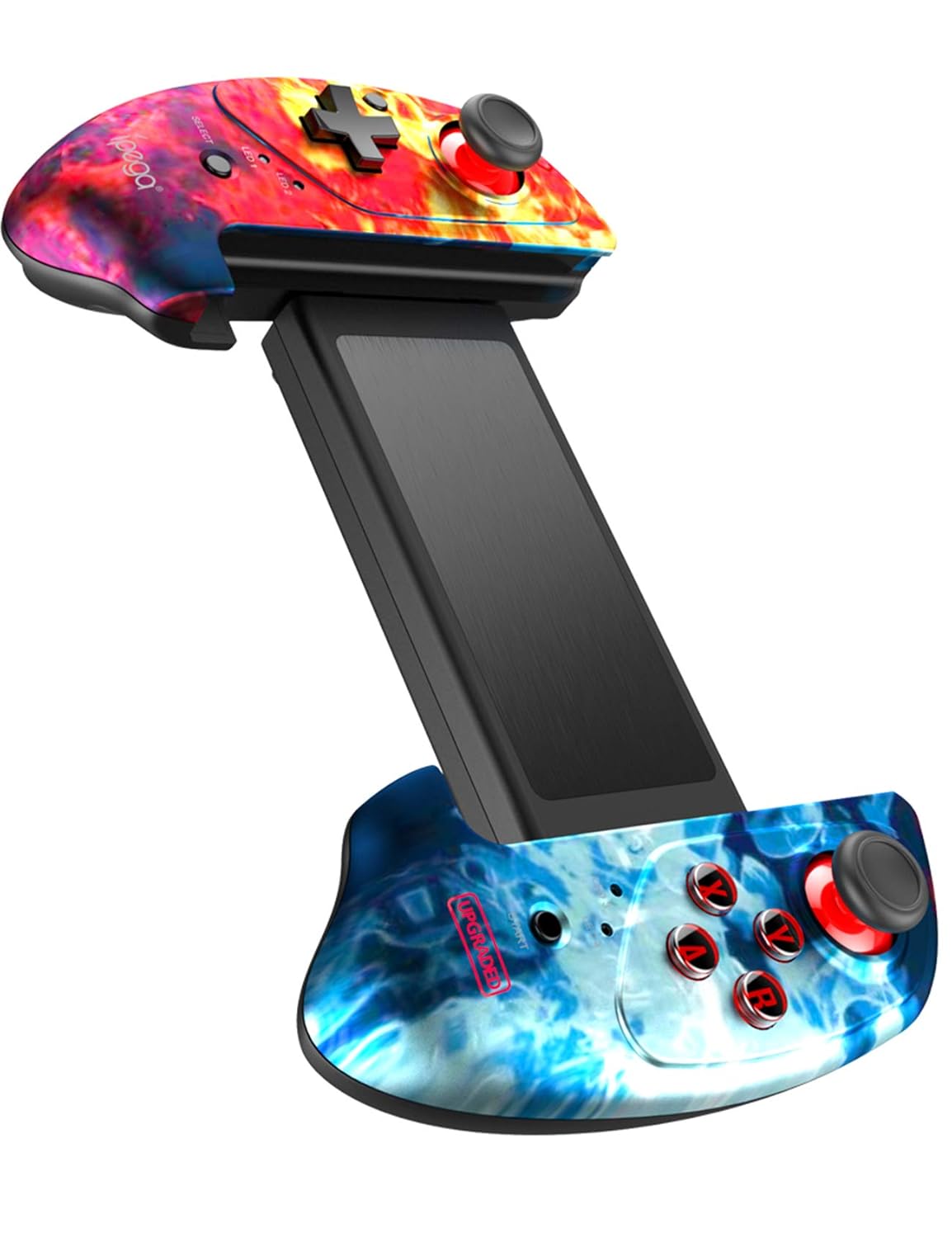
Image: The controller fully extended, demonstrating its retractable design.
3. Package Contents
Upon unboxing your ipega PG-9083B Wireless Game Controller, you should find the following items:
- 1 x ipega PG-9083B Wireless Retractable Controller
- 1 x Quick Start Guide (User Manual)
- 1 x Micro USB Charging Cable

Image: The product packaging box.
4. Setup and Connection
Follow these steps to connect your ipega PG-9083B controller to your device:
4.1. General Pairing Instructions
- Ensure the controller is charged.
- Slide the mode switch on the side of the controller to the appropriate icon for your device (Android or iOS).
- Press and hold the HOME button for 3 seconds to power on the gamepad and enter pairing mode. The corresponding LED indicator will flash quickly.
- On your device, go to Bluetooth settings and search for available devices.
- Select
