
1. Introduction
The EBTOOLS Driver Fatigue Alarm Device is an advanced safety system designed to monitor driver alertness and prevent accidents caused by fatigue or inattention. Utilizing sophisticated recognition technology and pupil detection, the device provides real-time warnings to help maintain safe driving conditions. This manual provides essential information for the proper setup, operation, and maintenance of your device.
2. Product Features
- Recognition Technology: Employs pupil detection to identify signs of driver fatigue or inattention based on changes in pupil characteristics.
- Image Sensor: Captures infrared images of the driver's face and analyzes them using a high-speed digital processor.
- Enhanced Safety: Utilizes face recognition, blinking frequency analysis, and real-time detection to issue voice warnings and alarms when unsafe driving patterns are detected.
- Accurate Detection: Provides precise detection of driver fatigue, delivering timely reminders and alarms to ensure driver safety.
- Wide Application: Features a rotating ball sucker bracket for easy installation on any flat surface, compatible with all types of vehicles operating on a 12V/24V DC power source.
3. Package Contents
Please verify that all items are present in your package:
- EBTOOLS Driver Fatigue Alarm Device
- Car Charger (12V/24V compatible)
- Suction Cup Mount

Image: The EBTOOLS Driver Fatigue Alarm Device, its car charger, and the suction cup mount.
4. Setup and Installation
- Mounting the Device: Attach the suction cup mount to a clean, smooth surface on your dashboard or windshield. Ensure the device is positioned to have a clear, unobstructed view of the driver's face. The optimal range for detection is up to 65 centimeters.
- Adjusting the Angle: Use the rotating ball joint on the mount to adjust the device's angle. The device should be level with your eyes when you are in your normal driving position.
- Power Connection: Connect the car charger to the device's power input port and then plug the other end into your vehicle's 12V/24V DC power outlet.
- Initial Calibration: After connecting the power, it is recommended to turn off the device for approximately 30 minutes. Then, turn it back on to allow for proper calibration. This ensures accurate detection based on your driving position and environment.

Image: The EBTOOLS Driver Fatigue Alarm Device attached to its suction cup mount, ready for installation.

Image: The device installed on a car dashboard, monitoring the driver's face.
5. Operating Instructions
Once properly installed and powered on, the EBTOOLS Driver Fatigue Alarm Device operates automatically:
- Automatic Monitoring: The device begins monitoring your face and eye movements as soon as it is powered on.
- Fatigue Detection: If the device detects signs of fatigue, such as prolonged eye closure or frequent blinking, it will issue an audible alarm to alert the driver.
- Inattention Warning: If the driver's gaze deviates significantly from the road ahead for an extended period (e.g., looking away, using a phone), the device will trigger an alarm to prompt the driver to refocus.
- All-Weather Operation: The device is designed for accurate analysis of driver fatigue and distraction both day and night, and in various weather conditions.
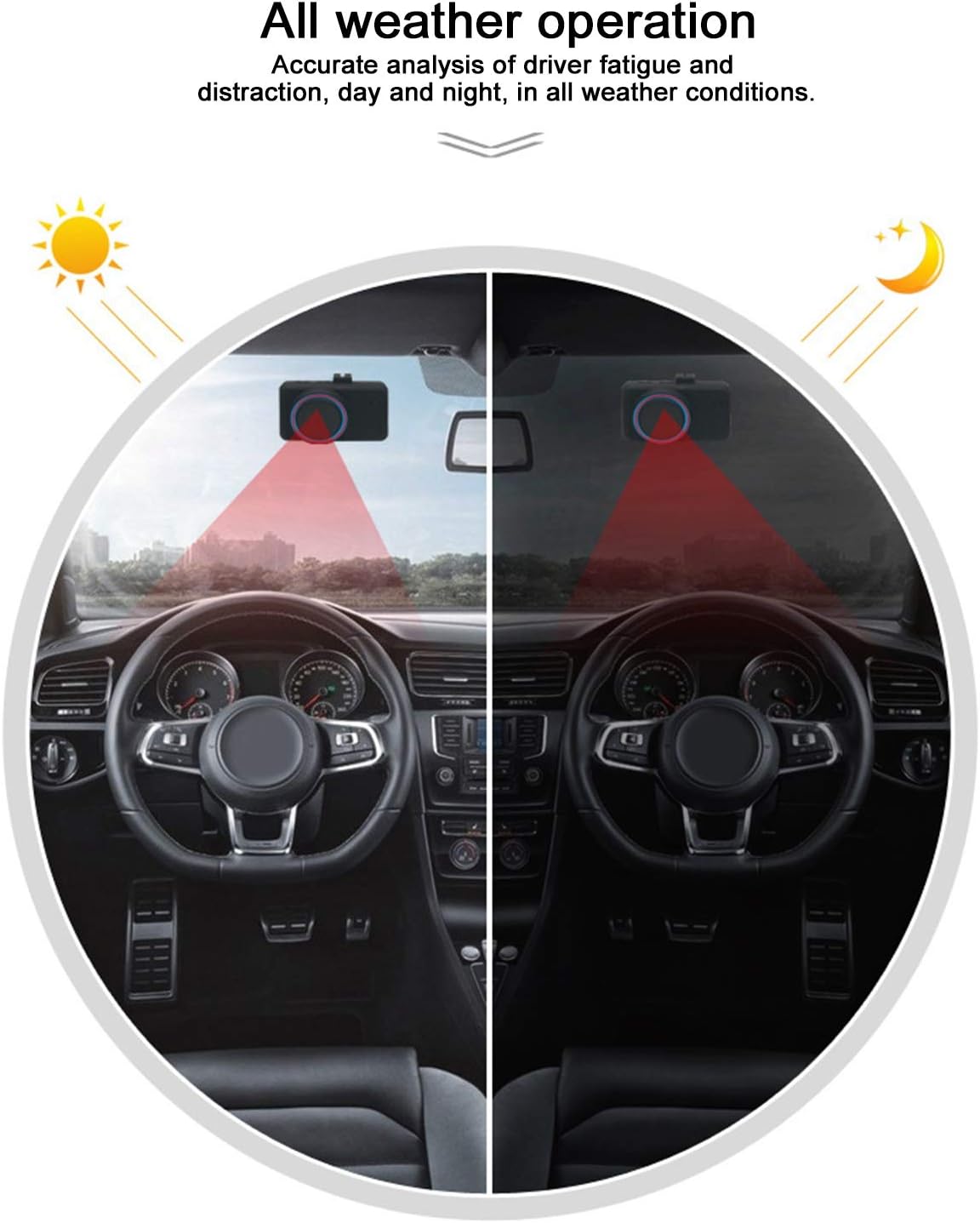
Image: Illustration of the device's all-weather operation, showing its functionality during both day and night driving.
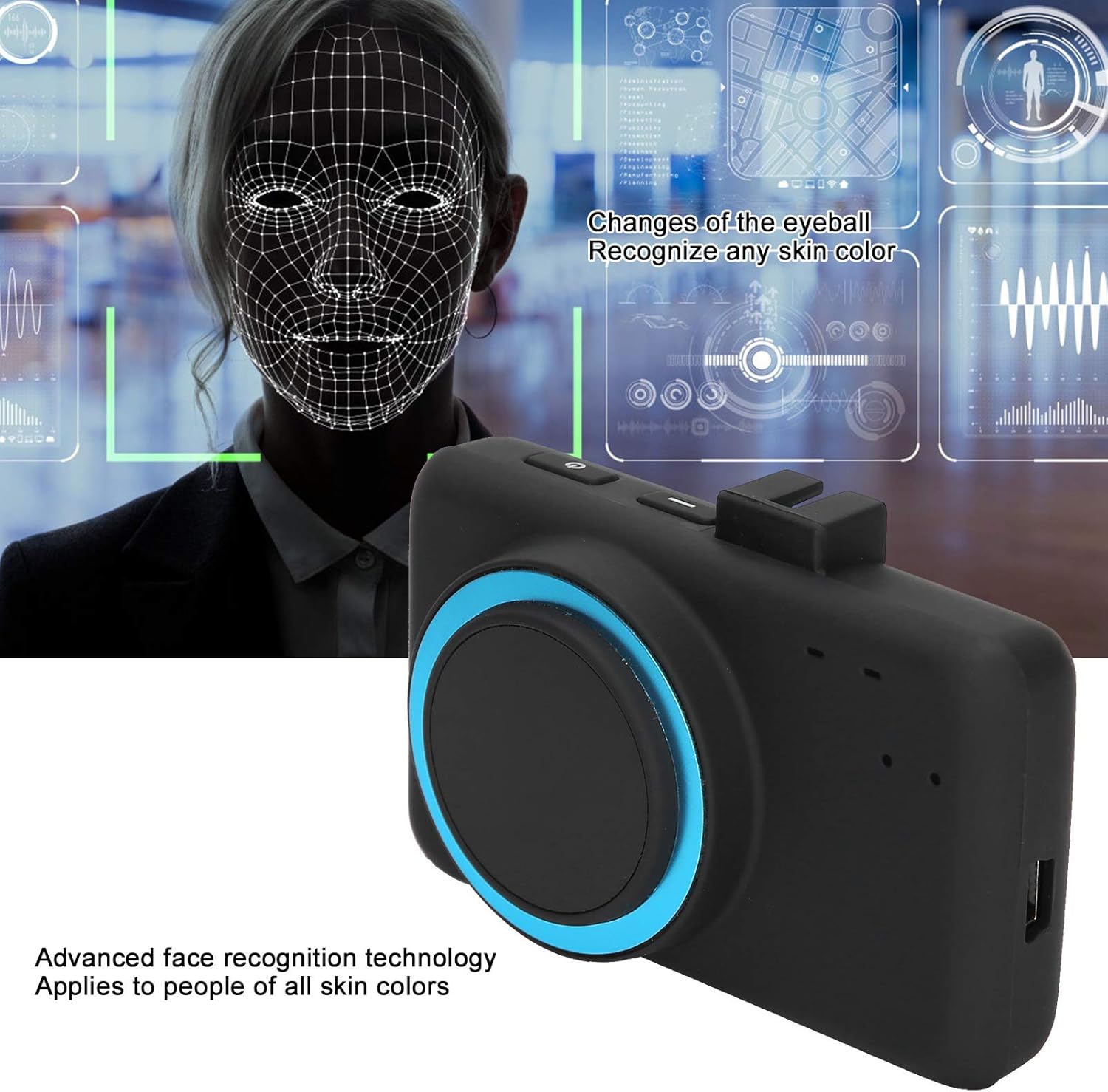
Image: Visual representation of the advanced face recognition technology used by the device to monitor driver's facial features and eye movements.
6. Maintenance
To ensure optimal performance and longevity of your device, follow these maintenance guidelines:
- Cleaning: Regularly wipe the device's lens and body with a soft, dry cloth. Avoid using abrasive cleaners or solvents that could damage the surface or lens.
- Storage: When not in use for extended periods, store the device in a cool, dry place away from direct sunlight and extreme temperatures.
- Cable Care: Ensure the power cable is not kinked or pinched, as this can lead to damage and intermittent power supply.
7. Troubleshooting
If you encounter issues with your EBTOOLS Driver Fatigue Alarm Device, refer to the following common problems and solutions:
| Problem | Possible Cause | Solution |
|---|---|---|
| Device does not power on. | No power supply or faulty connection. | Check if the car charger is securely plugged into both the device and the vehicle's power outlet. Ensure the vehicle's power outlet is functional. |
| Alarm sounds constantly or too frequently. | Improper device positioning or calibration issue. | Ensure the device is positioned correctly, level with your eyes, and has a clear view of your face. Re-calibrate the device by turning it off for 30 minutes and then restarting it. Avoid excessive head movements or looking away from the road for prolonged periods. |
| Inaccurate detection of fatigue/inattention. | Obstructed lens or incorrect calibration. | Clean the device's lens. Verify the device is stable and not vibrating excessively. Perform the initial calibration steps again. |
8. Specifications
- Model Number: EBTOOLSuti1d7xe8s1517
- Product Dimensions: 1 x 1 x 1 cm; 340 g
- Compatible Devices: Vehicles with a 12V/24V DC power source
- Maximum Detection Range: 65 centimetres
- Country of Origin: China
9. Warranty and Support
For technical assistance, troubleshooting beyond this manual, or inquiries regarding warranty information, please contact EBTOOLS customer service. Please have your model number (EBTOOLSuti1d7xe8s1517) available when contacting support.