
Introduction
This manual provides essential information for the safe and efficient use of your GE LED Reflector Bulb. GE High Definition bulbs are energy-saving LEDs designed to enhance color appearance. This Refresh HD light offers a cool, invigorating light, ideal for active spaces such as playrooms, home offices, and laundry rooms.

Image: Front view of the GE LED Reflector Bulb.
Setup and Installation
- Power Off: Before installation, ensure the power to the light fixture is turned off at the switch and the circuit breaker.
- Remove Old Bulb: Carefully unscrew the existing bulb from the fixture. Allow it to cool if it was recently in use.
- Install New Bulb: Gently screw the GE LED Reflector Bulb into the fixture's E26 medium base socket. Do not overtighten.
- Restore Power: Turn the power back on at the circuit breaker and then at the light switch.
This bulb is designed for standard E26 medium base sockets. Ensure the fixture is compatible with the bulb's size and wattage.
Operating Instructions
The GE LED Reflector Bulb provides a cool, bluish-white daylight light with a color temperature of 5000 Kelvin. It is designed to be dimmable and works with most dimmer switches, allowing you to adjust the light intensity to your preference.
- Dimmable Functionality: If connected to a compatible dimmer switch, rotate or slide the dimmer control to adjust the brightness level.
- Instant On: The bulb provides instant full brightness with no warm-up time.
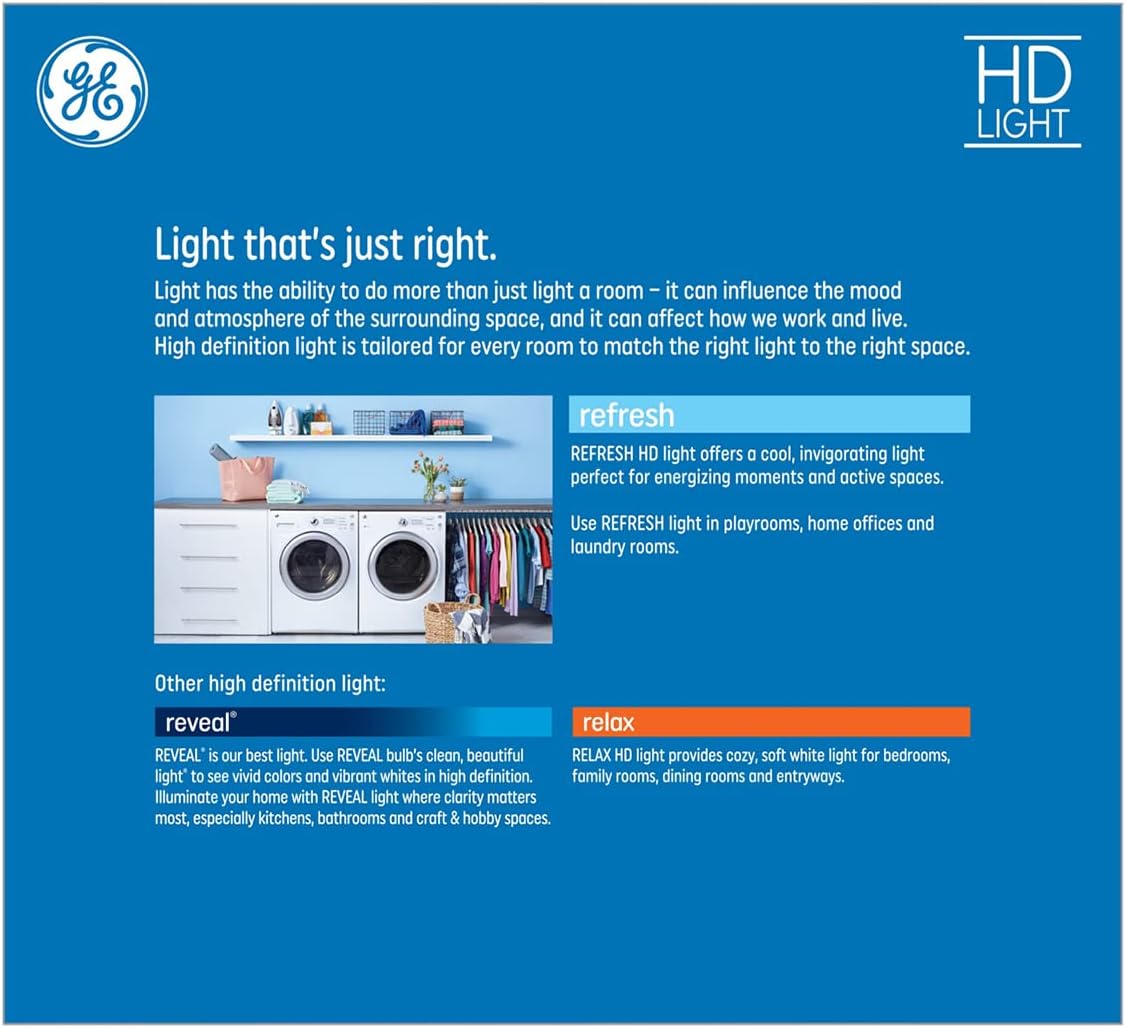
Image: Illustration explaining GE HD light types, including Refresh for invigorating light.
Maintenance
GE LED bulbs are designed for long-lasting performance and require minimal maintenance.
- Cleaning: Ensure the power is off before cleaning. Wipe the bulb with a soft, dry cloth. Do not use liquid cleaners or abrasive materials.
- Replacement: Replace the bulb when it reaches the end of its operational life. Ensure power is off before replacing.
Troubleshooting
- Bulb Not Lighting Up:
- Check if the power switch is on.
- Ensure the bulb is screwed in securely.
- Verify that the circuit breaker for the fixture is not tripped.
- Test the bulb in another working fixture to confirm it is not faulty.
- Flickering or Dimming Issues:
- Ensure the dimmer switch is compatible with LED bulbs. Incompatible dimmers can cause flickering.
- Check for loose connections in the fixture or wiring.
Specifications

Image: Lighting Facts label detailing brightness, energy cost, life, and light appearance.
| Brand | GE |
| Model Number | 93129077 |
| Light Type | LED |
| Wattage | 15 Watts |
| Incandescent Equivalent | 90 Watts |
| Brightness | 1300 Lumens |
| Color Temperature | 5000 Kelvin (Daylight White) |
| Bulb Shape Size | BR30 (3-3/4 inch diameter) |
| Bulb Base | E26 (Medium Base) |
| Special Feature | Dimmable |
| Rated Life | 13 years (based on 3 hours/day use) |
| UPC | 043168517249 |
Warranty Information
This GE LED Reflector Bulb is rated to last 13 years based on 3 hours of daily use. For specific warranty terms and conditions, please refer to the product packaging or contact GE customer support.
Customer Support
For further assistance, technical support, or warranty claims, please contact GE customer service. Refer to the official GE website or product packaging for the most current contact information.
Note: Always ensure power is disconnected before handling electrical components.