
1. Safety Instructions
Please read and understand all instructions before assembly and use. Keep this manual for future reference.
- Anti-Tip Device: To ensure safety, correctly install the anti-tip device to secure the cabinet to the wall. Failure to do so may result in serious injury.
- Weight Capacity: Do not overload the cabinet beyond its maximum indicated load capacity. The total maximum load is 70kg, with individual cabinet sections supporting up to 20kg and the countertop supporting up to 20kg.
- Assembly: Assemble the product on a soft, clean surface to prevent scratches. Ensure all parts are present and undamaged before beginning assembly.
- Stability: Place the cabinet on a flat, stable surface. Uneven surfaces can compromise stability.
- Children: Keep children away from the assembly area. Do not allow children to climb on or play with the cabinet.
2. Product Overview
The HOMCOM Kitchen Pantry Cabinet (Model 835-276) is a versatile storage solution designed for kitchens, dining rooms, or living areas. It features a classic white finish with a combination of acrylic and wooden elements, offering both style and functionality.

Figure 2.1: Overview of the HOMCOM Kitchen Pantry Cabinet.
Key Features:
- Spacious Storage: Includes two upper cabinets with acrylic doors, two central drawers, and two lower cabinets with louvered doors.
- Adjustable Shelves: The upper cabinets feature adjustable shelves for flexible storage of various items like glasses and plates.
- Cable Management: The countertop area includes a practical cable pass-through hole, ideal for small appliances like coffee makers or microwaves.
- Durable Construction: Built with MDF panels and a rubberwood countertop for robustness.
- Anti-Tip Device: Equipped with an anti-tip device for enhanced safety.

Figure 2.2: Detailed view of the cabinet's storage compartments, including upper glass-fronted cabinets, central drawers, and lower louvered-door cabinets.

Figure 2.3: Close-up of adjustable shelves in the upper cabinet and the cable management hole on the countertop.
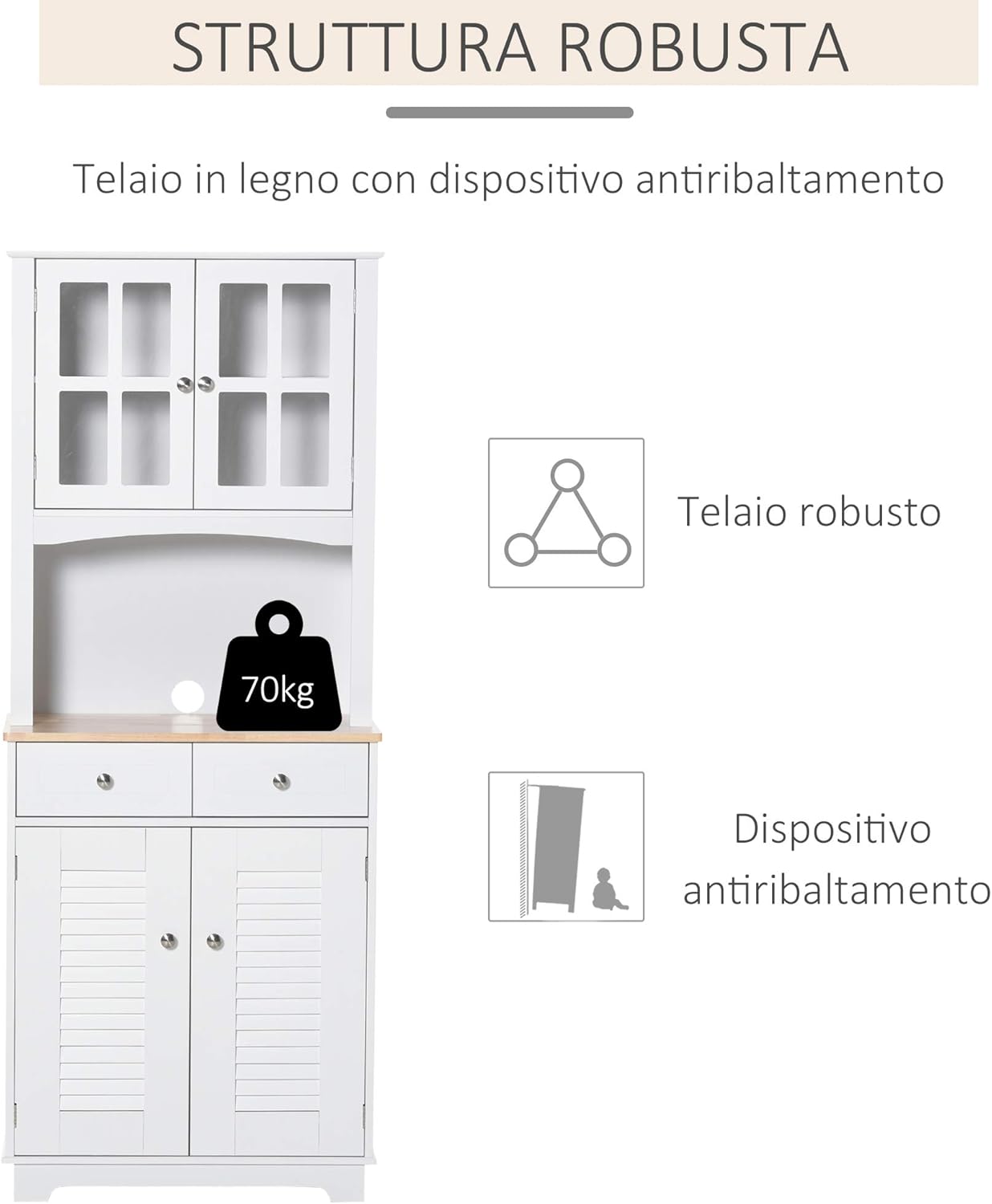
Figure 2.4: Illustration of the cabinet's robust frame and the anti-tip safety feature.
Product Video:
Video 2.1: This video demonstrates the various features and storage capabilities of the HOMCOM Kitchen Pantry Cabinet, including opening and closing doors and drawers, and showcasing its overall design and functionality in a home setting.
3. Specifications
| Feature | Specification |
|---|---|
| Brand | HOMCOM |
| Model Number | 835-276 |
| Color | White |
| Material | MDF panels, Rubberwood (countertop) |
| Overall Dimensions (L x W x H) | 68L x 39.5P x 170A cm (26.8" L x 15.6" W x 66.9" H) |
| Upper Cabinet Dimensions | 62.5L x 24.3P x 44.5A cm |
| Lower Cabinet Dimensions | 62.7L x 36P x 59.5A cm |
| Number of Drawers | 2 |
| Number of Doors | 4 |
| Number of Shelves | 5 (including fixed and adjustable) |
| Max. Load Capacity (Total) | 70 kg |
| Max. Load Capacity (Cabinet/Countertop) | 20 kg each |
| Assembly Required | Yes |

Figure 3.1: All dimensions of the cabinet for planning and installation.
4. Assembly Instructions
This product requires assembly. Please follow the detailed step-by-step instructions provided in the separate assembly manual included with your purchase. Ensure all components are accounted for before starting.
- Preparation: Clear a spacious area for assembly. Lay out all parts and hardware.
- Tools: Use the appropriate tools as specified in the assembly manual.
- Anti-Tip Device: During the final steps of assembly, ensure the anti-tip device is securely installed to a wall stud or appropriate anchor point.
- Door Alignment: While the doors do not have adjustable hinges, careful assembly will ensure proper alignment.
5. Operating Instructions
The HOMCOM Kitchen Pantry Cabinet is designed for straightforward use.
- Adjustable Shelves: To adjust the height of the shelves in the upper cabinets, remove the shelf and reposition the shelf pins to the desired height. Ensure the shelf is level and securely seated on all four pins.
- Drawers: The two central drawers operate on metal guides for smooth opening and closing. Avoid forcing them if they feel stiff.
- Cable Management: Utilize the cable pass-through hole on the countertop to neatly route power cords for small appliances, keeping your counter tidy and safe.
- Magnetic Closures: The cabinet doors are equipped with magnetic closures to keep them securely shut.

Figure 5.1: The metal drawer guides ensure smooth operation.
6. Maintenance
Proper care will extend the life and appearance of your cabinet.
- Cleaning: Wipe surfaces with a soft, damp cloth. Avoid abrasive cleaners or harsh chemicals that can damage the finish.
- Spills: Clean up spills immediately to prevent staining or damage to the wood and MDF.
- Hardware: Periodically check all screws and fasteners to ensure they are tight. Retighten if necessary.
- Sunlight: Avoid prolonged exposure to direct sunlight to prevent fading or discoloration.
7. Troubleshooting
If you encounter issues with your cabinet, refer to the following common solutions:
- Wobbly Cabinet: Ensure the cabinet is placed on a level surface. Check that all assembly screws are tightened. If the floor is uneven, use shims under the feet for stability.
- Doors Not Aligning: This can often be resolved by ensuring the cabinet frame is square during assembly and that all hinges are properly attached. While hinges are not adjustable, careful installation is key.
- Drawers Sticking: Check that the drawer slides are correctly installed and free of obstructions. Ensure the drawer is not overloaded.
- Missing Parts: If any parts were missing upon delivery, contact customer support immediately with your product model number and a description of the missing parts.
8. Warranty and Support
For warranty information or technical support, please refer to the documentation provided with your purchase or contact HOMCOM customer service. Keep your proof of purchase and model number (835-276) handy when contacting support.


