
1. Introduction
The Present Pets Fairy Puppy is an interactive plush toy designed to provide an engaging play experience. Each gift box contains one of two possible Fairy Pups: Missy or Blossom. These puppies feature over 100 sounds and actions, including self-unboxing, interactive responses to touch and voice, and two unique bark-back games.
This manual provides essential information for setting up, operating, maintaining, and troubleshooting your Present Pets Fairy Puppy.
2. Setup
2.1 Unboxing Your Fairy Puppy
- Prepare the Box: Carefully unwrap the outer layer of the gift box.
- Activate Unboxing: Locate and pull the gift tag on the box. The box will begin to shake as your puppy starts to paw its way out.
- Puppy Reveal: The front panel of the box will pop open, revealing whether you have received Missy or Blossom. Your puppy will sing a special unboxing song.
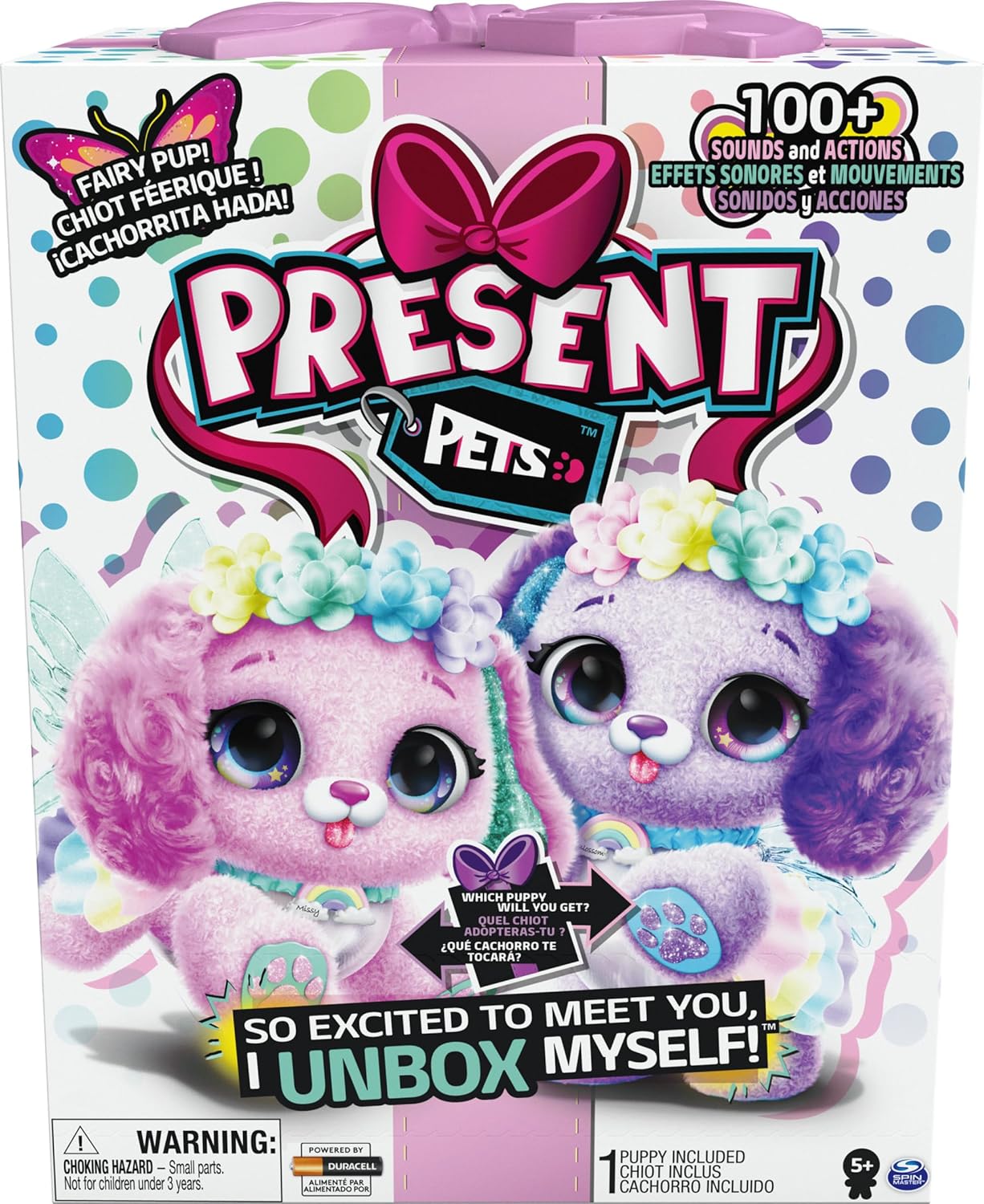
Image: Front of the Present Pets Fairy Puppy product box, illustrating the two possible puppies, Missy and Blossom.

Image: Two children observing a purple Fairy Puppy emerging from its gift box during the unboxing process.
2.2 Battery Installation/Replacement
The Present Pets Fairy Puppy requires 6 AAA batteries. Batteries are typically pre-installed for the unboxing feature. If the toy's performance diminishes or it stops responding, battery replacement may be necessary.
- Locate Battery Compartment: The battery compartment is usually found on the underside or back of the plush toy, secured with a small screw.
- Open Compartment: Use a Phillips head screwdriver to open the battery compartment.
- Replace Batteries: Remove old batteries and insert 6 new AAA batteries, ensuring correct polarity (+/-).
- Secure Compartment: Close the compartment and tighten the screw.
3. Operating Your Fairy Puppy
Your Fairy Puppy is designed for interactive play with various sounds and actions.
3.1 Basic Interactions
- Cuddling: Pet your puppy's head to receive happy kisses and sweet coos.
- Excitement: Tickle your puppy's tummy to make its tail wag faster, tap and shuffle its paws, and emit cute puppy giggles.
- Voice Recognition: Your puppy recognizes when you speak to it and will respond with barks and sounds.
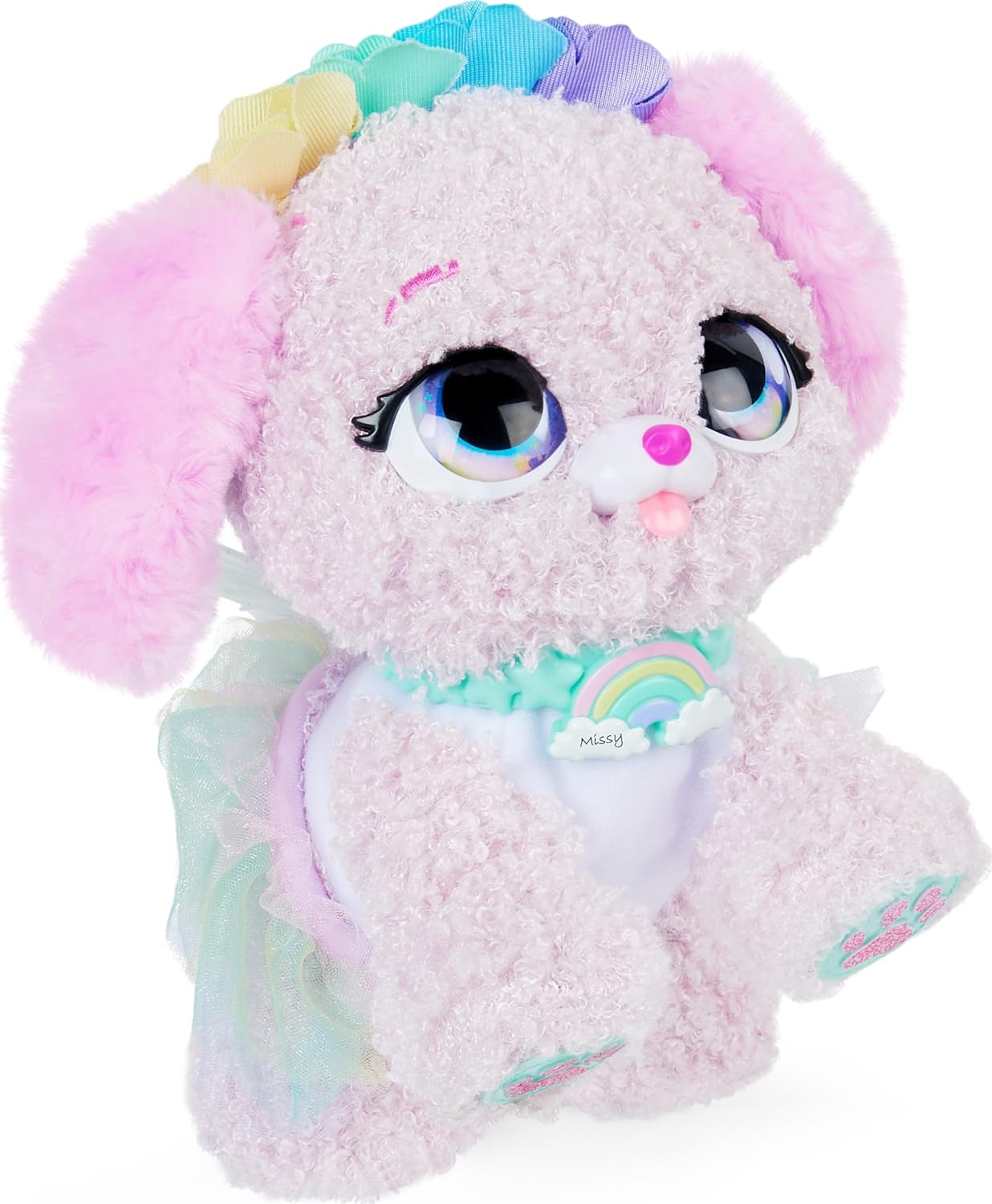
Image: A close-up view of the pink Fairy Puppy, Missy, highlighting its detailed features.
3.2 Interactive Games
Your Fairy Puppy includes two themed bark-back games:
- Enchanted Echo: Speak to your puppy, and it will imitate your words using barks.
- Magic Messages: Your puppy will bark a specific number of times. To win, bark back the same number of times.
4. Maintenance
4.1 Cleaning
To clean your Fairy Puppy, gently wipe the surface with a damp cloth. Do not immerse the toy in water, as this can damage the electronic components. Avoid using harsh chemicals or abrasive cleaners.
4.2 Storage
When not in use for extended periods, store the toy in a clean, dry place away from direct sunlight and extreme temperatures. It is recommended to remove batteries if the toy will not be used for several months to prevent leakage and corrosion.
5. Troubleshooting
If your Present Pets Fairy Puppy is not functioning as expected, refer to the following common issues and solutions:
| Problem | Possible Cause | Solution |
|---|---|---|
| Puppy does not unbox itself. | Gift tag not pulled correctly; low batteries. | Ensure the gift tag is fully pulled. Replace batteries if the toy has been stored for a long time or if initial unboxing fails. |
| Puppy is unresponsive or has limited actions/sounds. | Low or depleted batteries; battery corrosion. | Replace all 6 AAA batteries with new ones. Check the battery compartment for any signs of corrosion and clean if necessary before inserting new batteries. |
| Voice recognition or games are not working. | Environmental noise; toy too far from speaker; low batteries. | Ensure a quiet environment. Speak clearly and closer to the puppy. Replace batteries. |
| Toy makes unexpected sounds or movements. | Interference; internal malfunction. | Turn the toy off and then on again. If the issue persists after battery replacement, contact customer support. |
6. Specifications
- Model Number: 6061372
- Product Dimensions: 9.19 x 8 x 12 inches (L x W x H)
- Item Weight: 3.39 pounds
- Manufacturer Recommended Age: 5 - 9 years
- Batteries: 6 x AAA (Duracell included for initial use)
- Manufacturer: Spin Master
7. Warranty Information
This product is covered by a standard manufacturer's warranty against defects in materials and workmanship. For specific warranty terms and conditions, please refer to the packaging or contact the manufacturer directly. Keep your proof of purchase for warranty claims.
8. Support
For further assistance, troubleshooting not covered in this manual, or to inquire about replacement parts, please contact the manufacturer:
Manufacturer: Spin Master
Please visit the official Spin Master website for contact information and support resources. When contacting support, please have your product model number (6061372) and purchase details ready.
