
Imou IPC-F22P-D
Imou Bullet 2C Outdoor Security Camera User Manual
Model: IPC-F22P-D
Introduction
The Imou Bullet 2C is a high-performance outdoor security camera designed to provide reliable surveillance for your home or business. Featuring 1080P Full HD video, advanced night vision, and intelligent human detection, this camera ensures comprehensive monitoring day and night. Its IP67 weatherproof design allows for robust operation in various outdoor conditions. This manual provides essential information for setting up, operating, maintaining, and troubleshooting your Imou Bullet 2C camera.

Image: The Imou Bullet 2C outdoor security camera, showcasing its compact design and dual antennas.
What's in the Box?
Before you begin, please ensure all components are present:
- Camera x1
- Positioning Map x1
- Power Adapter x1
- Screw Package x1
- Quick Start Guide (QSG) x1
- Waterproof Connector x1
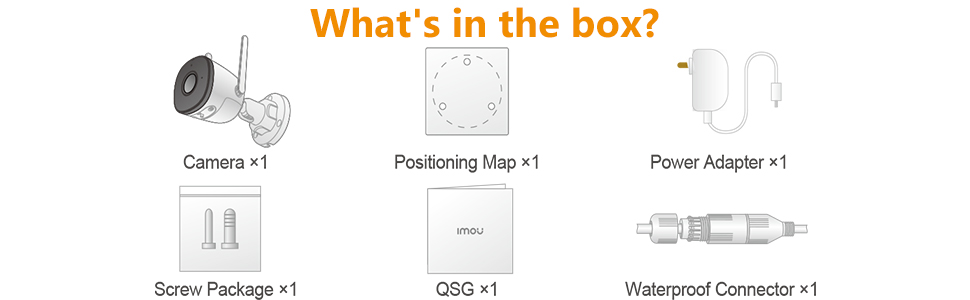
Image: Diagram illustrating the contents included in the Imou Bullet 2C product package.
Setup Guide
Follow these steps to set up your Imou Bullet 2C camera:
1. Download the Imou Life App
The Imou Life app is essential for controlling and managing your camera. Download it from your device's app store:
Create an account or log in if you already have one. Grant all necessary permissions to the app for proper functionality.

Image: Visual guide for downloading the Imou Life app and connecting the camera.
2. Power On and Connect
Connect the camera to a power source using the provided power adapter. The camera's LED indicator will flash red during its boot sequence. Wait until the LED flashes green, indicating it's ready for setup.
Open the Imou Life app, tap the '+' button in the top right corner, and select 'Scan QR Code'. Scan the QR code located on the camera itself. The app will then guide you to connect the camera to your Wi-Fi network. Ensure you connect to a 2.4 GHz Wi-Fi signal, as the camera does not support 5 GHz networks.
Video: Official Imou Bullet 2C Wi-Fi Setup Guide, demonstrating the app and connection process.
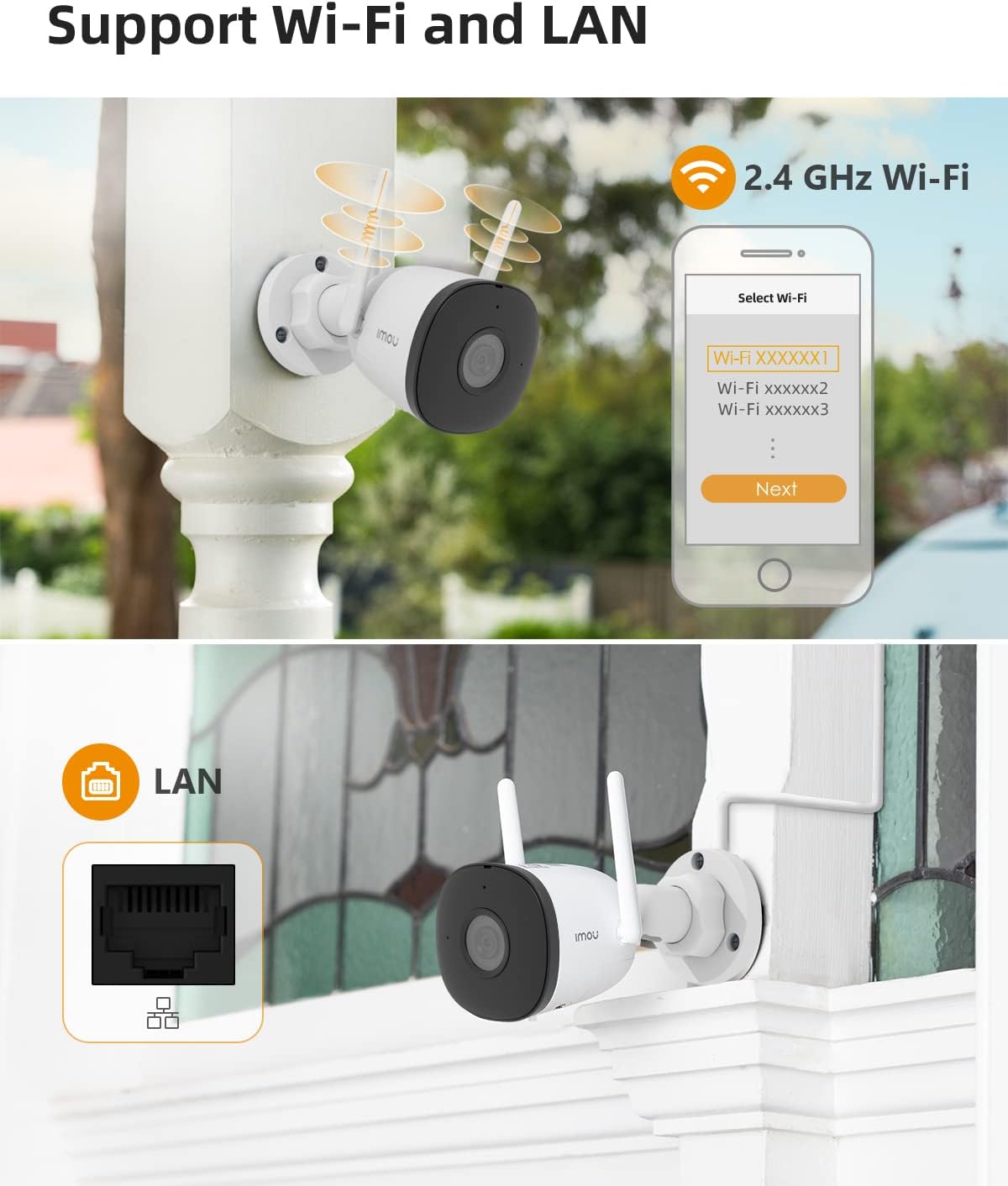
Image: The Imou Bullet 2C camera supporting both 2.4 GHz Wi-Fi and wired LAN connections for flexible installation.
3. Physical Installation
Once connected, choose a suitable outdoor location for mounting. Use the provided positioning map and screw package to securely attach the camera to a wall or desired surface. Ensure the camera has a clear field of view and is within range of your Wi-Fi network.
Video: Official Imou video showcasing the Bullet 2C camera's features and ease of installation.
Operating Your Camera
The Imou Bullet 2C offers a range of features for effective surveillance:
Live View and Recording
Access live video streams and recorded footage directly through the Imou Life app. The camera records in 1080P Full HD, providing clear and detailed images. It utilizes H.265 video compression technology, which efficiently reduces storage space and network bandwidth usage by up to 50% compared to H.264, without compromising video quality.

Image: Demonstrates the crystal clear picture quality of the Imou Bullet 2C camera, capturing fine details.
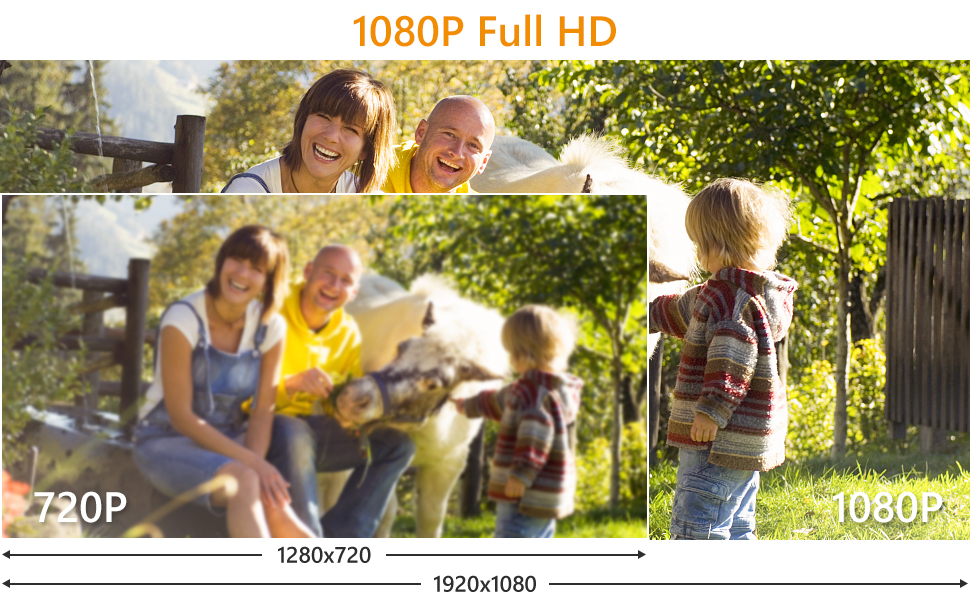
Image: A visual comparison highlighting the superior detail and clarity of 1080P Full HD video from the camera compared to 720P.

Image: Illustration of H.265 compression, showing reduced storage and bandwidth usage compared to H.264.
Night Vision
The camera is equipped with advanced night vision capabilities, allowing it to capture clear images up to 98 feet (30 meters) in complete darkness. This ensures continuous protection around the clock.

Image: A night scene viewed through the Imou Bullet 2C, demonstrating its 98-foot night vision capability.
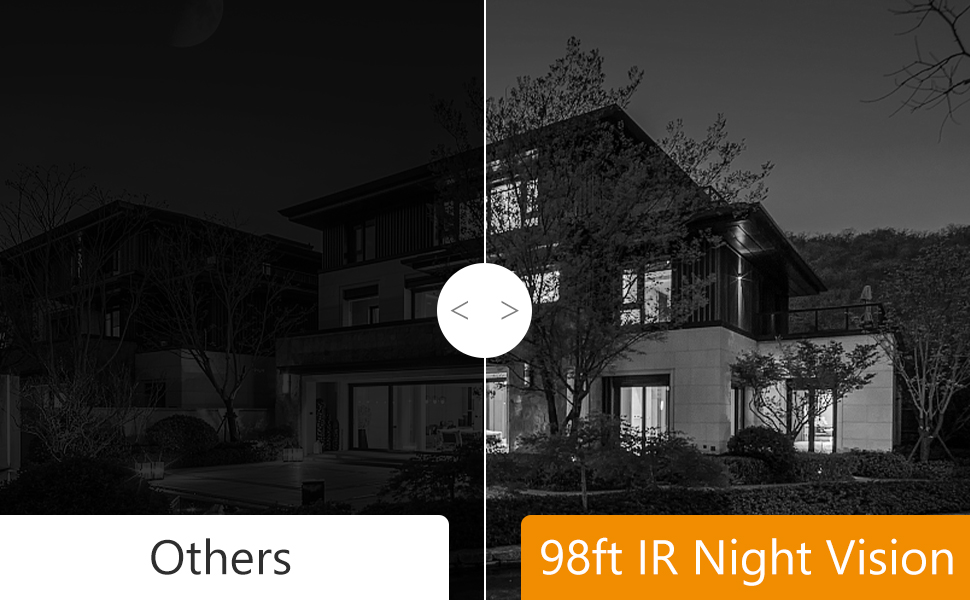
Image: Comparison of night vision quality, showing the superior clarity of Imou's 98ft IR Night Vision compared to other cameras.
Human Detection and Alerts
The camera features AI-powered human detection, which helps to accurately identify human figures and reduce false alarms triggered by pets, insects, or environmental factors. When a human is detected, you will receive immediate alerts on your smartphone.

Image: Illustrates the camera's ability to filter false alarms, correctly identifying a human while ignoring a pet.
Audio Recording
The camera supports audio recording, capturing sound along with video footage. This provides additional context for events captured by the camera.
Storage Options
Your Imou Bullet 2C camera offers flexible storage solutions:
- Micro SD Card: Supports local storage on a Micro SD card (up to 256GB).
- Cloud Storage: Optional cloud storage service for secure, remote access to your recordings.
- NVR: Compatible with Network Video Recorders (NVR) for centralized storage.

Image: Visual representation of the multiple storage options available for the Imou Bullet 2C camera: SD card, Cloud Storage, and NVR.
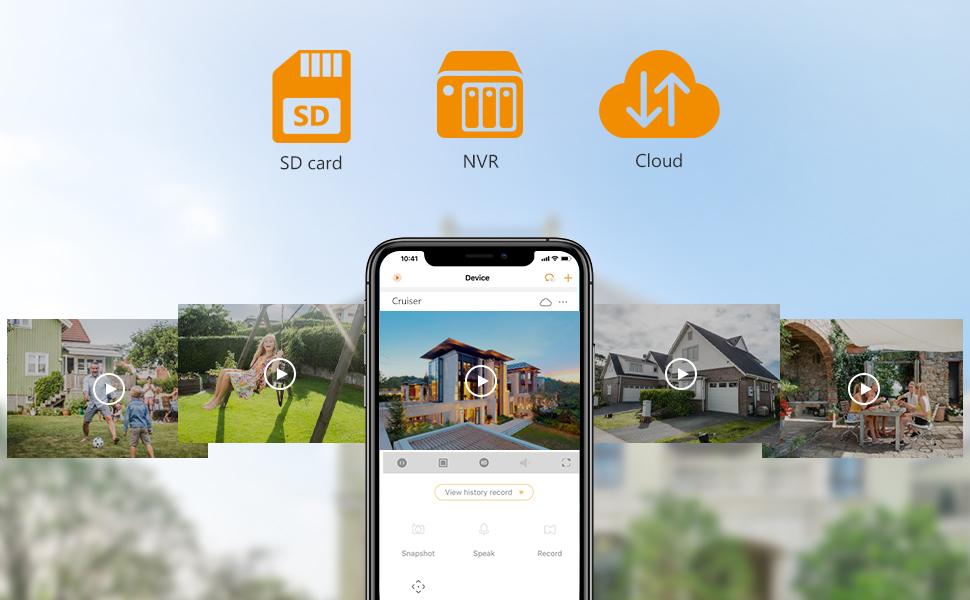
Image: The Imou app interface displaying various storage options and recorded events.
Compatibility
The Imou Bullet 2C camera is compatible with Amazon Alexa, allowing for voice control and integration into your smart home ecosystem.
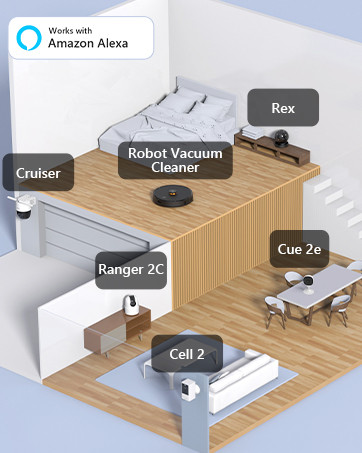
Image: An illustration showing various Imou devices, including the Bullet 2C, integrated into a smart home setup and compatible with Amazon Alexa.
Maintenance
Regular maintenance ensures optimal performance and longevity of your camera:
- Lens Cleaning: Periodically clean the camera lens with a soft, dry cloth to remove dust, dirt, or water spots that may affect image clarity.
- Firmware Updates: Check the Imou Life app regularly for firmware updates. Keeping your camera's firmware up-to-date ensures you have the latest features, security patches, and performance improvements.
- Connection Check: Ensure all cables (power, LAN if used) are securely connected and free from damage. Verify Wi-Fi signal strength in the app to prevent connectivity issues.
- Physical Inspection: Inspect the camera's mounting and housing for any signs of wear, damage, or loose components, especially after severe weather conditions.
Troubleshooting
Here are solutions to common issues you might encounter:
Camera Offline / Connectivity Issues
- Wi-Fi Band: Ensure your camera is connected to a 2.4 GHz Wi-Fi network. It does not support 5 GHz.
- Signal Strength: Place the camera within optimal range of your Wi-Fi router. Walls and other obstructions can weaken the signal.
- Power Cycle: Disconnect the camera from power for 10 seconds, then plug it back in. This can resolve temporary connectivity glitches.
- Router Reboot: Reboot your Wi-Fi router.
- Remote Power Switch: For outdoor installations, consider using a remote power switch to easily power cycle the camera without needing to physically access it.
Frequent False Alarms
- AI Human Detection: While the camera has AI human detection, environmental factors like rain, dust, bugs, or moving objects (e.g., windchimes, leaves, pets) can sometimes trigger alerts.
- Adjust Sensitivity: Within the Imou Life app's camera settings, adjust the motion detection sensitivity to reduce unwanted alerts. Experiment with different levels to find the optimal setting for your environment.
- Detection Zone: Configure specific detection zones in the app to monitor only critical areas and exclude busy areas or objects that frequently trigger alerts.
Motion Blur or Choppy Image
- Network Bandwidth: Ensure your internet connection has sufficient upload bandwidth for smooth video streaming, especially if viewing live footage remotely.
- Local Network Congestion: If multiple devices are using your local network heavily, it can affect camera performance.
- Camera Placement: For optimal clarity, ensure the camera is positioned to capture subjects clearly without excessive background movement that could cause blur.
Resetting the Camera
The camera has a reset button, typically located under a removable panel. Pressing this button will restore the camera to its factory default settings. Caution: This will erase all custom settings and disconnect the camera from your Wi-Fi network. You will need to re-add and reconfigure the camera through the Imou Life app after a reset.
Technical Specifications
| Feature | Detail |
|---|---|
| Model Number | IPC-F22P-D |
| Video Capture Resolution | 1080p Full HD (2 MP Effective Still Resolution) |
| Connectivity Technology | Wireless (2.4G Wi-Fi), Wired (LAN) |
| Night Vision Range | 98 Feet (30 meters) |
| Weatherproof Rating | IP67 |
| Special Features | Night Vision, Motion Sensor, Human Detection |
| Storage Options | Micro SD Card (up to 256GB), Cloud Storage, NVR |
| Power Source | Corded Electric |
| Dimensions (L x W x H) | 5.8 x 2.9 x 2.9 inches |
| Item Weight | 1.1 pounds |
| Operating Temperature | Up to 60 Degrees Celsius |
| Compatible Devices | Smartphone (Android) |
| Control Method | Voice (via Amazon Alexa) |
Warranty and Support
For warranty information and technical support, please refer to the official Imou website or contact Imou customer service directly. The Imou Life app also provides a support section with FAQs and contact options.
Data Protection
Imou is committed to protecting your privacy. The Imou Life app and cloud services comply with GDPR Data Protection Regulations. You have full control over the data stored on your Micro SD card, NVR, or cloud storage.
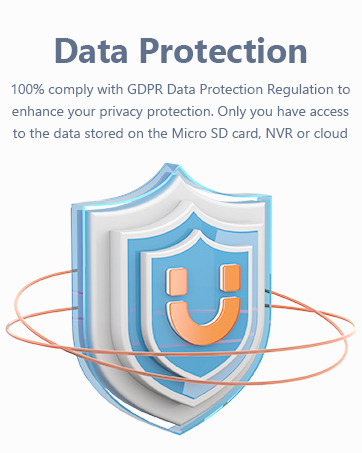
Image: A graphic representing Imou's commitment to data protection and privacy compliance.
Related documentsIPC-F22P-D


Ask a question about this manual
Ask about setup, troubleshooting, compatibility, parts, safety, or missing instructions. Manuals+ will review the question and use this page’s manual context to help answer it.