
1. Introduction and Overview
This manual provides essential information for the safe and effective use of your UpBright 18V AC/DC Adapter. This power supply is designed to provide reliable power to compatible devices, specifically the House of Marley Bag of Riddim 2 Bluetooth Wireless Speaker Portable Audio System and its various models.
The adapter converts standard AC wall power to the required 18V DC power for your device, ensuring proper functionality and charging.
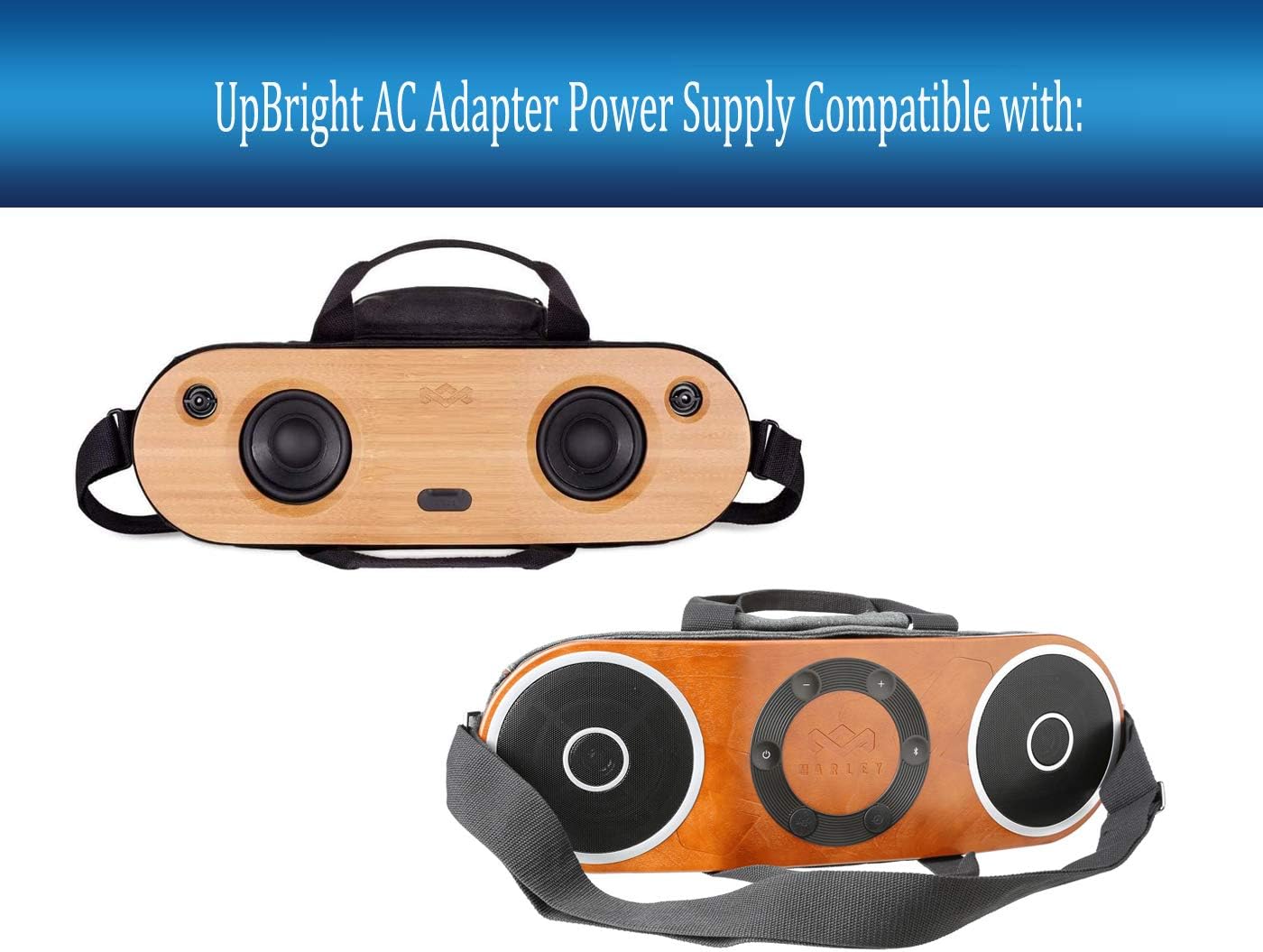
Image 1.1: The UpBright AC/DC Adapter shown alongside compatible House of Marley Bag of Riddim speakers, illustrating its intended use.
2. Safety Information
Please read and understand all safety instructions before using this product. Failure to follow these instructions may result in electric shock, fire, or damage to the product or connected devices.
- Over Voltage Protection (OVP): The adapter is designed to prevent output voltage from exceeding a safe limit, protecting your connected device from damage due to excessive voltage.
- Over Current Protection (OCP): This feature safeguards against damage caused by excessive current draw, which can occur if the connected device attempts to draw more power than the adapter can safely supply.
- Short Circuit Protection (SCP): In the event of a short circuit, this protection mechanism will automatically shut down the power output to prevent damage to the adapter and connected equipment.
- Do not expose the adapter to rain, moisture, or extreme temperatures.
- Ensure the adapter is used in a well-ventilated area.
- Do not disassemble or attempt to repair the adapter. Refer to qualified service personnel.
- Always disconnect the adapter from the power outlet before cleaning or if it will be unused for an extended period.

Image 2.1: A visual representation of the built-in safety circuits, including overcharge, overcurrent, shortage, lightning, overvoltage, and temperature protection, ensuring safe and reliable operation.
3. Product Features
- Wide Input Voltage: Supports World Wide Input Voltage range of 100-240VAC, 50/60Hz, making it suitable for international use with appropriate plug adapters.
- Comprehensive Protection: Equipped with Over Voltage Protection (OVP), Over Current Protection (OCP), and Short Circuit Protection (SCP) to ensure the safety of both the adapter and your connected device.
- High Power Output: Delivers 18V DC at 3.3A/3.33A, providing up to 60W of power, sufficient for compatible portable audio systems.
- Compatibility: Specifically designed for House of Marley Bag of Riddim 2 Bluetooth Wireless Speaker Portable Audio System models EM-JA014-SB, EM-JA010-MI, EM-JA003-MI, and EM-JA00-HA.
- Durable Design: Constructed for reliability and long-term performance.
4. Specifications
| Specification | Value |
|---|---|
| Brand | UPBRIGHT |
| Input Voltage | 100-240VAC, 50/60Hz |
| Output Voltage | 18 Volts (DC) |
| Output Current | 3.33 Amps (3330mA) |
| Wattage | 60 watts |
| Connector Type | Barrel Connector |
| Compatible Devices | House of Marley Bag of Riddim 2 Bluetooth Wireless Speaker Portable Audio System (EM-JA014-SB, EM-JA010-MI, EM-JA003-MI, EM-JA00-HA) |
| Power Source | Corded Electric |
| Manufacturer | UpBright |
| Date First Available | January 4, 2021 |
5. Setup
Follow these steps to properly set up your UpBright 18V AC/DC Adapter:
- Inspect the Adapter: Before connecting, visually inspect the adapter and its cables for any signs of damage. Do not use if damaged.
- Connect to Device: Locate the power input port on your House of Marley Bag of Riddim 2 speaker. Insert the barrel connector of the adapter firmly into this port.
- Connect to Power Outlet: Plug the AC power cord into the adapter, then plug the other end of the AC power cord into a standard wall power outlet (100-240VAC).
- Verify Connection: Ensure all connections are secure. The speaker should indicate that it is receiving power or charging, typically via an LED indicator.

Image 5.1: The UpBright 18V AC/DC Adapter, showing the main unit, the DC output cable with barrel connector, and the detachable AC input power cord.
6. Operating Instructions
Once the adapter is correctly set up, it will provide power to your compatible device. The adapter is designed for continuous operation when connected to a power source and a compatible device.
- The adapter will automatically supply power to your House of Marley Bag of Riddim 2 speaker when plugged in.
- If your speaker has an internal battery, the adapter will charge the battery while simultaneously powering the device.
- Always ensure the adapter is fully inserted into both the wall outlet and the device's power port.
- Disconnect the adapter from the wall outlet when not in use for extended periods to conserve energy.
7. Maintenance
Proper maintenance ensures the longevity and safe operation of your adapter.
- Cleaning: Disconnect the adapter from all power sources before cleaning. Use a soft, dry cloth to wipe the exterior. Do not use liquid cleaners or solvents.
- Storage: When not in use, store the adapter in a cool, dry place, away from direct sunlight and extreme temperatures. Avoid tightly coiling the cables to prevent damage.
- Cable Care: Do not bend, twist, or pinch the cables excessively. Avoid placing heavy objects on the cables.
- Inspection: Periodically inspect the adapter and cables for any signs of wear, cuts, or damage. If damage is found, discontinue use immediately.
8. Troubleshooting
If you encounter issues with your UpBright 18V AC/DC Adapter, refer to the following common troubleshooting steps:
- Device Not Powering On/Charging:
- Ensure the adapter is securely plugged into both the wall outlet and the device.
- Try a different wall outlet to rule out a faulty power source.
- Verify that the adapter's specifications (voltage, current) match the requirements of your device.
- Check the adapter and cables for any visible damage.
- Adapter Feels Hot:
- It is normal for power adapters to become warm during operation. However, if it feels excessively hot to the touch, disconnect it immediately.
- Ensure the adapter is in a well-ventilated area and not covered by anything that could trap heat.
- Verify that the connected device is compatible and not drawing excessive power.
- Intermittent Power:
- Check for loose connections at both the wall outlet and the device's power port.
- Inspect the cables for any kinks, cuts, or internal damage.
If these steps do not resolve the issue, please contact customer support.
9. Warranty and Support
Your UpBright 18V AC/DC Adapter comes with a commitment to quality and customer satisfaction.
- Refund Policy: UpBright offers a 30-day refund policy from the date of purchase.
- Exchange Policy: The product is covered by a 24-month exchange policy for manufacturing defects.
For warranty claims, technical support, or any inquiries, please refer to the contact information provided with your purchase or visit the official UpBright website.

Image 9.1: An example of the UpBright Limited Warranty Certificate, detailing terms and conditions for product support.
