
1. Introduction
Thank you for choosing the UGREEN USB A to USB C 3.0 Right Angle Cable. This high-quality cable is designed for efficient data transfer and fast charging, featuring a durable nylon braided exterior and a convenient 90-degree USB-C connector. It is engineered to provide reliable performance for a wide range of compatible devices.
This manual provides essential information on setting up, operating, and maintaining your cable to ensure optimal functionality and longevity.
2. Package Contents
- 1 x UGREEN USB A to USB C 3.0 Right Angle Cable (Model 20299)
3. Setup
The UGREEN USB A to USB C 3.0 Right Angle Cable is designed for simple plug-and-play functionality. No software installation is required.
3.1 Connecting for Charging
- Insert the USB-A connector into a compatible USB wall charger, power bank, or computer USB-A port.
- Insert the 90-degree USB-C connector into the USB-C port of your device (e.g., smartphone, tablet, game console).
- Ensure both connections are secure. Your device should begin charging.
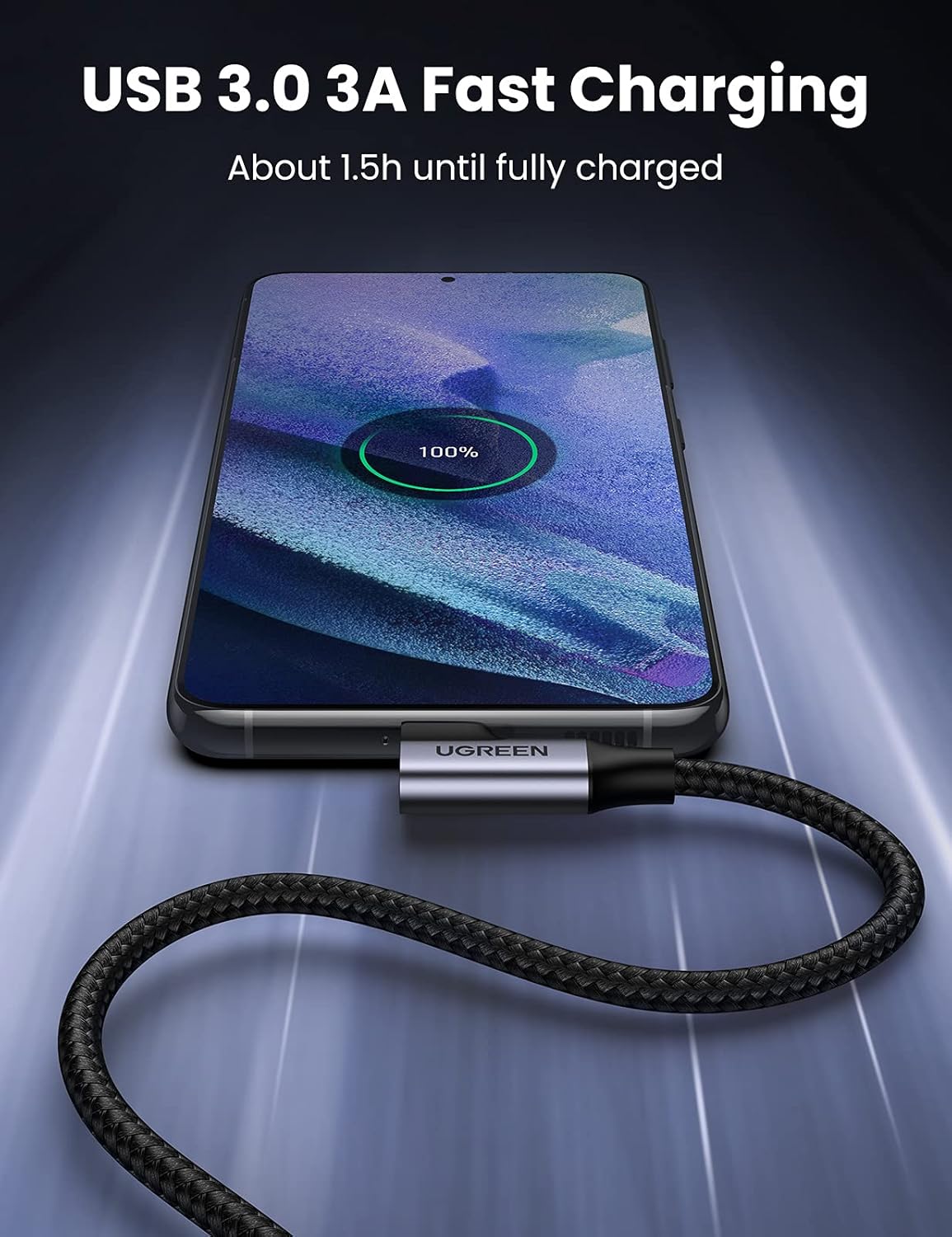
Figure 3.1: Connecting the cable for fast charging a smartphone.
3.2 Connecting for Data Transfer
- Insert the USB-A connector into a compatible USB 3.0 port on your computer or laptop.
- Insert the 90-degree USB-C connector into the USB-C port of your device (e.g., smartphone, tablet, external hard drive).
- Your computer should recognize the connected device, allowing for data transfer.
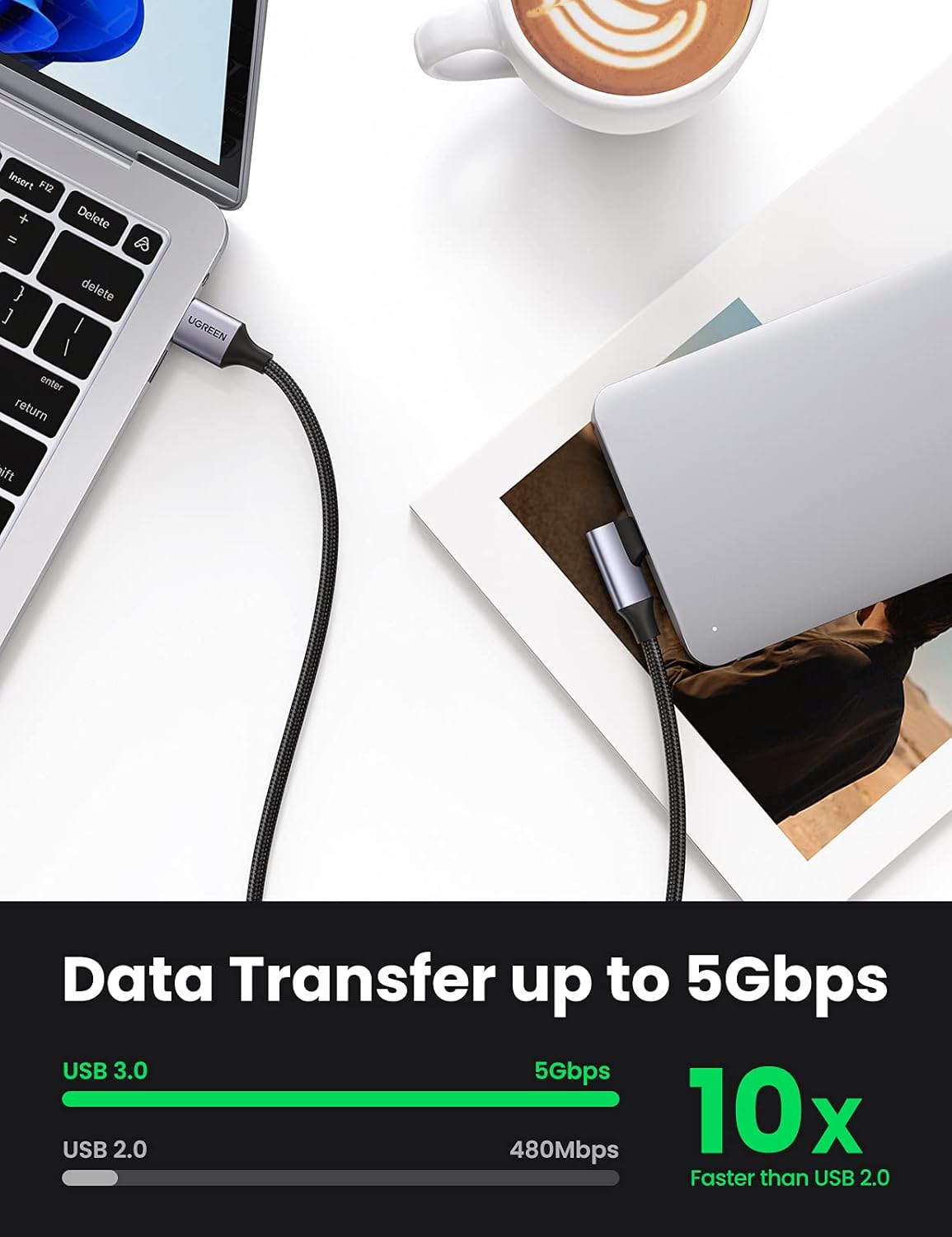
Figure 3.2: Connecting the cable for 5Gbps data transfer between a laptop and an external drive.
4. Operating Instructions
4.1 Fast Charging
This cable supports USB 3.0 3A fast charging, delivering up to 18W of power. For optimal fast charging performance, ensure your power adapter and device also support fast charging protocols such as AFC, QC3.0, or FCP. The 90-degree connector design allows for comfortable use of your device while charging, especially during gaming or media consumption.

Figure 4.1: The 90-degree design enhances comfort during device usage while charging.
4.2 High-Speed Data Transfer
The cable supports USB 3.0 standard, enabling data transfer speeds of up to 5Gbps. This is significantly faster than USB 2.0 (480Mbps), allowing for quick synchronization of files, photos, and videos between compatible devices.
5. Compatibility
This cable is universally compatible with a wide range of USB-C enabled devices. Ensure your device has a USB-C port for connection.
5.1 Compatible Devices Include:
- Smartphones: iPhone 15/15 Plus/15 Pro, Samsung Galaxy S24/S23/S10/S10+, Google Pixel 8/7, and other USB-C enabled Android phones.
- Tablets: iPad Pro 11-inch, 12.9-inch, Huawei MediaPad M5, and other USB-C tablets.
- Hard Drives: External hard drives with a USB-C interface.
- Game Consoles: Nintendo Switch, Switch Lite, PlayStation 5 (PS5) controllers, and other gaming devices with USB-C ports.

Figure 5.1: Universal compatibility with various USB-C devices.
6. Safety Information
The UGREEN USB A to USB C 3.0 Right Angle Cable is designed with safety in mind. It features superior internal protection, including a 56KΩ resistor and multi-protections against fluctuating voltage, ensuring stable and safe charging for your devices. The cable is UL certified, meeting recognized safety standards.
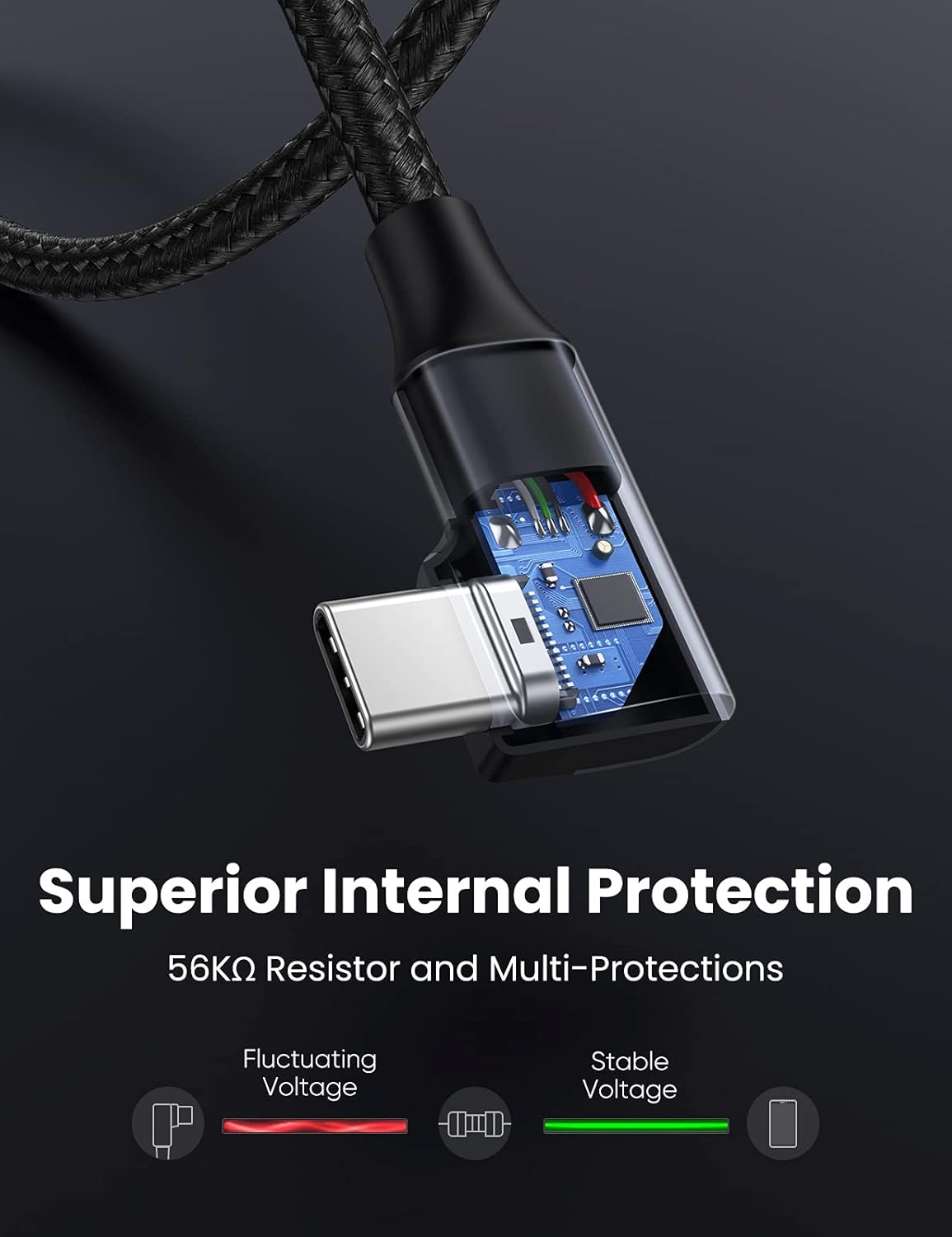
Figure 6.1: Superior internal protection for stable voltage.
7. Maintenance
To ensure the longevity and optimal performance of your UGREEN cable, follow these maintenance guidelines:
- Storage: Store the cable in a cool, dry place away from direct sunlight and extreme temperatures.
- Cleaning: Use a soft, dry cloth to gently wipe the cable and connectors. Avoid using harsh chemicals or abrasive materials.
- Handling: Avoid excessive bending, twisting, or pulling on the cable, especially near the connectors. The nylon braided design is durable, withstanding over 10,000 bends, but proper handling extends its life.
- Disconnection: Always grasp the connector head when plugging or unplugging the cable, rather than pulling on the cable itself.

Figure 7.1: Durable nylon braided cable and robust connector design.
8. Troubleshooting
If you encounter issues with your UGREEN cable, refer to the following common solutions:
- Device not charging:
- Ensure both ends of the cable are securely connected.
- Verify that the power adapter and wall outlet are functioning correctly.
- Check if your device's charging port is clean and free of debris.
- Try using a different power adapter or a different device to isolate the issue.
- Slow charging:
- Confirm that your power adapter supports fast charging and provides sufficient wattage (e.g., 18W or higher).
- Ensure your device also supports fast charging.
- Avoid using the device heavily while charging, as this can slow down the process.
- Data transfer issues:
- Ensure the USB-A connector is plugged into a USB 3.0 port on your computer for 5Gbps speeds. USB 2.0 ports will result in slower speeds.
- Verify that your device is set to data transfer mode (e.g., MTP or File Transfer) if prompted.
- Try connecting to a different USB port on your computer.
- Restart both your computer and the connected device.
- Cable not fitting with phone case:
- Some thick phone cases may obstruct the USB-C connector. If this occurs, you may need to remove the case or use a case with a larger port opening.
9. Specifications
| Brand | UGREEN |
| Model Number | 20299 |
| Connector Type | USB 3.0 (USB-A to USB-C, Right Angle) |
| Data Transfer Rate | Up to 5 Gbps (USB 3.0) |
| Fast Charging Support | Up to 3A / 18W (5V) with compatible charger/device (AFC, QC3.0, FCP) |
| Cable Length | 3.3 Feet (1 Meter) |
| Outer Material | Nylon Braided |
| Durability | 10,000+ bend lifespan |
| Safety Features | 56KΩ Resistor, Multi-Protections, UL Certified |
| Item Weight | 0.705 ounces (20 Grams) |
10. Warranty & Support
UGREEN products are built to high-quality standards. For specific warranty information and customer support, please refer to the warranty card included with your purchase or visit the official UGREEN website. You can also contact UGREEN customer service directly for assistance with product inquiries, troubleshooting, or warranty claims.
For further information, you may also visit the product detail page on Amazon: Amazon Product Page.
11. Product Video
Official UGREEN product video demonstrating the features and benefits of the fast-charging cable, including its universal compatibility, data transfer capabilities, and durable design.