1. Introduction
The THIRDREALITY Zigbee Contact Sensor is a versatile device designed to monitor the open/closed status of doors, windows, cabinets, and other entry points in your home. It integrates seamlessly with various Zigbee-compatible smart home hubs and devices, enabling home automation routines and enhanced security. This manual provides detailed instructions for setting up, operating, maintaining, and troubleshooting your contact sensor.
2. Product Overview
2.1. Package Contents
- THIRDREALITY Zigbee Contact Sensor (Main Unit)
- Magnet (Small Unit)
- AAA Battery × 2
- Double-sided Tape
- Screws
2.2. Key Features
- Zigbee Standard Compatibility: Works with a wide range of Zigbee hubs and Echo devices with built-in Zigbee hubs.
- Easy Setup: Hassle-free pairing with compatible devices.
- Long Battery Life: Up to 2 years with two AAA 1.5V Alkaline batteries.
- Home Automation Integration: Create custom routines with Alexa to trigger actions based on sensor status.
- Real-time Monitoring: Check sensor status and battery level via the Third Reality App (with Third Reality Hub/Speaker).
- History Records: Access historical data of open/close events (with Third Reality Hub/Speaker).
2.3. Product Components and Dimensions

Image: The main sensor unit measures approximately 60mm in length and 38mm in width. The smaller magnet unit is 60mm in length and 12mm in width. Icons indicate features like real-time remote monitoring, history record, AAA battery power, and routine compatibility.
3. Setup
3.1. Compatibility
The THIRDREALITY Zigbee Contact Sensor is compatible with various Zigbee hubs and devices. A Zigbee hub is required for operation. Compatible devices include:
- Echo (4th Gen), Echo Plus (1st Gen and 2nd Gen), Echo Show 8 Gen3, Echo Show 10 (Gen2 and Gen3), Echo Studio, Eero 6, Eero Pro 6
- Home Assistant (ZHA/Z2M)
- SmartThings 2015/2018, Aeotec
- Hubitat
- Homey Bridge, Homey Pro
- Third Reality Hub and Third Reality Smart Bridge (MZ1)
Note: Devices like Echo Flex, Echo Dot 3, Echo Dot 4, Echo Show 5, and Echo Show 8 Gen1/Gen2 do not support direct connection. For SmartThings, scan the QR code in the quick start guide and download the user manual, then follow the instructions to install the SmartThings driver.

Image: A visual chart illustrating compatible and incompatible Zigbee devices, including various Echo models, SmartThings, Hubitat, Home Assistant, and Third Reality hubs.
3.2. Installation Steps
- Insert Batteries: Open the sensor casing and insert the two AAA batteries provided, ensuring correct polarity.
- Prepare for Pairing: Ensure your Zigbee hub or compatible Echo device is in pairing mode. For Echo devices, simply say “Alexa, discover devices.”
- Pair the Sensor: The device should automatically be discovered. Follow the on-screen prompts in your smart home app (e.g., Alexa app, SmartThings app) to complete the pairing process.
- Mount the Sensor: Choose a clean, dry, and non-metallic surface on your door or window frame. Use the provided double-sided tape or screws to securely attach the main sensor unit to the fixed part of the frame and the magnet unit to the moving part (door/window). Ensure the two parts are aligned and within 16mm of each other when closed.
3.3. Visual Installation Guide
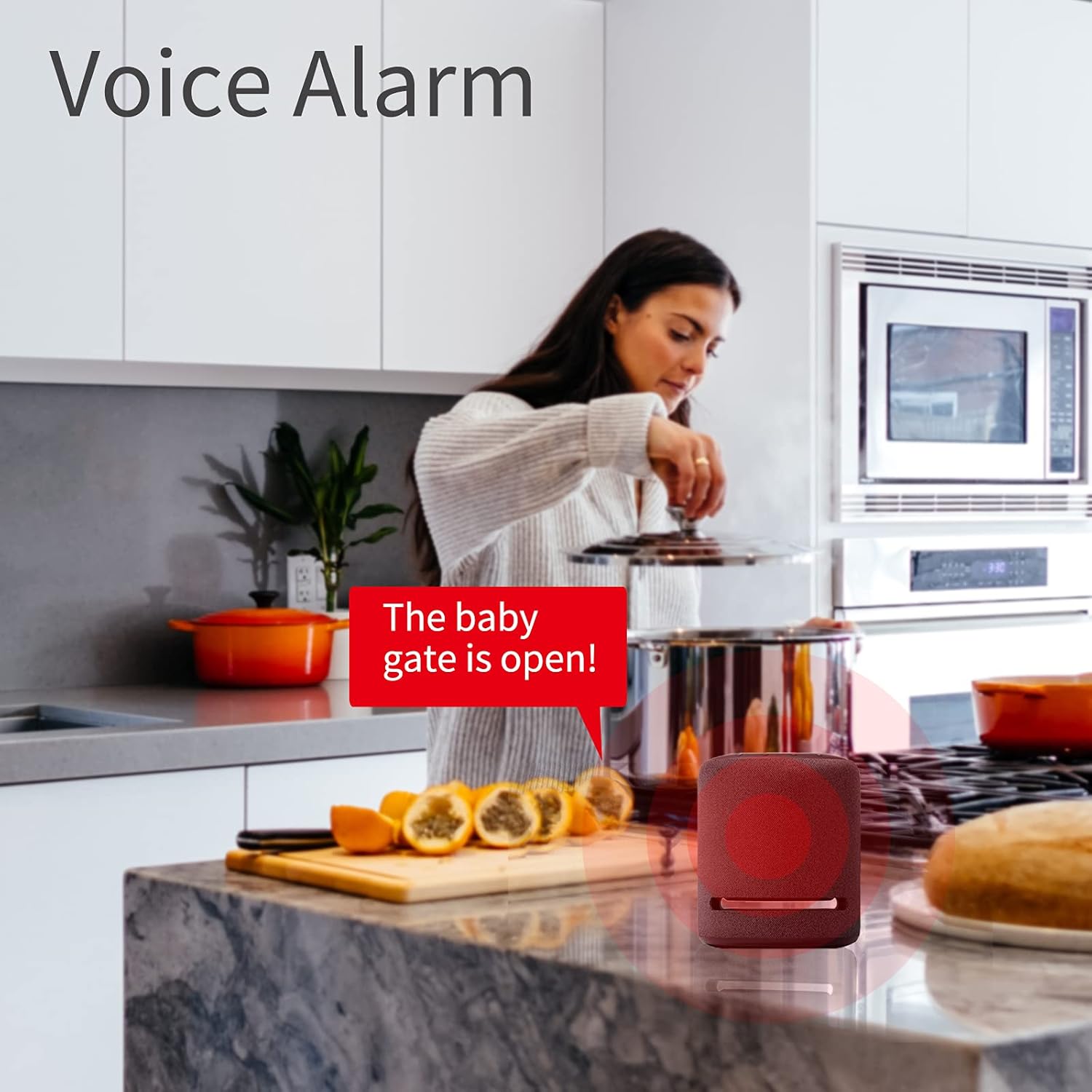
Image: The THIRDREALITY Zigbee Contact Sensor installed on a door frame, showing the main unit on the fixed frame and the magnet on the door itself.
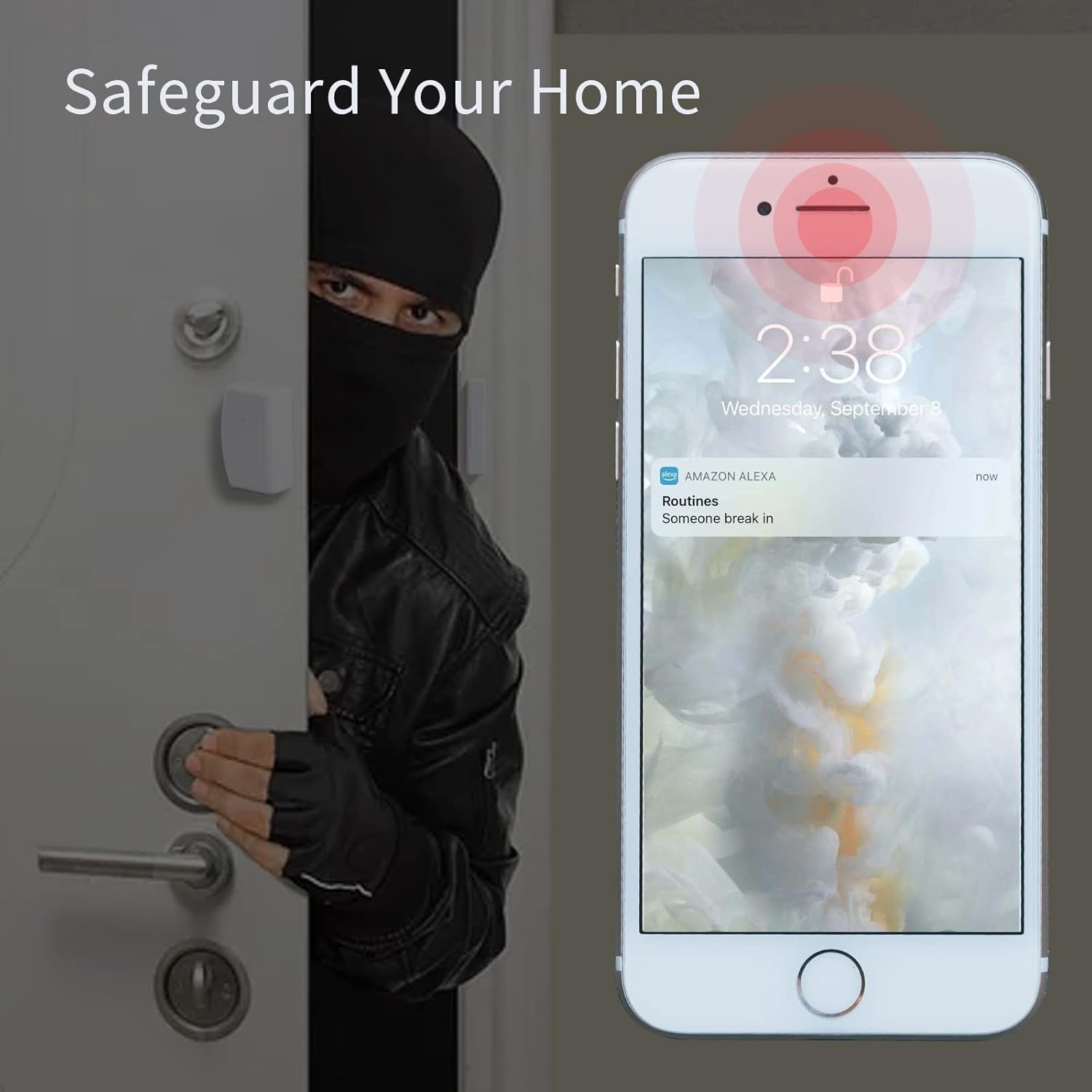
Image: A close-up view of the sensor units demonstrating that a gap of up to 16mm is allowed between the main sensor and the magnet for proper detection.
3.4. Pairing and Usage Video
Video: This video demonstrates the pairing process of the THIRDREALITY Zigbee Contact Sensor with an Alexa-enabled device and shows its typical usage.
4. Operating the Sensor
Once installed and paired, the sensor will report its status (open or closed) to your connected smart home hub. This status can then be used to trigger various home automation routines.
4.1. Creating Alexa Routines
Utilize the Alexa app to create personalized routines. For example, you can set up a routine that:
- Turns on a light when a door or window is opened.
- Sends an alert to your phone if a specific entry point is opened unexpectedly.
- Triggers a voice alarm or plays a custom message via Alexa.

Image: A smartphone screen displaying the Alexa app interface, showing a routine being set up where the contact sensor triggers an action.
4.2. Versatile Applications
The compact design allows for installation on various surfaces:
- Doors: Monitor main entrances, bedroom doors, or closet doors.
- Windows: Enhance security by detecting open windows.
- Cabinets: Keep track of sensitive cabinets or drawers.
- Baby Gates/Beds: Receive alerts if a baby gate is opened or a child leaves their bed.
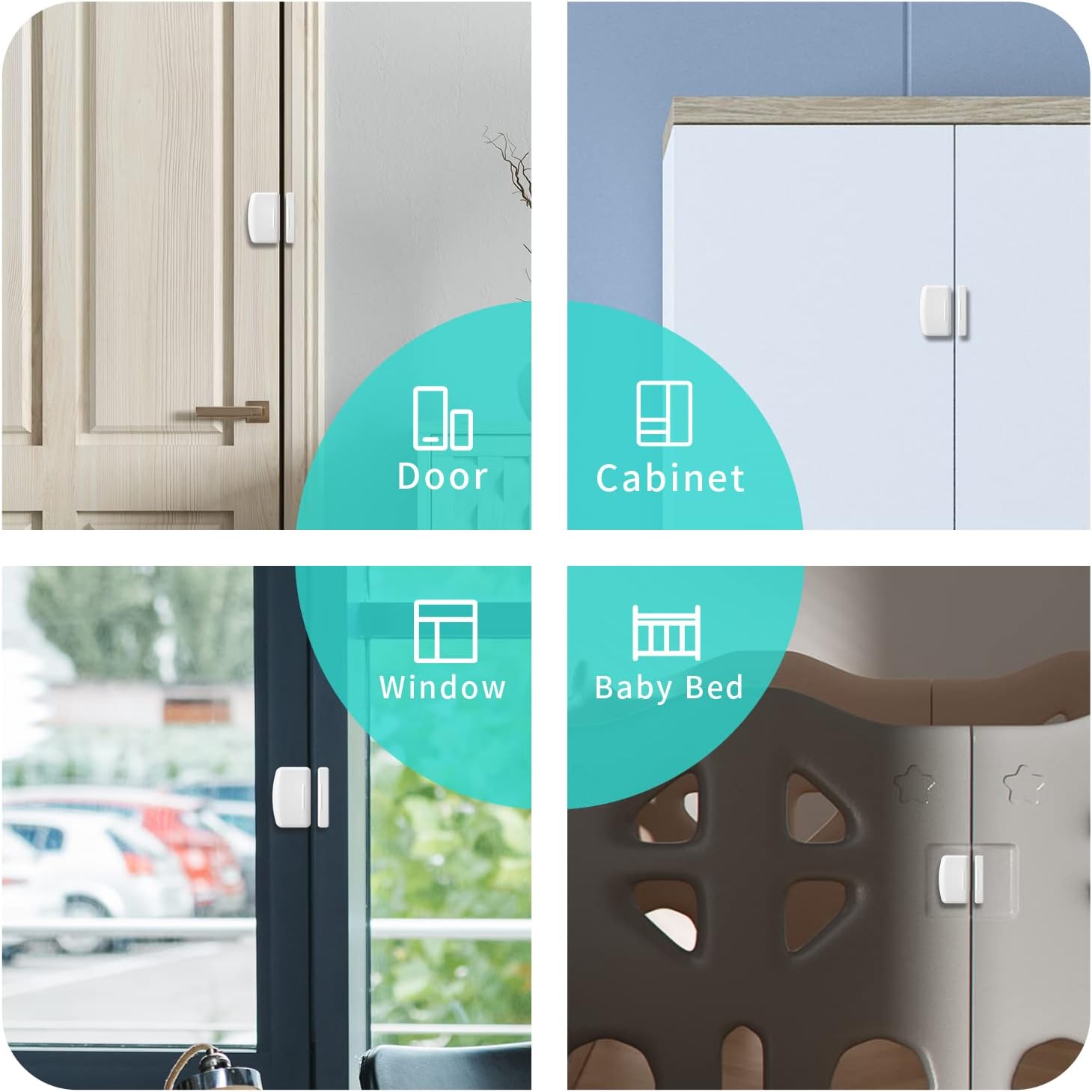
Image: A collage showing the contact sensor applied to different household items: a door, a cabinet, a window, and a baby bed, highlighting its versatility.
4.3. Advanced Features with Smart Bridge MZ1
When connected with the Third Reality Smart Bridge MZ1 (sold separately), the sensor integrates with Apple HomeKit, Google Home, Amazon Alexa (Smart Speaker required), and SmartThings. This enables easy control and monitoring across multiple platforms. The Smart Bridge also supports Over-The-Air (OTA) updates for effortless firmware upgrades.
Video: This video demonstrates how the Door Sensor integrates with the THIRDREALITY Smart Bridge MZ1 to enable advanced smart home functionalities.
5. Maintenance
5.1. Battery Life and Replacement
The sensor uses two AAA 1.5V Alkaline batteries, which can last for up to 2 years depending on usage. When the battery level is low, you may receive a warning via email if the Third Reality Skill is enabled in the Alexa App (requires Third Reality Hub/Speaker). Battery replacement is straightforward:
- Gently slide open the battery compartment cover on the main sensor unit.
- Remove the old AAA batteries.
- Insert two new AAA 1.5V Alkaline batteries, ensuring correct polarity.
- Close the battery compartment cover securely.

Image: The THIRDREALITY Zigbee Contact Sensor main unit shown alongside two AAA batteries, indicating the power source.
5.2. Cleaning
Wipe the sensor with a dry, soft cloth as needed. Avoid using liquid cleaners or abrasive materials.
6. Troubleshooting
- Sensor not pairing: Ensure your Zigbee hub is in pairing mode and the sensor is within range. Try resetting the sensor (refer to your hub's instructions for specific reset procedures if needed) and re-attempt pairing.
- Intermittent connectivity: Ensure the sensor is not installed on a metal door or window, as metal can interfere with Zigbee signals. Check for strong Zigbee mesh coverage in the installation area. Adding Zigbee repeater devices can improve signal strength.
- Incorrect status reporting: Verify that the main sensor unit and the magnet unit are properly aligned and within the recommended 16mm gap when the door/window is closed.
- Low battery alerts: Replace batteries promptly when a low battery warning is received.
7. Specifications
| Brand | THIRDREALITY |
| Model Number | P1DSA2 |
| Item Dimensions (L x W x H) | 1.97 x 0.83 x 2.36 inches (50 x 21 x 60 mm) |
| Item Weight | 2.08 Ounces (59 grams) |
| Material | Plastic |
| Color | White |
| Power Source | Battery Powered |
| Batteries Required | 2 AAA batteries (included) |
| Battery Cell Type | Alkaline |
| Mounting Type | Door Mount |
| UPC | 850001595285 |
8. Warranty and Support
For warranty information, technical support, and frequently asked questions, please visit the official THIRDREALITY website or contact their customer service. You can also find more information and products at the THIRDREALITY Brand Store.


