
Vento ARCO
Vento ARCO 56 in. Indoor Ceiling Fan
Model: ARCO
Introduction
Thank you for choosing the Vento ARCO 56-inch Indoor Ceiling Fan. This manual provides important information for the safe installation, operation, and maintenance of your new ceiling fan. Please read this manual thoroughly before installation and keep it for future reference.
The ARCO ceiling fan is designed for optimal air circulation and features an energy-efficient DC motor, an integrated LED light kit, and convenient remote control operation. Its sleek design complements various indoor living spaces.
Safety Information
To reduce the risk of electric shock, fire, or injury to persons, always observe the following safety precautions:
- Always disconnect power at the main circuit breaker or fuse box before beginning installation or performing any maintenance.
- All wiring must be in accordance with national and local electrical codes. Consult a qualified electrician if you are unsure about wiring procedures.
- The fan must be mounted to a structure capable of supporting a minimum of 35 lbs (15.9 kg).
- Ensure that the installation site allows for a minimum clearance of 7 feet (2.1 meters) from the floor to the fan blades.
- Do not insert objects into the path of the fan blades while the fan is operating.
- Do not attempt to repair or replace parts of the fan unless specifically instructed in this manual. Contact customer support for assistance.
- This appliance is not intended for use by persons (including children) with reduced physical, sensory or mental capabilities, or lack of experience and knowledge, unless they have been given supervision or instruction concerning use of the appliance by a person responsible for their safety.
Package Contents
Carefully unpack your fan and check to ensure all contents are present and undamaged. If any items are missing or damaged, contact your retailer immediately.
- Ceiling Fan Motor Assembly
- Fan Blades (3)
- LED Light Kit
- Downrod (6 inch)
- Mounting Bracket
- Remote Control
- Hardware Pack (screws, wire nuts, washers, etc.)
- Instruction Manual

Image: Vento ARCO 56 inch Indoor Ceiling Fan, showcasing its sleek black finish, three curved blades, and central LED light fixture.
Setup and Installation
Professional installation by a qualified electrician is highly recommended for safety and proper functionality.
1. Prepare for Installation
- Turn off power at the circuit breaker.
- Clear the installation area and ensure you have all necessary tools (screwdriver, wire strippers, ladder, etc.).
2. Install Mounting Bracket
- Secure the mounting bracket to the ceiling junction box. Ensure the junction box is securely fastened to the building structure and can support the fan's weight.
3. Assemble Fan Components
- Attach the downrod to the motor assembly.
- Carefully hang the fan motor assembly onto the mounting bracket.
- Connect the electrical wiring (Live, Neutral, Ground) from the ceiling to the fan, following the wiring diagram provided in the separate detailed installation guide. Use wire nuts to secure connections.
4. Attach Blades and Light Kit
- Securely attach the fan blades to the motor housing.
- Install the LED light kit to the bottom of the fan motor assembly, connecting the light wires as instructed.
- Attach the light cover.
5. Final Checks
- Ensure all screws are tightened and connections are secure.
- Restore power at the circuit breaker.

Image: A view from below the Vento ARCO ceiling fan, highlighting the integrated LED light and the sleek design of the fan blades from this perspective.
Operating Instructions
Your Vento ARCO ceiling fan is operated by the included remote control.
Remote Control Functions:
- Fan ON/OFF: Press the fan button to turn the fan on or off.
- Fan Speed Control: Use the speed buttons (usually indicated by numbers 1-6 or up/down arrows) to adjust between 6 fan speeds.
- Light ON/OFF: Press the light button to turn the LED light on or off.
- Light Color Temperature: If applicable, press the light color temperature button to cycle between 3000K (warm white) and 6000K (cool white) light settings.
- Reverse Function: Press the reverse button to change the direction of the fan blades. This function is useful for circulating cool air downwards in summer and warm air upwards in winter.
- Timer Function: If available, use the timer buttons to set the fan to turn off automatically after a set period.
Ensure the remote control has fresh batteries and is pointed towards the fan's receiver for optimal operation.
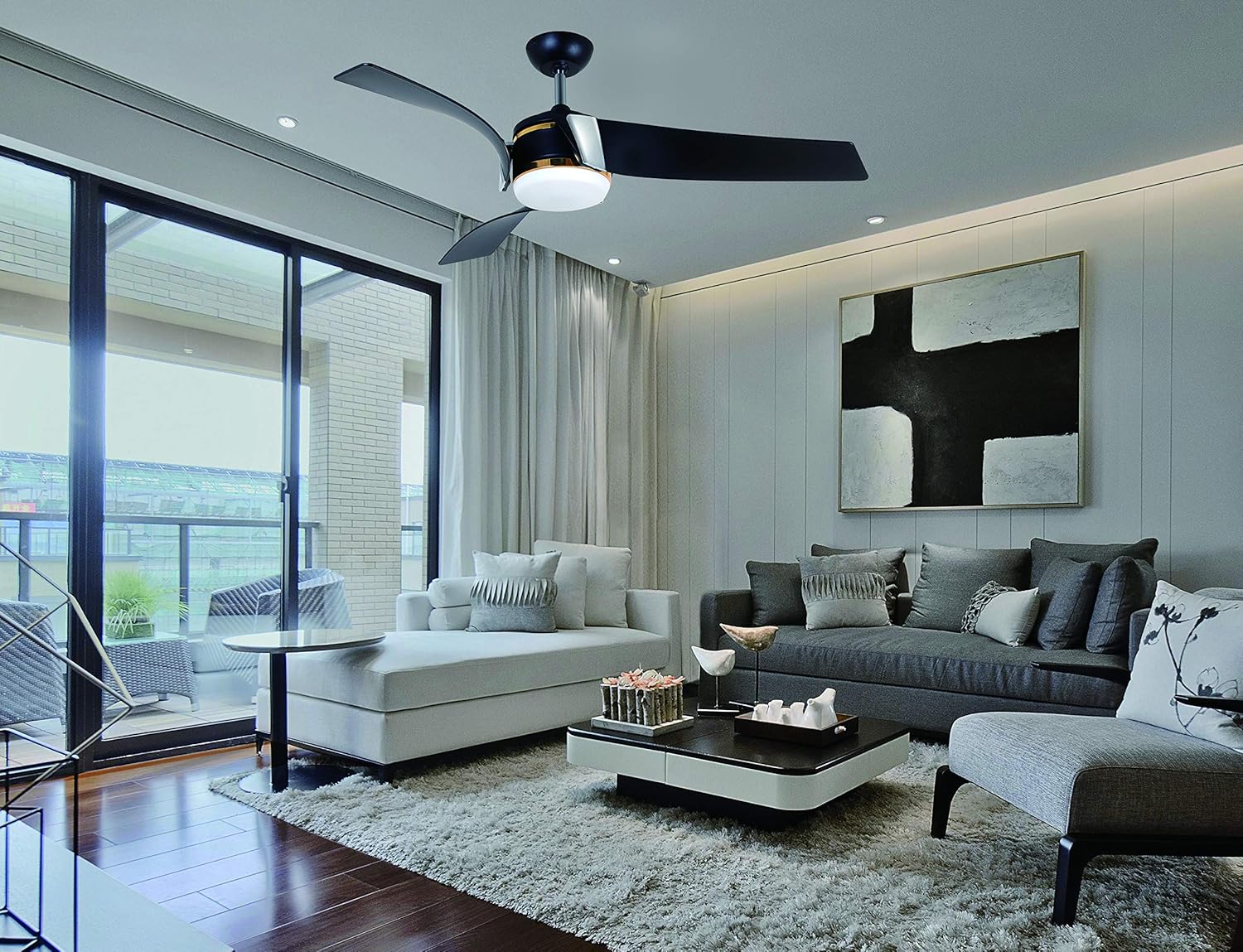
Image: The Vento ARCO ceiling fan seamlessly integrated into a contemporary living room setting, demonstrating its aesthetic appeal and functional presence.
Maintenance
Regular maintenance will help prolong the life and performance of your ceiling fan.
- Cleaning: To clean the fan, wipe with a soft, damp cloth. Do not use abrasive cleaners or solvents as they may damage the finish. Ensure power is off before cleaning.
- Blade Cleaning: Dust the fan blades regularly to prevent dust buildup, which can affect performance and balance.
- Tightening Screws: Periodically check all screws on the fan and mounting hardware to ensure they are tight. Loose screws can cause wobbling or noise.
- Light Kit: The LED light kit is designed for long life and typically does not require bulb replacement. If the light fails, contact customer support.
Troubleshooting
Before attempting any repairs, ensure the power supply to the fan is disconnected at the main circuit breaker.
| Problem | Possible Cause | Solution |
|---|---|---|
| Fan does not operate. | No power to the fan; Remote control battery low/dead; Incorrect wiring. | Check circuit breaker; Replace remote battery; Verify wiring connections. |
| Light does not work. | Light switch off; Loose wiring; Faulty LED kit. | Ensure light is turned on via remote; Check light kit wiring; Contact support if LED kit is faulty. |
| Fan wobbles. | Loose blades or mounting hardware; Unbalanced blades. | Tighten all screws on blades and mounting bracket; Use a blade balancing kit (not included) if necessary. |
| Noisy operation. | Loose screws; Motor noise; Blades hitting an obstruction. | Check and tighten all screws; Ensure no obstructions are near blades; If motor noise persists, contact support. |
Specifications
| Brand | Vento |
| Model Name | ARCO |
| Fan Size | 56 inches |
| Height (Fan to bottom of light) | 15.6 inches |
| Motor Type | DC Motor (Φ188x25 mm / 165L BLDC) |
| Light Kit | LED 18W (3000K / 6000K, 114 LUX) |
| Airflow (Max) | 4700 CFM |
| Number of Speeds | 6 |
| Control Method | Remote Control |
| Housing Material | Iron |
| Blade Material | PC |
| Downrod Length | 6 inches |
| Power Source | Corded Electric |
| Wattage | 47 watts |
| Item Weight | 27.3 pounds |
| Indoor/Outdoor Usage | Indoor |
| Assembly Required | Yes |
Warranty and Support
Vento provides the following warranty for your ARCO ceiling fan:
- DC Motor: 10-year limited manufacturer's warranty.
- Parts: 1-year warranty for parts to be free from defects in workmanship and material under normal use.
For warranty claims, technical support, or any questions regarding your Vento ARCO ceiling fan, please contact Vento customer service. Please have your model number and purchase information ready when contacting support.
Ask a question about this manual
Ask about setup, troubleshooting, compatibility, parts, safety, or missing instructions. Manuals+ will review the question and use this page’s manual context to help answer it.