1. Setup
1.1 Installing Batteries
The remote control requires two AAA batteries (not included). Follow these steps to install them:
- Locate the battery compartment cover on the back of the remote control.
- Slide the cover downwards or press the latch and lift to open.
- Insert two AAA batteries, ensuring the positive (+) and negative (-) terminals align correctly with the markings inside the compartment.
- Replace the battery compartment cover by sliding it back into place until it clicks securely.
1.2 Initial Use
This VINABTY IR TV Remote Control is designed for immediate use with compatible Samsung Smart TVs. No programming or pairing is required. Simply install the batteries, and the remote is ready to operate your television.
A detailed view of the VINABTY IR TV Remote Control, showcasing its ergonomic design and the arrangement of its control buttons, including power, volume, channel, and navigation keys.
2. Operating the Remote Control
Point the remote control directly at your Samsung Smart TV's IR receiver for optimal performance. Ensure there are no obstructions between the remote and the TV.
2.1 Basic Functions
- Power Button: Turns the TV on or off.
- Volume Up/Down: Adjusts the television's volume level.
- Channel Up/Down: Changes the television channel.
- Number Buttons (0-9): Directly input channel numbers.
- Mute Button: Silences the television audio.
- Source/Input Button: Cycles through available input sources (HDMI, AV, etc.).
- Navigation Pad (Up/Down/Left/Right) and Enter Button: Used to navigate menus and select options.
2.2 Smart TV Features
This remote provides access to your Samsung Smart TV's core functions, including the Smart Hub, applications, and settings menus. Use the navigation pad and enter button to browse and select options within the Smart TV interface.

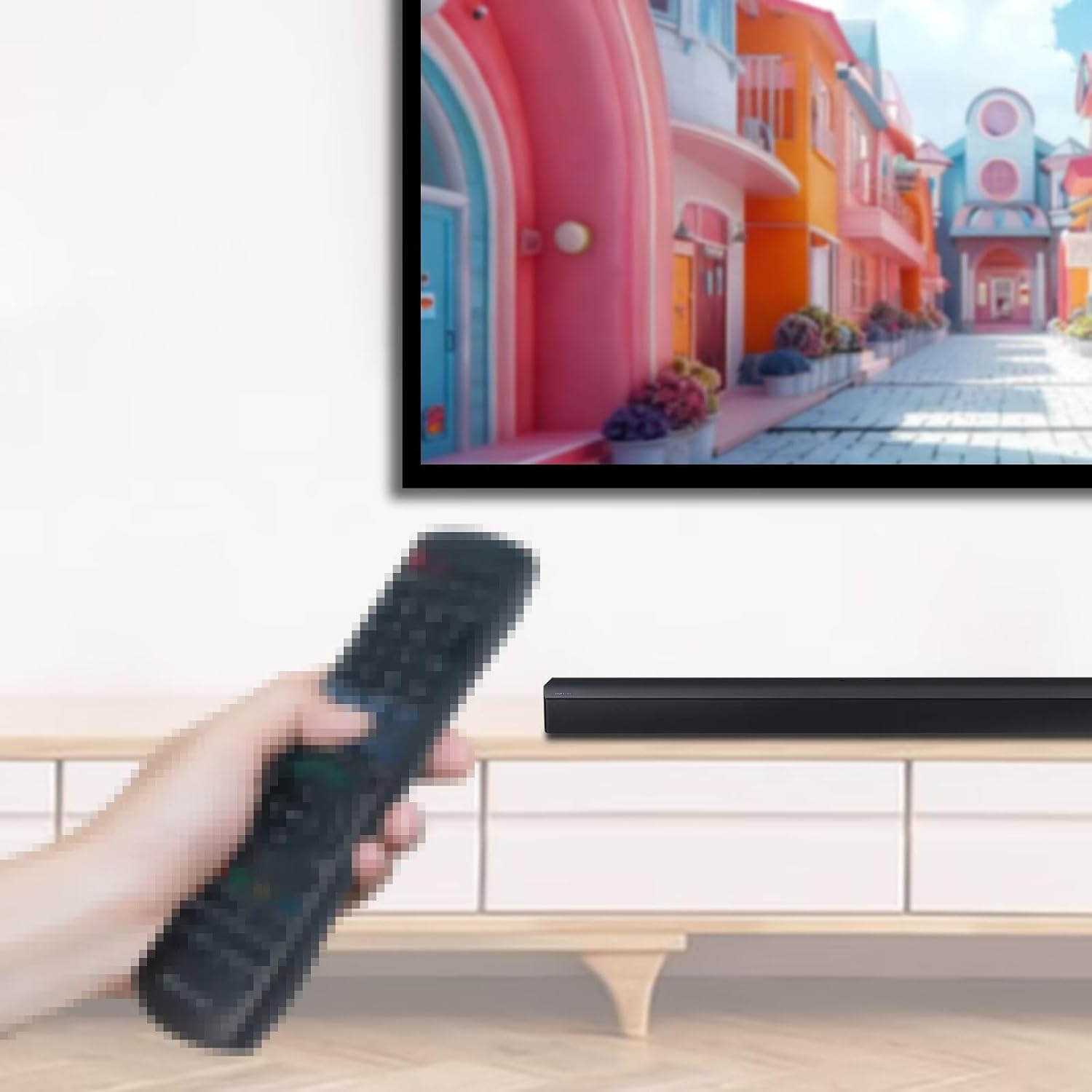
This image shows a user holding the VINABTY IR TV Remote Control, demonstrating its use with a Samsung Smart TV and an accompanying soundbar. The remote is black and features standard television control buttons.
3. Maintenance
3.1 Cleaning
To clean the remote control, use a soft, dry cloth. Do not use liquid cleaners, abrasive pads, or chemical solvents, as these may damage the remote's surface or internal components.
3.2 Battery Replacement
Replace the batteries when the remote control's response becomes sluggish or stops working. Always replace both batteries at the same time with new AAA batteries. Do not mix old and new batteries, or different types of batteries.
4. Troubleshooting
4.1 Remote Not Responding
- Check Batteries: Ensure batteries are correctly installed and have sufficient charge. Replace them if necessary.
- Line of Sight: Verify that there are no obstructions between the remote control and the TV's IR receiver.
- Distance: Make sure you are within the effective operating range of the remote control.
- TV Power: Confirm that the TV is powered on and not in standby mode.
4.2 Limited Functionality
If some functions do not work, ensure your TV model is listed as compatible. While this remote is broadly compatible, specific advanced features of certain TV models might require the original remote or a universal remote with learning capabilities.
5. Specifications
| Feature | Detail |
|---|---|
| Brand | VINABTY |
| Product Dimensions | 7.3 x 2 x 0.7 inches |
| Item Weight | 0.634 ounces |
| Color | Black |
| Special Feature | Ergonomic |
| Max Number of Supported Devices | 18 (referring to the remote's internal capability, not simultaneous control) |
| Compatible Devices | Television (specifically Samsung Smart TV QN and UN series models) |
| Compatible Samsung TV Models | QN75Q60TBFXZA, QN75Q6DTAF, QN75Q6DTAFXZA, QN75Q7DTAFXZA, QN75Q850TAFXZA, QN75Q8DTAFXZA, QN75Q900TAFXZA, QN75Q900TSFXZA, QN82Q6DTAF, QN82Q6DTAFXZA, QN82Q850TAFXZA, QN85Q60TAF, QN85Q60TAFXZA, QN85Q6DTAFXZA, QN85Q7DTAFXZA, QN85Q8DTAFXZA, QN85Q900TSFXZA, QN85Q950TAFXZA, QN85Q950TSFXZA, UN43TU8000F, UN43TU8000FXZA, UN43TU8200FXZA, UN50TU8000F, UN50TU8000FXZA, UN50TU8200FXZA, UN55TU8000F, UN55TU8000FXZA, UN55TU8200F, UN55TU8200FXZA, UN55TU8300FXZA, UN55TU850DF, UN55TU850DFXZA, UN65RU9000FXZA, UN65TU8000F, UN65TU8000FXZA, UN65TU8200F, and others. |


