1. Introduction
This manual provides essential information for the safe and efficient operation of your Green Cell Pro 3000W/6000W 12V 220V/230V Modified Sine Wave Power Inverter. This device converts 12V DC power from a battery into 220V/230V AC power, enabling you to operate various electrical appliances away from a standard power grid. It delivers a continuous power output of 3000W and a peak power of 6000W. The inverter is equipped with standard AC outlets and a USB port for charging smaller electronic gadgets.
Please read this manual thoroughly before installation and use, and retain it for future reference.
2. Safety Instructions
Failure to follow these safety instructions may result in electric shock, fire, or serious injury.
- Read All Instructions: Familiarize yourself with the product's features and operation before use.
- Ventilation: Ensure the inverter is placed in a well-ventilated area. Do not block the cooling fans or vents.
- Environment: Do not expose the inverter to water, rain, snow, spray, or extreme temperatures. Avoid direct sunlight.
- Battery Compatibility: This inverter is designed for 12V DC battery systems only. Connecting to other voltage systems may cause damage.
- Load Capacity: Do not exceed the inverter's continuous power rating of 3000W or peak power of 6000W. Overloading can damage the inverter and connected devices.
- Modified Sine Wave: This inverter produces a modified sine wave output. It is suitable for most resistive loads (e.g., incandescent lights, heating elements) and some electronic devices (e.g., laptops, phone chargers, LED lamps). It is generally not recommended for sensitive electronics, inductive loads (e.g., motors, refrigerators, pumps), or medical equipment that require a pure sine wave output. Consult your appliance manufacturer if unsure.
- Connections: Ensure all DC input connections are tight and correctly polarized (+ to +, - to -). Loose connections can cause overheating and sparks.
- Children: Keep the inverter and its accessories out of reach of children.
- Maintenance: Do not attempt to open or service the inverter yourself. Refer all servicing to qualified personnel.
3. Package Contents
Verify that all items are present in the package:
- Green Cell Pro 3000W/6000W Power Inverter (Model: INVGC12)
- Battery connection cables (red for positive, black for negative)
- User Manual

Image: Green Cell Pro Inverter with included battery connection cables.
4. Product Features and Components
Understand the different parts of your inverter for proper use.

Image: Front and rear view of the Green Cell Pro Inverter.
Front Panel:
- AC 230V Output Sockets: For connecting 230V AC appliances.
- USB Port: For charging 5V USB devices like smartphones and tablets.
- Power Switch: Turns the inverter ON/OFF.
- LED Indicators: Display operational status (e.g., Power, Fault).
Rear Panel:
- DC Input Terminals (+ and -): For connecting to the 12V battery.
- Cooling Fans: Automatically activate to dissipate heat during operation.
- Grounding Screw: For connecting an earth ground wire (recommended for safety).

Image: Detailed component diagram of the inverter.
5. Setup
Follow these steps to set up your inverter:
- Preparation: Ensure the inverter's power switch is in the OFF position. Place the inverter on a stable, flat surface in a dry, well-ventilated area, away from direct sunlight, heat sources, and flammable materials.
- Grounding (Recommended): Connect a suitable ground wire from the grounding screw on the inverter's rear panel to a proper earth ground point.
- Battery Connection:
- Connect the red battery cable to the positive (+) terminal of your 12V battery.
- Connect the other end of the red cable to the positive (+) DC input terminal on the inverter.
- Connect the black battery cable to the negative (-) terminal of your 12V battery.
- Connect the other end of the black cable to the negative (-) DC input terminal on the inverter.
Ensure all connections are secure and tight to prevent arcing or overheating. Incorrect polarity will damage the inverter.
6. Operating Instructions
Once the inverter is properly set up, follow these steps for operation:
- Power On: Press the power switch on the front panel to turn on the inverter. The power indicator LED should illuminate, indicating the inverter is active.
- Connect AC Appliances: Plug your 230V AC appliances into the AC output sockets on the inverter's front panel. Ensure the total continuous power consumption of all connected appliances does not exceed 3000W.
- Connect USB Devices: For charging smaller devices, plug them into the USB port.
- Monitor: Observe the LED indicators for any fault warnings.
- Power Off: When you are finished using the inverter, first turn off all connected appliances, then press the power switch on the inverter to turn it off.

Image: Inverter in use, powering a laptop and charging a smartphone.
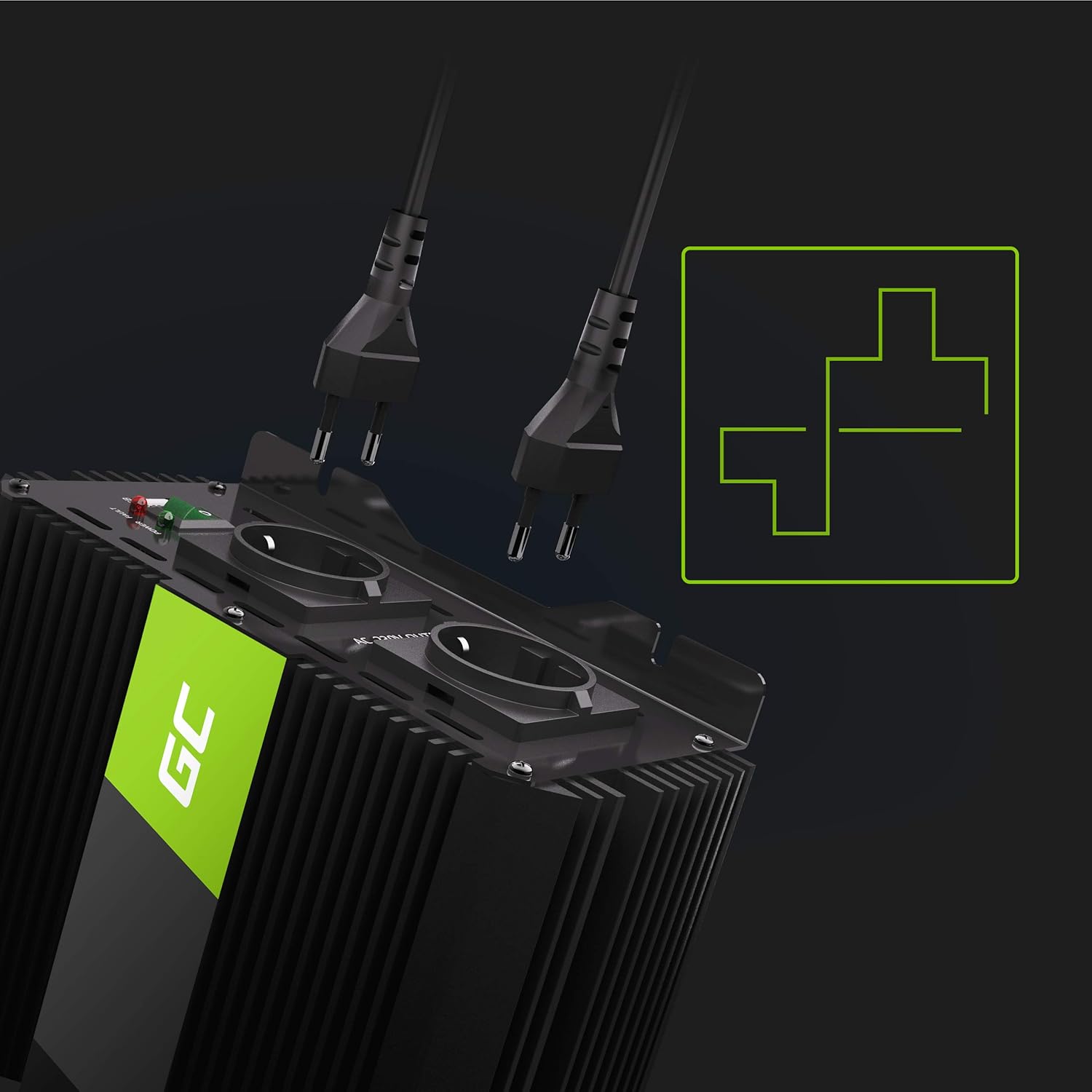
Image: AC output sockets with plugs.
7. Maintenance
Proper maintenance ensures the longevity and reliable operation of your inverter:
- Cleaning: Keep the inverter's exterior clean and free from dust and debris. Use a dry, soft cloth. Do not use liquid cleaners.
- Ventilation: Regularly check that the cooling fans and vents are clear of obstructions. Dust accumulation can impair cooling efficiency.
- Connections: Periodically inspect the battery connection cables and terminals for tightness and corrosion. Clean any corrosion with a wire brush and baking soda solution if necessary.
- Storage: If storing the inverter for an extended period, ensure it is clean, dry, and stored in a cool, dry place. Disconnect it from the battery.
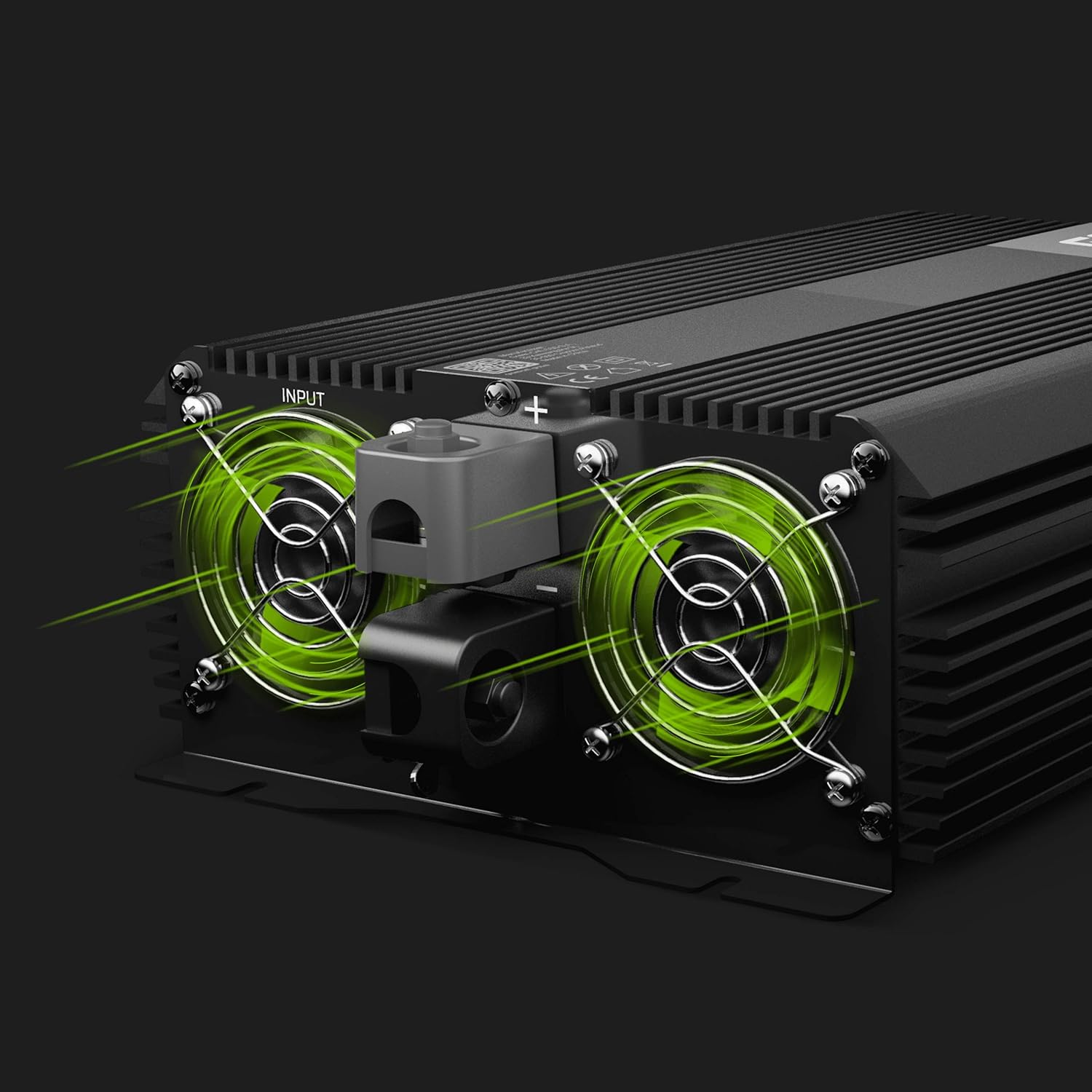
Image: Cooling fans for proper ventilation.
8. Troubleshooting
If you encounter issues, refer to the following troubleshooting guide:
| Problem | Possible Cause | Solution |
|---|---|---|
| No power output / Inverter not turning on | Loose battery connections Low battery voltage Inverter power switch is OFF Internal fuse blown | Check and tighten battery cables. Recharge or replace the battery. Ensure the power switch is ON. Contact customer support; do not attempt to replace internal fuses yourself. |
| Overload warning (fault LED on) | Connected appliances exceed 3000W continuous power | Disconnect some appliances to reduce the load. Restart the inverter. |
| Overheat warning (fault LED on) | Poor ventilation Excessive ambient temperature Prolonged high load operation | Ensure cooling fans are unobstructed and the inverter is in a well-ventilated area. Reduce load. Allow inverter to cool down before restarting. |
| Low battery warning (fault LED on) | Battery voltage is too low | Disconnect appliances and recharge the 12V battery. |
| Appliances not working correctly (e.g., humming, not starting) | Appliance requires a pure sine wave Appliance is an inductive load | This inverter produces a modified sine wave. Some sensitive electronics or inductive loads may not operate correctly. Consider a pure sine wave inverter for such applications. |
9. Specifications
Key technical specifications for the Green Cell Pro 3000W/6000W Power Inverter:
- Model Number: INVGC12
- Continuous Power: 3000 Watts
- Peak Power: 6000 Watts
- Input Voltage: 12V DC
- Output Voltage: 220V / 230V AC
- Output Waveform: Modified Sine Wave
- USB Output: 5V (details not specified, typical for charging)
- Dimensions (L x W x H): 29 cm x 13 cm x 18 cm (approximately 13L x 29l x 18H centimeters)
- Weight: 5.84 kg
- Manufacturer: Green Cell

Image: Comparison of Pure Sine Wave and Modified Sine Wave.
10. Warranty and Support
For warranty information, technical support, or service inquiries, please refer to the official Green Cell website or contact your retailer. Keep your purchase receipt as proof of purchase.


