
Introduction
Thank you for choosing the 4smarts Dual Foldable 15W Wireless Charger. This manual provides essential information for the safe and efficient use of your new device. Please read these instructions carefully before use and retain them for future reference.
Safety Information
- Do not expose the charger to water, moisture, or extreme temperatures.
- Avoid dropping or subjecting the charger to strong impacts.
- Do not disassemble, modify, or attempt to repair the device yourself.
- Use only the provided USB-C cable or a certified equivalent.
- Ensure the charger is placed on a stable, flat surface during use.
- Keep metallic objects away from the charging surfaces to prevent interference or damage.
- Unplug the charger during lightning storms or when unused for long periods.
Package Contents
- 1x 4smarts Dual Foldable 15W Wireless Charger
- 1x USB-C Charging Cable
- 1x User Manual (this document)
Product Overview
The 4smarts Dual Foldable Wireless Charger offers convenient wireless charging for two devices simultaneously, such as a smartphone and a smartwatch. Its foldable design makes it highly portable.

Image: The 4smarts Dual Foldable Wireless Charger actively charging a smartphone and a smartwatch, illustrating its dual charging capability.

Image: A visual representation of the charger's 180-degree folding mechanism, highlighting its flexible and portable design.
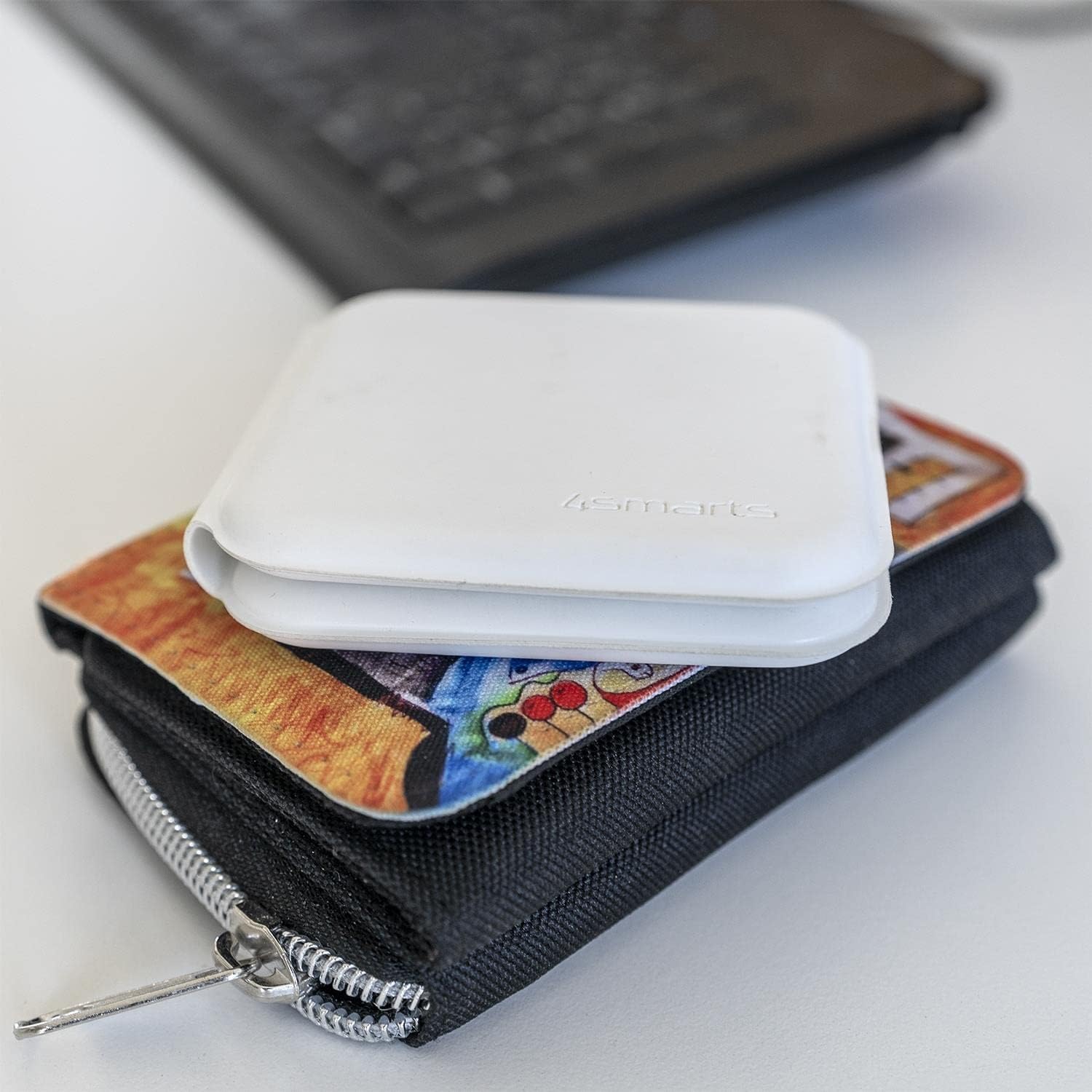
Image: The charger in its compact, folded state, demonstrating its portability by being placed on a wallet.
Setup
- Unpack: Carefully remove the wireless charger and USB-C cable from its packaging.
- Connect Power: Insert the USB-C end of the provided cable into the charging port on the 4smarts wireless charger.
- Power Source: Connect the other end of the USB-C cable to a compatible USB power adapter (not included) with a minimum output of 5V/2A, or preferably a Quick Charge (QC) or Power Delivery (PD) adapter for optimal 15W charging.
- Indicator: The charger may briefly illuminate an LED indicator to show it is powered on and ready for use.
Operating Instructions
Charging a Smartphone:
- Unfold the charger to its flat position.
- Place your Qi-compatible smartphone on the designated charging pad (usually the larger pad).
- Ensure the phone is centered on the charging pad for optimal contact.
- The phone's screen should indicate that charging has begun.
Charging a Smartwatch:
- Place your compatible smartwatch (e.g., Apple Watch) on the smaller, designated charging pad.
- Ensure the smartwatch is correctly aligned and magnetically attaches to the charging surface.
- The smartwatch display should show a charging indicator.
Dual Charging:
You can charge both a smartphone and a smartwatch simultaneously by placing each device on its respective charging pad as described above.
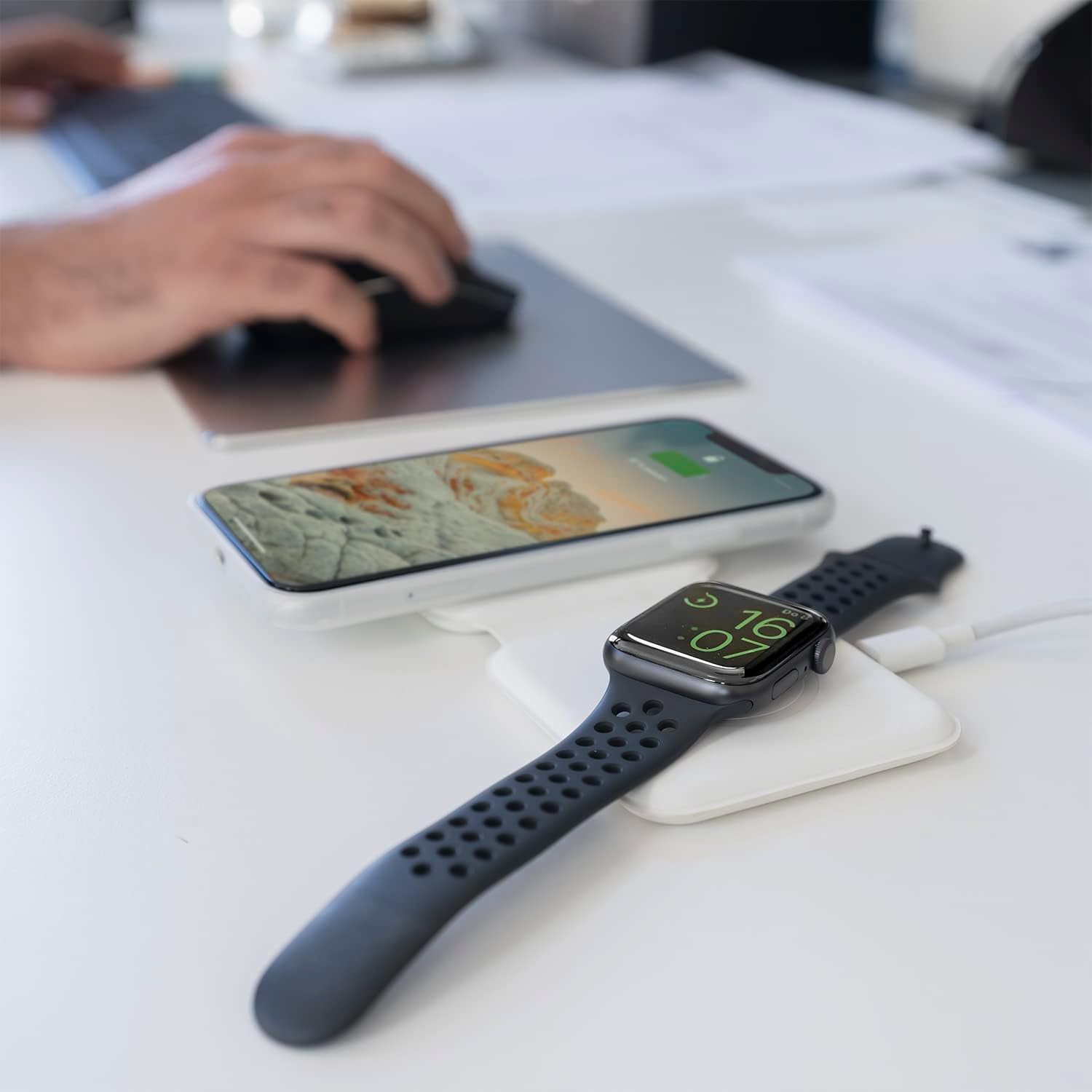
Image: The charger unfolded on a desk, simultaneously charging a smartphone and a smartwatch, demonstrating a typical use scenario.
Maintenance
- Cleaning: Disconnect the charger from power before cleaning. Use a soft, dry, lint-free cloth to wipe the surfaces. Do not use liquid cleaners or aerosols.
- Storage: When not in use, store the charger in a cool, dry place, away from direct sunlight and extreme temperatures. The foldable design allows for compact storage.
- Cable Care: Avoid bending or crimping the USB-C cable excessively to prevent damage.
Troubleshooting
| Problem | Possible Cause | Solution |
|---|---|---|
| Device not charging. | Device not Qi-compatible; improper placement; foreign object on pad; insufficient power adapter; faulty cable. | Ensure device supports wireless charging. Reposition device. Remove any foreign objects. Use a compatible power adapter (5V/2A minimum, QC/PD recommended). Try a different USB-C cable. |
| Slow charging. | Power adapter output too low; device case too thick; background apps running. | Use a QC/PD compatible power adapter. Remove thick phone cases. Close unnecessary background applications on your device. |
| Charger LED blinking/not working. | Power issue; foreign object detection. | Check power connection. Remove any metallic objects from the charging surface. |
Specifications
- Brand: 4smarts
- Model Number: 4S462334
- Product Dimensions: 12 x 10 x 15.4 cm
- Weight: 30 grams
- Connector Type: USB-C
- Compatible Devices: Mobile Phones (Qi-compatible), Smartwatches (e.g., Apple Watch)
- Included Components: USB Cable
- Special Feature: Portable, Foldable
- Input Voltage: 5 Volts
- Current Rating: 4.8 Amperes
- Total USB Ports: 1 (for power input)
- Wattage: 15 Watts (Max output)
- Compliance: CE
Warranty and Support
For warranty information or technical support, please refer to the warranty card included with your purchase or visit the official 4smarts website. Please have your model number (4S462334) and proof of purchase ready when contacting support.


