
Introduction
This manual provides detailed instructions for the proper use and maintenance of your Baseus W05 Wireless Earbuds. Please read this guide thoroughly before operating the device to ensure optimal performance and longevity.
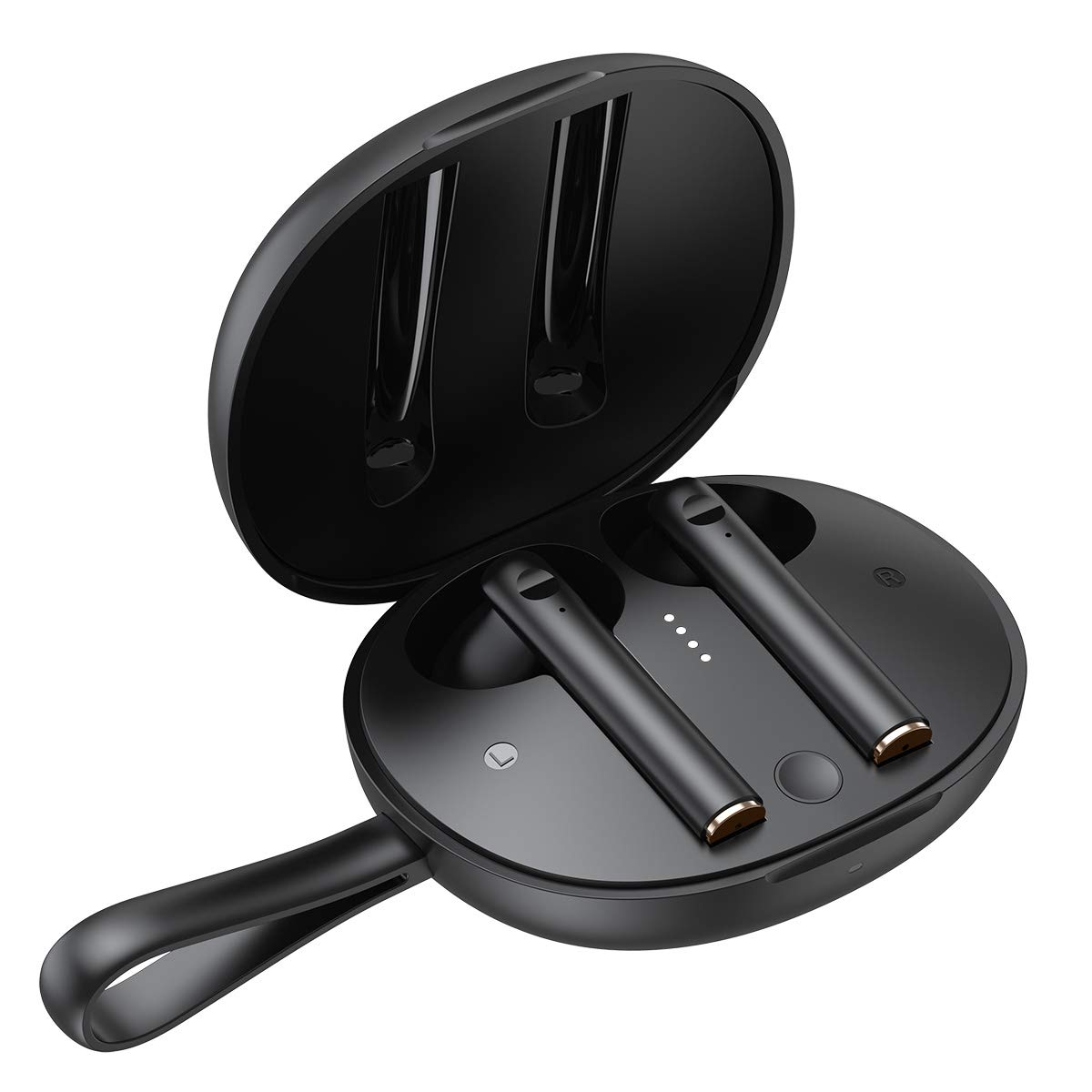
Image: Pair of Baseus W05 Wireless Earbuds.
What's in the Box
Upon unboxing your Baseus W05 Wireless Earbuds, verify that all the following components are included:
- Baseus W05 Wireless Earbuds (Left and Right)
- Charging Case
- USB-C Charging Cable
- User Manual & Warranty Card

Image: Baseus W05 Wireless Earbuds, charging case, and USB-C cable.
Setup
Initial Use
- Before first use, remove the insulating stickers from the charging contacts on both earbuds.
- Place the earbuds back into the charging case and close the lid. Ensure the case is charged.
Pairing with a Device
- Open the charging case and take out both earbuds. They will automatically power on and enter pairing mode (white light flashes).
- On your mobile device, enable Bluetooth.
- Search for available devices and select "Baseus Encok W05".
- Once connected, the white light on the earbuds will be on for 1 second, indicating successful pairing.
Video: Demonstrates initial use, pairing, and charging of Baseus W05 Wireless Earbuds.
Operating
Touch Controls
- Double-click Left Earphone (L): Activate voice assistant.
- Double-click Right Earphone (R): Play/Pause music.
- Long Press Left Earphone (L) for 1.5 seconds: Previous song.
- Long Press Right Earphone (R) for 1.5 seconds: Next song.
Call Mode
- Double-click Left or Right Earphone (L or R): Answer / Hang up a call.
- Long Press Left or Right Earphone (L or R): Reject an incoming call.
In-ear Wearing Detection
The earbuds feature intelligent in-ear detection. Music playback will automatically pause when either earbud is removed from your ear and resume when both earbuds are worn again.
Video: Illustrates touch controls and in-ear wearing detection features of Baseus W05 Wireless Earbuds.
Charging
To charge your Baseus W05 Wireless Earbuds and their charging case:
- Place both earbuds into the charging case. They will begin charging automatically.
- Connect the provided USB-C charging cable to the charging port on the case and to a power source.
- The LED indicators on the charging case show the battery level. Four lights indicate 76-100% charge.

Image: Baseus W05 Wireless Earbuds charging in their case.
Maintenance
To maintain the performance and appearance of your earbuds:
- The Baseus W05 earbuds are IP55 grade dustproof and waterproof. This means they are protected against dust ingress and low-pressure water jets from any direction. Avoid submerging them in water.
- Clean the earbuds and charging case regularly with a soft, dry cloth.
- Do not use abrasive cleaners or solvents.
- Store the earbuds in their charging case when not in use to protect them from dust and damage.
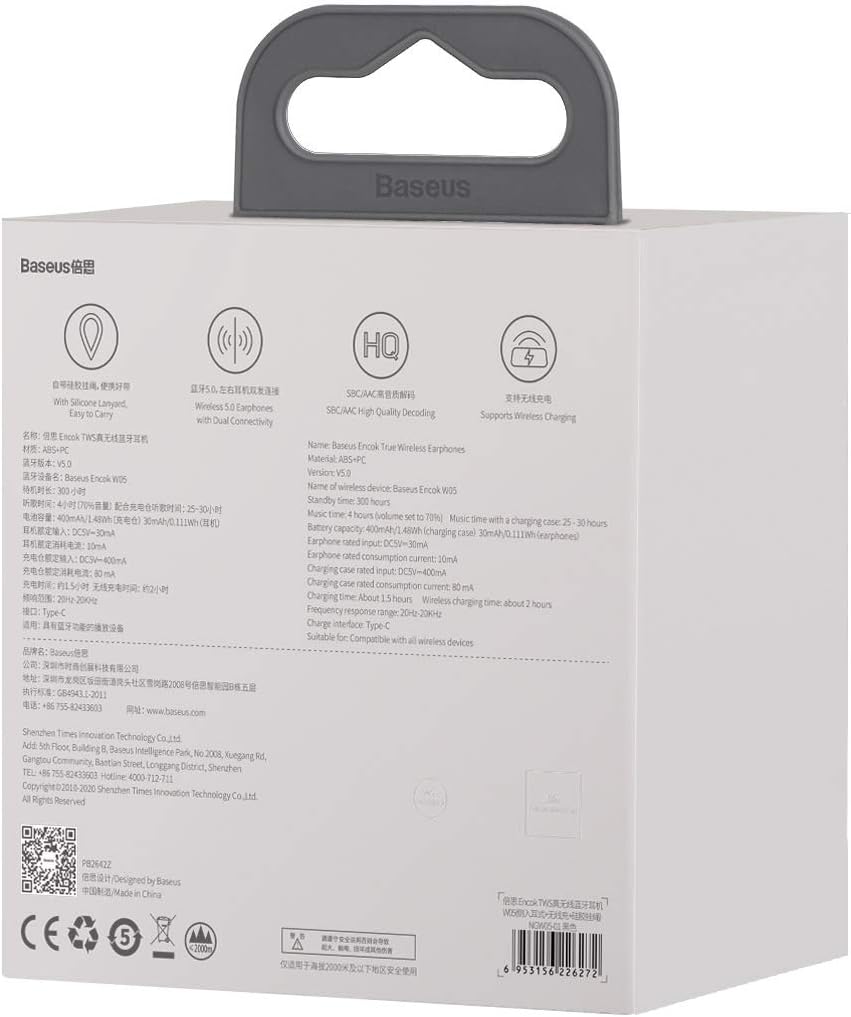
Image: User wearing Baseus W05 Wireless Earbuds during activity.
Troubleshooting
Earbuds not pairing or connecting
- Ensure both earbuds are charged and removed from the charging case.
- Verify that Bluetooth is enabled on your device and that the earbuds are within range.
- Try resetting the earbuds to factory settings: Open the lid of the charging case (within 10 seconds of opening), and long press both the left and right earphones for 7 seconds. When the white light flashes, it means the restoration of factory default settings is completed.
- If the issue persists, try forgetting the device from your phone's Bluetooth settings and re-pairing.
One earbud has no sound
- Ensure both earbuds are charged.
- Perform a factory reset as described above.
- Check your device's audio settings to ensure balance is centered.
Specifications
| Brand | Baseus |
| Model | W05 |
| Connectivity Technology | Wireless |
| Wireless Communication Technology | Bluetooth 5.0 |
| Control Type | Touch, Media Control |
| Water Resistance Level | Waterproof (IP55 Grade) |
| Battery Life | Up to 30 Hours (with charging case) |
| Hardware Interface | USB (Type-C) |
| Ear Placement | In Ear |
| Form Factor | In Ear |
| Item Weight | 12.3 ounces |
Warranty & Support
For warranty information and customer support, please refer to the warranty card included in your product packaging or visit the official Baseus website.
You can also find more information and support resources at the Baseus Store on Amazon.


