1. Introduction
This manual provides essential information for the safe and efficient operation of your NEBO Redline 12K rechargeable LED flashlight. Please read this manual thoroughly before using the product and retain it for future reference.

Image 1: The NEBO Redline 12K flashlight, accompanied by its USB-C charging cable and the EdisonBright USB reading light.
2. Key Features
- High Power Output: Up to 12,000 lumens in Turbo mode.
- Rechargeable: Integrated USB-C charging for convenience.
- Adjustable Beam: 2x adjustable zoom to transition between flood and spot lighting.
- Multiple Light Modes: Turbo, High, Medium, Low, and Strobe.
- Power Bank Function: Can be used to charge other USB-powered devices.
- Durable Construction: Crafted from aircraft-grade anodized aluminum.
- Waterproof & Shockproof: IP67 rated for water resistance and designed to withstand impacts.
- Battery & Charging Indicators: Backlit button displays power and charging status.

Image 2: The flashlight's powerful 12,000 lumen output transforms night into day.
3. Package Contents
- NEBO Redline 12K Flashlight (FLT-1007)
- USB-C to USB Charging Cable
- Lanyard
- EdisonBright USB Powered LED Reading Light
- Internal Rechargeable Battery (pre-installed)
4. Setup
4.1 Charging the Flashlight
- Locate the USB-C charging port on the flashlight. This port is typically covered by a protective rubber flap.
- Open the protective flap and insert the USB-C end of the provided charging cable into the flashlight's port.
- Connect the USB-A end of the cable to a compatible USB power source (e.g., wall adapter, computer USB port).
- The backlit button will indicate the charging status. Refer to the manufacturer's instructions for specific charging timeframes (typically 7-28 hours depending on USB output).
- Once fully charged, disconnect the cable and securely close the protective flap to maintain water resistance.

Image 3: The flashlight features a USB-C port for rapid charging.
4.2 Lanyard Attachment
To attach the lanyard, thread the thin loop of the lanyard through the designated attachment point on the tail cap of the flashlight. Secure it by passing the larger part of the lanyard through the loop you just created and pulling it tight.
5. Operating Instructions
5.1 Power On/Off and Light Modes
- Power On: Press the side backlit button once to turn the flashlight on. It will typically activate in the last used mode (excluding Turbo).
- Cycle Modes: While the flashlight is on, press the button repeatedly to cycle through the standard light modes: High, Medium, Low.
- Turbo Mode: From any mode, press and hold the button to activate Turbo mode (12,000 lumens). This mode is designed for short bursts of maximum brightness and will automatically step down after 30 seconds to prevent overheating and protect the battery. Turbo mode can be reactivated at any time.
- Strobe Mode: Double-click the button to activate Strobe mode.
- Direct-to-Low: If the flashlight is off, a long press of the button may activate the Low mode directly.
- Power Off: Press the button after cycling through all standard modes, or press and hold the button for a few seconds from any mode to turn the flashlight off.
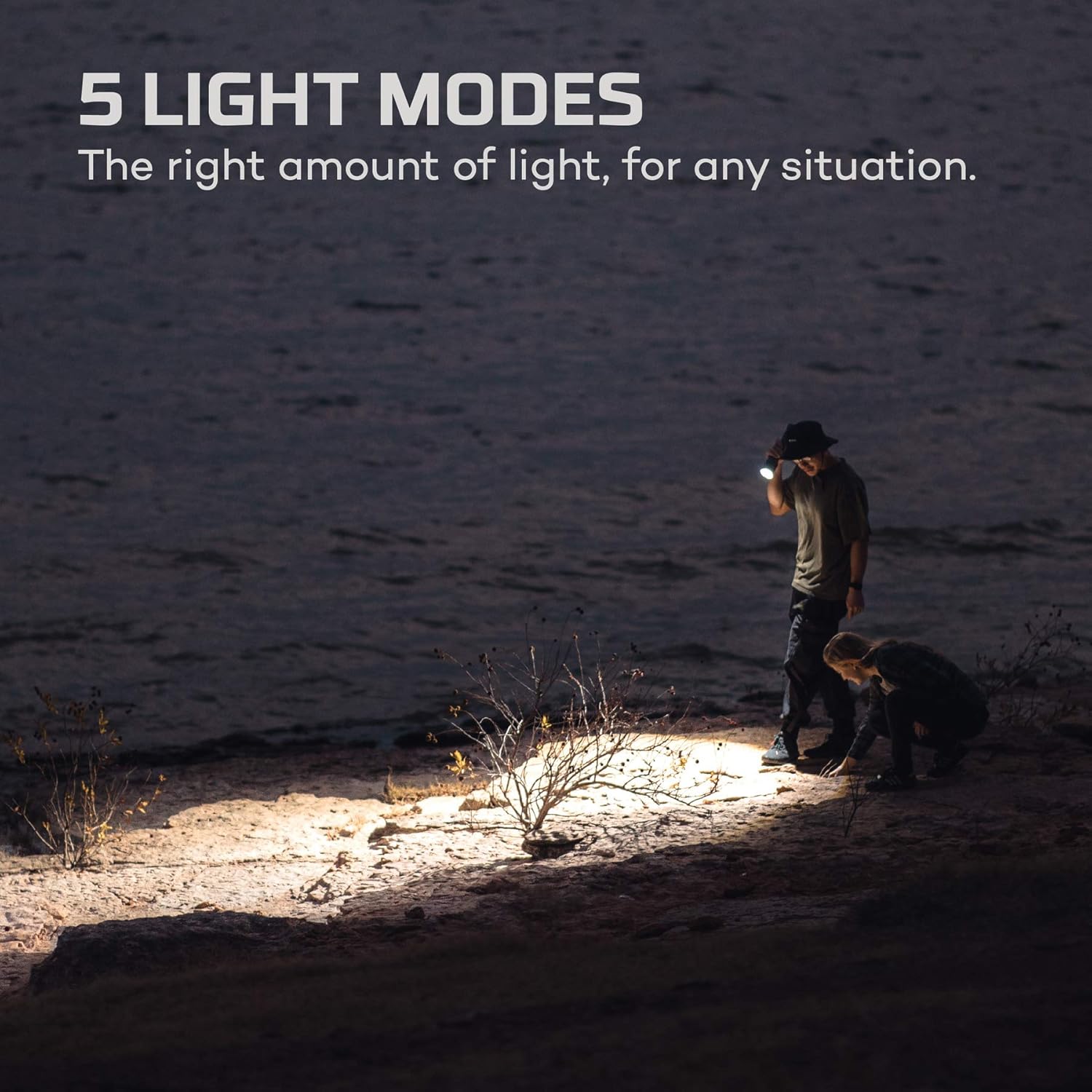
Image 4: The flashlight offers five distinct light modes for various situations.
5.2 Adjustable Zoom
The NEBO Redline 12K features a 2x adjustable zoom. To adjust the beam from a wide floodlight to a focused spotlight, simply twist the head of the flashlight. This allows you to adapt the light output to your specific needs.

Image 5: The 2x adjustable zoom allows for versatile lighting, from wide flood to focused spot.
5.3 Power Bank Function
Your flashlight can also serve as a power bank to charge other USB-powered devices. Locate the USB-A output port (distinct from the USB-C input port). Connect your device's charging cable to this port to initiate charging. The flashlight's internal battery will then supply power to your device.

Image 6: Utilize the flashlight's power bank feature to recharge devices on the go.
6. Maintenance
6.1 Cleaning
To maintain optimal performance, keep the flashlight clean. Wipe the exterior with a soft, damp cloth. Avoid using abrasive cleaners or solvents that could damage the anodized finish or seals.
6.2 Battery Care
The flashlight is powered by an internal rechargeable battery. For best battery life, avoid fully discharging the battery frequently. Recharge the flashlight regularly, especially after extended use or before long periods of storage. Always follow the manufacturer's instructions for charging to ensure battery longevity and safety.

Image 7: The flashlight's IP67 waterproof rating ensures durability in various conditions.
7. Troubleshooting
- Flashlight not turning on: Ensure the battery is charged. Connect the flashlight to a power source using the USB-C cable.
- Dim light output: The battery may be low. Recharge the flashlight. If in Turbo mode, the light output will step down after 30 seconds; reactivate Turbo if needed.
- Charging issues: Verify that the USB-C cable is securely connected to both the flashlight and the power source. Try a different USB-C cable or power adapter.
- Power bank not charging device: Ensure the flashlight has sufficient charge. Check the connection of your device's cable to the flashlight's USB-A output port.
8. Specifications
| Feature | Specification |
|---|---|
| Model Number | FLT-1007 |
| Light Output (Turbo) | 12,000 Lumens |
| Light Output (High) | 7,000 Lumens |
| Light Output (Medium) | 3,000 Lumens |
| Light Output (Low) | 300 Lumens |
| Light Output (Strobe) | 12,000 Lumens |
| Beam Distance (Turbo) | 220 meters |
| Zoom | 2x Adjustable |
| Power Source | Internal Rechargeable Lithium Ion Battery |
| Charging Port | USB-C |
| Power Bank Output | USB-A |
| Material | Aircraft-grade Anodized Aluminum |
| Water Resistance | IP67 (Waterproof) |
| Item Weight | 2 Pounds (approx. 0.9 kg) |
| Length | 28.2 cm (11.1 inches) |
| Head Diameter | 2.5 inches (approx. 6.35 cm) |
| Barrel Diameter | 1.75 inches (approx. 4.45 cm) |
9. Safety Information
- Do not shine the flashlight directly into eyes, as the high intensity light can cause temporary vision impairment or permanent eye damage.
- Keep out of reach of children.
- Do not disassemble the flashlight or attempt to modify its components, as this may void the warranty and pose safety risks.
- Avoid exposing the flashlight to extreme temperatures or direct sunlight for prolonged periods.
- Ensure the charging port cover is securely closed when not charging to maintain water resistance.
10. Warranty and Support
For warranty information, technical support, or service inquiries, please refer to the official NEBO website or contact their customer service directly. Keep your proof of purchase for any warranty claims.


