
OMAIC XRT136
OMAIC Universal VIZIO Smart TV Remote Control XRT136 User Manual
Brand: OMAIC | Model: XRT136
1. Introduction
Thank you for choosing the OMAIC Universal VIZIO Smart TV Remote Control XRT136. This remote is designed to provide seamless control over your VIZIO Smart TV, offering immediate functionality without the need for complex programming. Its intuitive design and robust features ensure a convenient and reliable viewing experience.

Figure 1: OMAIC Universal VIZIO Smart TV Remote Control XRT136
2. Compatibility
The XRT136 remote control is universally compatible with a wide range of VIZIO Smart TVs and replaces many original VIZIO remote models. No programming is required; simply insert batteries and begin use.
2.1. Compatible VIZIO TV Series:
- VIZIO SmartCast V Series
- VIZIO SmartCast M Series
- VIZIO SmartCast D Series
- VIZIO SmartCast P Series
- VIZIO SmartCast PX Series
- VIZIO SmartCast E Series
- All LED LCD HD UHD 4K HDR Smart TVs
2.2. Replaces VIZIO Remote Models:
- XRT140
- XRT260
- XRT136
- XRT270
- XRT112
- XRT122
- XRT302
- XRT135
- XRT510
- XRT500
- XRT100
- VR1
- VR2
- VR10
- VR15
- And many more VIZIO Smart TV Remote Control models.
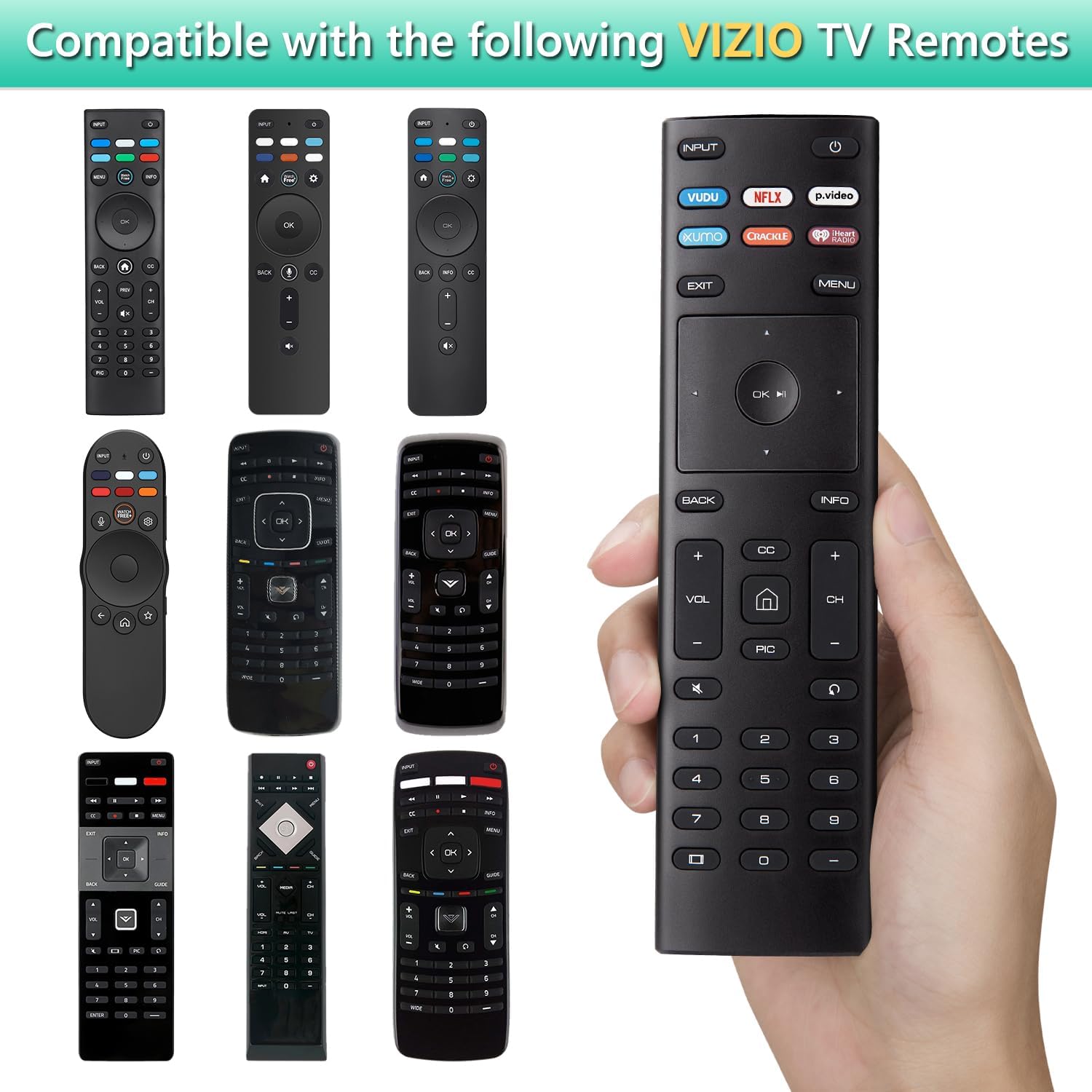
Figure 2: Compatible VIZIO TV Remote Models
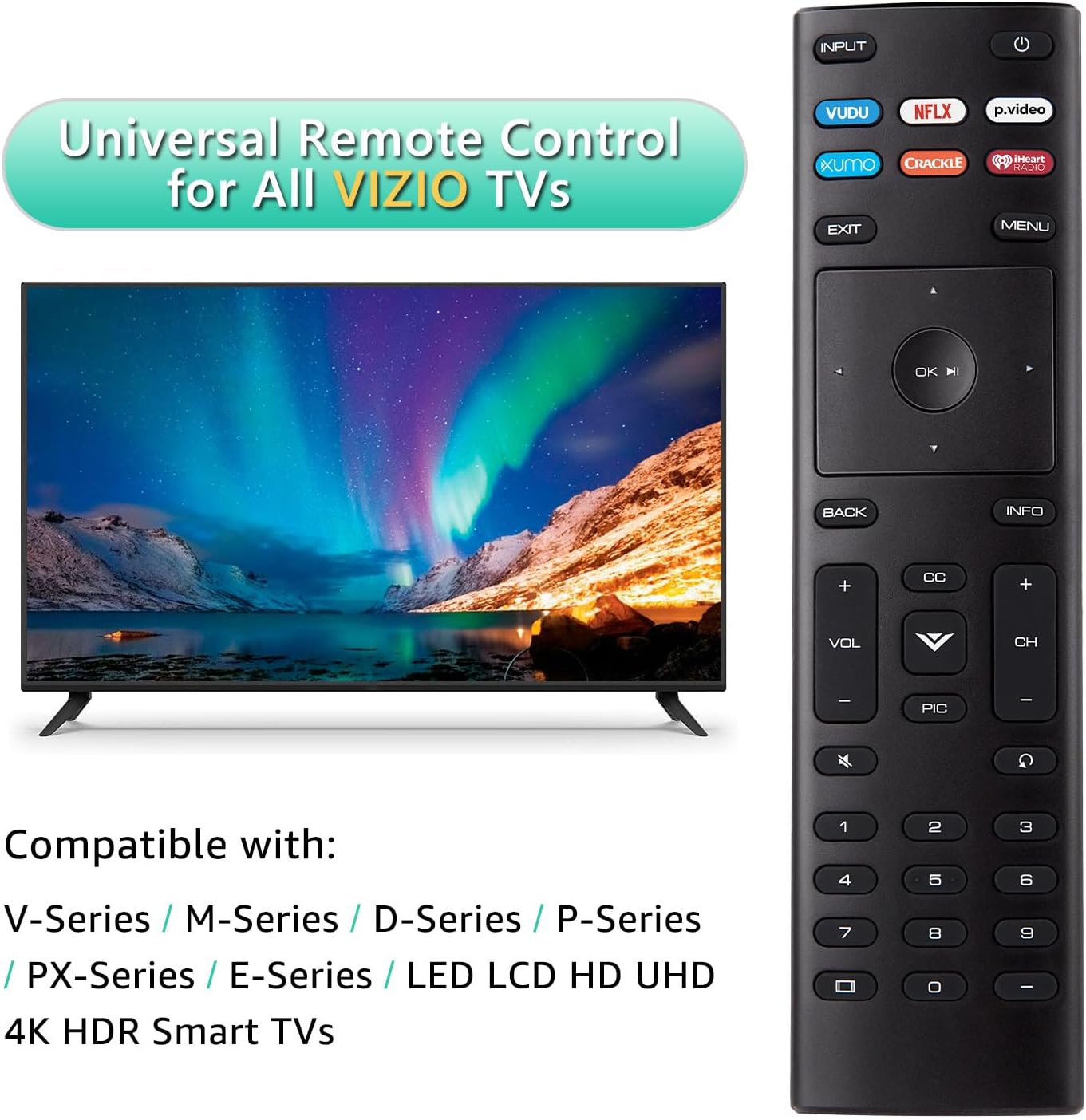
Figure 3: Universal Remote Control for All VIZIO TVs
3. Setup
The OMAIC XRT136 remote control is designed for immediate use. Follow these simple steps to get started:
- Locate the battery compartment on the back of the remote control.
- Slide the battery cover downwards to open the compartment.
- Insert two (2) AAA batteries (not included), ensuring the positive (+) and negative (-) terminals align correctly with the indicators inside the compartment.
- Slide the battery cover back into place until it clicks securely.
- Your remote control is now ready to use with your VIZIO Smart TV.

Figure 4: Battery Installation
4. Operating Instructions
This section details the functions of the buttons on your OMAIC XRT136 remote control.

Figure 5: Remote Control Button Functions
| Button | Function |
|---|---|
| POWER | Turns the TV on and off. |
| INPUT | Selects the input source (e.g., HDMI 1, HDMI 2). |
| VUDU | Direct access to the VUDU application. |
| NETFLIX | Direct access to the NETFLIX application. |
| p.video | Direct access to the Prime Video application. |
| XUMO | Direct access to the XUMO application. |
| CRACKLE | Direct access to the CRACKLE application. |
| iHeart Radio | Direct access to the iHeart Radio application. |
| EXIT | Exits the current menu or application. |
| MENU | Displays the main on-screen menu. |
| Navigation Pad (Up/Down/Left/Right) | Navigates through menus and options. |
| OK / Play/Pause | Confirms selections or plays/pauses media. |
| BACK | Returns to the previous step or screen. |
| INFO | Displays information on the TV screen. |
| VOL +/- | Adjusts the volume level. |
| CH +/- | Changes channels. |
| MUTE | Mutes or unmutes the TV audio. |
| CC | Controls the closed caption decoder. |
| PIC | Accesses picture settings. |
| Number Buttons (0-9) | Direct channel selection. |
5. Key Features
- Free of Setup Requirements: Works right out of the box without any programming. Simply insert 2 AAA batteries.
- Short Keys Launch: Features 6 dedicated shortcut buttons for quick access to popular streaming applications (VUDU, NETFLIX, Prime Video, XUMO, CRACKLE, iHeart Radio).
- No Delay Response: Utilizes strong infrared technology for further transmission and multi-angle induction. Provides a fast response time of less than 0.1 second to your TV.
- Durable Design: Made from ABS material, designed to be drop resistant and supports over 150,000 clicks.

Figure 6: Shortcut App Buttons

Figure 7: Fast Response and Extended Range
6. Maintenance
To ensure the longevity and optimal performance of your remote control, please follow these maintenance guidelines:
- Cleaning: Use a soft, dry cloth to clean the remote control. Do not use liquid cleaners or aerosol sprays.
- Battery Replacement: Replace batteries when the remote's response becomes sluggish or inconsistent. Always replace both batteries at the same time with new AAA batteries.
- Storage: Store the remote in a cool, dry place away from direct sunlight and extreme temperatures.
- Handling: Avoid dropping the remote or subjecting it to strong impacts.
7. Troubleshooting
If you encounter any issues with your remote control, please refer to the following troubleshooting tips:
| Problem | Possible Solution |
|---|---|
| Remote not responding to TV. |
|
| Specific buttons are not working. |
|
| Remote works intermittently. |
|
8. Specifications
| Feature | Detail |
|---|---|
| Model Number | XRT136 |
| Product Dimensions | 6.6 x 1.8 x 0.6 inches |
| Item Weight | 1.76 ounces |
| Batteries Required | 2 AAA batteries (not included) |
| Connectivity Technology | Infrared (IR) |
| Maximum Operating Distance | Up to 40 feet (12 meters) |
| Response Time | Less than 0.1 second |
| Material | ABS |

Figure 8: Remote Control Dimensions
9. Warranty and Support
OMAIC provides a 100-day warranty return service for this product. If you have any questions about your order, product functionality, or require further assistance, please do not hesitate to contact our customer support team directly. We are committed to responding to your inquiries within 12 hours.
For support, please refer to the contact information provided with your purchase or visit the official OMAIC store page on Amazon.
10. Safety Information
WARNING:
- Keep the remote control away from fire or high heat sources to prevent damage or melting.
- Do not expose the remote to water or excessive moisture.
- Do not attempt to disassemble or modify the remote control.
- Dispose of used batteries according to local regulations.
Ask a question about this manual
Ask about setup, troubleshooting, compatibility, parts, safety, or missing instructions. Manuals+ will review the question and use this page’s manual context to help answer it.