
Neocarbon TENS Unit Muscle Stimulator (Red)
Neocarbon TENS Unit Muscle Stimulator User Manual
Model: TENS Unit Muscle Stimulator (Red)
1. Introduction
Thank you for choosing the Neocarbon TENS Unit Muscle Stimulator. This device is designed to provide effective pain relief and muscle stimulation through Transcutaneous Electrical Nerve Stimulation (TENS) and Electrical Muscle Stimulation (EMS) technologies. It is a versatile and portable solution for managing various types of pain and aiding muscle recovery. Please read this manual thoroughly before first use to ensure safe and optimal operation.
2. Safety Information
WARNING: Statements regarding dietary supplements have not been evaluated by the FDA and are not intended to diagnose, treat, cure, or prevent any disease or health condition. Consult with a healthcare professional before using this device, especially if you have pre-existing medical conditions, are pregnant, or have a pacemaker.
- Do not use on broken skin or open wounds.
- Do not use near the heart, on the head, or over the carotid sinus nerves (front of the neck).
- Keep out of reach of children.
- Do not use while driving or operating heavy machinery.
- If you experience any adverse reactions, discontinue use immediately and consult a physician.
3. Package Contents
Your Neocarbon TENS Unit Muscle Stimulator package includes the following items:
- 1 x TENS EMS Massager Electronic Device
- 16 x Reusable Electrode Replacement Pads (Small, Medium, Large sizes)
- 2 x Dual Plug Snap Cables
- 1 x USB Charging Cable
- 2 x Pad Holders
- 1 x Instruction Manual
- 1 x Premium Travel Carry Case

Image: The complete Neocarbon TENS Unit kit, including the main device, various sizes of electrode pads, connection cables, USB charging cable, pad holders, and a protective travel case.
4. Product Overview
The Neocarbon TENS Unit features a user-friendly design with an intuitive large screen for easy navigation. It offers 2 independent channels, allowing you to apply different modes and intensities to two separate areas simultaneously. With 24 massage modes and 20 intensity levels, you can customize your therapy for optimal relief and muscle conditioning.

Image: The device highlighting its intuitive large screen, three available pad sizes for different body areas, and the improved stickiness of the electrode pads for secure placement.

Image: Visual representation of the three main functions: TENS for pain relief, EMS for muscle conditioning, and RELAX for general body massage, each with 8 distinct modes.
5. Setup
- Connect Electrode Cables: Connect the dual plug snap cables to each channel (A & B) on the top of the device. You can use only one channel if desired.
- Prepare Electrode Pads: Remove the transparent film from the electrode pads.
- Apply Pads: Stick the electrodes firmly on the desired area of your body. Use different pad sizes as appropriate for maximum relief.
- Turn On: Press the power button to turn on the device.
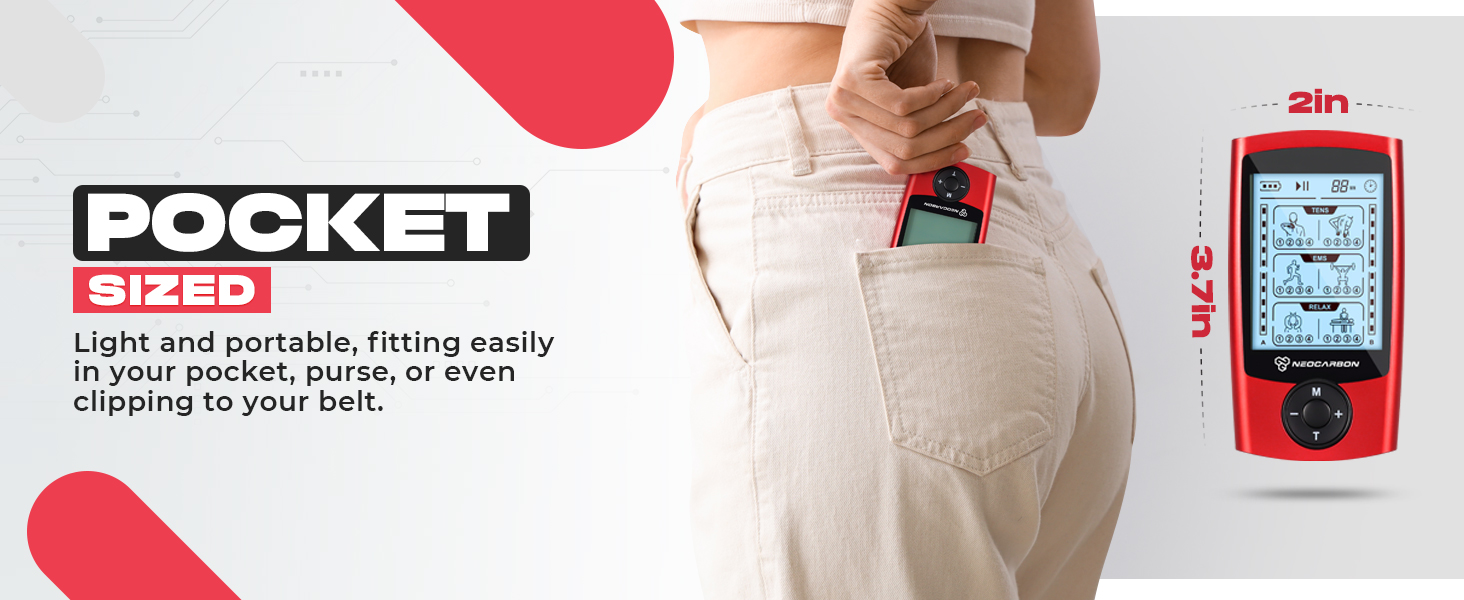
Image: A visual guide illustrating the eight steps for setting up and using the TENS unit, including connecting cables, applying pads, turning on, selecting modes, adjusting intensity, and turning off.
6. Operating Instructions
- Select Mode (Channel A): Use the "M" button to select your desired massage mode (among 24 types) for Channel A.
- Set Duration: Use the "T" button to select your desired massage duration.
- Adjust Intensity: Use the "+" or "-" buttons to select your desired intensity level (20 levels available), independently for each channel.
- Switch Channels: Press the "B" button to switch to Channel B. You can also lock your desired mode by pressing the "B" button for 2 seconds.
- Turn Off: After each session, turn off the unit and re-stick the used pads in the pad holders provided.
Video: An official demonstration of the Neocarbon TENS EMS Device, showcasing its features and ease of use for pain relief and muscle stimulation.
7. Modes and Programs
The Neocarbon TENS Unit offers 24 distinct massage modes categorized under TENS, EMS, and RELAX functions. Each mode is designed to target specific needs, from acute pain relief to muscle conditioning and general relaxation. The device features 2 independent channels, allowing for customized treatment on different body parts simultaneously with varying modes and intensity levels.

Image: This image demonstrates the independent channel functionality of the TENS unit, showing how different modes and intensities can be applied to separate body areas (Channel A and Channel B) simultaneously.
8. Electrode Pad Placement
Proper placement of electrode pads is crucial for effective and safe therapy. Refer to the included user manual for detailed diagrams of recommended pad placements for various body parts such as the neck, shoulder, back, abs, knee, arms, legs, and sciatica areas. Ensure pads are placed on clean, dry skin for optimal adhesion and conductivity.
Image: A section of the user manual illustrating various 'Use Zones' on a human body diagram, providing guidance for optimal electrode pad placement for different pain areas.
9. Charging and Battery
The Neocarbon TENS Unit is equipped with an internal 180 mAh rechargeable battery. A single 2-hour charge provides approximately 1 month of daily use, or over 10 hours of continuous operation. Use the provided USB-C charging cable to charge the device.
- Connect the USB-C cable to the device and a compatible USB power source.
- The battery indicator on the screen will show charging status.
- Avoid overcharging the device.

Image: The TENS unit displayed next to a battery icon, illustrating its extra-long operating time, USB-C rechargeable battery, 2-hour quick charge, 10+ hours of continuous use, and 180mAh battery capacity.
10. Maintenance
To ensure the longevity and effectiveness of your TENS unit and electrode pads, follow these maintenance guidelines:
- Cleaning Pads: After each use, re-stick the electrode pads onto the provided pad holders to protect the adhesive. If pads lose stickiness, gently wipe the adhesive surface with a damp cloth (water only) and let air dry. Do not use soap or harsh chemicals.
- Device Cleaning: Wipe the device with a soft, dry cloth. Do not immerse the device in water or use abrasive cleaners.
- Storage: Store the device and pads in the premium travel carry case in a cool, dry place away from direct sunlight and extreme temperatures.
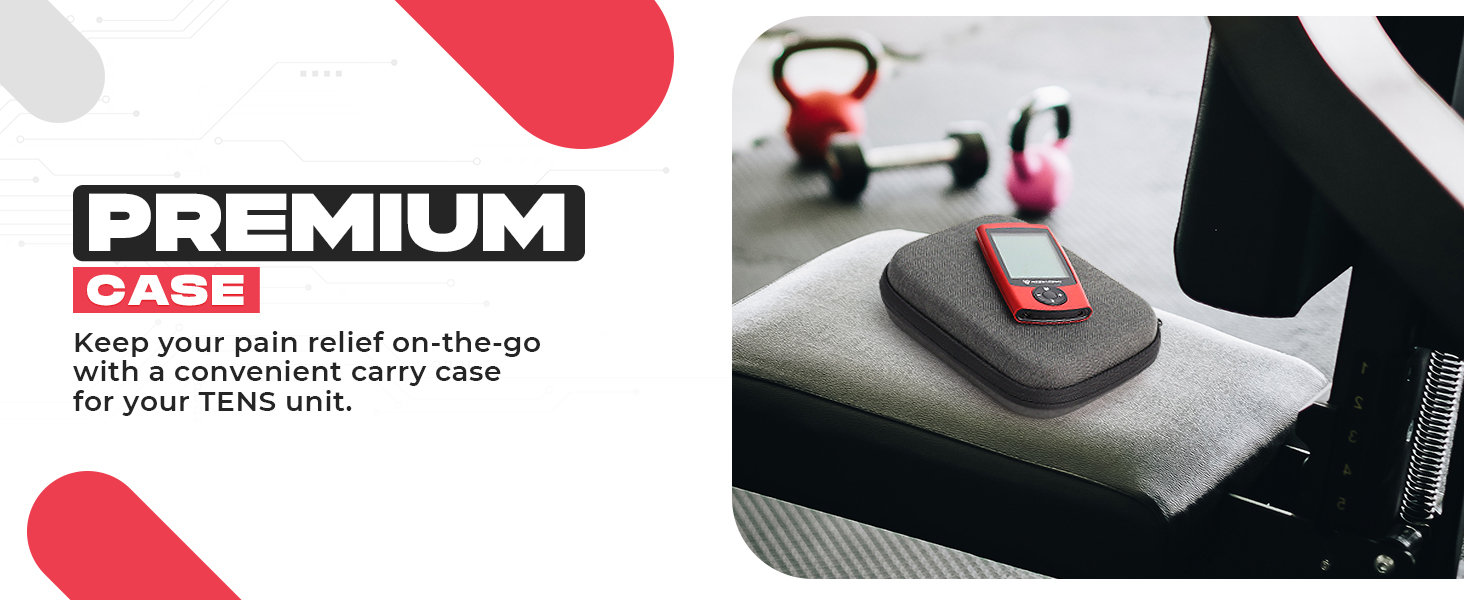
Image: An illustration emphasizing the reusability of the electrode pads, stating they can be used up to 50+ times and do not require gel.
11. Troubleshooting
| Problem | Possible Cause | Solution |
|---|---|---|
| Device does not turn on. | Low battery; Device not charged. | Charge the device fully using the provided USB-C cable. |
| No sensation or weak sensation. | Pads not properly adhered; Cables loose; Intensity too low; Pads worn out. | Ensure pads are firmly on clean skin. Check cable connections. Increase intensity. Replace old pads. |
| Pads losing stickiness. | Pads dirty; Pads old. | Gently wipe adhesive with a damp cloth and air dry. Replace pads if stickiness does not return. |
| Difficulty navigating modes. | Unfamiliarity with controls. | Refer to Section 6: Operating Instructions and the 'How to Use' diagram for detailed button functions. |
12. Specifications
- Package Dimensions: 6.81 x 4.97 x 2.32 inches
- Weight: 13.76 ounces
- Battery: 1 Lithium Ion battery required (included), 180 mAh
- Charging Time: Approximately 2 hours for full charge
- Continuous Use: 10+ hours
- Channels: 2 Independent Channels
- Modes: 24 Massage Modes (TENS, EMS, RELAX)
- Intensity Levels: 20 Levels
- Manufacturer: Neocarbon
- ASIN: B08PDPN5HV
- Date First Available: December 1, 2020
13. Warranty and Support
Neocarbon is committed to providing high-quality products and world-class customer service. For any questions, concerns, or support needs regarding your TENS Unit Muscle Stimulator, please contact Neocarbon customer service directly. Refer to the contact information provided with your product packaging or visit the official Neocarbon website for assistance.

Image: An infographic detailing Neocarbon's commitment to customer satisfaction, innovative products, and excellent customer service, emphasizing their status as a US company.
Ask a question about this manual
Ask about setup, troubleshooting, compatibility, parts, safety, or missing instructions. Manuals+ will review the question and use this page’s manual context to help answer it.