
1. Introduction
Thank you for choosing the AUNA CDC 200 Portable DAB+/FM CD Player. This device combines the versatility of a portable CD player with the advanced capabilities of DAB+ and FM radio. Designed for on-the-go listening, it features a rechargeable battery, an anti-skip function, and supports various audio formats. Please read this manual carefully to ensure proper use and maintenance of your device.

Image 1.1: AUNA CDC 200 Portable DAB+/FM CD Player. This image shows the compact design of the device.
2. Product Features
- DAB+ and FM Radio Tuner: Access a wide range of digital and analog radio stations.
- CD Playback: Supports CD, CD-R, CD-RW, and MP3-CD formats.
- Portable Design: Compact and lightweight for easy transport.
- Rechargeable Battery: Integrated 1000 mAh battery for extended mobile use.
- LC Display: Clear Liquid Crystal display for track information and radio station details.
- Anti-Skip Function: Ensures stable audio playback during movement.
- Bass Boost: Enhances low-frequency audio for a richer sound experience.
- Micro USB Port: For charging the device.
- 3.5mm Headphone Jack: For private listening.
3. Package Contents
Please check the package for the following items:
- AUNA CDC 200 Portable DAB+/FM CD Player
- In-ear headphones
- Micro USB charging cable
- User Manual (this document)
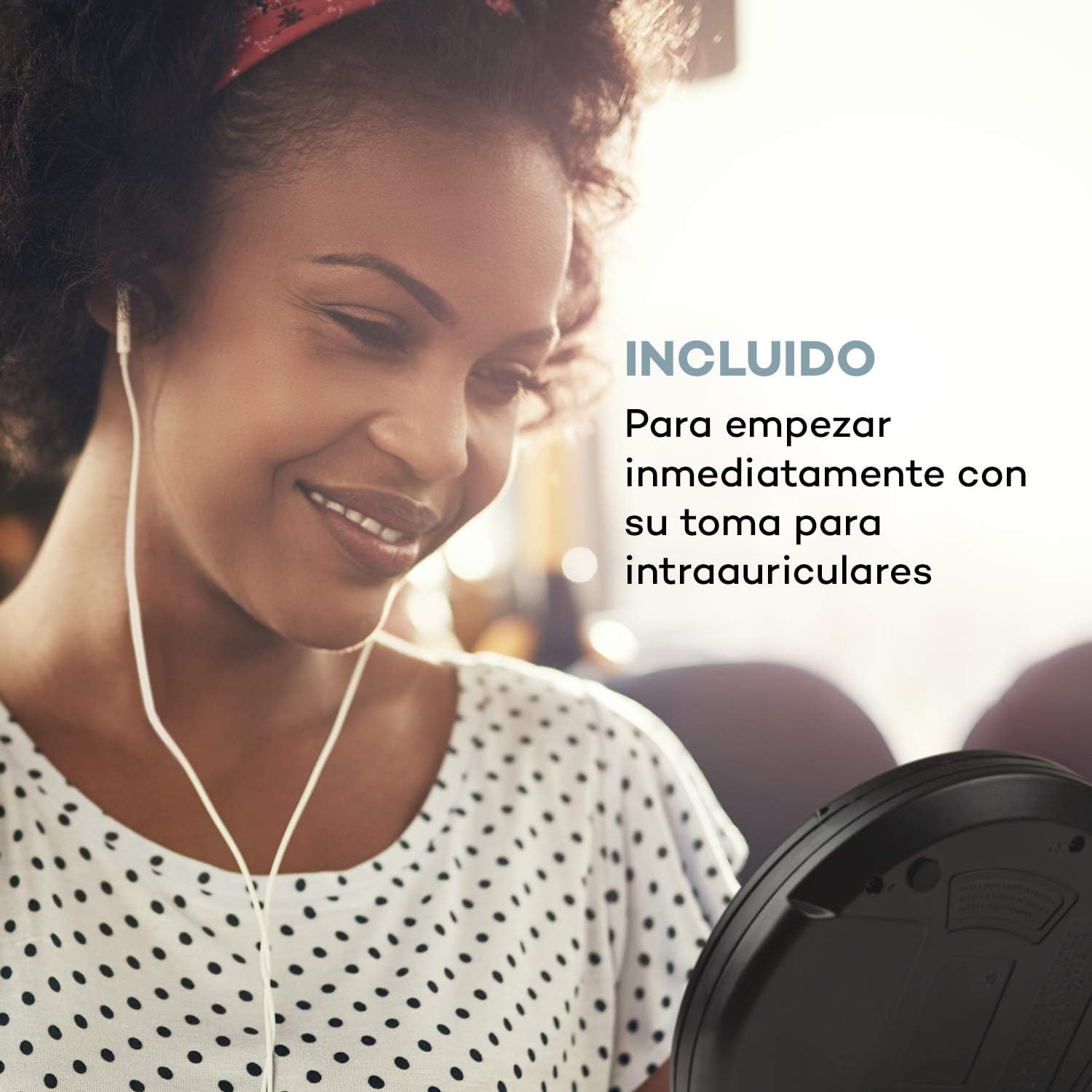
Image 3.1: The AUNA CDC 200 includes a pair of in-ear headphones for immediate use.
4. Controls and Connections
Familiarize yourself with the buttons and ports on your AUNA CDC 200:
- OFF/ON Switch: Powers the device on or off.
- Play/Pause Button (►/−): Starts or pauses CD playback.
- Stop Button (■): Stops CD playback.
- Skip/Search Buttons (◀◀ / ►►): Skips tracks or fast forwards/rewinds during CD playback. In radio mode, tunes to the next/previous station.
- MENU Button: Accesses menu options.
- P-MODE Button: Selects playback modes (e.g., repeat, random).
- SOURCE Button: Switches between CD and Radio modes.
- SCAN Button: Initiates station scanning in radio mode.
- INFO Button: Displays additional information (e.g., radio station details).
- ENTER Button: Confirms selections in menus.
- TU+/TU- Buttons: Adjusts tuning in radio mode or navigates menu options.
- Micro USB Port: For connecting the charging cable.
- 3.5mm Headphone Jack: For connecting headphones.

Image 4.1: Overview of the AUNA CDC 200's top panel with control buttons and LC display.
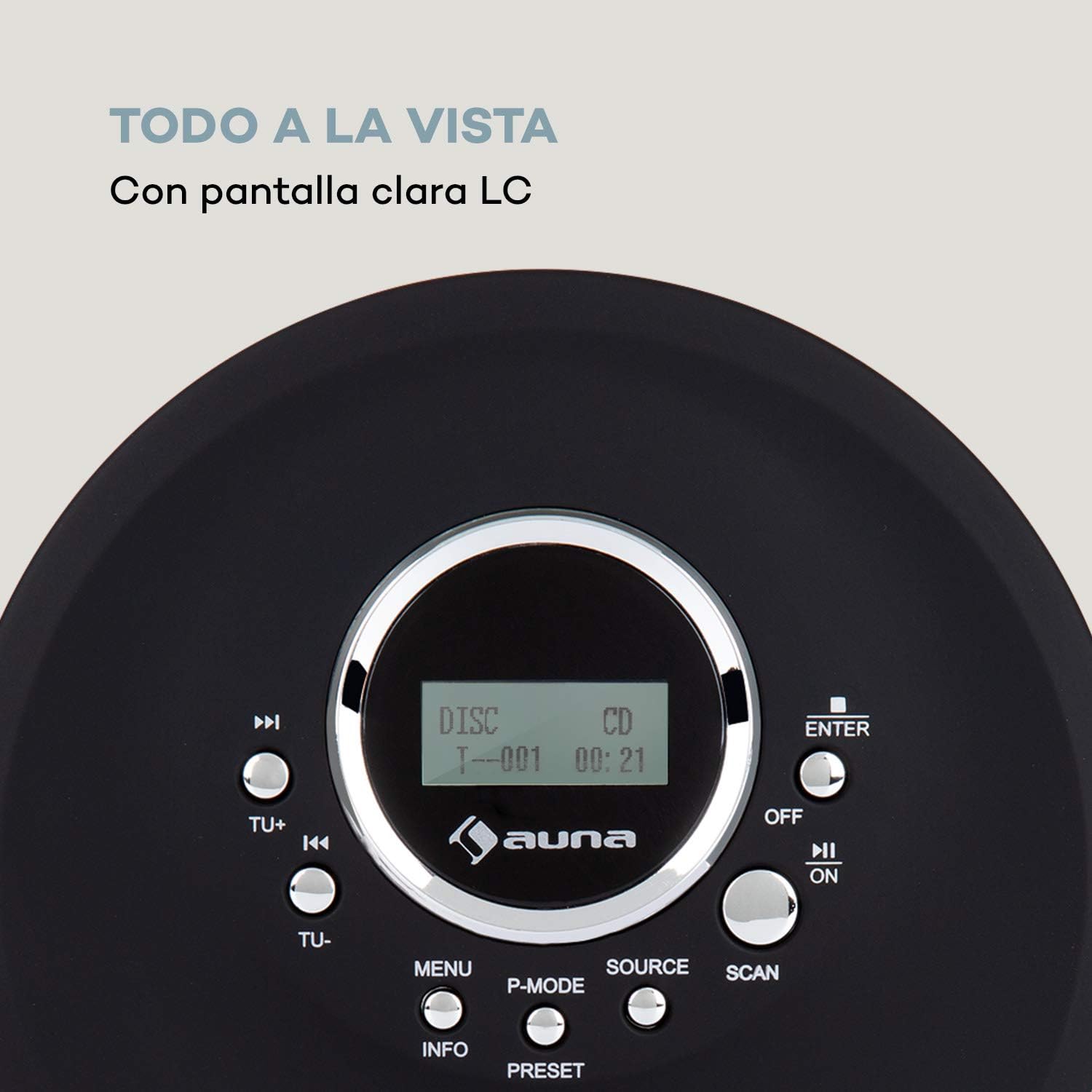
Image 4.2: The clear LC display shows track information and operating status.
5. Setup
5.1 Charging the Battery
Before first use, fully charge the integrated 1000 mAh battery. Connect the supplied Micro USB cable to the device's Micro USB port and the other end to a USB power source (e.g., a computer USB port, a USB wall adapter, or a power bank). The charging indicator will illuminate during charging and turn off when fully charged.
Image 5.1: The AUNA CDC 200 can be charged via Micro USB from various power sources.
5.2 Connecting Headphones
Insert the 3.5mm jack of your headphones into the headphone port on the side of the device. Ensure the connection is secure for optimal audio output.
5.3 Inserting a CD
- Slide the OPEN switch to open the CD compartment lid.
- Carefully place a CD (audio CD, CD-R, CD-RW, or MP3-CD) onto the spindle with the label side facing up.
- Gently press the CD until it clicks into place.
- Close the CD compartment lid firmly until it latches.

Image 5.2: The CD compartment supports various disc formats including CD, CD-R, CD-RW, and MP3-CD.
6. Operating Instructions
6.1 Powering On/Off
Slide the OFF/ON switch to the 'ON' position to power on the device. Slide it to 'OFF' to power off.
6.2 CD Playback
- Ensure a CD is inserted and the device is powered on.
- Press the SOURCE button to select CD mode. The display will show 'CD'.
- Press the Play/Pause (►/−) button to start playback. The track number and elapsed time will be displayed.
- Press Play/Pause (►/−) again to pause playback. Press it once more to resume.
- Press Skip/Search (►►) to skip to the next track. Press Skip/Search (◀◀) to go to the beginning of the current track or the previous track.
- Press and hold Skip/Search (►►) or (◀◀) to fast forward or rewind through the current track.
- Press the Stop (■) button to stop playback.
Anti-Skip Function
The AUNA CDC 200 features an integrated anti-skip function to prevent interruptions during playback, especially when the device is in motion. This function is automatically active during CD playback.
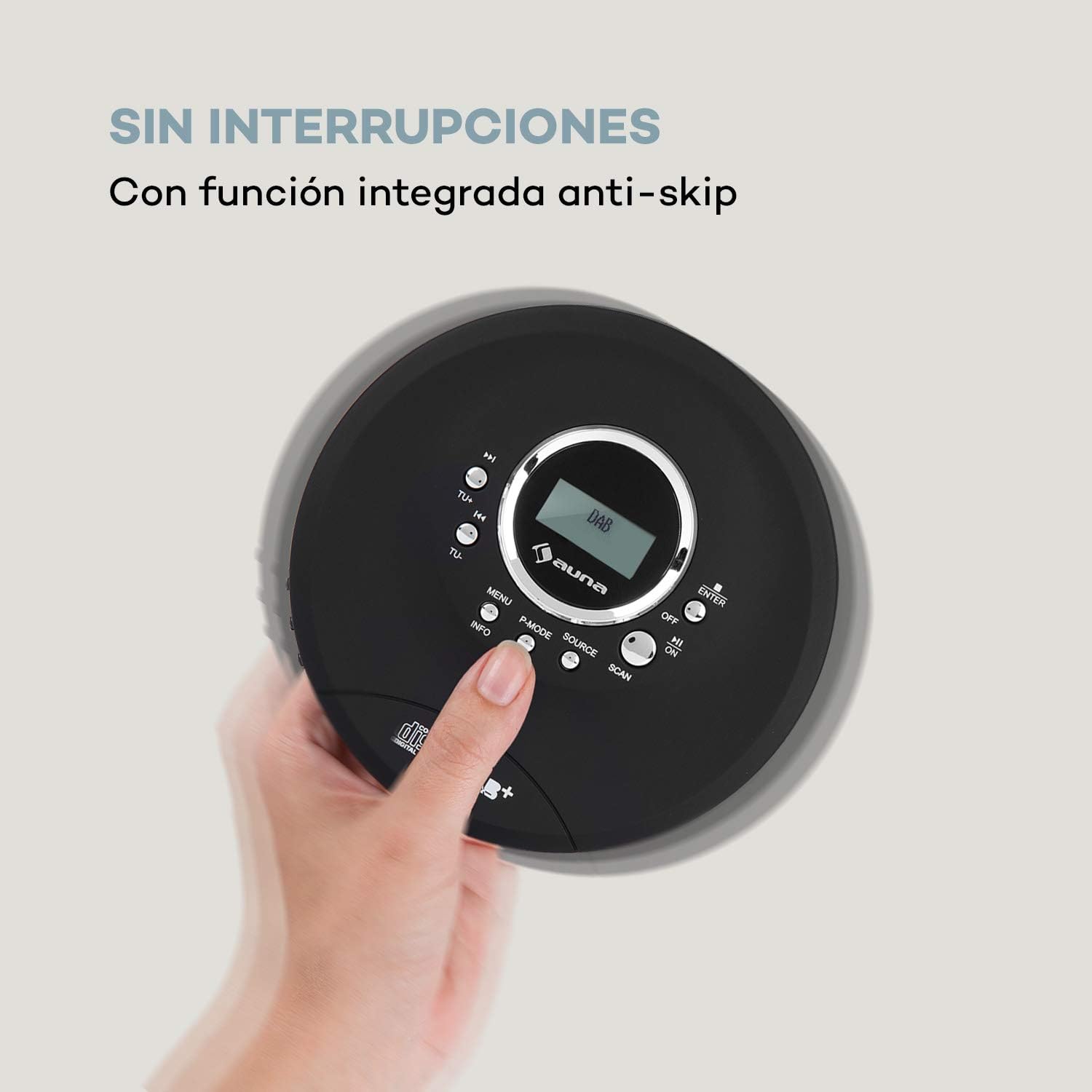
Image 6.1: The anti-skip function ensures uninterrupted audio playback.
Playback Modes (P-MODE)
Press the P-MODE button repeatedly to cycle through different playback modes such as Repeat One, Repeat All, Random, or Program Play (if available).
6.3 Radio Operation (DAB+/FM)
- Press the SOURCE button to select Radio mode. The display will show 'DAB' or 'FM'.
- Automatic Scan: Press the SCAN button to automatically search for available DAB+ or FM stations. The device will store found stations.
- Manual Tuning: Use the TU+ or TU- buttons to manually tune to a specific frequency.
- Selecting Stations: After scanning, use the Skip/Search (◀◀ / ►►) buttons to navigate through the stored stations.
- Information Display: Press the INFO button to view additional information about the current radio station (e.g., program type, signal strength).

Image 6.2: The AUNA CDC 200 features a DAB+ and FM radio tuner for diverse listening options.
6.4 Bass Boost Function
The AUNA CDC 200 includes a bass boost feature. To activate or deactivate it, refer to the device's menu options by pressing the MENU button and navigating with TU+/TU- and ENTER.
7. Maintenance
7.1 Cleaning
- Wipe the exterior of the device with a soft, dry cloth.
- Do not use abrasive cleaners, waxes, or solvents.
- To clean the CD lens, use a specialized CD lens cleaning kit. Do not touch the lens directly.
7.2 Battery Care
- Avoid fully discharging the battery frequently.
- If the device will not be used for an extended period, charge it periodically to maintain battery health.
- Do not expose the device to extreme temperatures.
8. Troubleshooting
If you encounter issues with your AUNA CDC 200, refer to the following table:
| Problem | Possible Cause | Solution |
|---|---|---|
| Device does not power on. | Battery is discharged. Power switch is OFF. | Charge the battery. Slide the power switch to ON. |
| No sound from headphones. | Headphones not connected properly. Volume too low. Faulty headphones. | Ensure headphones are fully plugged in. Increase volume. Try different headphones. |
| CD skips or does not play. | CD is dirty or scratched. CD inserted incorrectly. Device is subject to strong vibrations. | Clean or replace the CD. Reinsert the CD correctly. Ensure the anti-skip function is active and minimize movement. |
| Poor radio reception. | Weak signal. Interference. | Relocate the device to an area with better reception. Avoid sources of electronic interference. |
9. Specifications
- Brand:
- AUNA
- Model Number:
- CDC 200 (Manufacturer Reference: MG3-90400-jfhg)
- Compatible Audio Formats:
- CD, CD-R, CD-RW, MP3-CD
- Radio Tuner:
- DAB+, FM
- Power Source:
- 1000 mAh Rechargeable Battery, Micro USB (Electric Cable)
- Connectivity:
- USB (for charging), 3.5mm Headphone Jack
- Display:
- LC Display
- Compatible Devices:
- Headphones
- Style:
- Portable
- Color Options:
- Black, Red
10. Safety Information
- Do not expose the device to rain, moisture, or extreme temperatures.
- Avoid dropping or subjecting the device to strong impacts.
- Do not attempt to disassemble or repair the device yourself. Refer to qualified service personnel.
- Keep the device away from strong magnetic fields.
- Dispose of the battery and device according to local regulations.
11. Warranty and Support
For warranty information and technical support, please refer to the documentation provided with your purchase or visit the official AUNA website. Keep your proof of purchase for any warranty claims.
