
1. Introduction
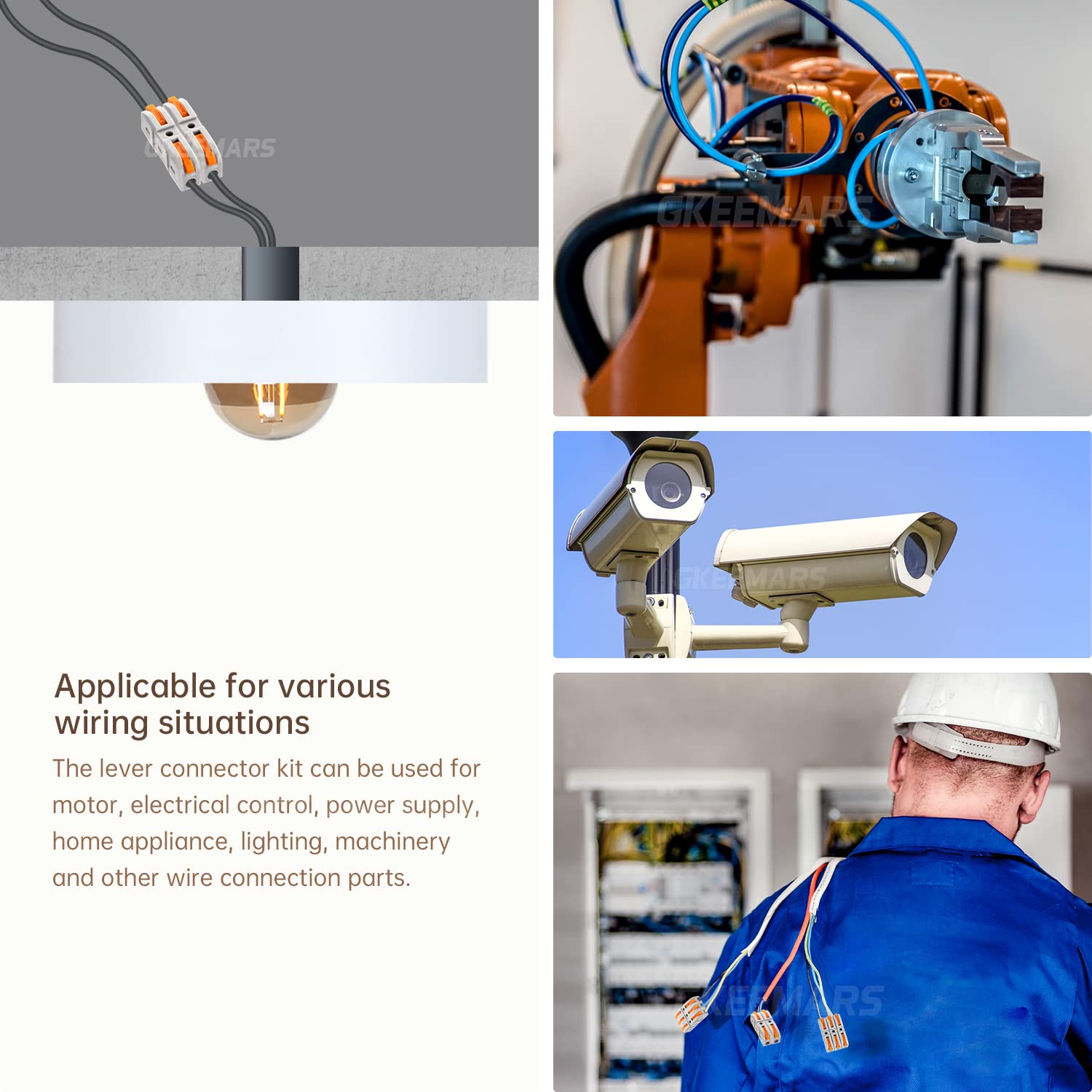
The GKEEMARS KV211 1-Conductor Compact Splicing Wire Connector is designed for safely and efficiently joining electrical wires. This connector provides a secure and reusable connection for various wire types, eliminating the need for traditional methods like twisting, electrical tape, or soldering. It is suitable for a wide range of applications in residential, commercial, and industrial settings.


2. Safety Instructions
Always adhere to the following safety guidelines when working with electrical components:
- Disconnect Power: Always ensure that the power supply to the circuit is turned off before installing or removing connectors.
- Proper Wire Stripping: Strip wires to the recommended length (approximately 10mm or 0.39 inches) to ensure a secure connection and prevent exposed conductors.
- Do Not Exceed Ratings: Never exceed the rated voltage (600V) or current (32A) of the connector.
- Inspect for Damage: Before use, inspect connectors for any signs of damage. Do not use damaged connectors.
- Professional Installation: If you are unsure about any electrical work, consult a qualified electrician.
3. Package Contents
- 50 x GKEEMARS KV211 1-Conductor Compact Splicing Wire Connectors
4. Specifications
| Feature | Detail |
|---|---|
| Model Number | KV211 |
| Wire Size Compatibility | 0.2-4mm² / AWG 24-12 |
| Rated Voltage | 600V |
| Rated Current | 32A |
| Connector Type | Lever |
| Contact Material | Alloy Steel |
| Insulation Material | Polyvinyl Chloride (PVC) |
| Dimensions (approx.) | 1.57 x 0.35 x 0.59 inches (40 x 9 x 15 mm) |

5. Setup and Installation
5.1. Preparing the Wire
Before connecting, ensure the wire is properly prepared:
- Strip the Wire: Carefully strip approximately 0.39 inches (10mm) of insulation from the end of the wire. Ensure the stripped conductor is clean and free of damage. Straighten the stripped wire for easier insertion.
5.2. Connecting the Wire
Follow these steps to make a secure connection:
- Open the Lever: Lift the orange operating lever on the connector to a 90-degree angle.
- Insert the Wire: Insert the stripped end of the wire completely into the connector's opening.
- Close the Lever: Push the orange operating lever back down until it is flush with the connector body. This secures the wire in place.

5.3. Compatible Wire Types
The GKEEMARS KV211 connector is compatible with various wire types within the specified gauge range:
- Solid Wire (BV): 0.2-4mm² / AWG 24-12
- Stranded Wires (BVR): 0.2-4mm² / AWG 24-12
- Flexible Wires (RV): 0.2-2.5mm² / AWG 24-14

6. Operation
Once wires are securely connected, the GKEEMARS KV211 connector provides a reliable electrical connection. These connectors can be used individually or interlocked to create multi-way connections as needed. The compact design allows for efficient use of space in junction boxes or other enclosures.
7. Maintenance
GKEEMARS KV211 connectors require minimal maintenance. Periodically inspect connections for any signs of wear, corrosion, or loose wires. Ensure the levers remain fully closed. If a connector appears damaged or compromised, replace it immediately.
8. Troubleshooting
- Loose Connection: If a wire feels loose, ensure the lever is fully closed. Re-open the lever, re-insert the wire, and firmly close the lever. Verify the wire was stripped to the correct length.
- No Electrical Continuity: Check that the wire is fully inserted and the lever is completely closed. Ensure the wire is stripped to the correct length, exposing enough conductor for contact. Verify the wire gauge is within the connector's specified range.
- Connector Damage: If the connector housing is cracked, the lever is broken, or there are signs of overheating, discontinue use and replace the connector.
9. Warranty and Support
GKEEMARS products are manufactured to high-quality standards. For any questions regarding product performance, installation, or potential defects, please contact GKEEMARS customer support. Keep your purchase receipt for warranty claims.