
Fosmon C-10762US
Fosmon Outdoor Wireless Remote Control Outlet
Instruction Manual for Model C-10762US
Introduction
This manual provides comprehensive instructions for the safe and efficient use of your Fosmon Outdoor Wireless Remote Control Outlet. Please read this manual thoroughly before installation and operation. Keep it for future reference.

Image: The Fosmon Outdoor Wireless Remote Control Outlet kit, featuring three black grounded outlets and a compact remote control with three numbered buttons and ON/OFF controls.
Setup
1. Remote Control Battery Installation
- Carefully open the remote control casing.
- Insert the required Lithium Ion battery (included) with the positive (+) side facing up.
- Close the remote control casing securely.

Image: A close-up view of the Fosmon remote control, detailing its button layout and the area for battery installation.
2. Outlet Placement and Connection
- Plug the Fosmon wireless outlet into a standard 3-prong electrical outlet. Ensure the outlet is suitable for outdoor use if placing outdoors.
- The outlet is designed to be rugged and weatherproof, suitable for both indoor and outdoor environments.
- The flexible cord and straight plug design allow for efficient use of space, preventing blockage of adjacent outlets.

Image: Illustration demonstrating the space-saving design of the Fosmon outlet's straight plug compared to a right-angled plug, which can block adjacent outlets.
3. Pairing the Remote Control with Outlets
The Fosmon remote control outlet kit is pre-paired for convenience. No manual pairing is typically required for initial use. Each remote can control up to three individual outlets.

Image: A visual representation of one remote control wirelessly operating three distinct grounded outlets, highlighting the individual control capability.
If re-pairing is needed, follow these general steps:
- Ensure the remote has a working battery.
- Plug the outlet into a power source. The red LED indicator on the outlet should flash slowly.
- While the LED is flashing, press the corresponding number button (1, 2, or 3) on the remote control once to pair it with that specific outlet.
- The LED on the outlet will stop flashing once successfully paired.
The remote control offers a range of up to 100 feet (30 meters), capable of transmitting signals through common household barriers.

Image: A hand holding the remote control outdoors, with string lights illuminated in the background, demonstrating the 100-foot radio frequency range for remote operation.
Operating Instructions
Using the Remote Control
- Each numbered button (1, 2, 3) on the remote corresponds to a specific paired outlet.
- Press the "ON" button to activate all paired outlets simultaneously.
- Press the "OFF" button to deactivate all paired outlets simultaneously.
- To control an individual outlet, press its corresponding number button (1, 2, or 3) to toggle its power state.
Manual Control on the Outlet
Each outlet features a manual button and an LED indicator. Pressing the manual button on the outlet itself will toggle its power state (ON/OFF). The LED indicator will illuminate when the outlet is active.

Image: A detailed view of the Fosmon outlet and its remote control, pointing out the manual power button and LED indicator on the outlet, and the dedicated ON/OFF buttons on the remote for user-friendly operation.
Applications
These outlets are suitable for various electrical appliances, including lighting, fans, heaters, routers, AV systems, holiday decorations, and fountains.

Image: A collage illustrating diverse applications of the Fosmon outlet, including controlling outdoor string lights, an indoor fan, an indoor heater, and an outdoor fountain.
Maintenance
The Fosmon Outdoor Wireless Remote Control Outlet is designed for durability and minimal maintenance.
- Weatherproof Design: The construction and materials of the housing are engineered to resist damage from sunshine, rain, wind, and dust.
- Durable Cord: The 0.32-inch (0.8 cm) thick power cord and strain relief plug are built to withstand bending and frequent plugging/unplugging.
- Cleaning: To clean the unit, ensure it is unplugged from the power source. Wipe with a damp cloth. Do not immerse in water or use harsh chemicals.
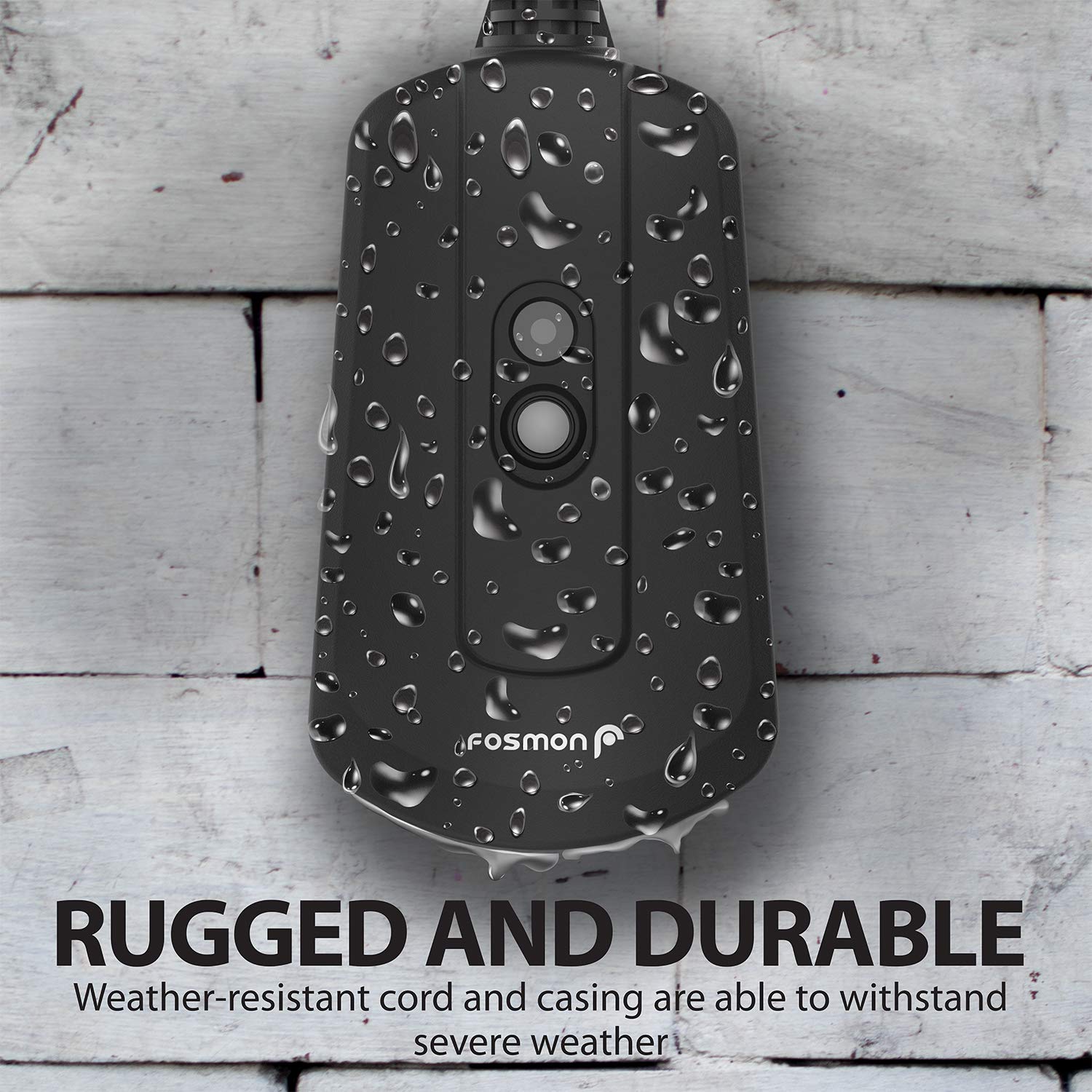
Image: A close-up of the Fosmon outlet covered in water droplets, visually confirming its rugged and weatherproof construction for outdoor use.
Troubleshooting
| Problem | Possible Cause | Solution |
|---|---|---|
| Outlet not responding to remote. | Remote battery is low or dead. Outlets are not paired. Remote is out of range. Obstructions blocking signal. | Replace remote battery. Re-pair the outlet and remote (see Setup section). Move closer to the outlet. Reduce physical obstructions between remote and outlet. |
| Outlet LED not illuminating. | Outlet is not receiving power. Outlet is faulty. | Check the power source. Ensure the outlet is firmly plugged in. If problem persists, contact customer support. |
| Reduced remote range. | Thick walls, metal structures, or other electronic interference. | Try operating the remote from a different position. Minimize interference from other devices. |
Specifications
- Model Number: C-10762US
- Voltage: 125 Volts
- Current Rating: 13 Amps
- Wattage: 1625 Watts
- Tungsten Load: 1000 Watts
- Motor Load: 1/2 HP
- Remote Range: Up to 100ft (30m)
- Batteries: 3 Lithium Ion batteries required (included for remote)
- Material: PC (Polycarbonate) with V-2 Flame Rating
- Cable Specifications: SJTW 14AWG & FT1 Flame Rating
- Certification: UL Listed
- Usage: Indoor/Outdoor

Image: The Fosmon outlet prominently displaying the UL Listed certification logo, indicating compliance with safety standards.
Product Overview Video
Watch this video for a visual overview of the Fosmon Outdoor/Indoor Remote Control Outlet and its features.
Video: An informational video demonstrating the features and usage of the Fosmon Outdoor/Indoor Remote Control Outlet.
Warranty and Support
Limited Lifetime Warranty
Fosmon products are backed by a limited lifetime warranty. This warranty covers defects in materials and workmanship under normal use. For full details, please refer to the warranty information provided with your purchase or visit the official Fosmon website.
Customer Support
For any questions, technical assistance, or warranty claims, please contact Fosmon's dedicated USA-based customer service team. Contact information can be found on the official Fosmon website or through your purchase platform.
Related documentsC-10762US


Ask a question about this manual
Ask about setup, troubleshooting, compatibility, parts, safety, or missing instructions. Manuals+ will review the question and use this page’s manual context to help answer it.