
Introduction
This manual provides instructions for the safe and efficient operation of your DUDAO K10 10000mAh Power Bank. Please read this manual thoroughly before using the device and retain it for future reference.
The DUDAO K10 Power Bank features a 10000mAh capacity with dual output and input ports (Micro-USB and Type-C), supporting two-way fast charging. It incorporates advanced 12-layer chip protection and smart power management for safe charging of various devices, including low-power electronics.
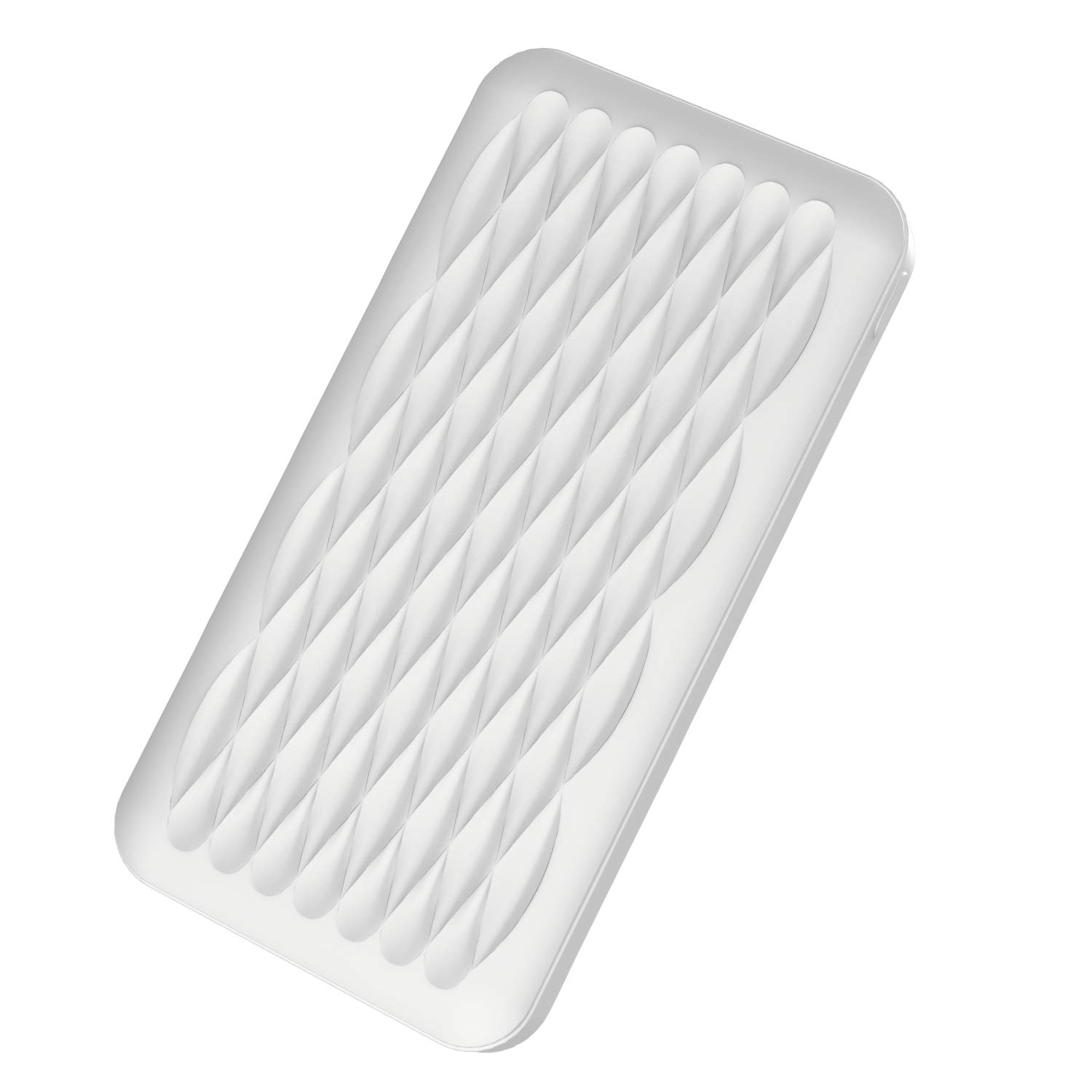
Image: The DUDAO K10 10000mAh Power Bank, showcasing its compact and portable design.
Package Contents
Verify that all items are present in the package:
- DUDAO K10 10000mAh Power Bank
- Charging Cable
Product Features
- 10000 mAh Capacity: Provides reliable power for multiple charges.
- Dual Output and Input Ports: Equipped with Micro-USB and Type-C ports for versatile charging.
- Two-Way Fast Charging: Supports rapid charging for both the power bank and connected devices.
- Dual USB Output: Allows charging of two devices simultaneously with up to 2A output.
- LED Battery Indicator: Displays the current battery level at a glance.
- Advanced Safety Features: Incorporates 12 layers of chip protection to prevent overheating and other electrical issues.
- Low Power Charging Mode: Designed for safely charging low-current devices like Bluetooth headsets and fitness bands.
- Compact and Portable Design: Lightweight with a sleek, geometrical shell.
- Aviation Compliant: Meets ICAO regulations for safe air travel.

Image: The DUDAO K10 Power Bank showcasing its sleek, lightweight, and geometrically designed shell.

Image: An internal view of the DUDAO K10 Power Bank, highlighting its 10000mAh polymer battery for large capacity.
Setup
Initial Charging of the Power Bank
- Connect the provided charging cable to the Micro-USB or Type-C input port on the power bank.
- Connect the other end of the charging cable to a compatible USB power adapter (not included) or a computer's USB port.
- The LED indicators on the power bank will illuminate to show the charging status. All LEDs will be solid when fully charged.
- The typical charging time for the power bank is approximately 3 hours.

Image: A close-up view of the DUDAO K10 Power Bank's dual USB output ports, Type-C input/output, Micro-USB input, and LED battery indicators.
Operating Instructions
Charging Your Devices
- Connect your device's charging cable to one of the USB output ports (5V/2A) on the power bank.
- Connect the other end of the cable to your device.
- The power bank will automatically begin charging your device. The LED indicators will show the remaining power.
- To stop charging, simply disconnect your device from the power bank.

Image: The DUDAO K10 Power Bank demonstrating its two-way fast charging technology by charging two smartphones simultaneously via its dual USB output ports.

Image: The DUDAO K10 Power Bank connected to a smartphone, illustrating its 2A fast charge capability with 5V/2A current output.
Low Power Charging Mode
For charging low-power devices such as Bluetooth headsets or fitness bands:
- Ensure your low-power device is connected to the power bank.
- Double-press the power button on the power bank to enter 2-hour low power charging mode.
- The power bank will provide a stable, low-current output suitable for these devices.
- The mode will automatically deactivate after 2 hours.

Image: The DUDAO K10 Power Bank connected to a smartphone, demonstrating its smart auto-cut technology designed to prevent overheating and battery explosions during charging.
Maintenance
- Keep the power bank dry and away from moisture.
- Do not expose the power bank to extreme temperatures (hot or cold).
- Avoid dropping or subjecting the power bank to strong impacts.
- Clean the power bank with a soft, dry cloth. Do not use harsh chemicals or abrasive cleaners.
- Store the power bank in a cool, dry place when not in use.
- Charge the power bank at least once every three months to maintain battery health if not used regularly.
Troubleshooting
| Problem | Possible Cause | Solution |
|---|---|---|
| Power bank not charging | Charging cable is faulty or not properly connected. Power adapter is not working. | Check cable connections. Try a different charging cable or power adapter. |
| Device not charging from power bank | Device cable is faulty or not properly connected. Power bank battery is depleted. Device is incompatible. | Ensure cable is securely connected. Recharge the power bank. Verify device compatibility. |
| Slow charging | Using a low-power charging cable or adapter. Device requires higher input. | Use the original or a high-quality charging cable and a 5V/2A adapter. |
| LED indicators not working | Power bank is completely discharged. Internal fault. | Charge the power bank for an extended period. If issue persists, contact support. |
Specifications
| Feature | Detail |
|---|---|
| Model Name | K10 10000mAh Power bank |
| Battery Capacity | 10000 mAh |
| Battery Cell Type | Polymer |
| Input Ports | Micro USB, USB Type C |
| Output Ports | 2 x USB-A |
| Output Current | 2 Amps (Max) |
| Voltage | 5 Volts (AC) |
| Battery Charge Time | 3 Hours |
| Compatible Devices | Smartphones, Tablets, MP3 Players, Smartwatches, Fitness Bands, Modems, Speakers |
| Dimensions | 19 x 3 x 12 Centimeters |
| Weight | 300 Grams |
| Special Features | LED Indicator Lights, Two-way Fast Charging, 12-layer Chip Protection |
Safety Information
Please observe the following safety precautions to prevent damage to the power bank or injury to yourself:
- Do not disassemble, modify, or repair the device yourself.
- Do not expose the power bank to fire, water, or corrosive liquids.
- Avoid using the power bank in environments with high humidity or extreme temperatures.
- Keep out of reach of children.
- Do not short-circuit the power bank.
- Dispose of the power bank responsibly according to local regulations.
- Discontinue use if the power bank becomes excessively hot, swells, or shows any other abnormalities.
Warranty and Support
The DUDAO K10 10000mAh Power Bank comes with a 12 Months Replacement Warranty on manufacturing defects. Additionally, Lifetime Product Support Guarantee is provided.
For warranty claims or technical support, please contact DUDAO customer care:
- Customer Care: +91 11-47321600
- Importer Contact: Handa Telecom Dudao India, 101 Mall Road, Kingsway Camp, GTB Nagar Metro Station Gate No 1, NEW DELHI, DELHI 110009
