
1. Introduction
Thank you for choosing the Montech X2 MESH White ATX Mid-Tower Case. This manual provides essential information for the proper setup, operation, and maintenance of your new PC case. The X2 MESH is designed for high airflow and features a fine mesh front panel, a full tempered glass side panel, and comes with three pre-installed rainbow LED fans (two 140mm at the front and one 120mm at the rear) to ensure optimal cooling performance and aesthetic appeal.
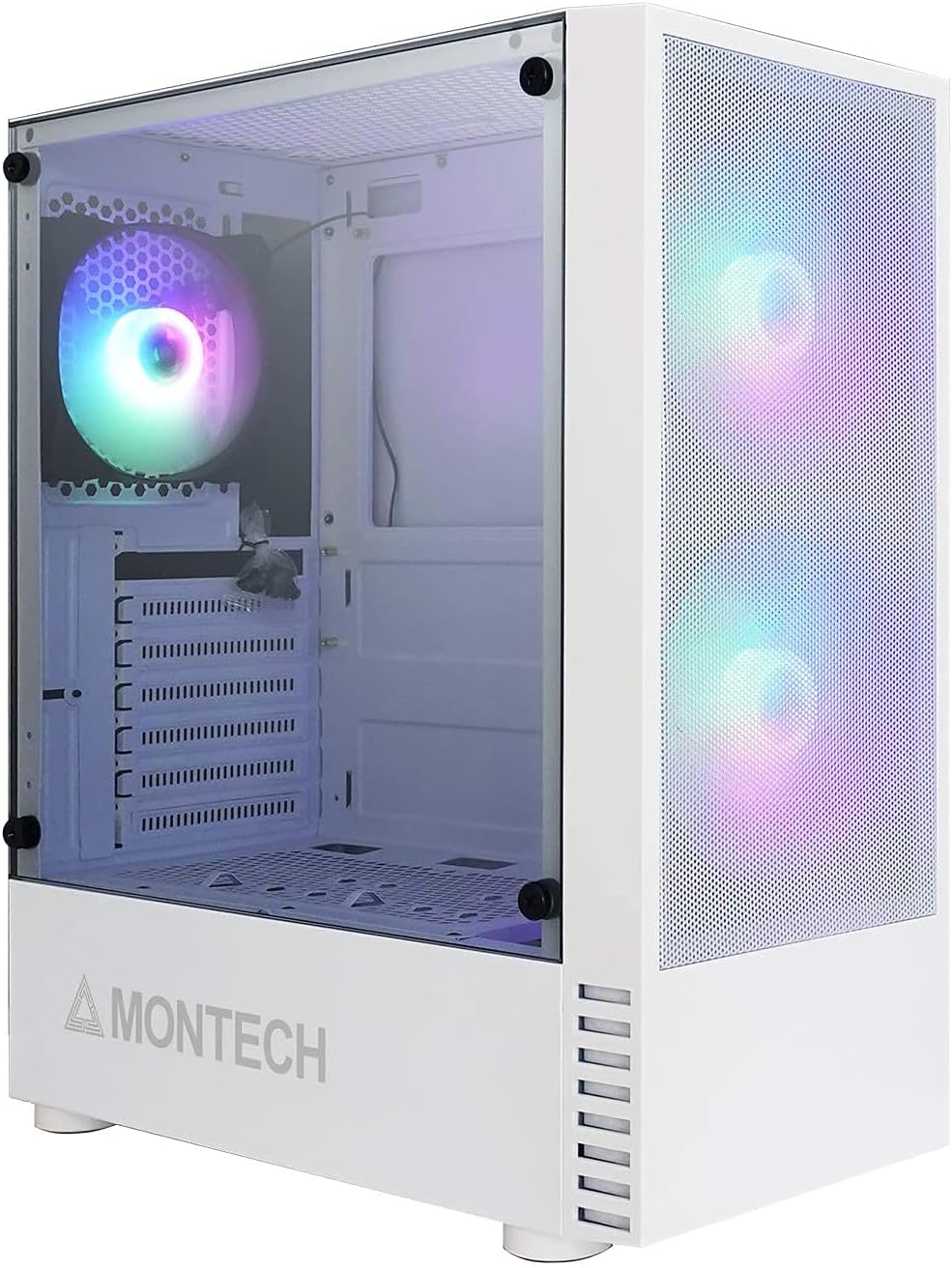
Figure 1.1: Montech X2 MESH White ATX Mid-Tower Case overview.
2. Product Overview
The Montech X2 MESH case combines classic design with modern functionality. Key features include:
- Fine Mesh Front Panel: Designed for maximum air intake and dust filtration.
- Full Tempered Glass Side Panel: Provides a clear view of your internal components and RGB lighting.
- Pre-installed Rainbow LED Fans: Two 140mm fans at the front and one 120mm fan at the rear for immediate cooling.
- Spacious Interior: Supports ATX, Micro-ATX, and Mini-ITX motherboards, multiple storage drives, and ample wiring space.
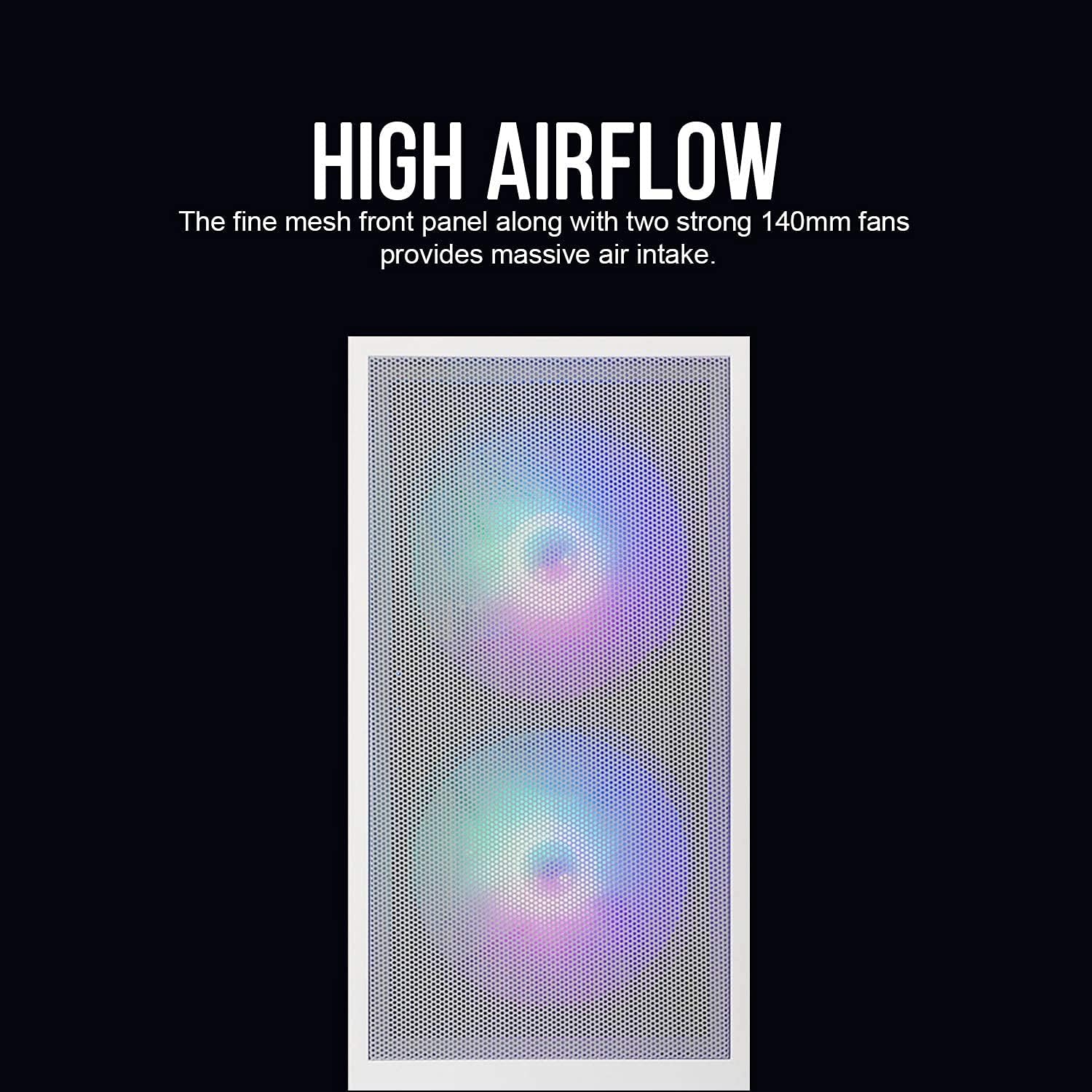
Figure 2.1: The fine mesh front panel ensures high airflow for efficient cooling.

Figure 2.2: The full tempered glass side panel allows for showcasing internal components.
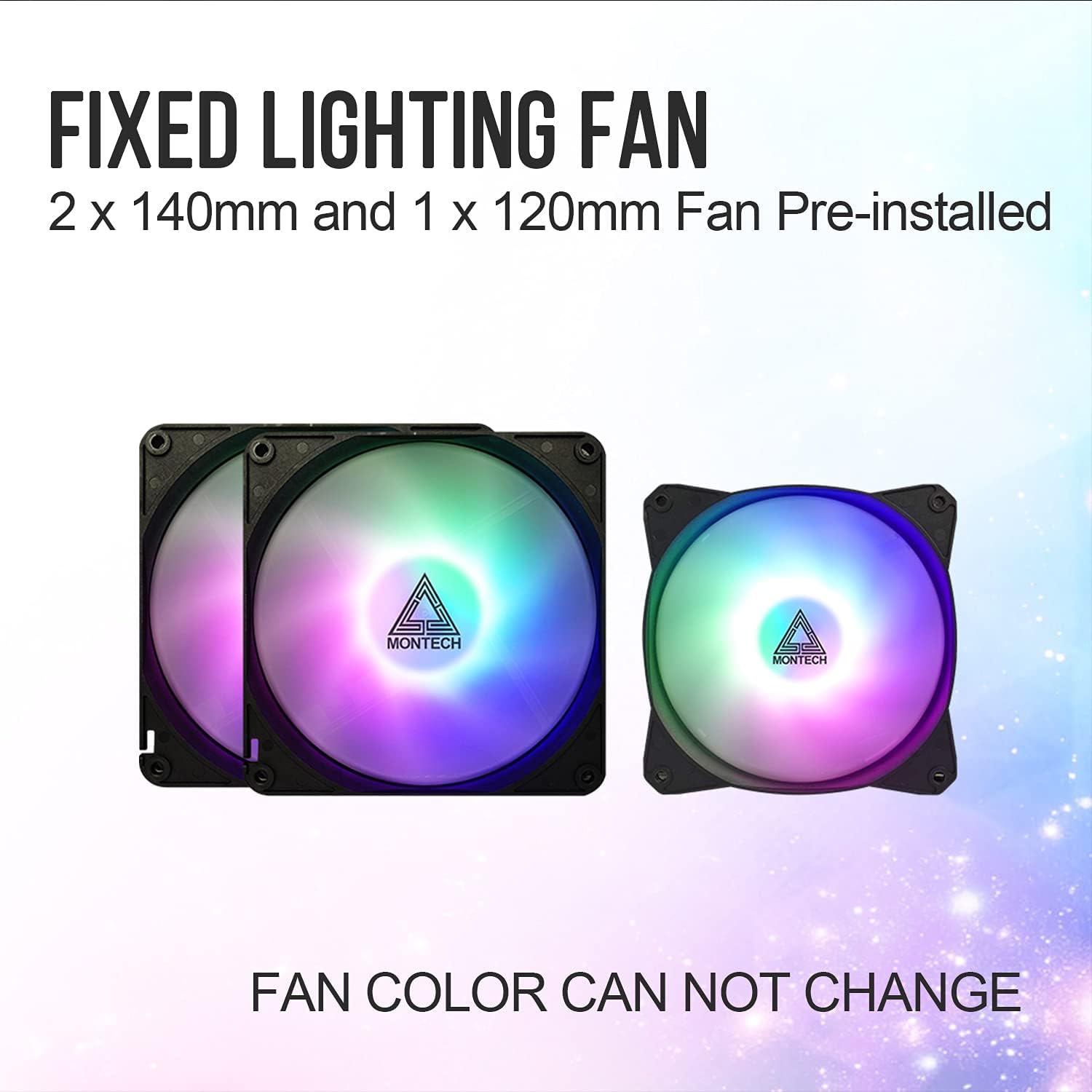
Figure 2.3: The case includes two 140mm and one 120mm pre-installed rainbow LED fans.
3. Setup and Installation
Follow these steps for proper installation of your PC components into the Montech X2 MESH case.
3.1 Motherboard Installation
- Remove the tempered glass side panel by unscrewing the thumb screws.
- Install the necessary motherboard standoffs for your ATX, Micro-ATX, or Mini-ITX motherboard.
- Carefully place your motherboard into the case, aligning it with the standoffs and the I/O shield opening.
- Secure the motherboard with screws.
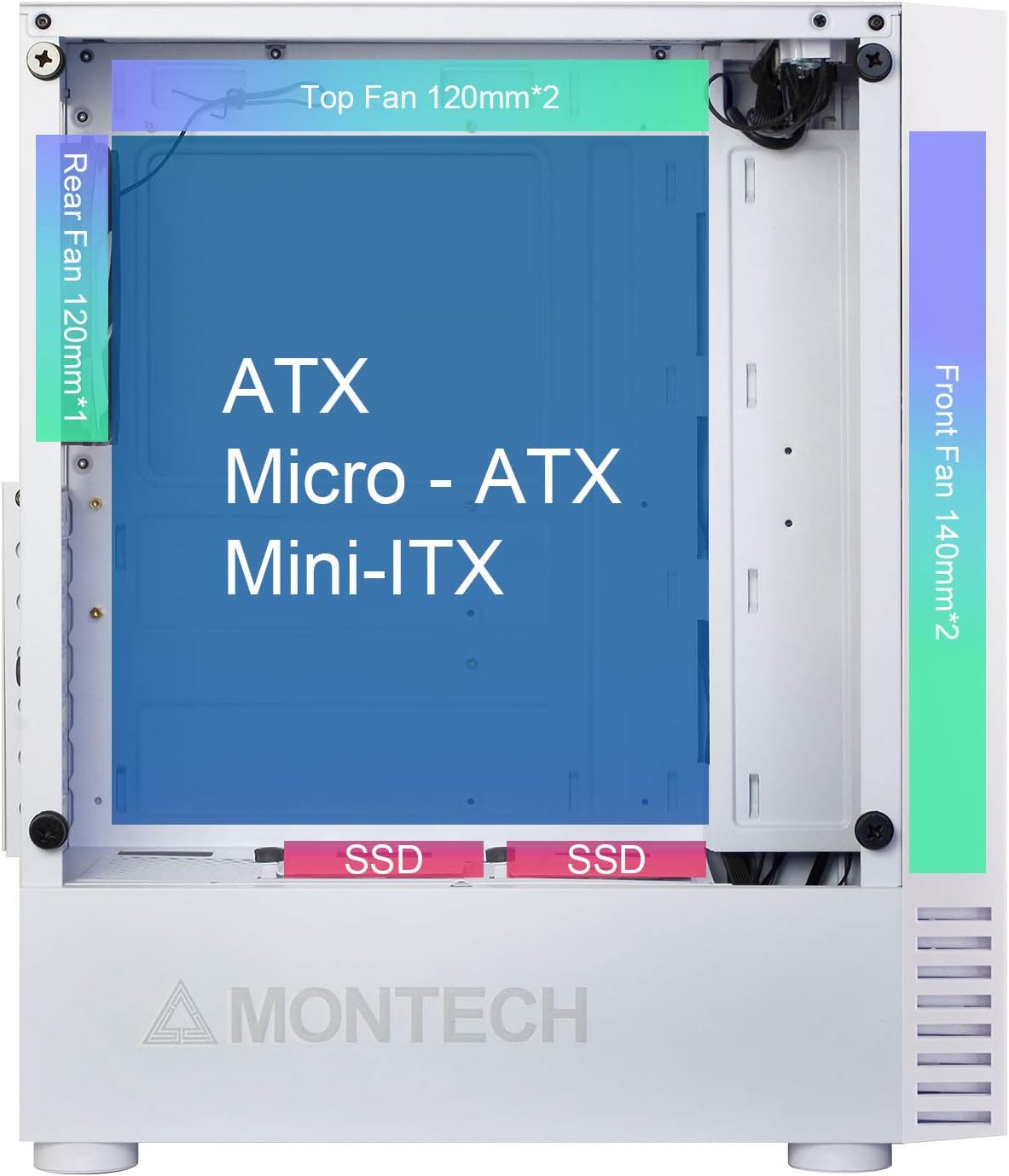
Figure 3.1: Internal layout showing compatibility for ATX, Micro-ATX, and Mini-ITX motherboards, along with fan placements.
3.2 Storage Drive Installation (HDD/SSD)
- 2.5" SSDs: Mount SSDs to the dedicated SSD trays located near the PSU shroud or on the rear of the motherboard tray.
- 3.5" HDDs: Install HDDs into the drive cage located beneath the PSU shroud.

Figure 3.2: Locations for HDD, SSD, and PSU installation, highlighting wiring space.
3.3 Power Supply Unit (PSU) Installation
The X2 MESH supports standard ATX PSUs. Install the PSU from the rear of the case, securing it with screws. Ensure proper cable routing through the designated cutouts.
3.4 Cable Management
Utilize the ample wiring space behind the motherboard tray and the cable tie-down points to manage cables neatly. This improves airflow and aesthetics.
4. Operating Instructions
Once all components are installed and connected, close the side panels. The pre-installed rainbow LED fans will illuminate upon system power-on, providing effective cooling and visual appeal. Ensure your system's power button is connected to the motherboard's front panel headers.
5. Maintenance
Regular maintenance helps ensure optimal performance and longevity of your PC case.
- Cleaning the Mesh Front Panel: Periodically clean the fine mesh front panel to prevent dust buildup, which can restrict airflow. Use a soft brush or compressed air.
- Cleaning the Tempered Glass Side Panel: Use a microfiber cloth and a non-abrasive glass cleaner to keep the tempered glass panel clear and smudge-free.
- Fan Cleaning: Gently clean the fan blades with compressed air or a soft brush to remove dust buildup.
6. Troubleshooting
If you encounter issues, consider the following common troubleshooting steps:
- No Power: Ensure all power cables (24-pin ATX, 8-pin CPU, GPU, etc.) are securely connected to the motherboard and components. Check the PSU switch.
- Fans Not Spinning/LEDs Off: Verify that the fan headers are correctly connected to the motherboard or fan controller. Ensure power is supplied to the fans.
- Poor Airflow: Check for dust buildup on the mesh panel and fans. Ensure no cables are obstructing airflow paths.
- Loose Components: If experiencing system instability, re-check all component connections (RAM, GPU, storage drives).
For persistent issues, consult your component manuals or contact Montech support.
7. Specifications
| Feature | Specification |
|---|---|
| Model Name | X2 MESH |
| Brand | Montech |
| Case Type | Mid-Tower |
| Color | X2 MESH White |
| Material | Glass (Tempered Glass Side Panel) |
| Motherboard Compatibility | ATX, Micro-ATX, Mini-ITX |
| Product Dimensions (L x W x H) | 38 x 19 x 44.7 cm |
| Item Weight | 5.2 Kilograms |
| Pre-installed Fans | 2 x 140mm Rainbow LED (Front), 1 x 120mm Rainbow LED (Rear) |
| USB 2.0 Ports | 2 |
| Cooling Method | Air |
| Power Supply Mounting Type | Bottom Mount |
8. Warranty and Support
For warranty information and technical support, please refer to the official Montech website or contact their customer service directly. Keep your proof of purchase for warranty claims.


