
Bitty Boomers Jack Skellington Mini Bluetooth Speaker
Bitty Boomers Disney: Tim Burton's The Nightmare Before Christmas - Jack Skellington - Mini Bluetooth Speaker User Manual
Model: Jack Skellington Mini Bluetooth Speaker
Brand: Bitty Boomers
Introduction
Welcome to the world of Bitty Boomers! This mini Bluetooth speaker combines iconic pop culture characters with powerful sound in a compact design. This manual provides essential information for setting up, operating, and maintaining your Jack Skellington Mini Bluetooth Speaker to ensure optimal performance and enjoyment.
What's in the Box
- Jack Skellington Mini Bluetooth Speaker
- Micro USB Charging Cable
- Lanyard/Strap

The Jack Skellington Bitty Boomer speaker is packaged in a black retail box, clearly displaying the character and product features.
Key Features
- Ultra-Portable Design: Compact 2-inch tall speaker, ideal for on-the-go use.
- Bluetooth 5.0 Technology: Ensures stable and efficient wireless connection to all Bluetooth-enabled devices.
- Extended Wireless Range: Connects up to 30 feet away from your device.
- Long Battery Life: Provides over 4 hours of music playback on a single charge.
- Rechargeable: Conveniently recharges via the included Micro USB cable.
- True Wireless Stereo (TWS) Capability: Easily connect two Bitty Boomers together for an enhanced stereo sound experience.
- Selfie Remote Function: Can be used as a remote shutter for your phone's camera.
- Included Lanyard: For securing the speaker to backpacks or bags.

A front view of the Jack Skellington Bitty Boomer speaker, showcasing its iconic design.
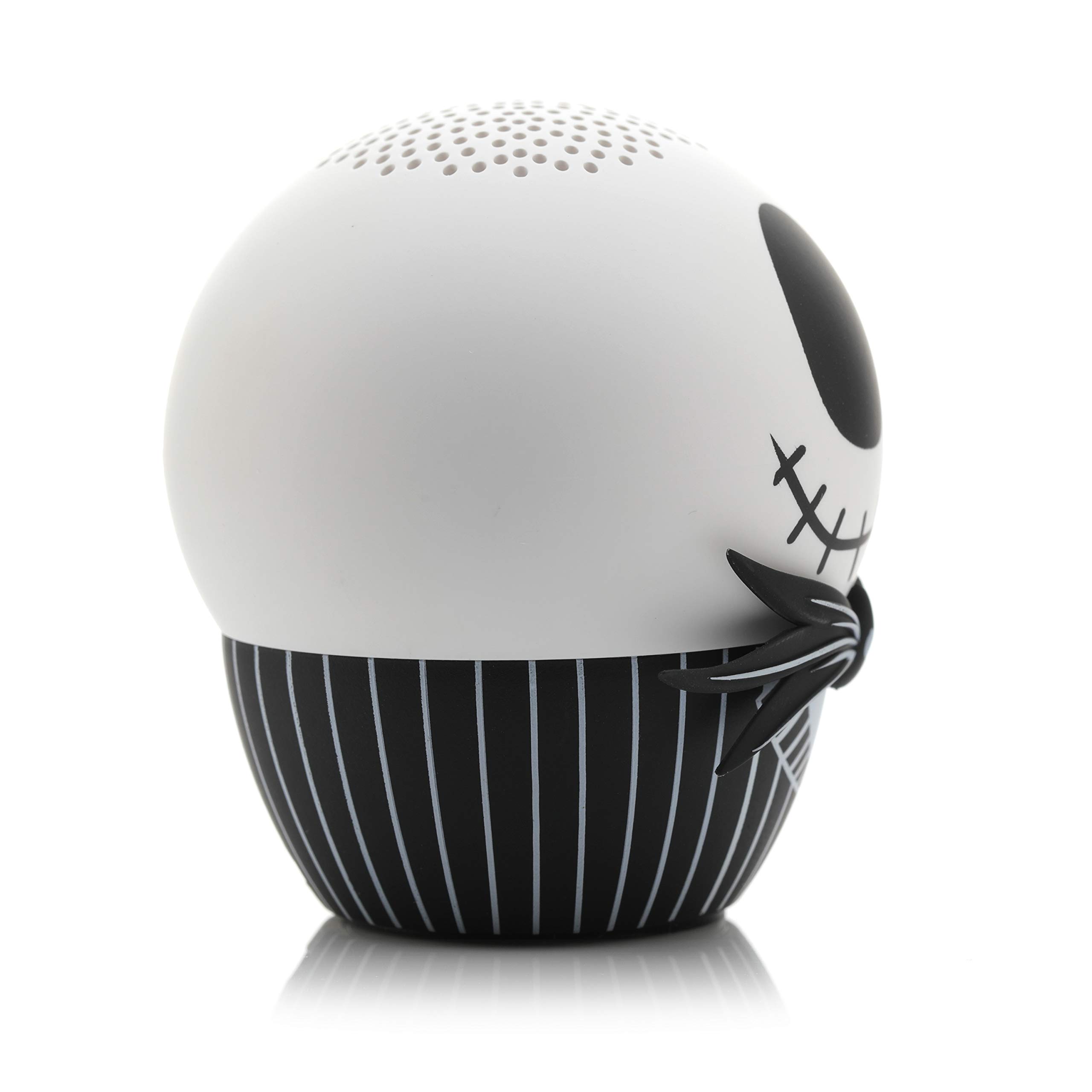
A side view of the Jack Skellington Bitty Boomer speaker, highlighting its compact size.
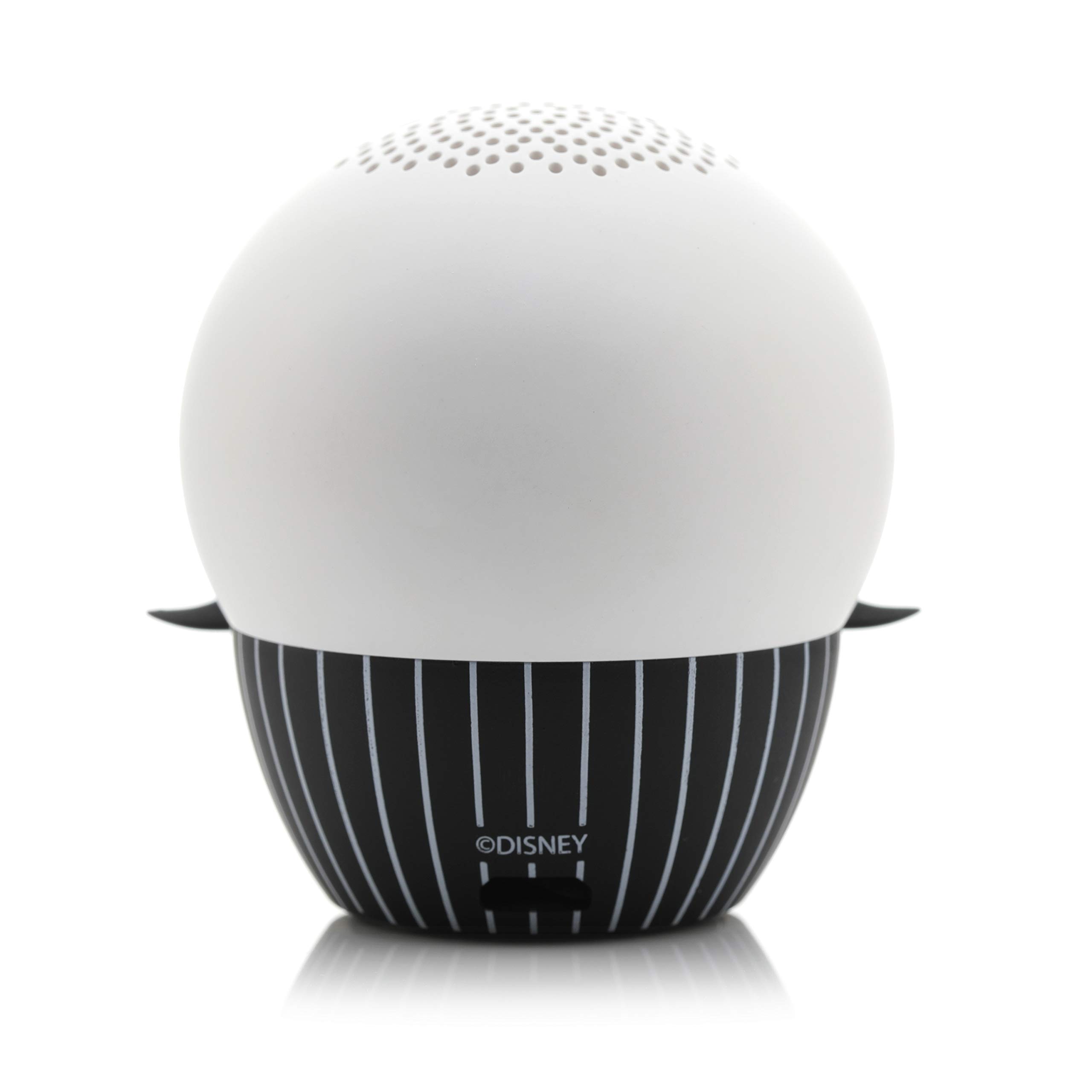
The back of the Jack Skellington Bitty Boomer speaker, showing the charging port and lanyard attachment point.

The Jack Skellington Bitty Boomer speaker held in an adult's hand, demonstrating its small, ultra-portable size.
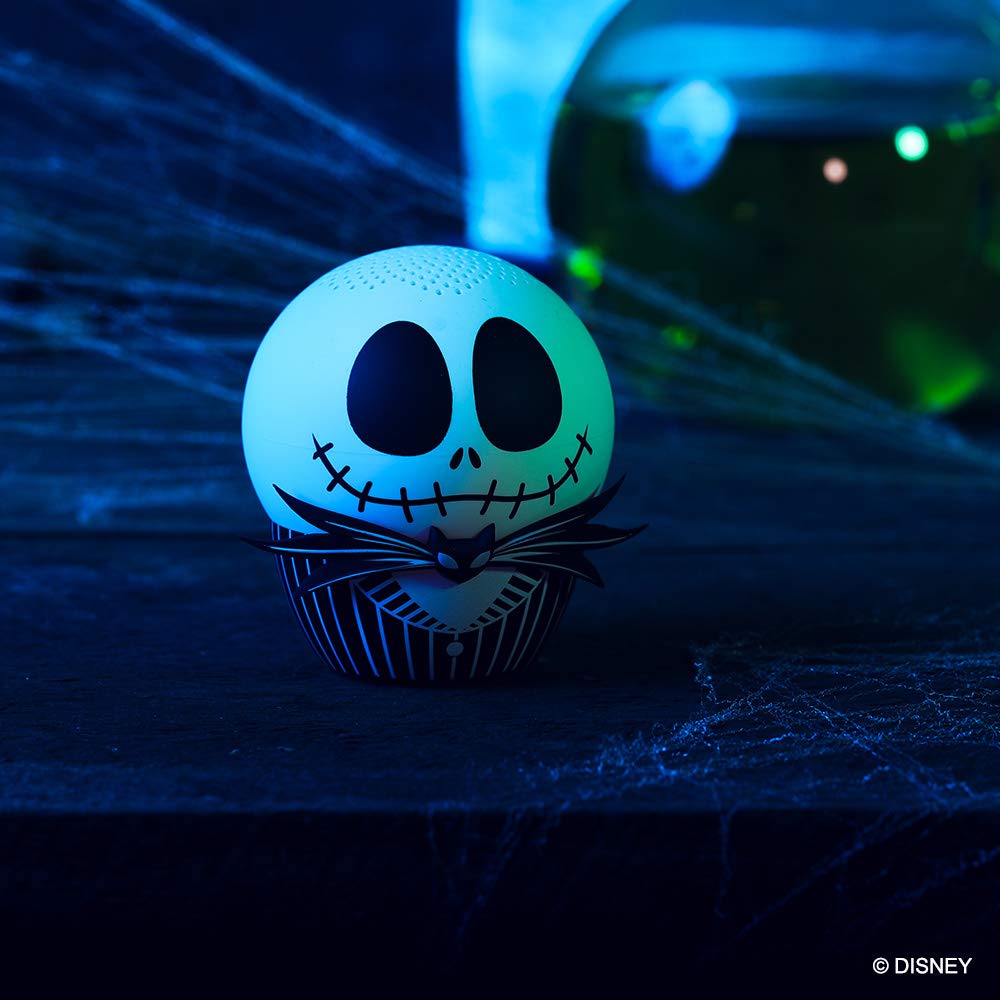
The Jack Skellington Bitty Boomer speaker illuminated with a green glow in a dark setting, showcasing its glow-in-the-dark feature.
Setup Instructions
Charging the Speaker
- Locate the Micro USB charging port on the back of the speaker.
- Connect the smaller end of the included Micro USB cable to the speaker's charging port.
- Connect the larger USB end of the cable to a USB power source (e.g., computer USB port, USB wall adapter).
- The LED indicator light on the speaker will illuminate during charging and turn off when fully charged.
- A full charge typically takes approximately 1 hour.
Initial Bluetooth Pairing
- Ensure the speaker is fully charged before first use.
- Press and hold the power button (usually located on the bottom or back of the speaker) for 2-3 seconds until you hear a power-on sound and the LED indicator light begins to flash rapidly, indicating it's in pairing mode.
- On your Bluetooth-enabled device (smartphone, tablet, computer), go to the Bluetooth settings.
- Search for available devices. The speaker will appear as "Bitty Boomer" or a similar name.
- Select the speaker from the list to initiate pairing.
- Once successfully paired, you will hear a confirmation sound, and the LED indicator light will stop flashing and remain solid.
Operating Instructions
Power On/Off
- To power on: Press and hold the power button for 2-3 seconds.
- To power off: Press and hold the power button for 2-3 seconds.
Playing Audio
- Once paired, simply play audio from your connected device. The sound will be routed through the Bitty Boomer speaker.
- Adjust volume directly from your connected device.
True Wireless Stereo (TWS) Pairing (Connecting Two Bitty Boomers)
For an enhanced stereo sound experience, you can pair two Bitty Boomers together.
- Ensure both Bitty Boomers are powered off.
- Power on both speakers simultaneously. They will automatically enter pairing mode.
- Wait a few seconds. The two speakers will automatically connect to each other. You will hear a confirmation sound.
- Once connected to each other, one speaker will act as the master and enter Bluetooth pairing mode (LED flashing).
- On your device, search for and connect to the master Bitty Boomer as described in the "Initial Bluetooth Pairing" section.
- Audio will now play in stereo through both speakers.

Two Bitty Boomer speakers, Jack Skellington and Sally, are shown side-by-side, illustrating the True Wireless Stereo (TWS) capability.
Selfie Remote Function
The Bitty Boomer can also function as a remote shutter for your smartphone camera.
- Ensure the Bitty Boomer is paired with your smartphone.
- Open your phone's camera application.
- Press the power button on the Bitty Boomer once to trigger the camera shutter.
Maintenance
- Cleaning: Use a soft, dry cloth to clean the speaker. Do not use abrasive cleaners or solvents.
- Storage: Store the speaker in a cool, dry place away from direct sunlight and extreme temperatures.
- Battery Care: To prolong battery life, avoid fully discharging the speaker frequently. Recharge it regularly, even if not in use for extended periods.
- Water Resistance: This speaker is not waterproof. Avoid exposure to water or excessive moisture.
Troubleshooting
| Problem | Possible Cause | Solution |
|---|---|---|
| Speaker does not power on. | Low battery. | Charge the speaker using the provided Micro USB cable. |
| Cannot pair with device. | Speaker not in pairing mode. Device Bluetooth is off. Too far from device. | Ensure speaker LED is flashing rapidly. Turn on Bluetooth on your device. Move speaker closer to your device (within 30 ft). |
| No sound or low volume. | Volume on device is too low. Speaker not connected. | Increase volume on your connected device. Verify Bluetooth connection. |
| Cannot connect two speakers for TWS. | Incorrect pairing sequence. | Ensure both speakers are off before attempting TWS pairing. Follow TWS pairing instructions carefully. |
Specifications
- Brand: Bitty Boomers
- Speaker Maximum Output Power: 3 Watts
- Frequency Response: 20 Hz
- Connectivity Technology: Bluetooth, USB
- Audio Output Mode: Mono (Stereo with TWS pairing)
Warranty & Support
For warranty information and customer support, please refer to the official Bitty Boomers website or contact their customer service directly. Keep your proof of purchase for any warranty claims.
Online Support: Visit the Bitty Boomers Store on Amazon
Ask a question about this manual
Ask about setup, troubleshooting, compatibility, parts, safety, or missing instructions. Manuals+ will review the question and use this page’s manual context to help answer it.