
1. Introduction
This manual provides essential information and instructions for the safe and efficient use of your new XIAOMI Redmi Pad 2 tablet. Please read this manual thoroughly before operating the device and retain it for future reference.
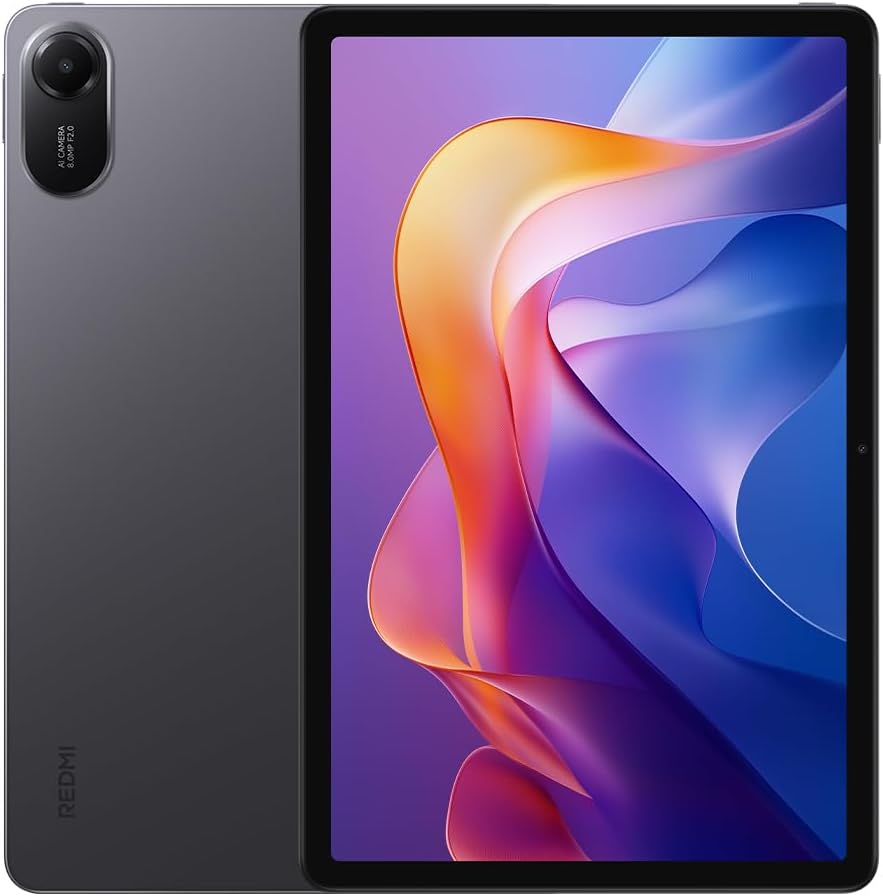
Figure 1: Front and back view of the Redmi Pad 2 tablet.
2. What's in the Box
Verify that all items are present in your product package:
- Redmi Pad 2 Tablet
- USB-C Cable
- Power Adapter
- Quick Start Guide
3. Setup
- Charge the Device: Before first use, connect the tablet to the power adapter using the provided USB-C cable and charge it fully. The battery indicator will show charging status.
- Power On: Press and hold the power button located on the side of the tablet until the XIAOMI logo appears.
- Initial Configuration: Follow the on-screen prompts to select your language, connect to a Wi-Fi network, sign in with your Google account, and set up security features.
4. Operating Your Redmi Pad 2
4.1 Display
The Redmi Pad 2 features an 11-inch 2.5K crystal-clear display, supporting 1.07 billion colors. This display delivers rich, vibrant hues and exquisite detail, enhancing both immersive entertainment and daily use.
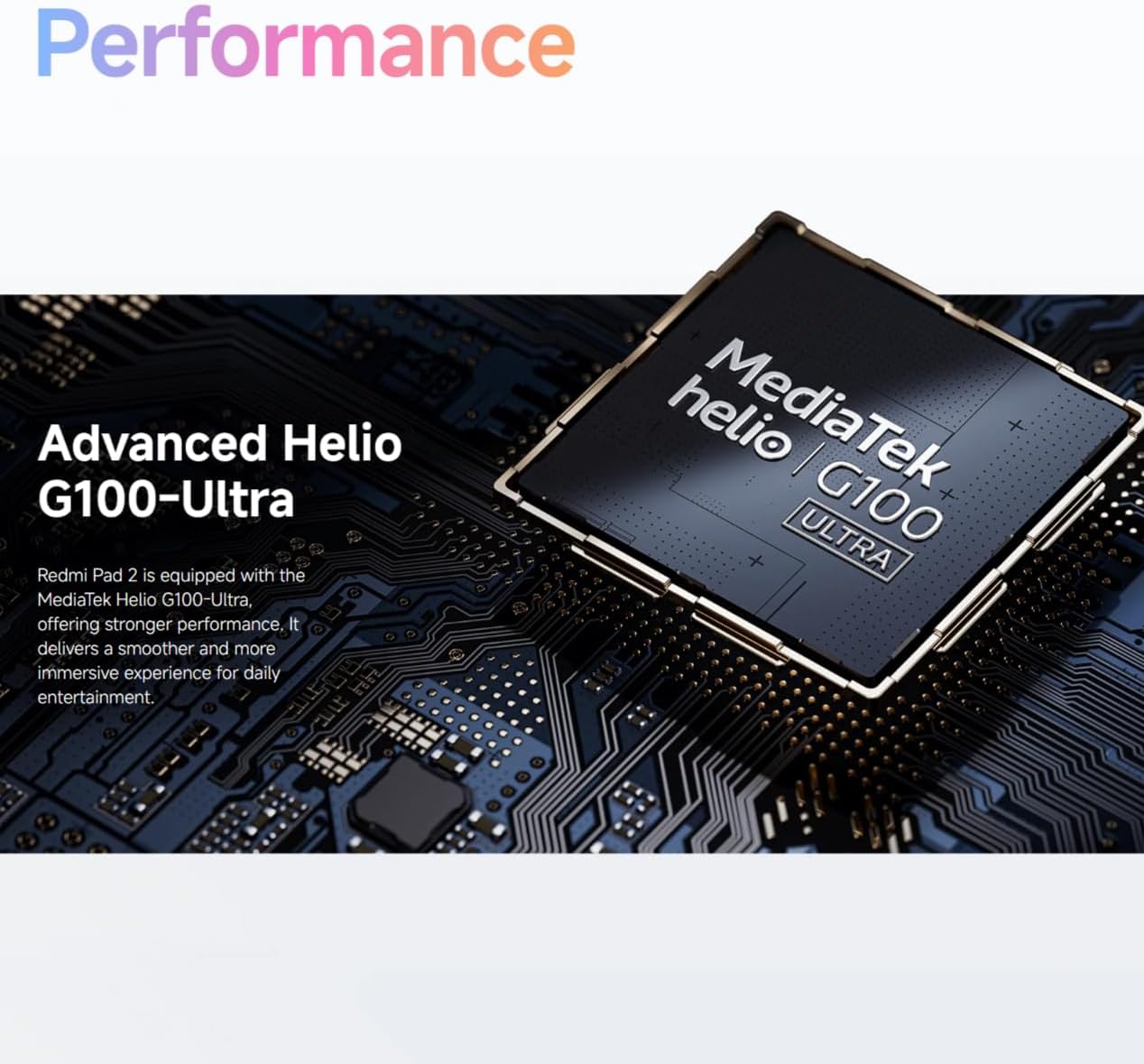
Figure 2: Visual representation of the Redmi Pad 2's 11-inch 2.5K display capabilities.
4.2 Battery
Equipped with a massive 9000 mAh (typical) battery, the Redmi Pad 2 is designed for extended endurance. This allows for prolonged reading, gaming sessions, and video playback without frequent recharging.

Figure 3: Illustration of the Redmi Pad 2's 9000 mAh battery capacity.
4.3 Performance
The Redmi Pad 2 is powered by the MediaTek Helio G100-Ultra processor, delivering robust performance. This ensures a smoother and more immersive experience for daily entertainment and multitasking.

Figure 4: Close-up of the MediaTek Helio G100-Ultra processor, central to the tablet's performance.
4.4 Audio
The tablet features four speakers and supports Dolby Atmos, providing an immersive sound experience for movies, games, and music.

Figure 5: Depiction of the Redmi Pad 2's quad speaker system with Dolby Atmos support.
4.5 Design
The Redmi Pad 2 features a unibody metal design, offering a sophisticated tactile experience and enhanced durability.
5. Maintenance
- Cleaning: Use a soft, lint-free cloth to clean the screen and body. Avoid abrasive materials or harsh chemicals.
- Storage: Store the tablet in a cool, dry place away from direct sunlight and extreme temperatures.
- Battery Care: To prolong battery life, avoid fully discharging the battery frequently. Charge the device regularly.
- Software Updates: Regularly check for and install system updates to ensure optimal performance and security.
6. Troubleshooting
- Device Not Powering On: Ensure the battery is charged. Connect to a power source and try again. If unresponsive, press and hold the power button for 10-15 seconds to force a restart.
- Screen Unresponsive: Restart the device. If the issue persists, check for software updates.
- Wi-Fi Connectivity Issues: Restart your Wi-Fi router and the tablet. Forget the network and reconnect.
- Applications Crashing: Clear the cache of the problematic application or reinstall it. Ensure your system software is up to date.
7. Specifications
| Feature | Detail |
|---|---|
| Model Number | 25040RP0AE |
| Dimensions (L x W x H) | 25.4 x 16.6 x 0.77 cm |
| Weight | 840 grams |
| Display | 11-inch 2.5K (2560x1600) |
| Processor | MediaTek Helio G100-Ultra |
| Battery Capacity | 9000 mAh (typical) |
| Color | Gray |
| Language | English |
8. Warranty and Support
For detailed warranty information, please refer to the warranty card included with your product or visit the official XIAOMI website. For technical support, contact XIAOMI customer service through their official channels.


