
Introduction
This manual provides detailed instructions for the assembly, safe operation, and proper maintenance of your EUGAD Computer Desk. Please read this manual thoroughly before assembly and use to ensure correct installation and to maximize the lifespan of your product. Keep this manual for future reference.
Setup and Assembly
Before beginning assembly, ensure all parts are present and undamaged. It is recommended to assemble the desk on a soft, clean surface to prevent scratches. Two people are recommended for assembly.
Package Contents:
- Desk tabletop sections
- Metal frame components (legs, crossbars)
- Storage shelves
- Adjustable feet
- Assembly hardware (screws, Allen key)
Assembly Steps:
- Unpack and Identify Parts: Carefully remove all components from the packaging. Lay them out and compare them against the parts list (not provided in this manual, refer to your product's specific packaging for a complete list).
- Assemble the Shelf Frame: Connect the vertical metal supports for the shelves to the horizontal shelf frames using the provided screws. Ensure all connections are secure but do not fully tighten yet.
- Attach Shelves: Slide the wooden shelf panels into the assembled shelf frame. Secure them with screws if applicable.
- Assemble the Main Desk Frame: Connect the remaining metal legs and crossbars to form the main desk frame. The crossbars provide stability.
- Connect Shelf Unit to Main Frame: Attach the assembled shelf unit to the main desk frame.
- Attach Desk Tabletop: Carefully place the desk tabletop sections onto the assembled metal frame. Align the pre-drilled holes and secure the tabletop to the frame using the provided screws.
- Install Adjustable Feet: Screw the adjustable feet into the bottom of each leg.
- Final Tightening: Once all components are in place and aligned, systematically tighten all screws. Ensure the desk is stable and level.

Image 1: Diagram showing the overall dimensions of the EUGAD Computer Desk. The desk measures approximately 120 cm in length, 74 cm in width, and 71.5 cm in height. The shelf section is 74 cm wide and 71 cm deep, with shelves spaced 33 cm apart.
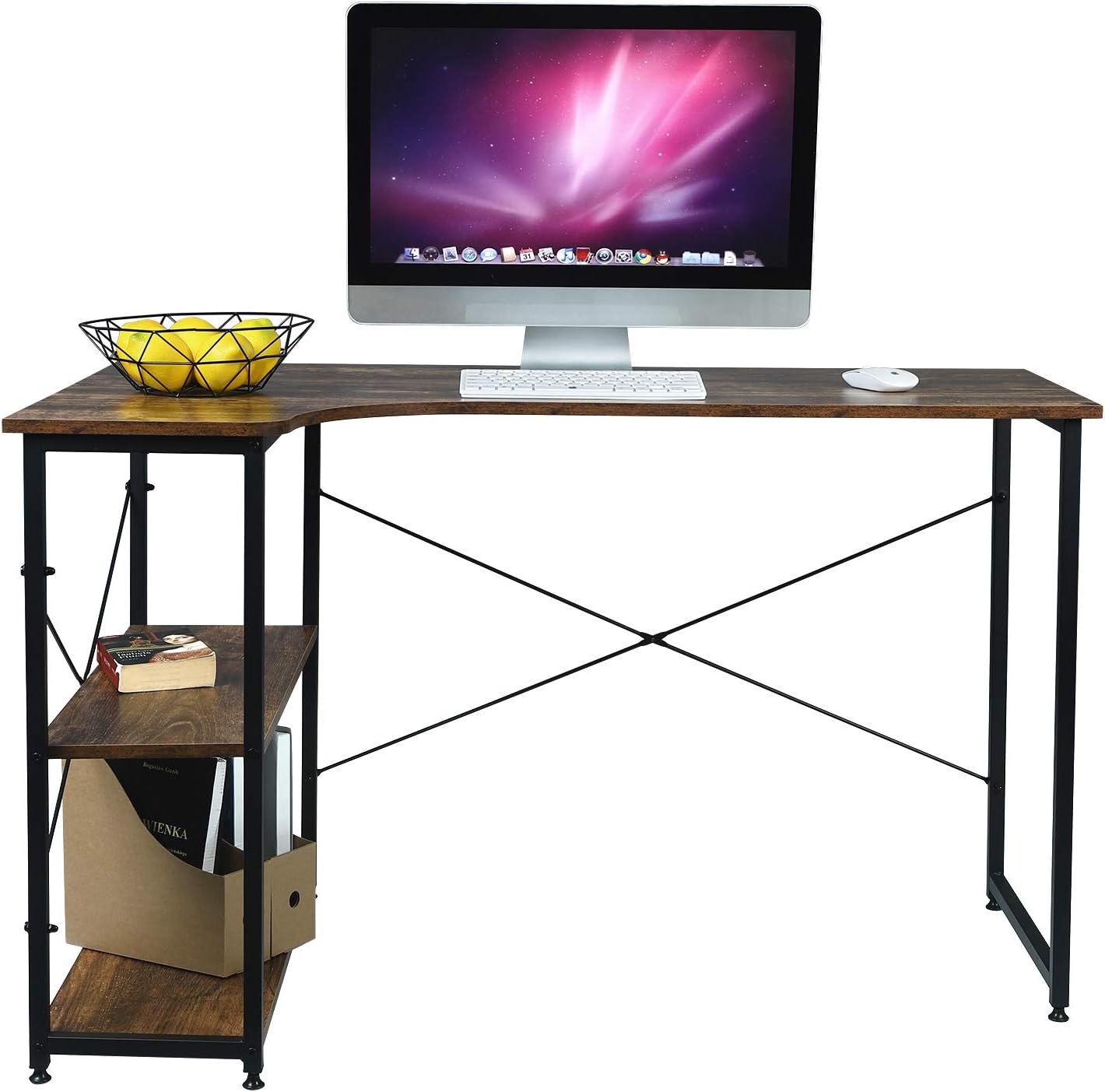
Image 2: Close-up views highlighting key features of the desk, including the corner design, the X-shaped crossbar for stability, the adjustable feet, and the sturdy connection points between the tabletop and the metal frame.
Operating and Usage
The EUGAD Computer Desk is designed for use as a workstation for computers, studying, or general office tasks. Its L-shaped design and integrated shelves provide ample space for various items.
Key Features:
- Spacious Desktop: The main desktop area is large enough to accommodate a computer, monitor, and other work essentials.
- Integrated Storage: Two shelves on the left side provide convenient storage for documents, books, office supplies, or decorative items.
- Adjustable Feet: The desk is equipped with adjustable, non-slip pads on each foot. These pads protect your floor from scratches and allow you to level the desk on uneven surfaces.
- Weight Capacity: The desk is designed to support a maximum load of 50 kg (110 lbs) on the tabletop. Each shelf also has a substantial load capacity.

Image 3: The EUGAD Computer Desk, illustrating its robust construction and indicating a maximum load capacity of 50 kg for the tabletop.
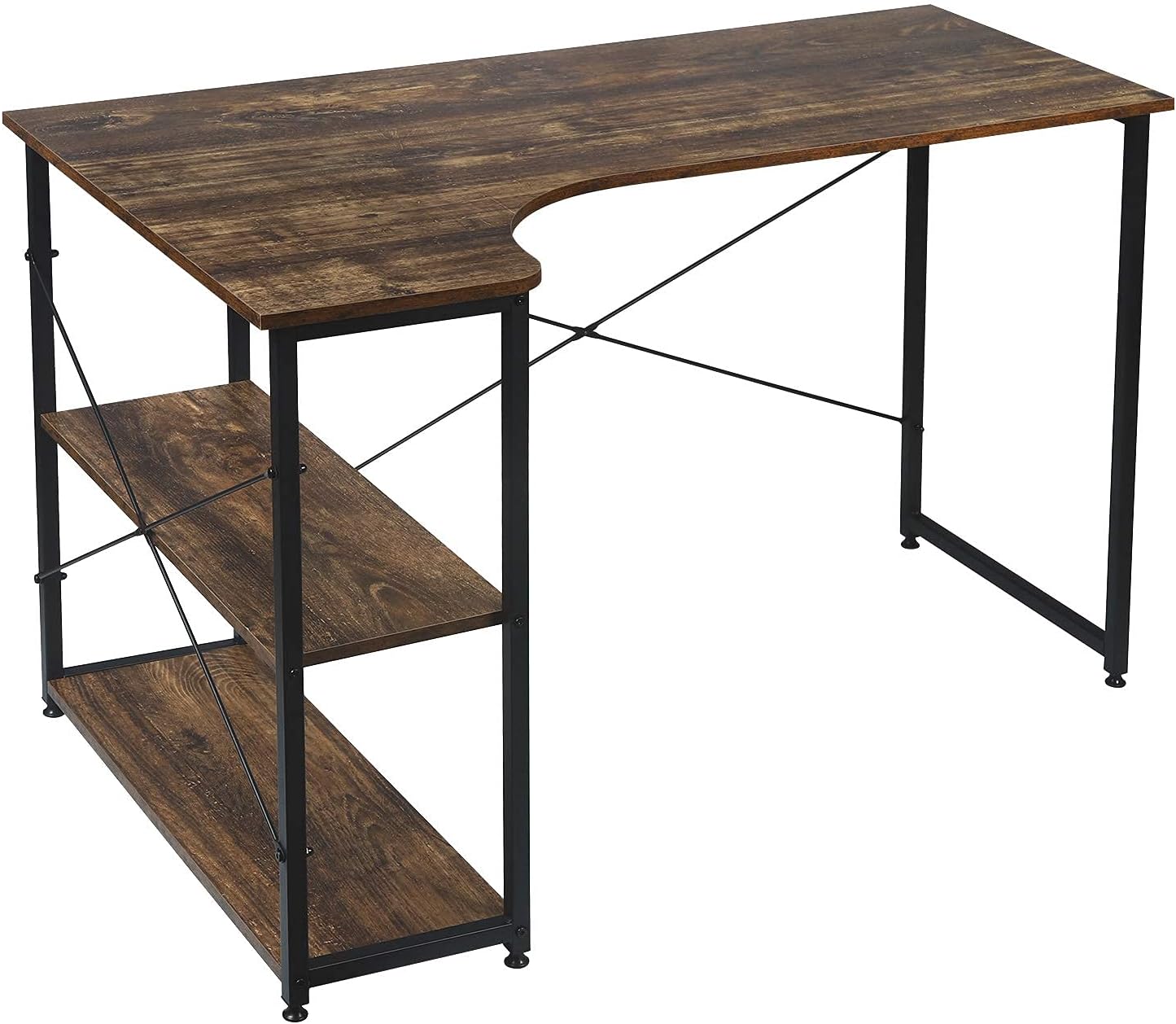
Image 4: An angled view of the EUGAD Computer Desk, clearly displaying the two integrated storage shelves on the left side, designed for organizing various items.
Maintenance
Regular maintenance will help preserve the appearance and functionality of your desk.
- Cleaning: The desk surface is scratch-resistant and waterproof. Wipe the surface with a soft, damp cloth. Avoid using harsh chemicals or abrasive cleaners, which can damage the finish.
- Tighten Fasteners: Periodically check all screws and fasteners to ensure they remain tight. Loose connections can affect the desk's stability.
- Avoid Excessive Moisture: While the surface is waterproof, prolonged exposure to liquids should be avoided. Wipe up spills immediately.
- Protect from Heat: Do not place hot items directly on the desk surface without a protective pad.
Troubleshooting
Common Issues and Solutions:
- Desk is Wobbly:
- Ensure all assembly screws are fully tightened.
- Adjust the leveling feet on the bottom of the legs to compensate for uneven flooring.
- Parts Missing or Damaged:
- Carefully check all packaging materials to ensure no small parts were overlooked.
- If parts are genuinely missing or damaged upon arrival, contact EUGAD customer support for assistance.
- Difficulty Assembling:
- Review the assembly steps carefully. Ensure you are using the correct hardware for each step.
- Do not overtighten screws until the entire unit is assembled and aligned.
Specifications
| Feature | Detail |
|---|---|
| Brand | EUGAD |
| Model Number | 0100ZZ |
| Color | Black + Vintage Wood |
| Overall Dimensions (L x W x H) | 120 x 74 x 71.5 cm |
| Weight | 15.5 kg |
| Material | Engineered Wood (Tabletop), Alloy Steel (Frame) |
| Tabletop Thickness | Approx. 15 mm |
| Load Capacity (Tabletop) | 50 kg |
| Special Feature | Adjustable Feet |
| Number of Shelves | 2 |
Warranty and Support
For information regarding product warranty, spare parts availability, or customer support, please refer to the documentation included with your purchase or visit the official EUGAD website. Contact details for support are typically provided on the product packaging or within your purchase confirmation.