
Important Safety Instructions
Please read all instructions carefully before using your Brookstone Electric Heated Throw Blanket. Retain this manual for future reference.
- DO NOT use with infants, children, incapacitated individuals, or persons insensitive to heat.
- DO NOT use if the blanket is wet.
- DO NOT use with a damaged cord or plug. If damaged, contact customer support.
- DO NOT use with pointed objects.
- DO NOT use while folded, bunched, or rolled. This can cause overheating.
- DO NOT use with other heating devices.
- DO NOT dry clean. Dry cleaning solvents may damage the insulation of the heating element.
- Always disconnect the power cord from the wall outlet before cleaning or storing.
- Ensure the controller is not covered or placed under the blanket during use to prevent overheating.
- This product is for indoor use only.
Product Overview
The Brookstone Electric Heated Throw Blanket provides warmth and comfort with its soft fabric and adjustable heat settings. It features a built-in remote for easy control and an automatic shut-off for safety.

Image: The Brookstone Electric Heated Throw Blanket in a grey plaid pattern, draped over a chair.
Key Features:
- Luxurious, ultra-soft microplush fabric.
- 4 adjustable heat settings for personalized comfort.
- Easy one-touch built-in remote control.
- Safe 4-hour automatic shut-off feature.
- Machine washable for easy care.
Package Contents
- 1 x Brookstone Electric Heated Throw Blanket (50" x 60")
- 1 x Built-in Remote Controller with Power Cord
- 1 x User Manual
Setup Instructions
- Unpack: Carefully remove the heated throw blanket and its controller from the packaging.
- Inspect: Check the blanket and power cord for any signs of damage. Do not use if damaged.
- Connect Controller: Ensure the connector on the blanket is securely plugged into the controller's cord. This connection should be firm.
- Position: Place the heated throw blanket on a bed, sofa, or chair as desired. Ensure it is spread out evenly and not folded or bunched.
- Plug In: Plug the power cord into a standard 120V AC electrical wall outlet.
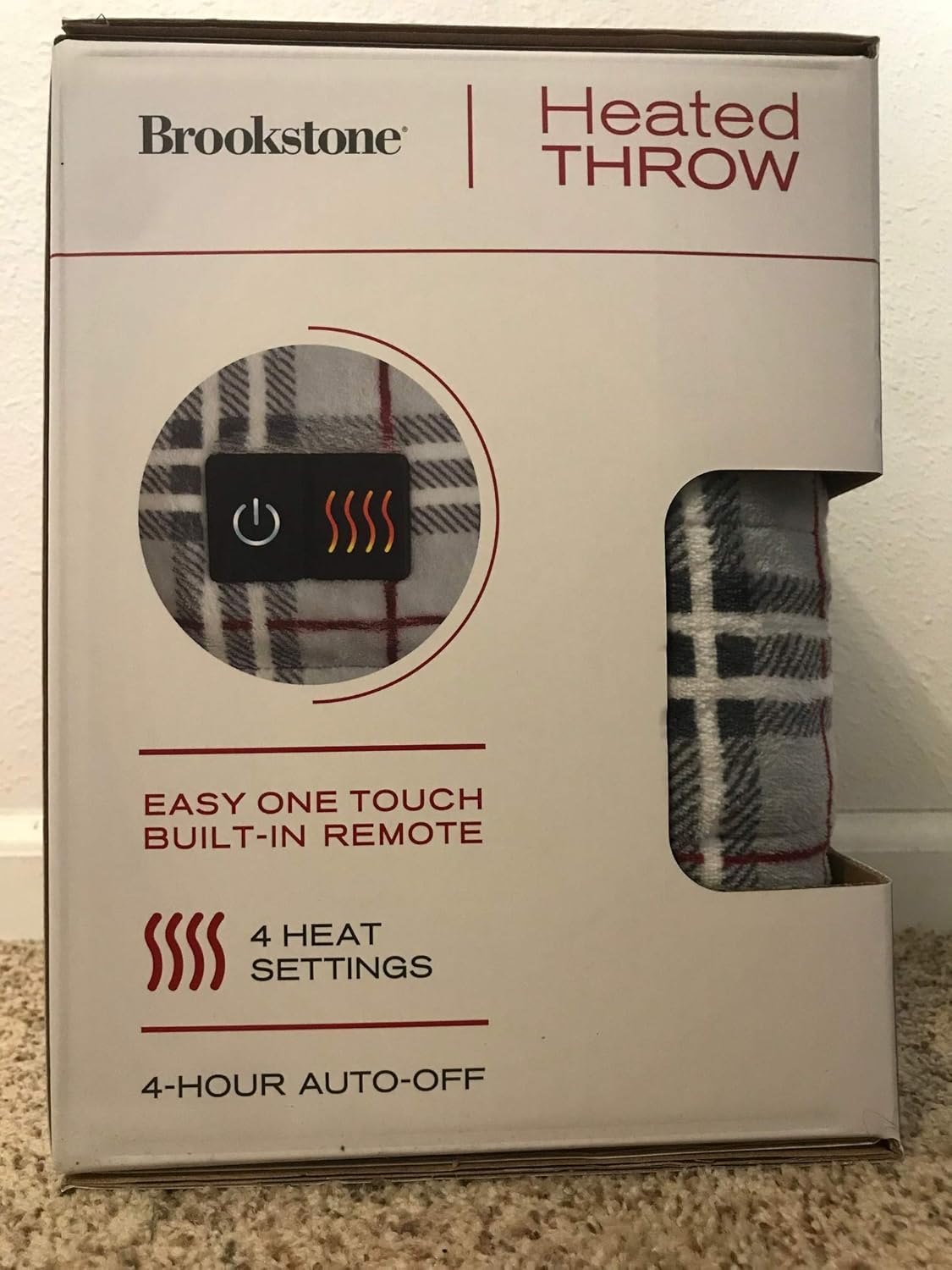
Image: Close-up of the built-in remote controller on the heated blanket, showing the power button and four heat indicator lights.
Operating Instructions
- Turn On: Press the power button (⏻) on the built-in remote. The blanket will turn on to the lowest heat setting (one light illuminated).
- Adjust Heat: Press the heat setting button (♨♨♨♨) repeatedly to cycle through the 4 heat settings. Each press will increase the heat level, indicated by the number of illuminated lights.
- Automatic Shut-Off: For safety, the blanket is designed to automatically shut off after 4 hours of continuous use.
- Turn Off: To turn off the blanket manually, press the power button (⏻) until all indicator lights are off.
- Disconnect: When not in use, unplug the power cord from the wall outlet.
Care and Maintenance
Proper care ensures the longevity and safe operation of your heated throw blanket.
Washing Instructions:
- Before Washing: Always disconnect the power cord from the wall outlet and detach the controller from the blanket.
- Machine Wash: Machine wash on a gentle cycle in cold water. Do not bleach.
- Rinse: Rinse thoroughly.
- DO NOT iron.
- DO NOT dry clean.
Drying Instructions:
- Tumble Dry: Tumble dry on low heat or air dry. Ensure the blanket is completely dry before reconnecting the controller or storing.
- DO NOT wring or twist the blanket.
Storage:
When not in use, store the blanket in a cool, dry place. Avoid folding it tightly or placing heavy objects on it, which could damage the internal wiring.
Troubleshooting
| Problem | Possible Cause | Solution |
|---|---|---|
| Blanket does not heat. |
|
|
| Controller lights are blinking. |
|
|
Specifications
| Brand | Brookstone |
| Model | Luxurious Electric Heated Throw |
| Dimensions | 50"L x 60"W |
| Material | Polyester Blend, Microplush, Ultra Soft Plush Fabric |
| Heat Settings | 4 |
| Auto-Off Timer | 4 Hours |
| Care Instructions | Machine Washable |
| UPC | 846756058120 |
Warranty and Support
This Brookstone Electric Heated Throw Blanket comes with a 5-Year Limited Warranty. Please refer to the warranty card included with your product for specific terms and conditions.
For technical support, troubleshooting assistance, or warranty claims, please contact Brookstone customer service. Contact information can typically be found on the product packaging or the official Brookstone website.
Note: Keep your purchase receipt as proof of purchase for warranty purposes.