
1. Product Overview
The LINKMICRO LM208 is an 8.5-inch LCD digital microscope designed for detailed observation and inspection tasks. It features a high-definition display, adjustable working space, and multiple lighting options, making it suitable for various applications including circuit board repair, jewelry appraisal, and educational purposes.

Image 1.1: The LINKMICRO LM208 Digital Microscope, showcasing its 8.5-inch LCD screen and overall design.
Key Features:
- 8.5-inch Large LCD Screen: Provides a clear and detailed view of magnified objects.
- Large Working Space: Offers a distance of 10mm to 160mm between the lens and the object, facilitating various operations.
- Wide Adjustable Range: Features a 270-degree bracket angle and a 90-degree screen angle for flexible observation.
- High-Quality Construction: Includes a stable aluminum alloy bracket, industrial-grade lens with copper internal parts, and flexible fill lights.
- 2000mAH Battery: Integrated rechargeable battery for portable use.
2. Package Contents
Please verify that all items are present in the package before proceeding with setup.
- LM208 Digital Microscope Unit (with 8.5-inch LCD screen)
- Adjustable Stand with Base
- Two Flexible LED Fill Lights
- USB Cable
- Power Adapter
- User Manual
3. Component Identification
Familiarize yourself with the main components of your LM208 digital microscope.

Image 3.1: Detailed view of the microscope's base, showing the two metal fixed clips, the 180-degree adjustable stand, two metal fill LED lights, and the metal optical bracket.
- LCD Screen: 8.5-inch display for viewing magnified images.
- Microscope Lens: Industrial-grade lens with built-in LED lights.
- Focus Controller: Knob for adjusting image clarity.
- Adjustable Stand: Supports the microscope unit and allows height adjustment.
- Base Plate: Provides stability and a working surface. Includes fixed clips for securing objects.
- Flexible LED Fill Lights: Two external lights for additional illumination.
- Control Buttons: Located on the front panel of the LCD screen for various functions (e.g., power, menu, zoom).
4. Setup Instructions
Follow these steps to assemble and prepare your digital microscope for use.
- Unpack Components: Carefully remove all items from the packaging.
- Assemble the Stand: Attach the vertical support column to the base plate. Ensure it is securely fastened.
- Mount the Microscope Unit: Slide the microscope unit (with the LCD screen) into the metal optical bracket on the stand. Tighten the securing screws to hold it in place.
- Connect Fill Lights: Insert the flexible LED fill lights into the designated ports on the base or stand. Position them as needed for optimal illumination.
- Power Connection: Connect the USB cable to the microscope and then to the power adapter. Plug the adapter into a power outlet. The internal battery will charge automatically.
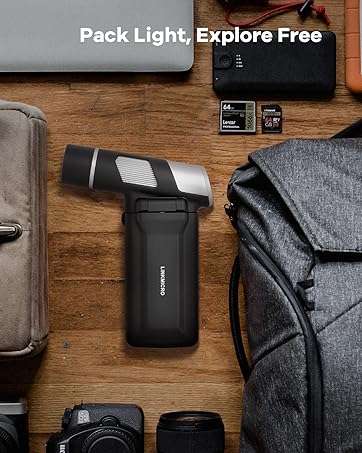
Image 4.1: Illustration of the assembly process, demonstrating how the microscope unit connects to the stand.

Image 4.2: The microscope configured for a larger working space, highlighting the adjustable height for various objects.

Image 4.3: The 8.5-inch LCD screen demonstrating its 270-degree adjustable angle for ergonomic viewing.
5. Operating Instructions
5.1 Powering On/Off
- To Power On: Press and hold the Power button (usually marked with O) on the front panel of the LCD screen until the screen illuminates.
- To Power Off: Press and hold the Power button again until the screen turns off.
5.2 Placing and Securing Objects
Place the object you wish to observe on the center of the base plate. Use the metal fixed clips to gently secure smaller or lighter objects, if necessary.
5.3 Adjusting Focus
Achieving a clear image involves adjusting the height of the microscope unit and fine-tuning the focus.
- Adjust Height: Use the adjustment knob on the stand to raise or lower the microscope unit until the object is roughly in focus on the screen. The optimal focus range is typically 0.4 to 6.3 inches from the lens.
- Fine Focus: Rotate the focus controller located on the microscope lens barrel until the image on the LCD screen is sharp and clear.

Image 5.1: Demonstrating the rotation of the focus controller for precise image clarity.
5.4 Adjusting Lighting
The microscope features both built-in LED lights around the lens and two flexible external LED fill lights.
- Built-in LEDs: These lights illuminate the object directly from above. Their intensity can usually be adjusted via buttons on the microscope unit.
- Flexible Fill Lights: Position these lights to eliminate shadows or highlight specific details. They often have independent power and brightness controls.

Image 5.2: The industrial lens with its 8 built-in LED lights, providing direct illumination.
5.5 Battery Operation
The LM208 includes a 2000mAH rechargeable Lithium Ion battery, allowing for portable use. Ensure the battery is charged before operating without external power.
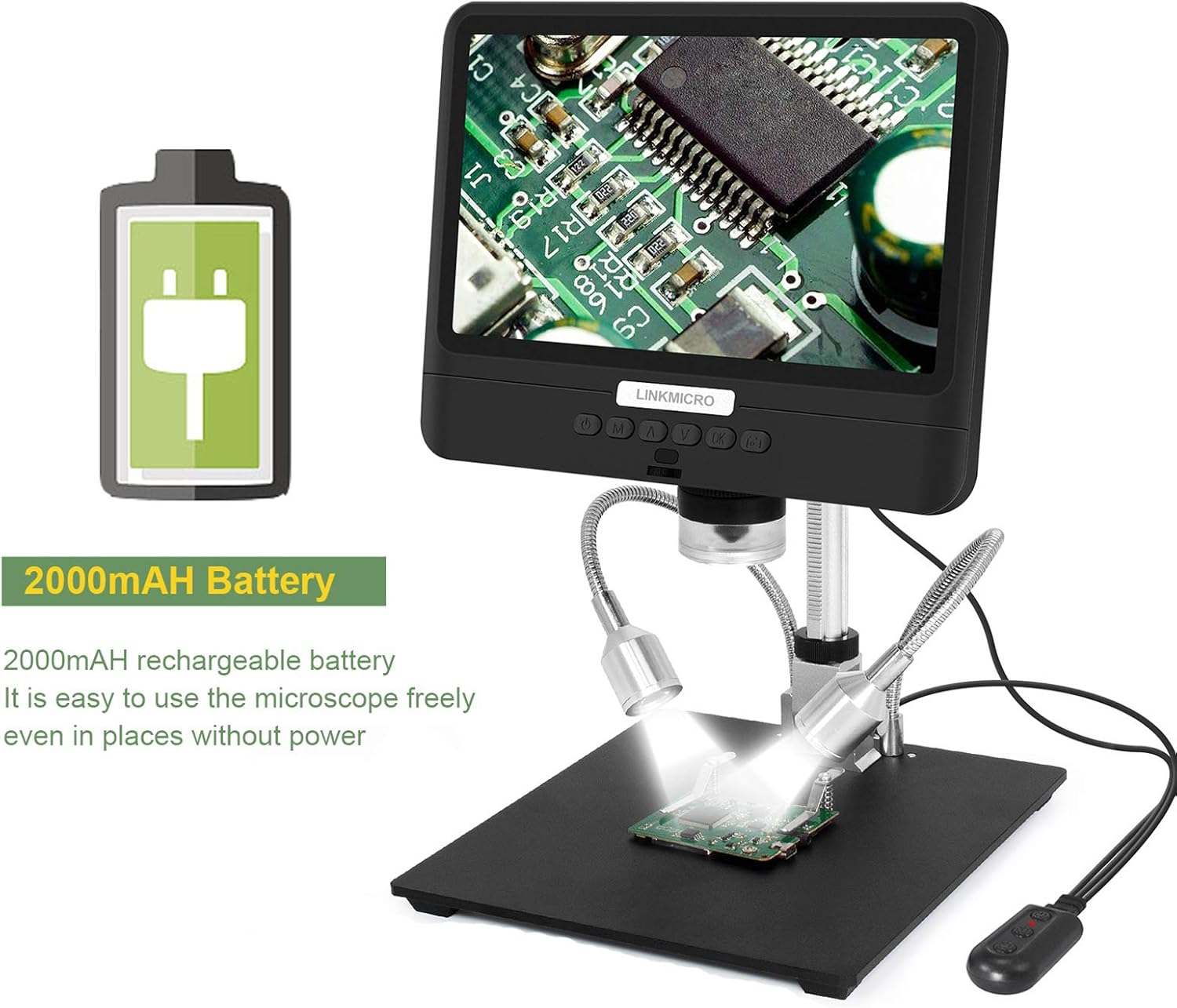
Image 5.3: The microscope highlighting its 2000mAh rechargeable battery for convenient use in various locations.
5.6 Video Demonstration
Watch this official video for a visual guide on the features and operation of the LM208 digital microscope.
Video 5.4: An official product video demonstrating the features and functionality of the LINKMICRO LM208 digital microscope.
6. Maintenance
Proper maintenance ensures the longevity and optimal performance of your microscope.
- Cleaning the Lens: Use a soft, lint-free cloth specifically designed for optical lenses. For stubborn smudges, a small amount of lens cleaning solution can be applied to the cloth, not directly to the lens.
- Cleaning the Screen: Wipe the LCD screen with a soft, dry microfiber cloth. Avoid harsh chemicals.
- Cleaning the Body: Use a slightly damp cloth to wipe the exterior of the microscope and stand. Ensure no moisture enters the electronic components.
- Storage: When not in use, store the microscope in a clean, dry, and dust-free environment.
- Battery Care: For extended storage, charge the battery to approximately 50% and recharge every few months to prevent deep discharge.
7. Troubleshooting
If you encounter issues with your LM208 microscope, refer to the following common problems and solutions.
| Problem | Possible Cause | Solution |
|---|---|---|
| Microscope does not power on. | Low battery or no power connection. | Ensure the power adapter is securely connected and plugged into a working outlet. Charge the battery for at least 2-3 hours. |
| Image is blurry or out of focus. | Incorrect focus adjustment or object distance. | Adjust the height of the microscope unit using the stand's knob. Rotate the focus controller on the lens barrel until the image is clear. |
| Insufficient illumination. | Built-in or external lights are off or too dim. | Turn on and adjust the brightness of the built-in LED lights. Position and turn on the flexible LED fill lights as needed. |
| Screen is blank or flickering. | Loose connection or software issue. | Power off the microscope, disconnect and reconnect the power cable, then power on again. If the issue persists, contact support. |
8. Specifications
Detailed technical specifications for the LINKMICRO LM208 Digital Microscope.
| Feature | Specification |
|---|---|
| Product Dimensions | 4.72 x 7.87 x 7.48 inches |
| Item Weight | 3.73 pounds (1.7 Kilograms) |
| Item Model Number | LM208 |
| Batteries | 1 Lithium Ion battery required (included) |
| Manufacturer | LINKMICRO |
| Light Source Type | LED (Built-in and Flexible Fill Lights) |
| Material | Aluminum Alloy, Metal |
| Color | Black, Silver |
| Real Angle of View | 178 Degrees |
| Magnification Maximum | 260 x |
| Voltage | 5 Volts |
| Objective Lens Description | Achromatic |
9. Warranty and Support
For warranty information and technical support, please refer to the documentation included with your product or visit the official LINKMICRO website. Keep your purchase receipt as proof of purchase for warranty claims.
If you require further assistance, please contact LINKMICRO customer service.
